Streamline IT On-Call Compensation with Paperform
Managing on-call shifts for IT help desk teams requires accurate tracking of ticket volume, response times, and callback occurrences to ensure fair compensation. This IT Help Desk On-Call Compensation Form template is designed specifically for IT departments and managed service providers who need a reliable way to document after-hours work and calculate appropriate compensation.
Why This Template Works for IT Teams
IT help desk technicians working on-call shifts face unpredictable workloads—from handling critical system outages to responding to urgent tickets outside business hours. This form captures all the essential data points: shift dates and times, total tickets handled, average response times, callback frequency, and the nature of incidents resolved. By collecting structured data from each on-call period, IT managers can accurately track workload, identify trends, and ensure technicians are compensated fairly for their availability and effort.
Automate Your Compensation Workflow with Stepper
Once your technicians submit their on-call details, you can use Stepper to automatically route submissions for manager approval, update your payroll system or HR software, and generate compensation reports. Set up workflows that calculate on-call pay based on ticket volume and callback rules, notify finance teams when approvals are complete, and keep all records organized in your project management or HRIS platform—no manual data entry required.
Built for IT Departments and MSPs
Whether you're managing an internal IT help desk or running a managed service provider supporting multiple clients, Paperform gives you a professional, branded form that integrates seamlessly with your existing tools. Connect submissions to Slack for real-time notifications, sync data to Google Sheets or Airtable for reporting, or push records directly into your CRM or ticketing system. With conditional logic, you can adapt the form based on shift type, ticket priority, or compensation rules specific to your organization.
This template helps IT managers maintain transparency, reduce administrative overhead, and ensure every on-call hour is properly documented and compensated.



More templates like this
Cybersecurity Analyst Exit Interview & Handover Form
A comprehensive exit form for cybersecurity analysts covering threat intelligence handover, incident documentation, security tool access removal, and vulnerability assessment reports.
Distributed Engineering Team Onboarding Form
A comprehensive remote onboarding form for distributed engineering teams covering cloud access, repository permissions, sprint preferences, documentation standards, and on-call rotation availability.

Home Office Battery Backup & UPS Request Form
Request battery backup and UPS equipment for your home office to ensure business continuity during power outages. Assess your power needs, prioritize critical devices, and plan for uninterrupted remote work.
IT Technical Skills Gap Analysis Form
Assess current technical proficiencies, identify skill gaps, and prioritize training needs for software development teams with certification tracking and personalized development planning.
Remote DevOps Engineer Onboarding Form
A comprehensive onboarding form for remote DevOps engineers covering personal details, technical setup, CI/CD pipeline access, infrastructure monitoring tools, incident response procedures, and on-call scheduling.
Remote Penetration Tester Onboarding Form
Comprehensive onboarding form for remote penetration testers including environment access, tool provisioning, certification verification, and rules of engagement acknowledgment.

Remote Work Monitor & Display Upgrade Request
Request approval for new monitors and display equipment for your home office setup. Submit screen specifications, multiple monitor needs, and mounting requirements for budget approval.
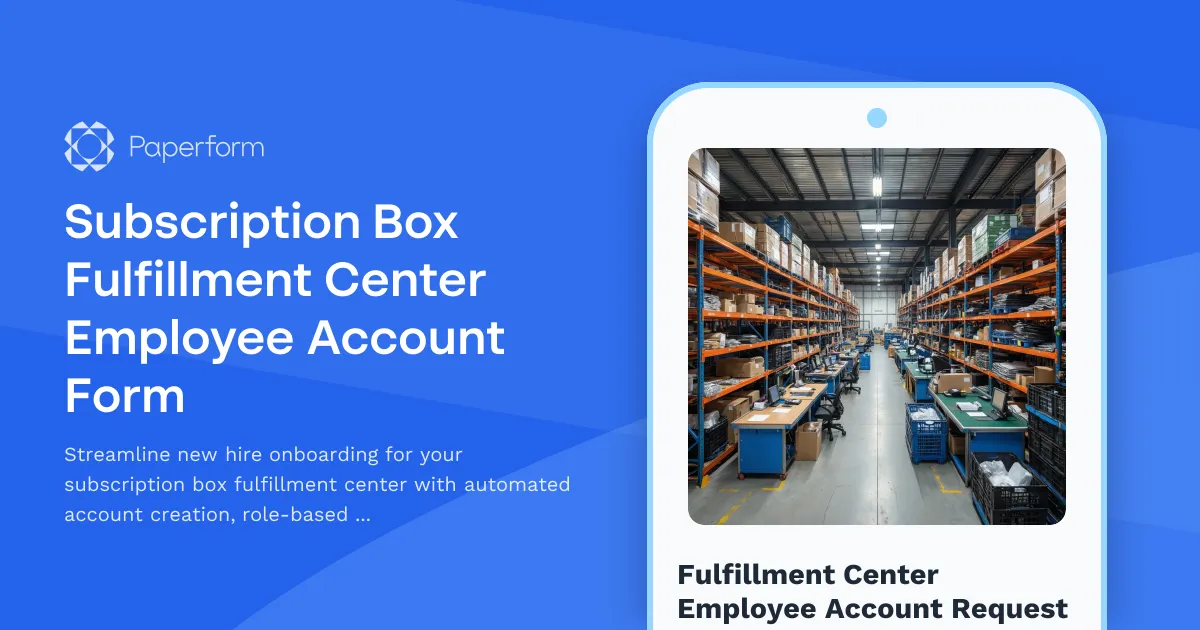
Subscription Box Fulfillment Center Employee Account Form
Streamline new hire onboarding for your subscription box fulfillment center with automated account creation, role-based access assignment, and workstation provisioning.
Systems Analyst Skills Evaluation Form
Assess technical and analytical competencies of systems analysts, identify skill gaps in requirements gathering, process mapping, and solution design, and create targeted development plans.
Technical Skills Progression Form for IT Professionals
Track technical skills, certifications, project contributions, and expertise levels for IT professionals. Perfect for performance reviews, career development planning, and identifying growth opportunities.
Telecommunications Network Engineer Offboarding Form
Comprehensive offboarding checklist for telecommunications network engineers covering system architecture documentation, vendor contracts, network monitoring access, and emergency protocols.

Work From Home Technology Upgrade Program Application
Apply for technology upgrades and equipment refreshes for your home office setup. Request emerging tech, scalability improvements, and innovation budget for long-term remote work success.