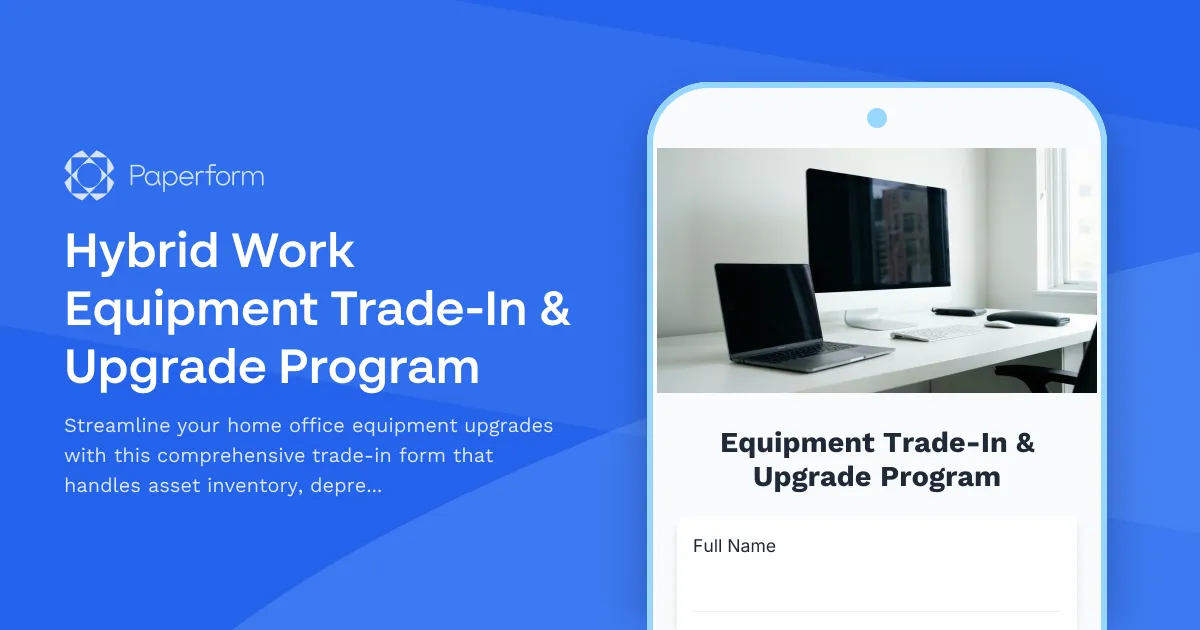
Transform Your Home Office Equipment Management with Smart Trade-Ins
Managing hybrid work equipment doesn't have to mean mountains of paperwork and endless email chains. Whether your team is upgrading outdated monitors, replacing worn keyboards, or refreshing entire home office setups, this Hybrid Work Equipment Trade-In & Upgrade Program form brings structure, sustainability, and simplicity to the process.
Built for Modern Hybrid Workplaces
As more organizations embrace flexible work models, home office equipment management has become a critical operational challenge. Employees need reliable tools to stay productive, IT teams need visibility into asset lifecycles, and finance departments need accurate depreciation tracking for compliance and budgeting.
This Paperform template creates a single source of truth for equipment trade-ins and upgrades. Employees can submit their current equipment details, request upgrades, choose refurbishment or donation options, and ensure environmentally compliant disposal—all in one streamlined form. No more scattered spreadsheets, lost email threads, or confusion about who has what equipment.
Key Features That Save Time and Money
Asset inventory tracking: Capture complete details about current equipment including make, model, serial numbers, purchase dates, and condition assessments. This creates an accurate inventory that helps IT and finance teams make informed decisions about when to refresh equipment.
Automated depreciation calculations: Built-in logic can help estimate current equipment value based on purchase date and original cost, making it easier to determine trade-in credits or budget allocations for upgrades.
Refurbishment and donation pathways: Give employees the choice to have equipment refurbished for another team member, donated to charitable organizations, or responsibly recycled—supporting both sustainability goals and community impact.
Environmental compliance documentation: Ensure proper disposal of e-waste with fields that capture recycling certifications, data sanitization confirmations, and compliance with local environmental regulations.
Upgrade request management: Allow employees to request specific replacement equipment or choose from pre-approved options, with conditional logic that shows relevant choices based on their role, department, or current equipment age.
Perfect for HR, IT, and Operations Teams
This form template is ideal for:
- Human resources teams managing remote work policies and equipment allowances
- IT departments tracking hardware assets across distributed workforces
- Operations managers optimizing equipment budgets and reducing waste
- Sustainability coordinators ensuring eco-friendly disposal and circular economy practices
- Finance teams maintaining accurate depreciation records and capital expenditure tracking
Seamless Workflows with Stepper Integration
Once an employee submits a trade-in request, you can use Stepper (stepper.io) to automate the entire approval and fulfillment process. Route requests to managers for budget approval, notify IT teams to schedule equipment pickup, update asset management systems, trigger shipping for replacement equipment, and send confirmation emails—all without manual intervention.
You can also connect this form to your existing tools like Slack for team notifications, Google Sheets or Airtable for asset tracking, or your HRIS platform to link equipment records to employee profiles. The result is a smooth, transparent process that keeps everyone informed and equipment flowing to those who need it most.
Design That Reflects Your Brand
With Paperform's flexible styling options, you can customize this form to match your company's brand guidelines—from colors and fonts to logos and imagery. Whether you embed it in your employee portal, share it via your intranet, or send it as a direct link, the form experience feels native to your organization.
Sustainability Meets Efficiency
In today's workplace, responsible equipment management isn't just good for the planet—it's good for business. This form helps you track the full lifecycle of home office equipment, identify opportunities to extend device life through refurbishment, reduce e-waste through proper recycling channels, and demonstrate your organization's commitment to environmental stewardship.
By centralizing trade-in requests and upgrade approvals in one easy-to-use form, you'll reduce administrative overhead, improve asset visibility, and create a better experience for remote and hybrid employees who depend on reliable home office equipment.
Start managing your hybrid work equipment program with confidence using Paperform—trusted by over 500K teams worldwide, SOC2 Type II & GDPR compliant, and designed for professional businesses that want to streamline operations without coding.



More templates like this

Home Office Battery Backup & UPS Request Form
Request battery backup and UPS equipment for your home office to ensure business continuity during power outages. Assess your power needs, prioritize critical devices, and plan for uninterrupted remote work.

Hybrid Work Equipment Check-Out Form
A comprehensive form for hybrid and remote employees to request, check out, and track company equipment including laptops, monitors, peripherals, and accessories with return scheduling and liability acknowledgment.
Hybrid Work Technology Insurance & Protection Plan Request
Request insurance and protection coverage for your home office equipment with custom coverage options, deductible preferences, and comprehensive loss and damage protection policies.

Remote Work Monitor & Display Upgrade Request
Request approval for new monitors and display equipment for your home office setup. Submit screen specifications, multiple monitor needs, and mounting requirements for budget approval.
Wireless Home Office Equipment Request Form
Request approval for wireless equipment upgrades to create a cable-free, minimalist home office workspace with Bluetooth peripherals and wireless charging solutions.

Emergency Communication Device Allowance Request
Request reimbursement or allowance for emergency communication equipment including satellite phones, emergency radios, and backup devices for remote work locations.

Home Office Electrical Capacity & Equipment Reimbursement Form
Assess your home office electrical needs, calculate circuit load requirements, and request reimbursement for power strips, outlets, and electrician consultations to ensure safe and compliant remote work setups.
Home Office Emergency Kit & Supplies Request Form
Request essential emergency supplies and safety equipment for your home office, including first aid kits, backup power solutions, emergency contact devices, and disaster preparedness items to ensure business continuity during unforeseen events.
Home Office Noise Cancellation Equipment Request Form
Request noise cancellation equipment for your home office, including headphones, microphones, and video conferencing gear with department approval routing.
Home Office Soundproofing & Acoustic Treatment Request
Request acoustic improvements and soundproofing solutions for your home office to enhance audio quality and reduce noise distractions during remote work.

Hybrid Work Equipment Insurance & Damage Assistance Form
Submit claims for accidental damage, theft, or loss of home office equipment with deductible assistance, repair cost sharing, and replacement support for hybrid workers.
Hybrid Work Ergonomic Assessment Form
A comprehensive ergonomic assessment form for hybrid and remote workers to evaluate home office setup, request equipment, and ensure a safe, comfortable workspace that meets workplace health standards.