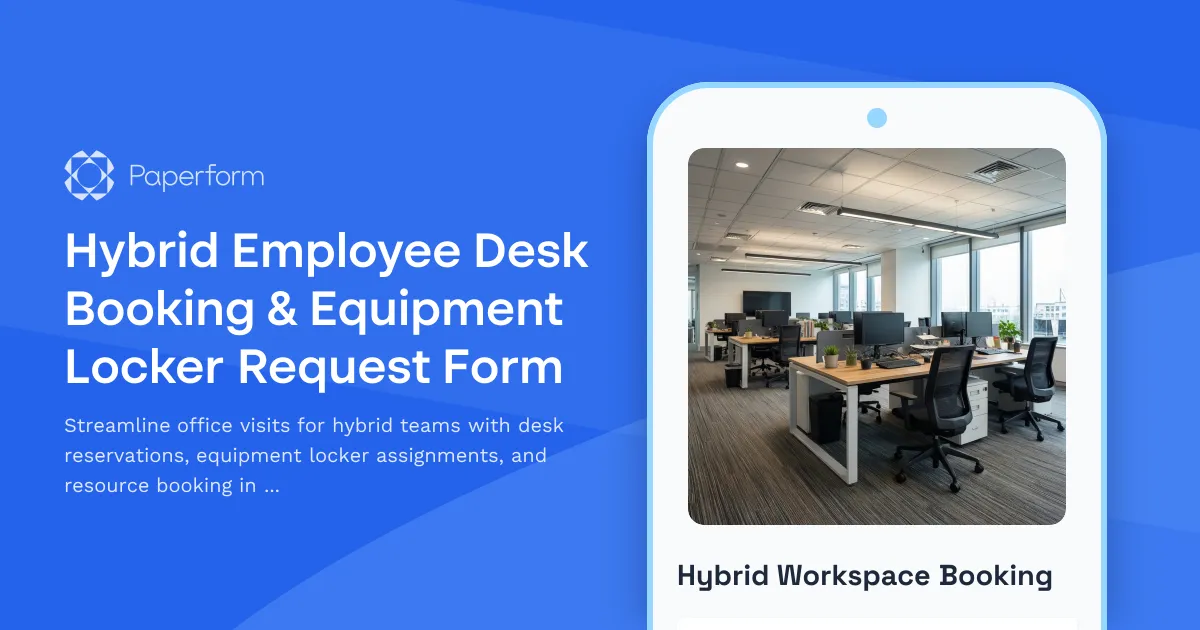
Simplify Hybrid Work with Smart Desk Booking & Equipment Management
Managing a hybrid workplace means coordinating who's in the office, where they'll sit, and what equipment they need—all while keeping the experience flexible and friction-free. This Hybrid Employee Desk Booking & Equipment Locker Request Form brings all those moving pieces together in one place, helping HR teams, office managers, and hybrid employees stay organized and productive.
Whether your team is splitting time between home and the office, hot-desking across multiple locations, or managing shared resources like monitors, keyboards, and storage lockers, this template makes it easy to book what you need, when you need it.
Why Paperform is perfect for hybrid work coordination
Paperform's flexible form builder lets you create beautiful, branded booking forms that work seamlessly across devices. With conditional logic, calendar integrations, and real-time availability displays, employees can see what's available and reserve their spot in seconds—no back-and-forth emails required.
The doc-style editor means you can customize every detail: add your office floor plans, embed images of desk zones, include video tours of locker areas, or link to your hot-desking policies. Forms can match your company branding and be embedded directly into your intranet, Slack workspace, or internal portal.
Built for the realities of hybrid teams
This template is designed for organizations navigating the practical challenges of flexible work:
- Desk and workspace reservations: Employees select their preferred office visit dates, choose desk types (standing desk, quiet zone, collaborative area), and indicate any accessibility needs.
- Equipment locker assignments: Request secure storage for personal items, work equipment, or client materials that don't need to travel home every day.
- Resource booking: Reserve shared equipment like external monitors, ergonomic peripherals, laptop docks, and chargers based on real-time availability.
- Office visit scheduling: Coordinate team days, capture arrival and departure times, and sync bookings with facility capacity planning.
Instead of juggling separate tools for desk booking, locker management, and equipment checkout, everything lives in one intuitive form that automatically routes requests to the right people.
Automate approvals and resource allocation with Stepper
Once a booking request is submitted, you can use Stepper (stepper.io)—Paperform's AI-native workflow automation platform—to automatically handle the next steps:
- Auto-assign desks and lockers based on availability, floor preferences, and team proximity.
- Send confirmation emails with QR codes for desk check-in, locker numbers, and equipment pickup instructions.
- Notify facilities teams when certain resources are running low or need maintenance.
- Sync bookings to Google Calendar, Outlook, or internal scheduling systems so everyone knows who's in the office and when.
- Route equipment requests to IT or operations for approval and fulfillment.
This means less manual coordination for office managers and a smoother, more professional experience for employees booking their workspace.
Integrations that keep hybrid work tools in sync
Paperform connects natively with the tools hybrid teams rely on:
- Push booking data to Google Sheets or Airtable for real-time availability dashboards.
- Send notifications to Slack or Microsoft Teams when desks are reserved or equipment is ready for pickup.
- Log requests in project management tools like Asana, Monday.com, or ClickUp to track space utilization trends.
- Connect to HubSpot, Salesforce, or internal CRMs to understand which departments or teams are using office space most frequently.
With webhooks, Zapier, Make, and Stepper, you can trigger virtually any workflow—from updating occupancy reports to auto-generating building access passes.
Designed for HR, operations, and facilities teams
This form is ideal for:
- HR teams managing flexible work policies and employee experience.
- Office managers and facilities coordinators tracking space utilization and resource allocation.
- Operations and IT teams handling equipment inventory, locker assignments, and workspace setup.
- Workplace experience managers creating seamless, employee-first office booking experiences.
Whether you're supporting a team of 20 or 2,000, this template scales with your needs and keeps hybrid work logistics organized, visible, and stress-free.
Trusted, secure, and ready to scale
Paperform is SOC 2 Type II compliant with data residency controls, SSO, and role-based permissions—so you can confidently manage employee information, resource bookings, and internal workflows. Plus, with conditional logic, payment fields (for paid lockers or guest passes), and AI-powered reporting, you can adapt the form to fit unique workplace policies without starting from scratch.
Ready to bring order to your hybrid workplace? This template helps your team book desks, reserve equipment, and plan office visits with confidence—so everyone can focus on doing their best work, wherever they are.



More templates like this
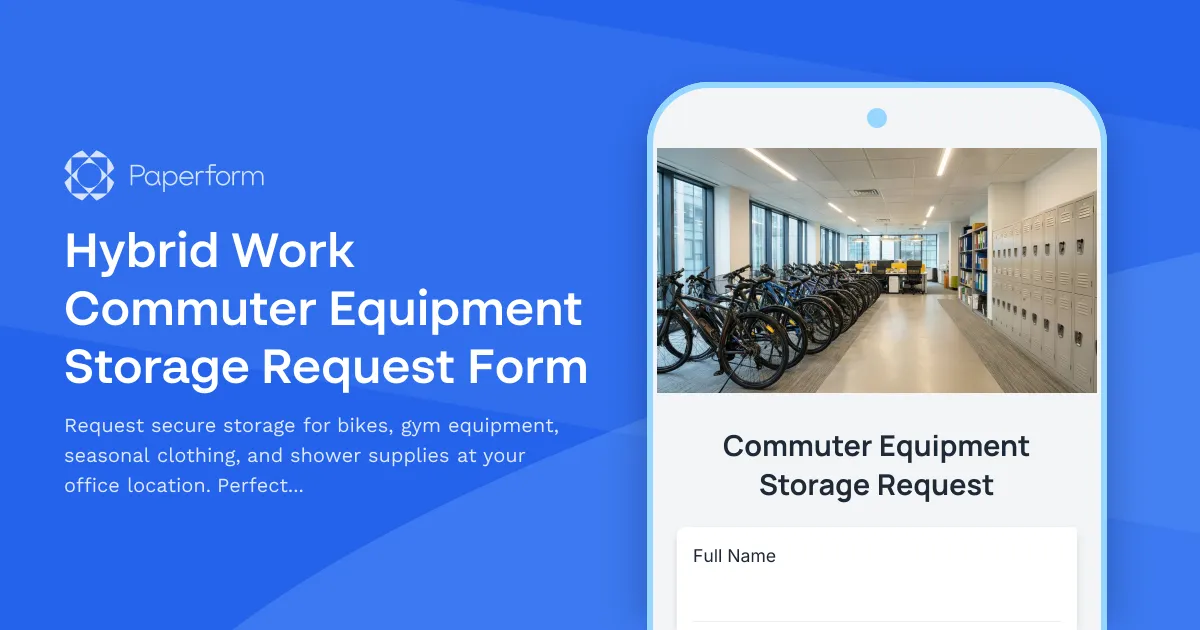
Hybrid Work Commuter Equipment Storage Request Form
Request secure storage for bikes, gym equipment, seasonal clothing, and shower supplies at your office location. Perfect for hybrid workers who commute actively and need reliable on-site storage solutions.

Hybrid Work Equipment Insurance & Damage Assistance Form
Submit claims for accidental damage, theft, or loss of home office equipment with deductible assistance, repair cost sharing, and replacement support for hybrid workers.
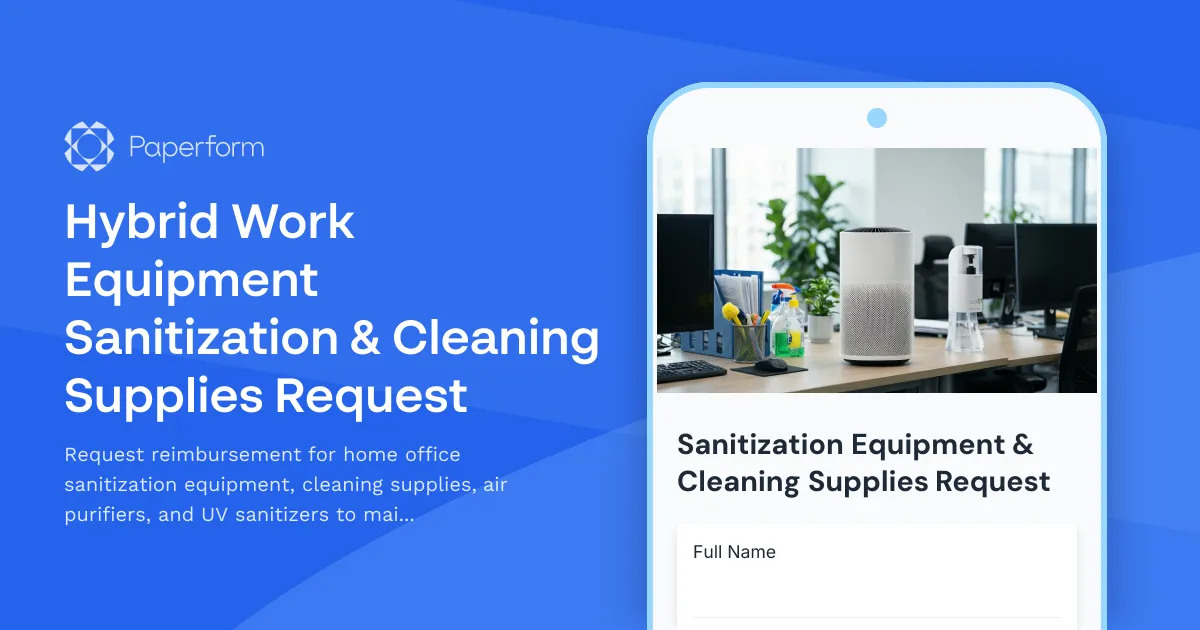
Hybrid Work Equipment Sanitization & Cleaning Supplies Request
Request reimbursement for home office sanitization equipment, cleaning supplies, air purifiers, and UV sanitizers to maintain health and safety standards in hybrid work environments.
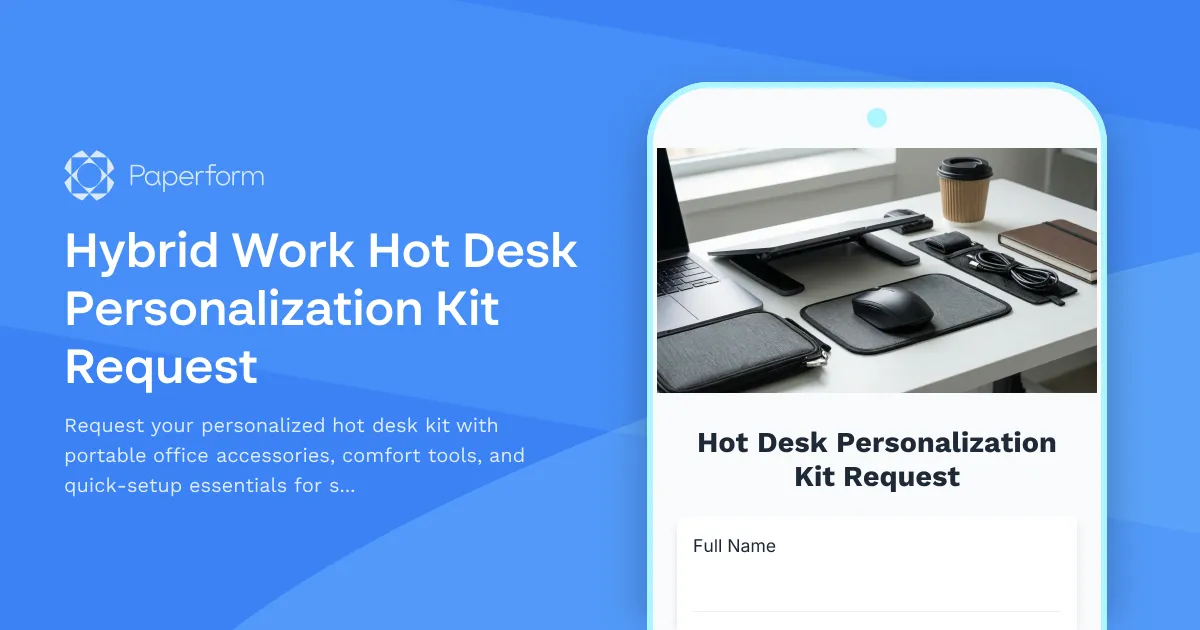
Hybrid Work Hot Desk Personalization Kit Request
Request your personalized hot desk kit with portable office accessories, comfort tools, and quick-setup essentials for seamless hybrid workdays.
Hybrid Work Locker & Storage Rental Request
Secure locker and storage rental form for hybrid employees needing personal item storage at office locations, with insurance options and access scheduling.

Remote Work Desk Accessories & Organizers Allowance Form
Submit requests for remote work desk accessories, organizers, and workspace optimization items with budget tracking and approval workflow.
Alternative Ergonomic Seating Request Form
Request approval for posture-correcting chairs and alternative ergonomic seating solutions for your home office, including kneeling chairs, balance balls, saddle chairs, and active sitting options.

Emergency Communication Device Allowance Request
Request reimbursement or allowance for emergency communication equipment including satellite phones, emergency radios, and backup devices for remote work locations.
Home Office Anti-Fatigue Flooring & Mat Request Form
Request ergonomic flooring solutions and anti-fatigue mats for your standing desk home office setup. Submit specifications for cushioned surfaces that support prolonged standing work.

Home Office Battery Backup & UPS Request Form
Request battery backup and UPS equipment for your home office to ensure business continuity during power outages. Assess your power needs, prioritize critical devices, and plan for uninterrupted remote work.
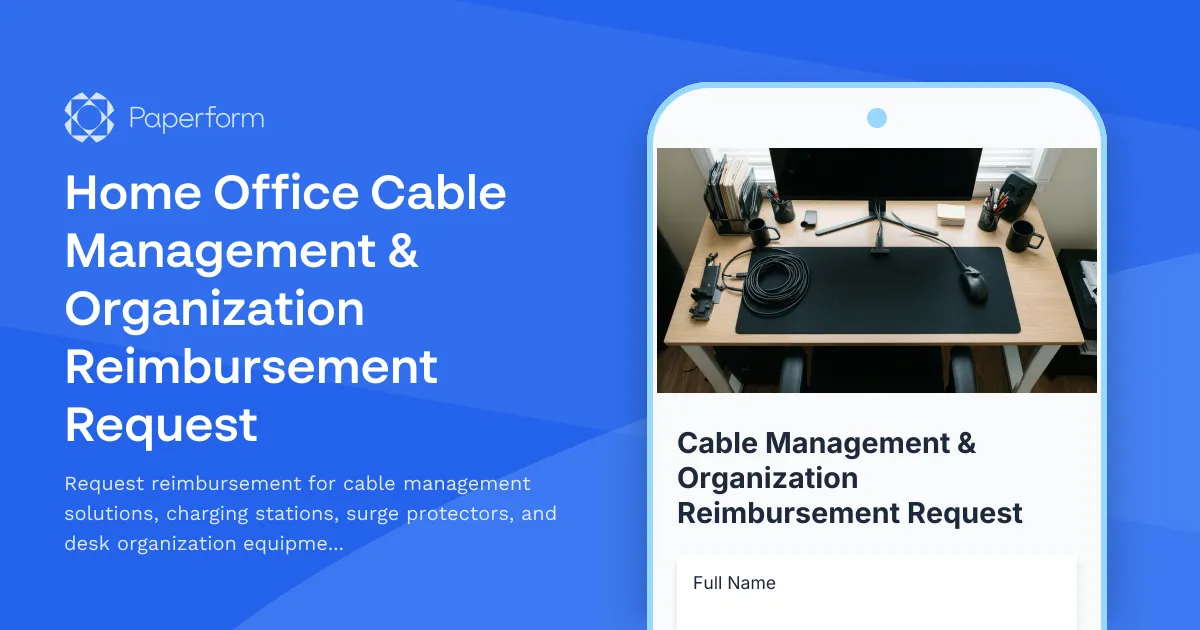
Home Office Cable Management & Organization Reimbursement Request
Request reimbursement for cable management solutions, charging stations, surge protectors, and desk organization equipment for your remote workspace with safety compliance verification.

Home Office Electrical Capacity & Equipment Reimbursement Form
Assess your home office electrical needs, calculate circuit load requirements, and request reimbursement for power strips, outlets, and electrician consultations to ensure safe and compliant remote work setups.