Optimize Your Remote Workspace with Professional Window Treatment Solutions
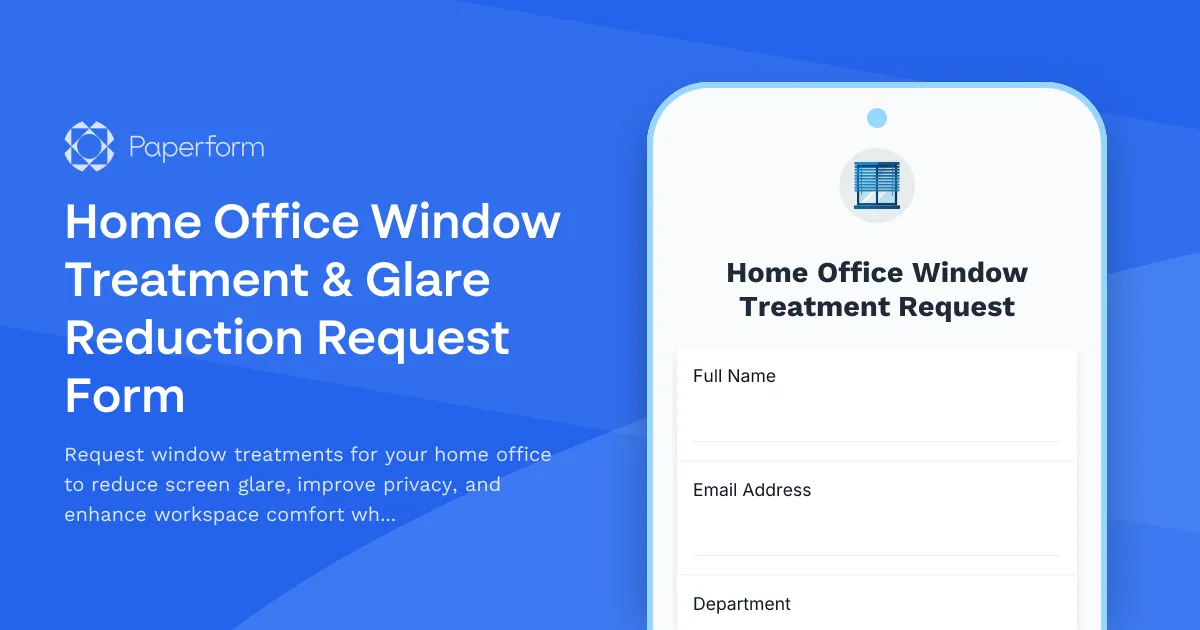
Working from home has become the standard for millions of professionals, but one of the most common challenges remote workers face is managing natural light in their workspace. Screen glare, privacy concerns, and temperature control can significantly impact productivity and comfort throughout the workday. This Home Office Window Treatment & Glare Reduction Request Form helps employees secure the right window solutions for their remote workspace while streamlining the approval and reimbursement process.
Why Window Treatments Matter for Remote Workers
If you've ever struggled to see your screen during a video call because of the sun streaming through your window, or felt like neighbors can see straight into your workspace, you know how disruptive inadequate window treatments can be. Beyond comfort, proper window treatments offer tangible benefits:
- Reduced eye strain and headaches from screen glare
- Enhanced privacy during confidential calls and work sessions
- Better temperature regulation reducing heating and cooling costs
- Improved video call quality with controlled lighting
- Increased focus without constant lighting distractions
For HR teams and operations managers, offering window treatment reimbursement demonstrates commitment to employee wellbeing and productivity while remaining a cost-effective ergonomic investment.
Built for Modern Remote Work Programs
This Paperform template is designed specifically for HR departments, remote work coordinators, and facilities teams managing distributed workforces. Whether you're a tech company with a fully remote team, a consulting firm with a hybrid model, or any organization supporting work-from-home arrangements, this form helps you:
- Assess actual workspace needs with targeted questions about light exposure, window orientation, and current setup challenges
- Guide employees toward appropriate solutions based on their specific glare, privacy, and energy efficiency requirements
- Collect necessary documentation including photos, measurements, and cost estimates
- Streamline approvals with all relevant information captured upfront
- Process reimbursements efficiently with built-in expense tracking fields
The form's conditional logic ensures employees only see questions relevant to their situation, while comprehensive sections capture everything from window dimensions to installation preferences.
How This Template Supports Your Remote Work Policy
Rather than fielding ad-hoc requests via email or struggling with generic expense forms, this purpose-built template provides structure and consistency. Employees can clearly articulate their needs, provide supporting evidence, and understand what solutions qualify for reimbursement—all in one streamlined submission.
The form includes:
- Workspace assessment covering window count, orientation, current treatments, and specific issues
- Screen visibility challenges to document glare patterns and productivity impact
- Privacy evaluation for confidential work requirements
- Light control preferences from blackout to light filtering options
- Energy efficiency considerations to identify cost-saving opportunities
- Solution selection with treatment types and budget estimates
- Installation planning for professional or DIY approaches
- Reimbursement details aligned with company policy
By standardizing these requests, you create a fair, transparent process that helps both employees and approvers make informed decisions.
Seamless Workflows with Stepper Automation
Once an employee submits their window treatment request, you can use Stepper to automate the entire approval and reimbursement workflow. Route requests to the appropriate manager based on cost thresholds, send automatic approval notifications, create expense records in your finance system, and update your HR database—all without manual intervention.
For organizations requiring formal agreements, Papersign can automatically generate and send acknowledgment forms confirming employees understand the reimbursement terms and installation requirements, keeping a complete audit trail tied to the original request.
Designed for Growing Remote Teams
Whether you're supporting 10 remote workers or 1,000, Paperform scales with your needs. Agency+ plans let you manage forms across multiple departments or business units, while Enterprise features provide the security controls, SSO, and compliance capabilities larger organizations require.
This form template is trusted by forward-thinking companies who understand that small investments in home office ergonomics pay dividends in employee satisfaction, retention, and productivity. By removing barriers to creating an optimal workspace, you signal that employee wellbeing matters—whether they're in the office or working from home.
Start improving your remote team's workspace experience today with this comprehensive window treatment request form, and take one more step toward a world-class remote work program.



More templates like this
Home Office Ergonomic Assessment & Consultation Request
Schedule a professional virtual assessment of your home workspace with our ergonomic specialists to optimize comfort, productivity, and receive personalized equipment recommendations.

Hybrid Work Equipment Insurance & Damage Assistance Form
Submit claims for accidental damage, theft, or loss of home office equipment with deductible assistance, repair cost sharing, and replacement support for hybrid workers.

Remote Work Desk Accessories & Organizers Allowance Form
Submit requests for remote work desk accessories, organizers, and workspace optimization items with budget tracking and approval workflow.

Remote Work Monitor & Display Upgrade Request
Request approval for new monitors and display equipment for your home office setup. Submit screen specifications, multiple monitor needs, and mounting requirements for budget approval.

Emergency Communication Device Allowance Request
Request reimbursement or allowance for emergency communication equipment including satellite phones, emergency radios, and backup devices for remote work locations.

Home Office Accessibility & Specialized Seating Request Form
Request specialized ergonomic seating, mobility equipment, and accessibility accommodations for your home office workspace with ADA compliance documentation and approval workflow.

Home Office Battery Backup & UPS Request Form
Request battery backup and UPS equipment for your home office to ensure business continuity during power outages. Assess your power needs, prioritize critical devices, and plan for uninterrupted remote work.
Home Office Cable Management & Organization Reimbursement Request
Request reimbursement for cable management solutions, charging stations, surge protectors, and desk organization equipment for your remote workspace with safety compliance verification.

Home Office Electrical Capacity & Equipment Reimbursement Form
Assess your home office electrical needs, calculate circuit load requirements, and request reimbursement for power strips, outlets, and electrician consultations to ensure safe and compliant remote work setups.
Home Office Emergency Kit & Supplies Request Form
Request essential emergency supplies and safety equipment for your home office, including first aid kits, backup power solutions, emergency contact devices, and disaster preparedness items to ensure business continuity during unforeseen events.
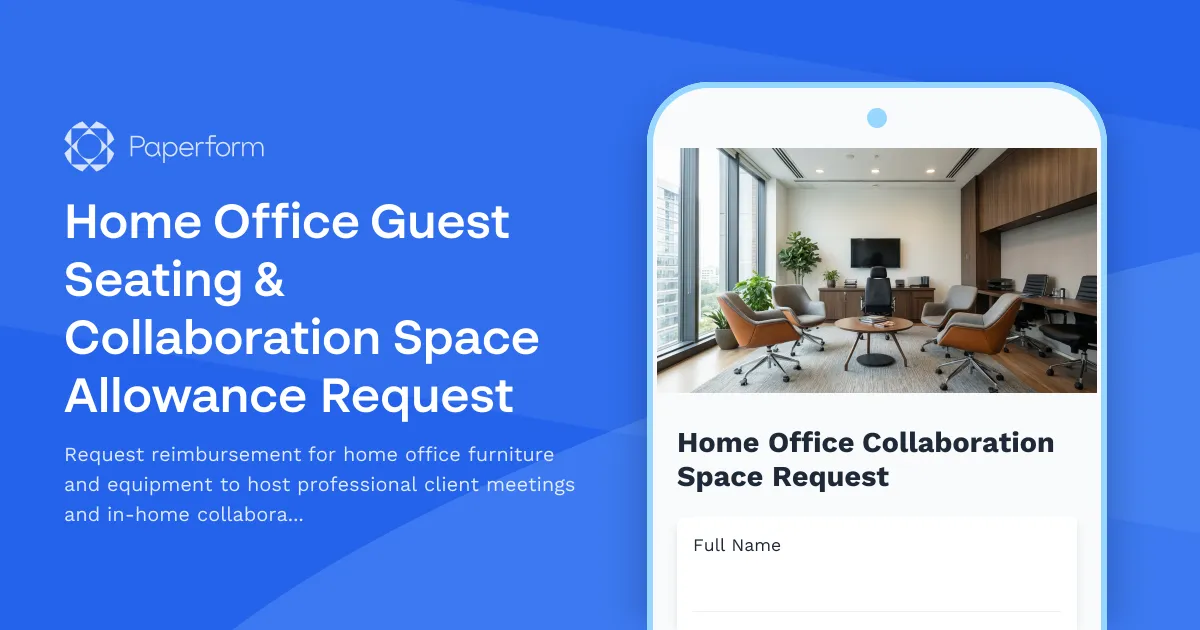
Home Office Guest Seating & Collaboration Space Allowance Request
Request reimbursement for home office furniture and equipment to host professional client meetings and in-home collaboration sessions.
Home Office Productivity Tools Reimbursement Request
Request reimbursement for home office productivity equipment including physical planning systems, timer devices, focus tools, and time management resources to enhance remote work efficiency.