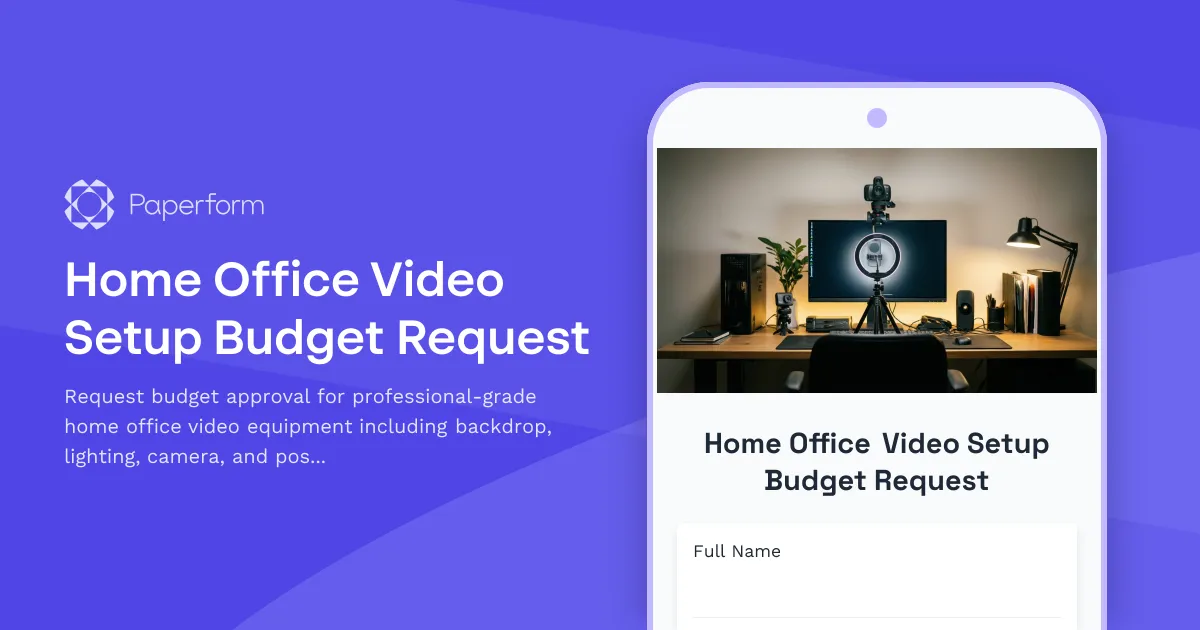
Elevate Your Virtual Presence with Professional Video Setup Equipment
In today's remote and hybrid workplace, your video presence is your first impression. For client-facing professionals working from home, a polished, distraction-free video background isn't just nice to have—it's essential for building trust, maintaining brand standards, and delivering the professional experience your clients expect.
This Home Office Video Setup Budget Request template helps employees in client-facing roles request approval for showroom-quality video equipment that transforms their home office into a broadcast-ready space. Whether you're in sales, consulting, client services, or any role where video calls are a daily touchpoint, this form streamlines the approval process for professional backdrop systems, lighting packages, camera upgrades, and positioning tools.
Why Invest in Professional Video Equipment?
Remote work has fundamentally changed how we interact with clients, partners, and stakeholders. A professional video setup delivers measurable business benefits:
- Enhanced credibility: Clients associate visual quality with competence and attention to detail
- Brand consistency: Maintain professional standards across all customer touchpoints
- Competitive advantage: Stand out in virtual meetings with superior video presence
- Reduced distractions: Controlled backgrounds keep focus on your message, not your surroundings
- Better engagement: Superior lighting and framing improve eye contact and connection
For businesses that rely on video communication, equipping remote employees with professional-grade equipment is an investment in customer experience and brand reputation.
What This Template Covers
This comprehensive budget request form captures everything needed for approval decisions:
- Employee details and role justification: Establish why video quality matters for your specific position
- Current setup assessment: Document existing equipment gaps and pain points
- Equipment categories: Breakdown requests across backdrops, lighting, cameras, audio, and positioning tools
- Budget and pricing: Transparent cost estimates for each component
- Business justification: Connect equipment needs to client impact and business outcomes
- Installation and timeline: Planning considerations for setup and implementation
The form is designed to help managers quickly evaluate requests based on role requirements, client exposure, and ROI while giving employees a clear framework to build their business case.
Perfect for Client-Facing Remote Teams
This template is ideal for:
- Sales professionals who conduct product demos and client presentations
- Consultants and advisors delivering virtual engagements
- Account managers maintaining ongoing client relationships
- Customer success teams running training and onboarding sessions
- Marketing and PR professionals representing the brand in virtual events
- Executive teams appearing in investor meetings and public engagements
- Coaches and trainers delivering virtual programs
Any role where video quality directly impacts client perception and business outcomes benefits from this structured request process.
Streamline Approvals with Paperform
Built with Paperform's intuitive form builder, this template gives you complete control over the approval workflow. Use conditional logic to show different equipment options based on role type, budget tier, or existing setup. Integrate with your expense management system, send approval notifications to the right stakeholders, and track requests in your preferred project management tool.
The clean, professional design reflects the quality standards you're asking employees to maintain, and the guided questions help requesters think through their needs comprehensively rather than making impulse purchases.
Automate Your Equipment Approval Workflow with Stepper
Take this form further by connecting it to Stepper, Paperform's AI-native workflow automation platform. When an employee submits a video equipment request, Stepper can automatically:
- Route requests to the appropriate manager based on budget threshold
- Send requests above a certain amount to finance for secondary approval
- Create purchase orders in your procurement system
- Update equipment inventory databases
- Schedule setup support with IT
- Track fulfillment status and notify employees when equipment ships
By automating the post-submission workflow, you eliminate manual handoffs, reduce approval bottlenecks, and give employees visibility into their request status—all without writing code.
Supporting Remote Employee Success
Providing the tools for professional video presence isn't just about appearances—it's about setting remote employees up for success. When employees have the equipment they need to represent your brand professionally, they feel supported, confident, and empowered to deliver their best work.
This template makes it easy for HR teams, IT departments, and operations managers to implement a fair, transparent process for video equipment requests. Clear criteria and structured information gathering ensure consistent decision-making while maintaining flexibility for different roles and situations.
Whether you're establishing a new remote work equipment policy, refreshing your home office standards, or simply processing individual requests, this Paperform template gives you a professional, scalable foundation that grows with your distributed team.
Get started today and help your remote team create video experiences that match your in-person standards—because in a remote-first world, your video presence is your office presence.



More templates like this
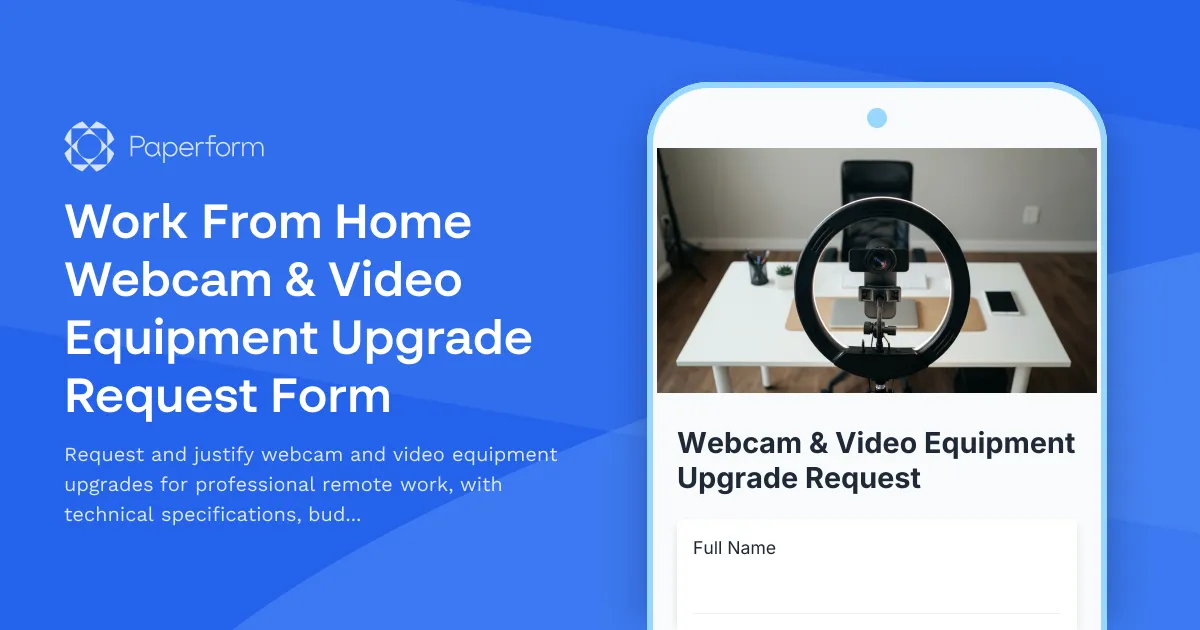
Work From Home Webcam & Video Equipment Upgrade Request Form
Request and justify webcam and video equipment upgrades for professional remote work, with technical specifications, budget assessment, and home office needs evaluation.

Home Office Battery Backup & UPS Request Form
Request battery backup and UPS equipment for your home office to ensure business continuity during power outages. Assess your power needs, prioritize critical devices, and plan for uninterrupted remote work.
Hybrid Work Audio Privacy Equipment Request Form
Request white noise generators, sound masking devices, and audio privacy equipment for confidential remote and hybrid work conversations.
Remote Employee Backup Internet Connection Reimbursement Form
Request reimbursement for backup internet services, secondary ISP costs, mobile hotspots, and failover connectivity to ensure business continuity for remote work.
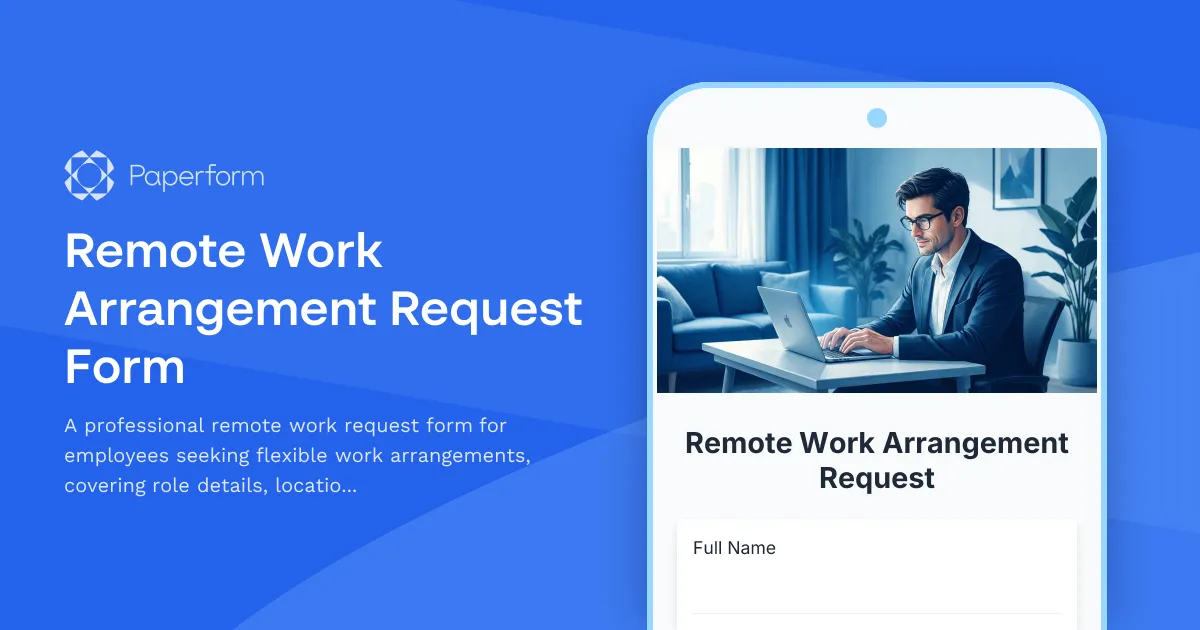
Remote Work Arrangement Request Form
A professional remote work request form for employees seeking flexible work arrangements, covering role details, location preferences, equipment needs, and connectivity requirements.

Remote Work Monitor & Display Upgrade Request
Request approval for new monitors and display equipment for your home office setup. Submit screen specifications, multiple monitor needs, and mounting requirements for budget approval.

Work From Home Technology Upgrade Program Application
Apply for technology upgrades and equipment refreshes for your home office setup. Request emerging tech, scalability improvements, and innovation budget for long-term remote work success.

Emergency Communication Device Allowance Request
Request reimbursement or allowance for emergency communication equipment including satellite phones, emergency radios, and backup devices for remote work locations.

Home Office Accessibility & Specialized Seating Request Form
Request specialized ergonomic seating, mobility equipment, and accessibility accommodations for your home office workspace with ADA compliance documentation and approval workflow.
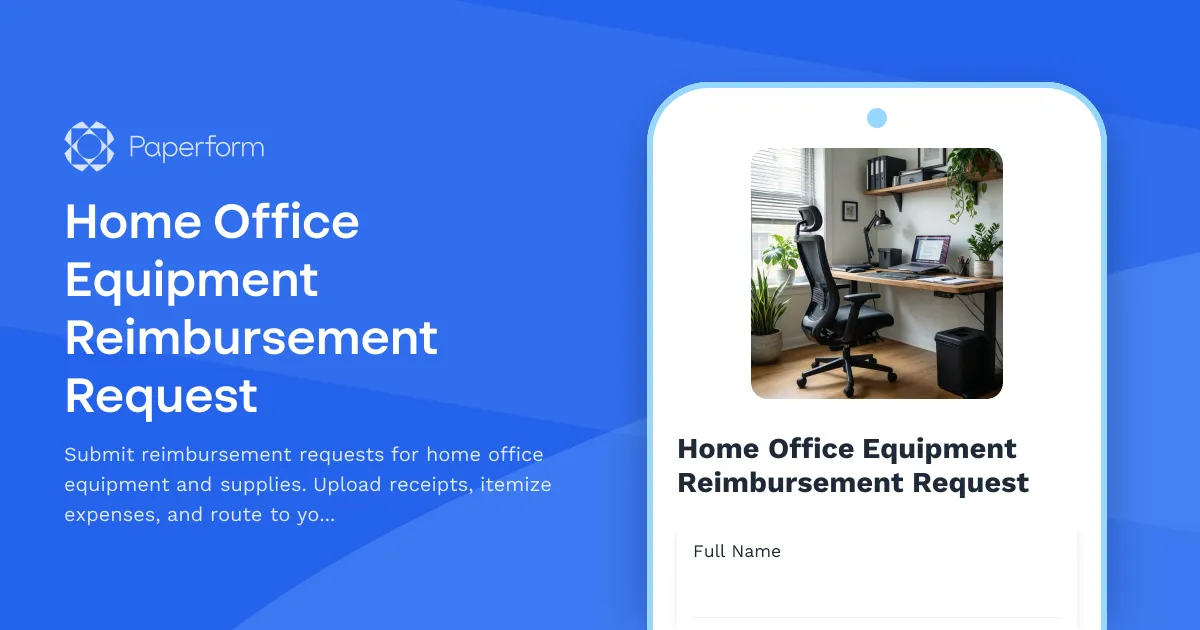
Home Office Equipment Reimbursement Request
Submit reimbursement requests for home office equipment and supplies. Upload receipts, itemize expenses, and route to your manager for approval.
Home Office Storage & Filing Equipment Request Form
Request storage and filing equipment for your home office, including filing cabinets, shelving units, and organizational systems with security and fireproofing options.
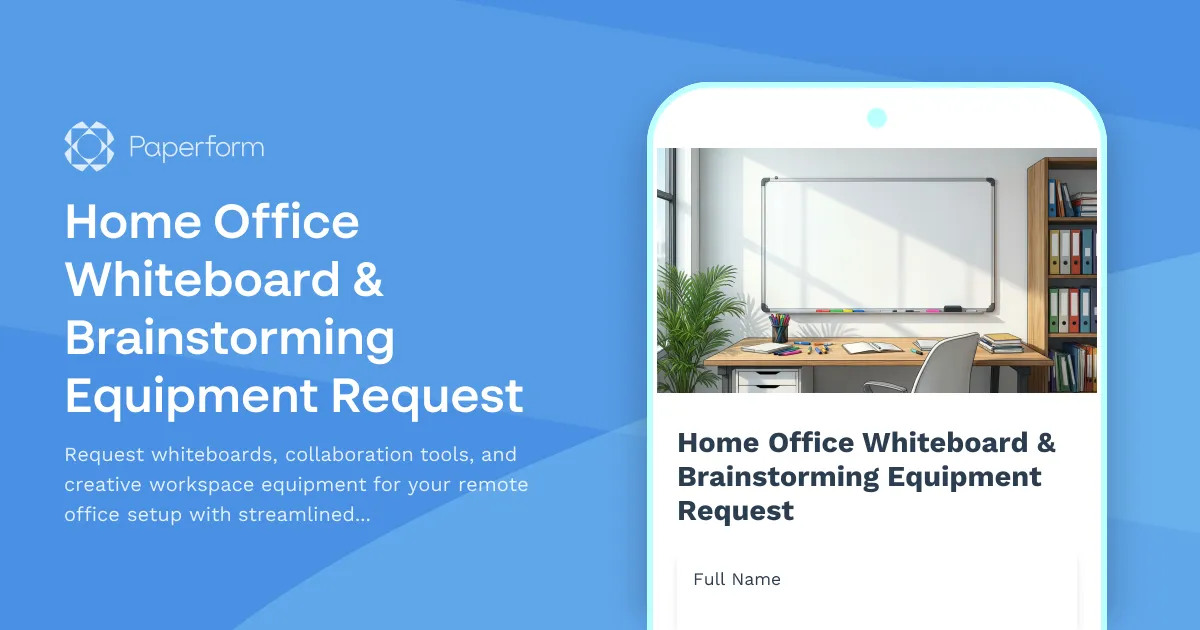
Home Office Whiteboard & Brainstorming Equipment Request
Request whiteboards, collaboration tools, and creative workspace equipment for your remote office setup with streamlined approval and reimbursement tracking.