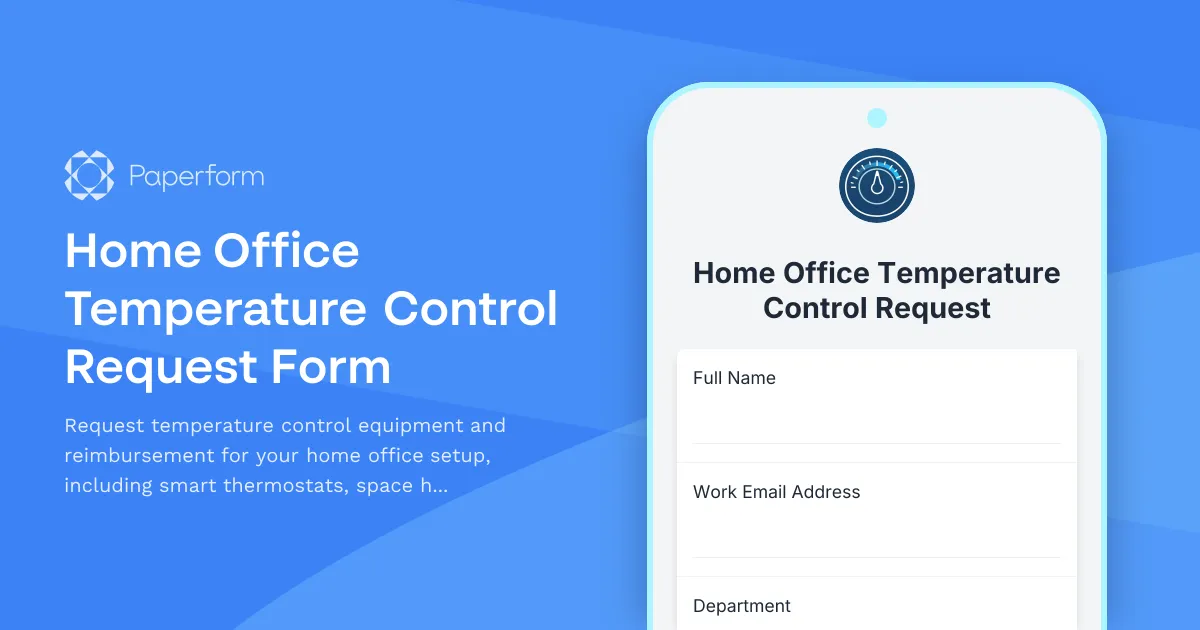
Create a Comfortable Remote Work Environment with Home Office Temperature Control
Maintaining an optimal temperature in your home office isn't just about comfort—it's about productivity, focus, and presenting professionally during video calls. Whether you're dealing with a stuffy attic office, a cold basement workspace, or inconsistent heating and cooling, our Home Office Temperature Control Request Form makes it simple to request the equipment and reimbursement you need to work comfortably from home.
Why Temperature Matters for Remote Workers
Studies consistently show that temperature significantly impacts cognitive performance and work output. Too hot, and concentration suffers. Too cold, and productivity drops as you're distracted by discomfort. For remote workers spending 8+ hours in home offices, having control over your workspace temperature is essential—not a luxury.
This form template helps HR teams, operations managers, and remote work coordinators streamline requests for:
- Smart thermostats for precise temperature control and scheduling
- Space heaters for cold offices, basements, or poorly insulated spaces
- Desk fans and tower fans for personal cooling without affecting the whole house
- Temperature monitoring devices to track and optimize workspace comfort
- Comfort optimization equipment to ensure professional video call appearances
Built for Modern Remote Work Programs
As more companies embrace permanent remote and hybrid work models, employee home office stipends have evolved beyond desks and chairs. Forward-thinking organizations now recognize that environmental comfort—including temperature control—directly impacts employee wellbeing and performance.
This Paperform template gives you a structured, professional way to:
- Capture specific temperature challenges employees face in their home offices
- Request appropriate equipment based on workspace needs and budget guidelines
- Document reimbursement details with receipt uploads and expense tracking
- Maintain records of approved equipment for asset management and tax purposes
- Ensure compliance with company remote work policies and spending limits
How This Template Works
The form guides employees through a complete temperature control request, collecting:
- Employee and workspace details to understand the home office setup
- Current temperature challenges including specific problems and video call impact
- Equipment requests with detailed options for heaters, fans, thermostats, and monitoring devices
- Justification and measurements to validate the need and proposed solution
- Budget and reimbursement information with receipt uploads and expense details
- Manager approval for proper authorization workflow
Conditional logic ensures employees only see relevant questions based on their equipment selections, making the form feel personalized and efficient. The built-in file upload functionality allows for receipt submission, product links, and temperature log screenshots—keeping all documentation in one place.
Perfect for HR Teams, Operations Managers, and Remote Work Leaders
If you're managing remote work programs, home office stipends, or employee experience initiatives, this template helps you:
- Standardize requests so everyone follows the same process
- Make informed decisions with complete context about each employee's needs
- Track spending across temperature control equipment categories
- Identify patterns in home office challenges across your remote workforce
- Demonstrate care for employee comfort and work conditions
The form works beautifully as a standalone submission tool or as part of a broader home office equipment request program alongside ergonomic furniture, tech equipment, and workspace accessories.
Automate Follow-Up with Stepper
Once a temperature control request is submitted, you can use Stepper to automate your approval workflow:
- Route requests to the appropriate manager based on department or budget tier
- Send approval notifications to HR and finance teams
- Create purchase orders or reimbursement records in your expense system
- Update employee home office asset inventories
- Send confirmation emails with next steps and delivery timelines
- Trigger follow-up surveys to confirm the equipment solved the temperature issue
By connecting Paperform to Stepper, you transform a simple request form into an end-to-end workflow that saves time and keeps employees informed throughout the process.
Designed for Employee Comfort and Organizational Efficiency
With Paperform's intuitive editor, you can customize this template to match your company's remote work policies, budget levels, and branding. Adjust equipment options, spending limits, approval requirements, and success messages to create an experience that feels uniquely yours.
The form is mobile-friendly, so employees can submit requests from anywhere, and all submissions are stored securely with SOC 2 Type II compliance—important when handling employee information and expense documentation.
Who This Form Is For
This template is ideal for:
- HR managers and people operations teams overseeing remote work programs and employee benefits
- IT and facilities managers responsible for home office equipment provisioning
- Operations coordinators managing home office stipends and reimbursements
- Remote work program leaders optimizing the distributed work experience
- Small business owners supporting their remote and hybrid teams
Whether you're a 50-person startup building your first remote work policy or a 500-person company refining your hybrid work program, this form scales to your needs while keeping the process simple for everyone involved.
Start Supporting Remote Worker Comfort Today
Temperature control might seem like a small detail, but it has an outsized impact on remote employee satisfaction, health, and productivity. By making it easy to request and approve temperature control equipment, you're investing in your team's success and showing you care about their daily work experience.
Use this Paperform template to build a professional, efficient temperature control request process that works for employees and administrators alike—no coding required.



More templates like this

Home Office Battery Backup & UPS Request Form
Request battery backup and UPS equipment for your home office to ensure business continuity during power outages. Assess your power needs, prioritize critical devices, and plan for uninterrupted remote work.
Home Office Cable Management & Organization Reimbursement Request
Request reimbursement for cable management solutions, charging stations, surge protectors, and desk organization equipment for your remote workspace with safety compliance verification.
Home Office Ergonomic Assessment & Consultation Request
Schedule a professional virtual assessment of your home workspace with our ergonomic specialists to optimize comfort, productivity, and receive personalized equipment recommendations.
Home Office Window Treatment & Glare Reduction Request Form
Request window treatments for your home office to reduce screen glare, improve privacy, and enhance workspace comfort while working remotely.

Hybrid Work Equipment Insurance & Damage Assistance Form
Submit claims for accidental damage, theft, or loss of home office equipment with deductible assistance, repair cost sharing, and replacement support for hybrid workers.
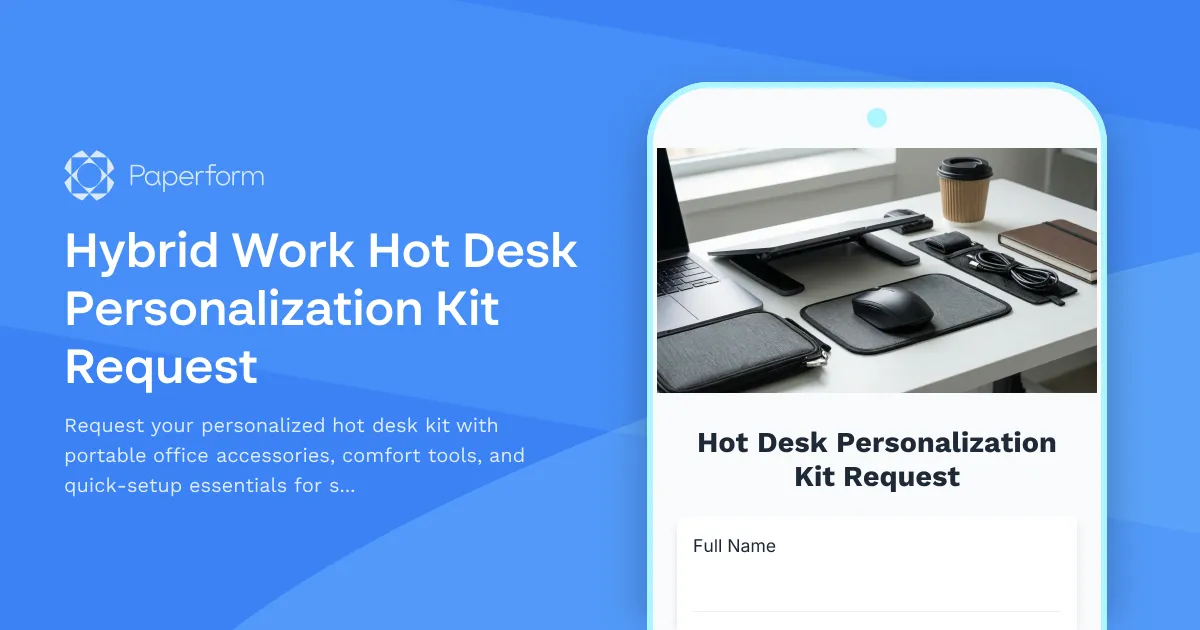
Hybrid Work Hot Desk Personalization Kit Request
Request your personalized hot desk kit with portable office accessories, comfort tools, and quick-setup essentials for seamless hybrid workdays.
Remote Work Backup Power Supply Request Form
Request backup power equipment for your remote workspace. Submit UPS specifications, runtime requirements, and equipment protection needs for home office power continuity.

Remote Work Desk Accessories & Organizers Allowance Form
Submit requests for remote work desk accessories, organizers, and workspace optimization items with budget tracking and approval workflow.

Remote Work Monitor & Display Upgrade Request
Request approval for new monitors and display equipment for your home office setup. Submit screen specifications, multiple monitor needs, and mounting requirements for budget approval.
Alternative Ergonomic Seating Request Form
Request approval for posture-correcting chairs and alternative ergonomic seating solutions for your home office, including kneeling chairs, balance balls, saddle chairs, and active sitting options.

Emergency Communication Device Allowance Request
Request reimbursement or allowance for emergency communication equipment including satellite phones, emergency radios, and backup devices for remote work locations.

Home Office Accessibility & Specialized Seating Request Form
Request specialized ergonomic seating, mobility equipment, and accessibility accommodations for your home office workspace with ADA compliance documentation and approval workflow.