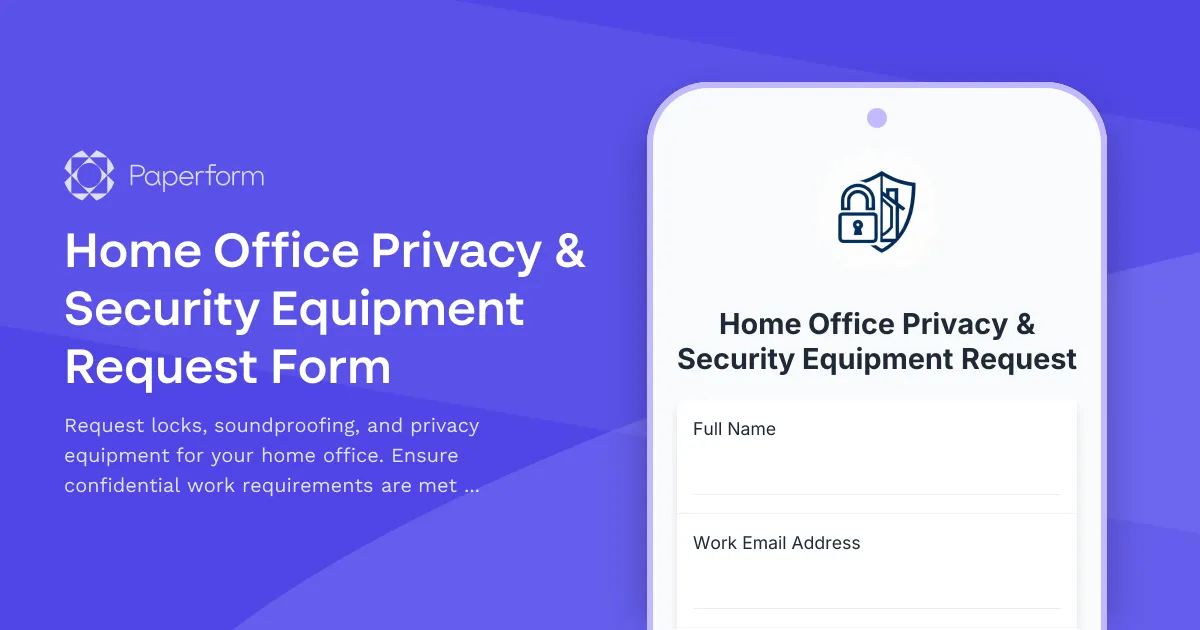
Create a Secure Home Office with Privacy & Security Equipment Requests
Working from home has become the norm for millions of professionals, but not every home workspace is equipped to handle the privacy and security demands of modern remote work. Whether you're taking confidential client calls, handling sensitive data, or simply need to separate work life from family life, having the right privacy and security equipment isn't just nice to have—it's essential.
This Home Office Privacy & Security Equipment Request Form template makes it easy for remote employees to request the door locks, soundproofing materials, visual privacy solutions, and security hardware they need to create a professional, confidential workspace at home. Built with Paperform, this template helps HR teams, IT departments, and operations managers streamline equipment requests, understand employee needs, and approve reimbursements quickly.
Why Remote Workers Need Privacy & Security Equipment
Remote work brings incredible flexibility, but it also introduces new challenges. Many employees work from shared homes with family members, roommates, or children, making it difficult to maintain the confidentiality and focus required for professional work. Without proper privacy measures, sensitive conversations can be overheard, confidential documents can be viewed, and productivity can suffer.
Privacy and security equipment helps remote workers:
- Protect confidential information from unauthorized access by household members
- Maintain professional standards during video calls and client meetings
- Reduce distractions with soundproofing and door locks
- Comply with data protection regulations like GDPR and industry-specific security requirements
- Create clear work-life boundaries in shared living spaces
- Improve focus and productivity with a secure, private workspace
For employers, providing this equipment demonstrates a commitment to employee wellbeing, data security, and professional standards—while ensuring remote workers have what they need to succeed.
What This Form Template Includes
This comprehensive form template captures everything you need to process home office privacy and security equipment requests efficiently:
Employee & Workspace Information
The form begins by collecting basic employee details, department information, and current home office setup details. Understanding the existing workspace helps managers assess what equipment is most appropriate.
Privacy & Security Needs Assessment
Employees can specify their exact requirements, including:
- Door lock needs (keyed locks, deadbolts, privacy locks, smart locks)
- Soundproofing requirements (door sweeps, acoustic panels, weatherstripping)
- Visual privacy solutions (window films, privacy screens, room dividers)
- Security hardware (cable locks, webcam covers, document shredders)
Household & Confidentiality Context
The form includes questions about household composition, shared spaces, and the nature of confidential work. This helps managers understand the urgency and appropriateness of each request, whether the employee handles HIPAA-protected health data, attorney-client privileged communications, financial records, or other sensitive materials.
Budget & Reimbursement Details
Clear fields for estimated costs, preferred vendors, and budget limits ensure transparency and help finance teams process reimbursements smoothly.
Approval Workflow
Built-in manager approval sections and justification fields create a clear paper trail for equipment requests, making it easy to track who approved what and why.
Who This Template Is For
This form template is designed for:
- Remote and hybrid employees in finance, healthcare, legal, consulting, HR, and other fields handling confidential information
- HR and operations teams managing work-from-home equipment programs
- IT and security departments ensuring remote workers meet security standards
- Finance teams processing equipment reimbursements
- Startups and SMBs building out remote work policies and equipment programs
Industries that will find this especially valuable include healthcare (HIPAA compliance), legal services (client confidentiality), financial services (data protection), consulting (client privacy), and any organization handling sensitive customer or employee data.
How Paperform Makes Equipment Requests Simple
Paperform's flexible form builder makes it easy to create professional, on-brand request forms that actually get used. With the doc-style editor, you can mix questions, instructions, images, and conditional logic to guide employees through the request process smoothly.
Conditional logic shows or hides follow-up questions based on employee responses—for example, if someone selects "door lock" as a needed item, the form can automatically ask what type of lock they need and whether they own or rent their home (important for installation considerations).
Calculation fields can automatically tally equipment costs as employees select items, helping them stay within budget limits and giving managers instant visibility into total request amounts.
File uploads let employees attach photos of their current setup, quotes from vendors, or floor plans to support their request.
Once submitted, the form can trigger automated workflows to route requests to the right approvers, update internal tracking systems, and notify finance teams—all without manual copying and pasting.
Automate Approvals and Reimbursements with Stepper
For teams that want to take their equipment request process to the next level, Stepper connects seamlessly with Paperform to automate the entire workflow after someone hits submit.
When a privacy equipment request comes in, Stepper can:
- Route to the right manager for approval based on department, budget amount, or equipment type
- Update your HRIS or expense tracking tool (like BambooHR, Gusto, or Expensify) with request details
- Send follow-up emails to employees with approval status, next steps, or requests for additional information
- Trigger purchase orders or vendor communications when requests are approved
- Log everything in your project management tool (Asana, Monday.com, ClickUp) so nothing falls through the cracks
This means HR and operations teams spend less time on manual admin and more time supporting employees—while remote workers get the equipment they need faster.
Best Practices for Home Office Equipment Programs
Successful remote work equipment programs share a few key characteristics:
Clear policies: Employees should know upfront what's covered, what's not, budget limits, and approval timelines. Include this information in your form introduction or link to your full remote work policy.
Fast approvals: The longer employees wait, the longer they're working in suboptimal (or potentially non-compliant) conditions. Use automated routing and set clear SLAs for manager responses.
Flexibility: Not every home office is the same. Give employees room to explain their unique situation and propose solutions that work for their space.
Security focus: Frame privacy equipment as essential infrastructure, not nice-to-haves. For employees handling confidential information, these tools are as important as a laptop or VPN access.
Ongoing support: Check in periodically to see if equipment needs change as roles evolve or household situations shift.
SOC 2 Compliant and Secure by Design
When you're collecting employee information and tracking equipment that supports data security, you need a form platform you can trust. Paperform is SOC 2 Type II compliant, with enterprise-grade security, data residency controls, SSO, and granular permissions—all the features growing teams need without the enterprise complexity.
Your employee data stays secure, your audit trails stay clean, and your remote work program stays compliant.
Get Started in Minutes
With over 30,000 templates and a doc-style editor that feels as simple as writing an email, you can launch your home office privacy equipment request program today. Simply customize this template with your budget limits, approval workflows, and brand colors, then share the link with your remote team.
Whether you're an HR manager at a 50-person startup, an operations lead at a distributed agency, or a security officer at a healthcare company, Paperform gives you the tools to manage equipment requests professionally, securely, and efficiently—no developers required.
Start supporting your remote workers with the privacy and security tools they need to do their best work.



More templates like this
Home Office Specialized Equipment Request Form
Request specialized professional equipment, licensed software, and industry-specific tools for your home office setup with detailed justification and compliance tracking.

Home Office Accessibility & Specialized Seating Request Form
Request specialized ergonomic seating, mobility equipment, and accessibility accommodations for your home office workspace with ADA compliance documentation and approval workflow.
Home Office Biometric Security & Access Control Equipment Request
Request biometric security equipment, hardware encryption devices, secure storage, and physical security upgrades for your remote home office setup to protect confidential company data.
Home Office Storage & Filing Equipment Request Form
Request storage and filing equipment for your home office, including filing cabinets, shelving units, and organizational systems with security and fireproofing options.
Hybrid Work Audio Privacy Equipment Request Form
Request white noise generators, sound masking devices, and audio privacy equipment for confidential remote and hybrid work conversations.

Hybrid Work Equipment Insurance & Damage Assistance Form
Submit claims for accidental damage, theft, or loss of home office equipment with deductible assistance, repair cost sharing, and replacement support for hybrid workers.

Home Office Electrical Capacity & Equipment Reimbursement Form
Assess your home office electrical needs, calculate circuit load requirements, and request reimbursement for power strips, outlets, and electrician consultations to ensure safe and compliant remote work setups.

Hybrid Work Equipment Check-Out Form
A comprehensive form for hybrid and remote employees to request, check out, and track company equipment including laptops, monitors, peripherals, and accessories with return scheduling and liability acknowledgment.

Remote Work Monitor & Display Upgrade Request
Request approval for new monitors and display equipment for your home office setup. Submit screen specifications, multiple monitor needs, and mounting requirements for budget approval.
Remote Work Security & Identity Theft Protection Request
Request reimbursement for home office security equipment including shredders, document safes, cybersecurity hardware, webcam covers, and privacy screens to protect sensitive company information.
Smart Home Office Equipment Request Form
Request and set up smart home office equipment including voice assistants, automated lighting, climate control, and IoT devices with built-in security compliance for remote work productivity.

Corporate VPN Access Request Form
Streamline remote access requests with this corporate VPN access form. Collect employee details, device information, security clearance levels, and route for manager approval—all in one secure workflow.