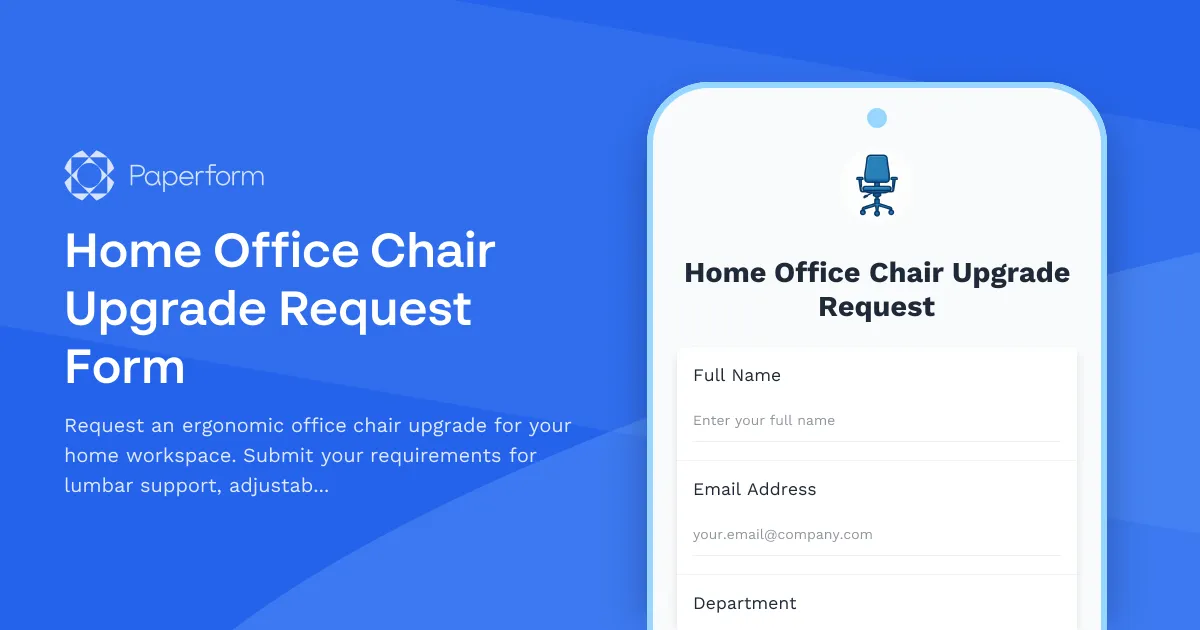
Home Office Chair Upgrade Request Form: Invest in Ergonomic Comfort for Remote Work
Working from home shouldn't mean compromising on comfort or health. Whether you're experiencing back pain from long video calls or simply need better support for your daily tasks, having the right ergonomic office chair makes all the difference to your productivity and wellbeing.
This Home Office Chair Upgrade Request Form helps remote and hybrid employees submit detailed equipment requests to their employers, ensuring you get the ergonomic support you need while making it easy for facilities and HR teams to process and approve your request.
Why ergonomic office chairs matter for remote workers
Remote work has transformed where we work, but many home office setups weren't designed for 8+ hour workdays. A proper ergonomic chair with adjustable lumbar support, customizable armrests, and appropriate seat depth can prevent chronic pain, improve posture, and boost focus throughout your workday.
For employers, investing in quality home office furniture reduces the risk of workplace injuries, decreases absenteeism, and demonstrates a genuine commitment to employee wellbeing—even when your team is distributed across different locations.
Built for detailed equipment specifications
This Paperform template captures everything your facilities or procurement team needs to make informed purchasing decisions:
- Ergonomic requirements: Lumbar support specifications, adjustable armrest needs, seat depth preferences, and height adjustment ranges
- Physical specifications: Weight capacity requirements, size constraints for home office spaces, and mobility needs
- Quality standards: Warranty expectations, ergonomic certifications (BIFMA, Ergonomics Australia, etc.), and material preferences
- Medical considerations: Optional health-related requests supported by occupational health recommendations
- Budget and timing: Estimated costs, urgency level, and preferred delivery timelines
The form uses conditional logic to show relevant follow-up questions based on specific needs—for example, if someone indicates they have existing back issues, additional fields appear to capture medical documentation or OT recommendations.
Perfect for HR, facilities, and IT teams managing distributed workforces
This template is ideal for:
- HR managers processing home office equipment requests and tracking remote work allowances
- Facilities coordinators managing furniture procurement for hybrid and remote employees
- IT and operations teams handling equipment logistics and reimbursement workflows
- Occupational health specialists ensuring ergonomic standards are met across remote teams
- Finance departments tracking equipment budgets and approval workflows
Streamline approvals with Stepper automation
Once an employee submits their chair upgrade request, you can use Stepper to automate the entire approval and procurement workflow:
- Route requests to managers for initial approval based on budget thresholds
- Send approved requests to procurement or facilities teams automatically
- Update your HRIS or asset management system with new equipment assignments
- Trigger reimbursement processes through your finance tools
- Send status updates to employees at each stage of the process
- Log everything in project management tools like Asana, Monday, or ClickUp for full visibility
This means no more chasing emails or wondering where a request is in the pipeline—everything flows smoothly from submission to delivery.
Customizable for your workplace policies
Every organization has different home office policies, budgets, and approval processes. With Paperform's document-style editor, you can easily customize this template to match your needs:
- Add your company's equipment budget caps or approved vendor lists
- Include fields for manager approval or budget codes
- Customize the success message to explain next steps and expected timelines
- Add your branding, colors, and imagery to match your internal communications
- Set up automated email notifications to the right stakeholders
- Create different versions for different office locations or employment types
Mobile-friendly for busy remote workers
Remote employees might submit requests from anywhere—during a break between meetings, from a coffee shop, or while traveling. This form is fully responsive and mobile-optimized, so team members can submit detailed equipment requests from any device without friction.
Designed for HR and operations professionals
Whether you're an HR manager at a fully remote startup, a facilities coordinator managing a hybrid workforce, or an operations professional at a growing consultancy, this form helps you:
- Standardize equipment requests so you have consistent information for every submission
- Reduce back-and-forth emails by capturing all necessary details upfront
- Track trends in equipment needs across your remote workforce
- Demonstrate duty of care by taking ergonomic health seriously
- Maintain audit trails for compliance and budgeting purposes
Secure, compliant, and trusted
Paperform is SOC 2 Type II compliant and trusted by over 500,000 teams worldwide. Your employee data and equipment requests are handled with enterprise-grade security, while the platform remains simple enough for non-technical HR and operations teams to own and customize.
Get started in minutes
This template is ready to use right away—simply customize the questions to match your company's equipment policy, connect it to your existing tools via Stepper, Zapier, or native integrations, and share the link with your remote team. You can embed it in your employee portal, share it via Slack, or add it to your internal wiki.
Investing in ergonomic home office equipment isn't just good for employee health—it's a smart business decision that pays dividends in productivity, retention, and team satisfaction. Start making it easy for your remote workers to get the support they need with this professional, detailed chair upgrade request form.



More templates like this

Emergency Communication Device Allowance Request
Request reimbursement or allowance for emergency communication equipment including satellite phones, emergency radios, and backup devices for remote work locations.

Home Office Battery Backup & UPS Request Form
Request battery backup and UPS equipment for your home office to ensure business continuity during power outages. Assess your power needs, prioritize critical devices, and plan for uninterrupted remote work.

Home Office Electrical Capacity & Equipment Reimbursement Form
Assess your home office electrical needs, calculate circuit load requirements, and request reimbursement for power strips, outlets, and electrician consultations to ensure safe and compliant remote work setups.
Home Office Soundproofing & Acoustic Treatment Request
Request acoustic improvements and soundproofing solutions for your home office to enhance audio quality and reduce noise distractions during remote work.
Home Office Storage & Filing Equipment Request Form
Request storage and filing equipment for your home office, including filing cabinets, shelving units, and organizational systems with security and fireproofing options.
Hybrid Work Audio Privacy Equipment Request Form
Request white noise generators, sound masking devices, and audio privacy equipment for confidential remote and hybrid work conversations.

Hybrid Work Equipment Check-Out Form
A comprehensive form for hybrid and remote employees to request, check out, and track company equipment including laptops, monitors, peripherals, and accessories with return scheduling and liability acknowledgment.

Hybrid Work Equipment Insurance & Damage Assistance Form
Submit claims for accidental damage, theft, or loss of home office equipment with deductible assistance, repair cost sharing, and replacement support for hybrid workers.
Hybrid Work Equipment Trade-In & Upgrade Program
Streamline your home office equipment upgrades with this comprehensive trade-in form that handles asset inventory, depreciation calculations, refurbishment options, and eco-friendly disposal compliance.
Hybrid Work Ergonomic Assessment Form
A comprehensive ergonomic assessment form for hybrid and remote workers to evaluate home office setup, request equipment, and ensure a safe, comfortable workspace that meets workplace health standards.
Remote Work Backup Power Supply Request Form
Request backup power equipment for your remote workspace. Submit UPS specifications, runtime requirements, and equipment protection needs for home office power continuity.

Remote Work Monitor & Display Upgrade Request
Request approval for new monitors and display equipment for your home office setup. Submit screen specifications, multiple monitor needs, and mounting requirements for budget approval.