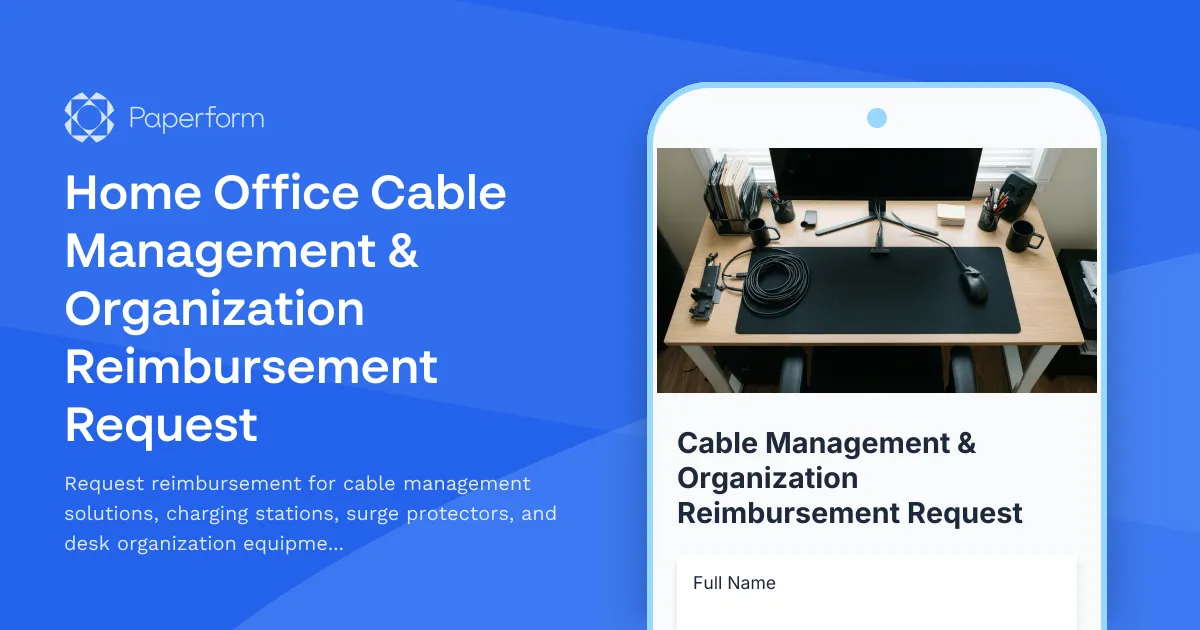
Professional Cable Management Reimbursement Made Simple
Working from home shouldn't mean dealing with tangled cables, fire hazards, or cluttered workspaces. Whether you're setting up a new home office or upgrading your existing setup, proper cable management is essential for productivity, safety, and maintaining a professional workspace.
This Home Office Cable Management & Organization Reimbursement Request template helps employees submit clear, documented requests for essential workspace organization equipment—from cable sleeves and clips to surge protectors and charging stations—while ensuring all safety requirements are met.
Why cable management matters for remote teams
A well-organized workspace isn't just about aesthetics. Proper cable management reduces trip hazards, prevents electrical fires, protects expensive equipment from power surges, and creates a cleaner environment for video calls and focused work. For employers, supporting these requests demonstrates commitment to employee wellbeing and workplace safety, even when that workplace is at home.
This form template streamlines the approval process by collecting everything your finance or facilities team needs: photos of the current setup, itemized equipment lists with pricing, safety compliance verification, and clear business justification—all in one organized submission.
Built for HR teams, facilities managers, and remote-first companies
This template is perfect for:
- HR and People Operations teams managing home office stipends and reimbursement programs
- Facilities managers coordinating remote workspace safety and compliance
- IT departments ensuring proper power management for company-issued equipment
- Finance teams processing equipment reimbursements with proper documentation
- Office managers supporting hybrid employees with workspace optimization
Whether you're a startup offering home office allowances or an enterprise managing hundreds of remote workers, this form makes it easy to evaluate requests fairly and consistently.
What's included in this template
The form guides employees through documenting their current setup with photos, specifying exactly what equipment they need (cable raceways, under-desk trays, surge protectors, USB charging hubs, velcro ties, and more), explaining how these improvements will enhance productivity and safety, and confirming they understand basic electrical safety guidelines.
Approvers can see the full picture at a glance—total estimated cost, visual context of the workspace, and clear reasoning—making it simple to approve legitimate requests quickly while maintaining budget oversight.
Automation with Stepper
Once a request is submitted, you can use Stepper to automatically route it to the appropriate approver based on cost thresholds, send the submission details to your expense management system, update your HR software with reimbursement tracking information, and notify employees when their request is approved or needs clarification. This eliminates manual forwarding and keeps everyone in the loop without extra admin work.
eSignatures with Papersign
For companies that need employees to acknowledge equipment policies or confirm they'll return items if they leave the company, you can connect Papersign to automatically generate and send a simple equipment agreement for signature after the form is submitted. This creates a clear paper trail and ensures everyone understands the terms before equipment is purchased.
Professional, on-brand forms that work everywhere
Built with Paperform's intuitive editor, this template can be customized to match your company branding, embedded directly in your employee portal or intranet, and works perfectly on any device. Whether your team is submitting requests from their phone during a lunch break or from their laptop at their desk, the experience is seamless.
The form includes smart conditional logic to show relevant fields based on equipment type, built-in calculations to track total costs, and file upload capabilities for photos and receipts—everything you need to run a smooth reimbursement program without the back-and-forth emails.
Trusted by remote-first organizations worldwide
Join thousands of companies using Paperform to streamline their remote work operations. With SOC 2 Type II compliance, enterprise-grade security, and powerful integrations with tools like Slack, Google Workspace, and your existing HRIS, you can trust that sensitive employee data and financial information stays protected.
Ready to simplify your home office reimbursement process? Start with this template and customize it to match your company's specific policies, budget limits, and approval workflows. Your remote team will appreciate the clarity, and your finance team will love the organization.



More templates like this

Home Office Battery Backup & UPS Request Form
Request battery backup and UPS equipment for your home office to ensure business continuity during power outages. Assess your power needs, prioritize critical devices, and plan for uninterrupted remote work.
Home Office Ergonomic Assessment & Consultation Request
Schedule a professional virtual assessment of your home workspace with our ergonomic specialists to optimize comfort, productivity, and receive personalized equipment recommendations.
Home Office Temperature Control Request Form
Request temperature control equipment and reimbursement for your home office setup, including smart thermostats, space heaters, desk fans, and comfort optimization solutions for remote work.
Home Office Window Treatment & Glare Reduction Request Form
Request window treatments for your home office to reduce screen glare, improve privacy, and enhance workspace comfort while working remotely.

Hybrid Work Equipment Insurance & Damage Assistance Form
Submit claims for accidental damage, theft, or loss of home office equipment with deductible assistance, repair cost sharing, and replacement support for hybrid workers.
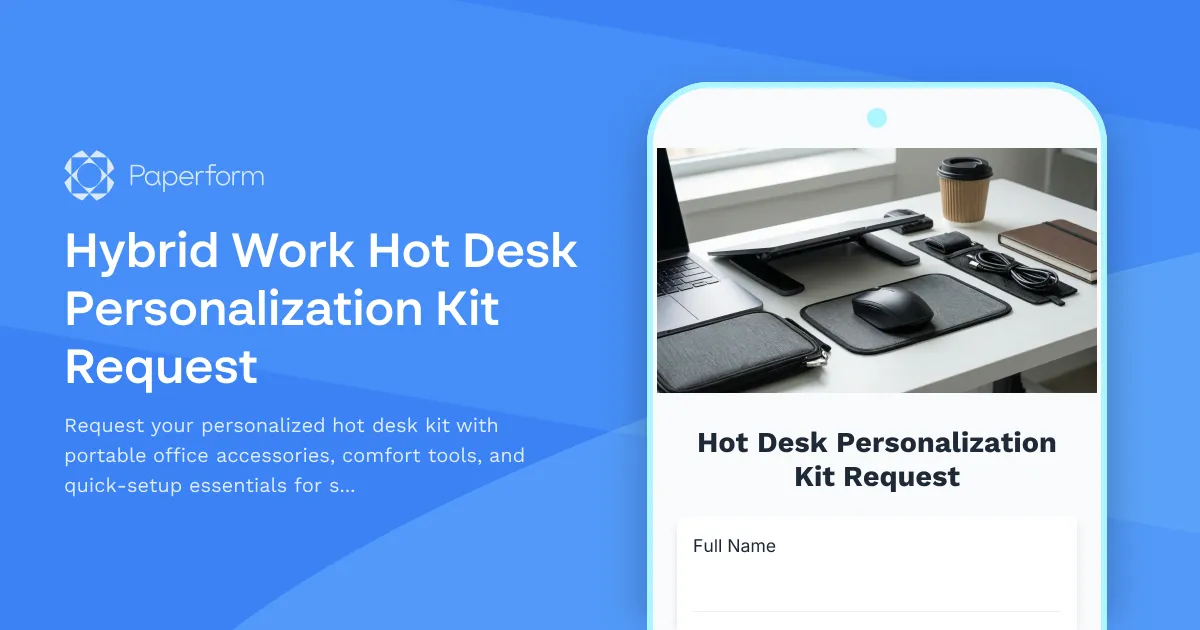
Hybrid Work Hot Desk Personalization Kit Request
Request your personalized hot desk kit with portable office accessories, comfort tools, and quick-setup essentials for seamless hybrid workdays.
Remote Work Backup Power Supply Request Form
Request backup power equipment for your remote workspace. Submit UPS specifications, runtime requirements, and equipment protection needs for home office power continuity.

Remote Work Desk Accessories & Organizers Allowance Form
Submit requests for remote work desk accessories, organizers, and workspace optimization items with budget tracking and approval workflow.

Remote Work Monitor & Display Upgrade Request
Request approval for new monitors and display equipment for your home office setup. Submit screen specifications, multiple monitor needs, and mounting requirements for budget approval.
Alternative Ergonomic Seating Request Form
Request approval for posture-correcting chairs and alternative ergonomic seating solutions for your home office, including kneeling chairs, balance balls, saddle chairs, and active sitting options.

Emergency Communication Device Allowance Request
Request reimbursement or allowance for emergency communication equipment including satellite phones, emergency radios, and backup devices for remote work locations.

Home Office Accessibility & Specialized Seating Request Form
Request specialized ergonomic seating, mobility equipment, and accessibility accommodations for your home office workspace with ADA compliance documentation and approval workflow.