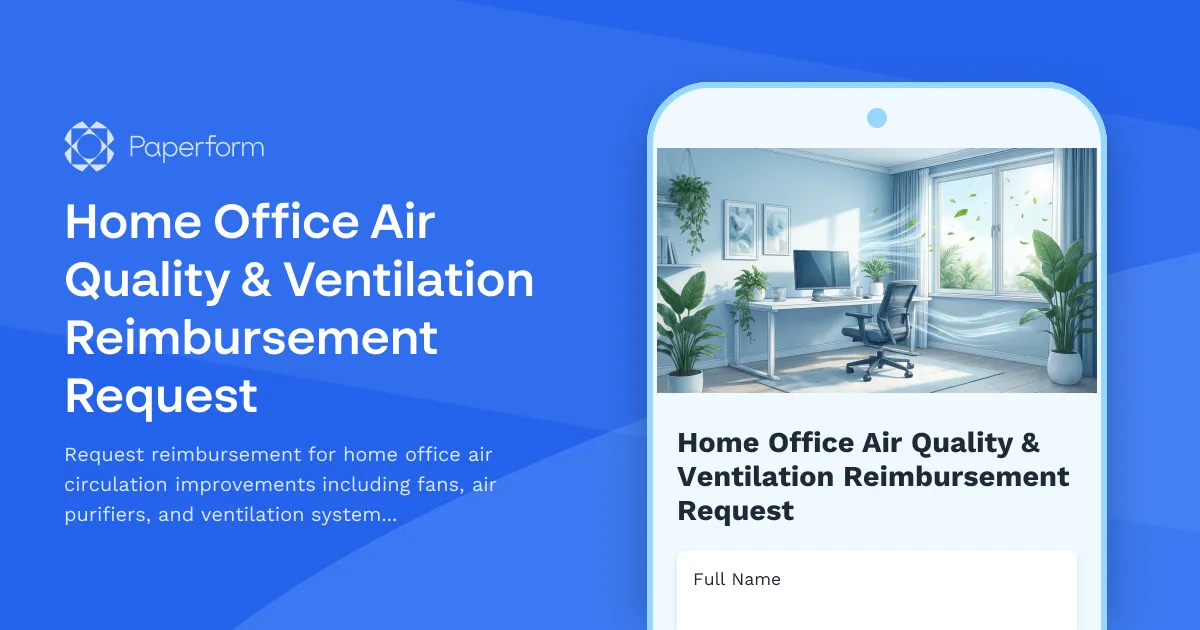
Create a Healthier Home Office with Air Quality Equipment Reimbursement
Working from home has become the new normal for millions of professionals, but not all home offices are created equal when it comes to air quality and ventilation. Poor air circulation can lead to stuffiness, decreased productivity, increased fatigue, and even health concerns—especially in converted bedrooms, basements, or spaces without proper HVAC integration.
This Home Office Air Quality & Ventilation Reimbursement Request Form helps HR teams and remote workers streamline the process of requesting and approving equipment investments that improve indoor air quality, from desk fans and air purifiers to complete air exchange systems.
Why Air Quality Matters for Remote Work Success
Indoor air quality directly impacts cognitive function, focus, and overall wellbeing. Studies show that poor ventilation can reduce productivity by up to 11%, while proper air circulation improves concentration, reduces sick days, and creates a more comfortable work environment.
For organizations supporting distributed teams, investing in air quality improvements demonstrates a commitment to employee health and performance—going beyond basic desk-and-chair setups to address the invisible factors that affect daily comfort and safety.
What This Template Covers
This comprehensive reimbursement form collects everything your finance and facilities teams need to evaluate requests:
- Employee information and workspace details to understand the current setup
- Air quality concerns including stuffiness, poor circulation, temperature regulation, or health-related needs
- Equipment specifications for fans, air purifiers, HEPA filters, dehumidifiers, humidifiers, or ventilation systems
- COVID-19 safety measures and pathogen reduction features where applicable
- Cost breakdown and vendor information to process reimbursements efficiently
- Supporting documentation uploads for receipts, product specs, or medical recommendations
- Manager approval workflow to keep stakeholders aligned
The form uses conditional logic to adapt based on equipment type, ensuring you only collect relevant details for each request—whether it's a simple desk fan or a comprehensive air exchange system.
Built for HR, Finance, and Facilities Teams
For Human Resources: Standardize your home office equipment policy with a clear, consistent request process that puts employee health first. Track requests, identify common patterns across your remote workforce, and demonstrate duty of care.
For Finance Teams: Capture all the information needed to validate expenses, track budget allocation, and maintain clear audit trails. Set spending limits, require manager approval, and integrate submissions with your expense management or payroll systems.
For Facilities & IT Managers: Even when teams are distributed, you can maintain oversight of equipment standards, energy efficiency, and compatibility with company guidelines—ensuring reimbursements align with your organization's sustainability and safety values.
Seamless Workflow Integration with Stepper
Once a request is submitted through Paperform, you can use Stepper to automate what happens next:
- Route requests above a certain dollar amount to senior leadership for additional approval
- Send automatic approval notifications to finance for processing
- Update your HR system, Google Sheets, or Airtable with request details
- Trigger reimbursement workflows in your payroll or expense platform
- Create follow-up tasks for facilities teams to check in on air quality improvements
This keeps your remote work equipment program running smoothly without manual handoffs or email chains.
Perfect for Organizations Prioritizing Remote Work Quality
Whether you're a fully remote startup, a hybrid enterprise, or a professional services firm adapting to flexible work models, this template helps you:
- Support employee health and comfort with thoughtful equipment policies
- Reduce administrative overhead by collecting all necessary information upfront
- Maintain budget control while empowering teams to optimize their workspaces
- Address accessibility needs for employees with respiratory conditions or sensitivities
- Show you care beyond the basics of remote work support
Air quality might seem like a small detail, but for remote workers spending 8+ hours a day in the same room, it makes a meaningful difference. Use this template to make your reimbursement process as clear and efficient as possible, and give your team the tools they need to breathe easier while they work.
Start with this template, customize it to match your company's equipment policy and approval workflows, and integrate it with your existing HR and finance stack using Paperform's powerful integrations and Stepper automation.



More templates like this

Home Office Accessibility & Specialized Seating Request Form
Request specialized ergonomic seating, mobility equipment, and accessibility accommodations for your home office workspace with ADA compliance documentation and approval workflow.

Remote Work Desk Accessories & Organizers Allowance Form
Submit requests for remote work desk accessories, organizers, and workspace optimization items with budget tracking and approval workflow.

Hybrid Work Equipment Insurance & Damage Assistance Form
Submit claims for accidental damage, theft, or loss of home office equipment with deductible assistance, repair cost sharing, and replacement support for hybrid workers.
Remote Work Carbon Footprint Reduction Equipment Incentive Application
Apply for incentives to upgrade your home office with energy-efficient equipment, green technology, and sustainability monitoring tools that reduce your carbon footprint.
Remote Work Internet & Utility Reimbursement Form
Streamline home office expense reimbursements with automated cost calculations, usage tracking, and recurring payment setup for remote employees.

Emergency Communication Device Allowance Request
Request reimbursement or allowance for emergency communication equipment including satellite phones, emergency radios, and backup devices for remote work locations.
Home Office Accessibility & Equipment Request Form
Request home office equipment and accessibility accommodations with disability assessment, assistive technology needs, and ADA compliance verification for inclusive remote work.
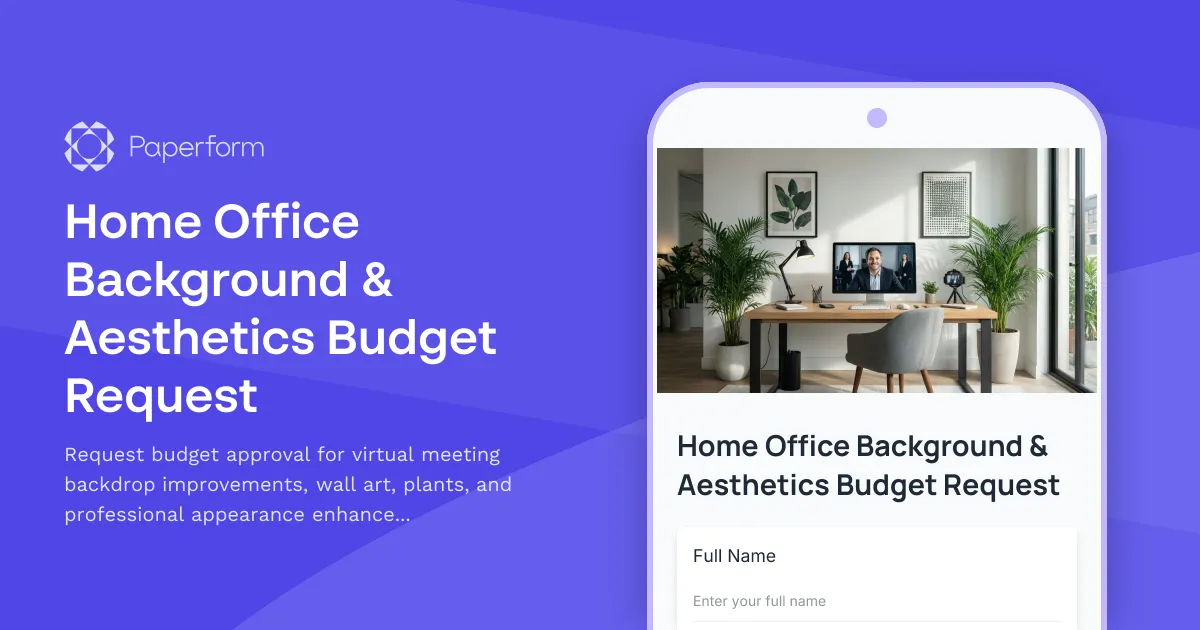
Home Office Background & Aesthetics Budget Request
Request budget approval for virtual meeting backdrop improvements, wall art, plants, and professional appearance enhancements for your home office setup.
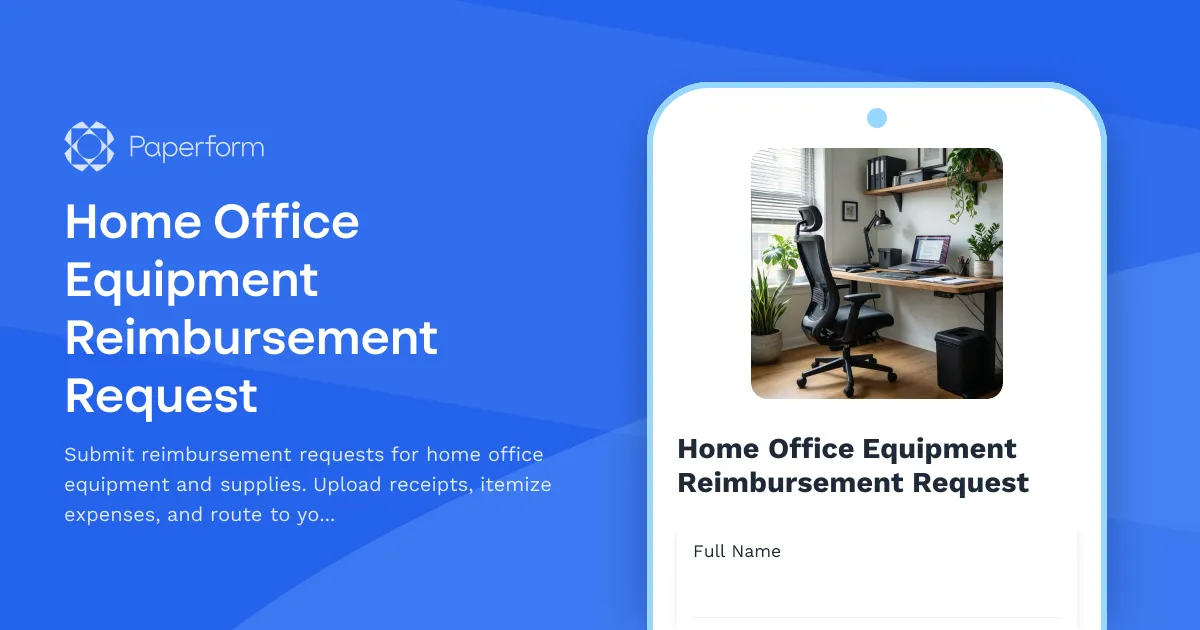
Home Office Equipment Reimbursement Request
Submit reimbursement requests for home office equipment and supplies. Upload receipts, itemize expenses, and route to your manager for approval.
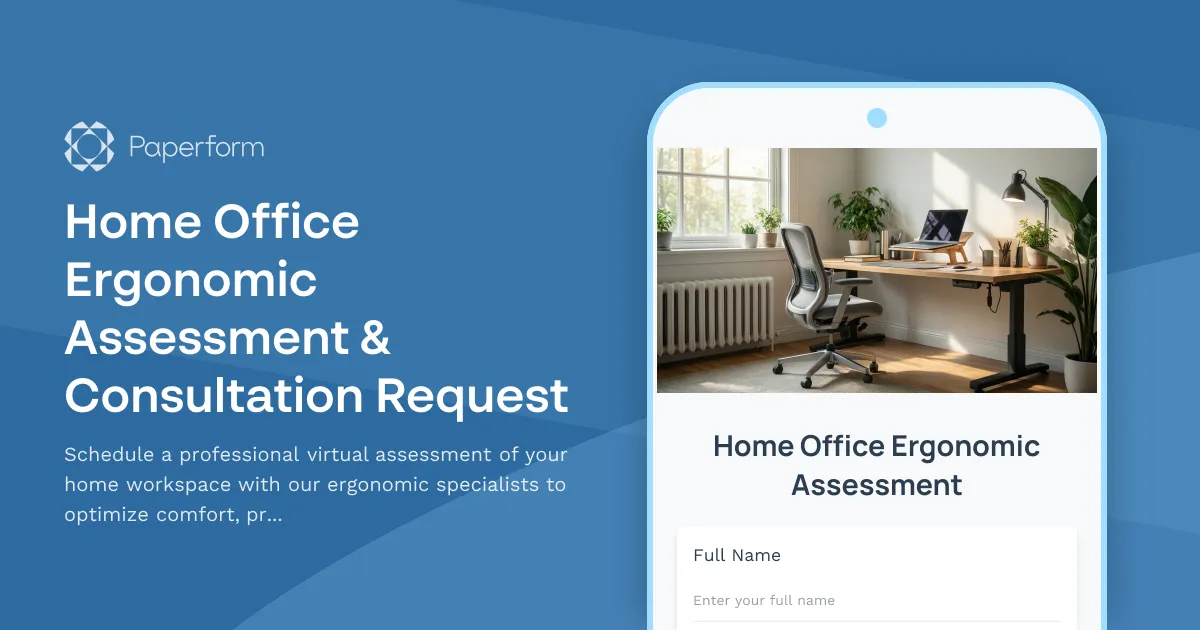
Home Office Ergonomic Assessment & Consultation Request
Schedule a professional virtual assessment of your home workspace with our ergonomic specialists to optimize comfort, productivity, and receive personalized equipment recommendations.
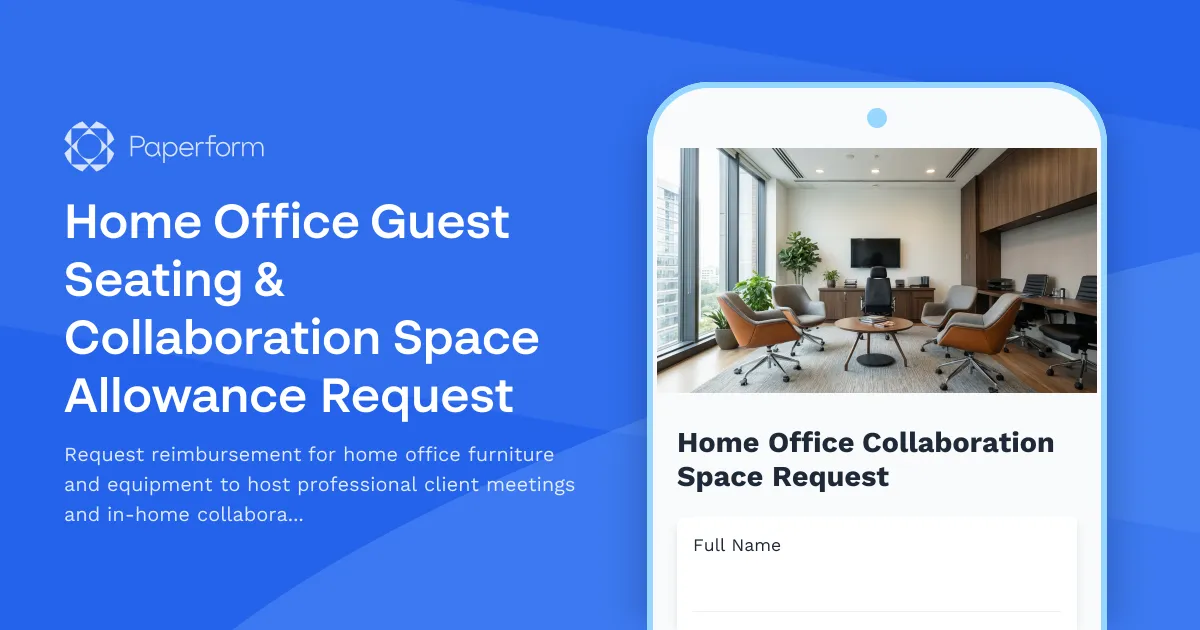
Home Office Guest Seating & Collaboration Space Allowance Request
Request reimbursement for home office furniture and equipment to host professional client meetings and in-home collaboration sessions.
Home Office Soundproofing & Acoustic Treatment Request
Request acoustic improvements and soundproofing solutions for your home office to enhance audio quality and reduce noise distractions during remote work.