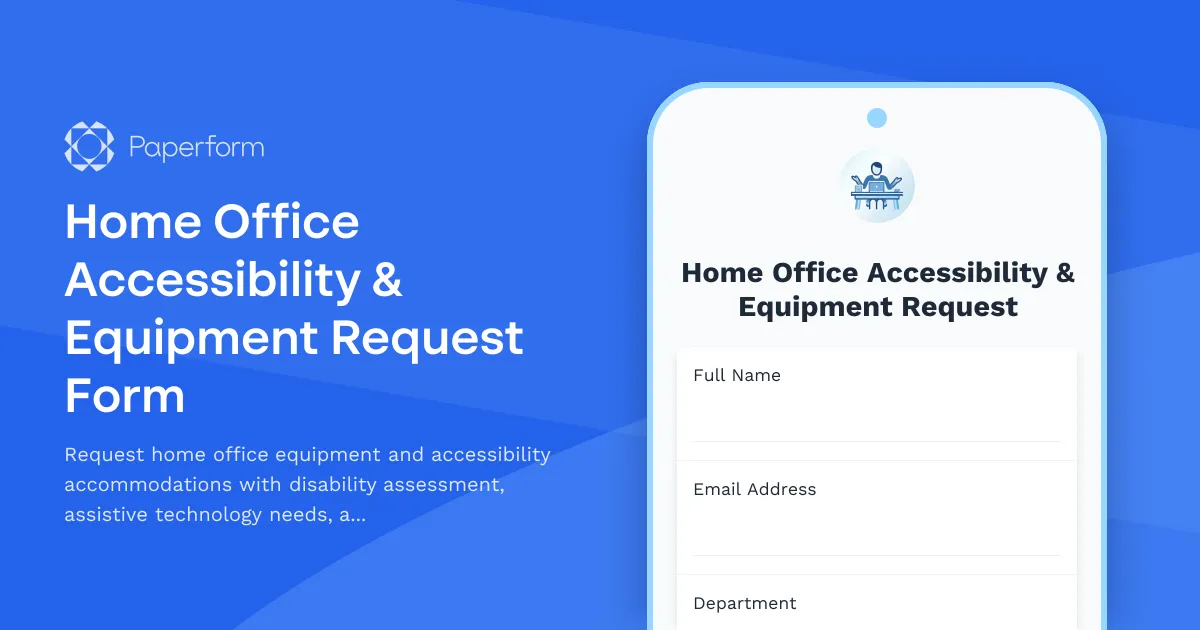
Create an Accessible, Compliant Remote Workplace with Paperform
As remote and hybrid work becomes the standard, ensuring every employee has an accessible, functional home office isn't just good practice—it's a legal and ethical imperative. Our Home Office Accessibility & Equipment Request Form helps HR teams, facilities managers, and DEI leaders streamline the process of assessing accommodation needs, recommending workplace adjustments, verifying ADA compliance, and fulfilling equipment requests—all in one professional, compassionate workflow.
Why accessibility-first remote work matters
The shift to distributed teams has opened new opportunities for workers with disabilities, chronic health conditions, neurodivergence, and mobility challenges. But without structured support, remote work can inadvertently create new barriers. A dedicated accessibility audit and equipment request process ensures that:
- Employees feel supported and included from day one, building trust and psychological safety
- Your organization meets ADA, Section 504, and other compliance obligations across distributed teams
- Reasonable accommodations are documented, approved, and tracked for audit trails and consistency
- Assistive technology and ergonomic equipment are provided proactively, not reactively
This form serves as a central intake point for home office setup requests, accessibility assessments, and ongoing workplace adjustment needs—helping you build a truly inclusive remote-first culture.
Who benefits from this form
This template is designed for:
- HR and People Operations teams managing accommodation requests and compliance documentation
- Facilities and IT managers coordinating equipment procurement, shipping, and setup support
- DEI and accessibility leads ensuring equitable access to tools, technology, and workplace adjustments
- Remote-first and hybrid companies committed to building inclusive, legally compliant distributed teams
- Occupational health and safety coordinators evaluating ergonomic risks and wellness support
Whether you're onboarding a new employee who needs screen reader software and an adjustable desk, or supporting a current team member requesting mobility aids and lighting adjustments, this form creates a clear, dignified pathway for requesting and receiving support.
What this form includes
Our template combines accessibility assessment, equipment request, and compliance verification into one streamlined experience:
- Employee and accommodation overview to capture context and urgency
- Disability and accessibility needs assessment with confidential disclosure options
- Assistive technology and software requests for screen readers, voice recognition, captioning tools, and more
- Ergonomic and adaptive equipment requests including adjustable furniture, specialized keyboards, mobility aids, and sensory accommodations
- Workplace adjustment recommendations for lighting, sound, scheduling flexibility, and environmental modifications
- ADA compliance verification and documentation to ensure legal obligations are met
- Cost estimation and approval routing to streamline procurement and budget allocation
- Follow-up and reassessment scheduling to ensure ongoing support
The form uses conditional logic to show relevant fields based on the type of accommodation requested, creating a personalized experience while capturing all necessary compliance details.
How Paperform makes accessibility requests seamless
Paperform's flexible, doc-style editor lets you design forms that are both professional and deeply human—critical when handling sensitive accommodation requests. You can embed this form on your intranet, share it via secure link, or include it in onboarding workflows so new hires can request support from day one.
Conditional logic ensures employees only see fields relevant to their needs, reducing cognitive load and form fatigue. A neurodivergent employee requesting focus accommodations won't be asked about mobility equipment, and vice versa—making the process faster and more respectful.
Secure, confidential data handling is built in. Paperform is SOC 2 Type II compliant and offers data residency controls, ensuring sensitive health and disability information is protected. You can control who on your team has access to responses, keeping accommodation details confidential and only visible to those who need to know.
Automate approvals and equipment fulfillment with Stepper
Once a request is submitted, Stepper (Paperform's AI-native workflow builder at stepper.io) can take over the heavy lifting:
- Route requests to the right approver based on cost, accommodation type, or department
- Trigger procurement workflows in your inventory or purchasing system
- Send equipment tracking updates via email or Slack as items are ordered and shipped
- Create tasks in project management tools for IT setup, ergonomic assessments, or follow-up check-ins
- Log accommodations in your HRIS or ADA compliance tracker for audit and reporting purposes
This means HR doesn't have to manually chase down approvals or update spreadsheets—Stepper handles the routing, notifications, and record-keeping automatically, ensuring every request is processed quickly and nothing falls through the cracks.
Integrate with your existing HR and IT stack
Paperform connects seamlessly with the tools you already use:
- HRIS and HR platforms like BambooHR, Workday, or Rippling to log accommodations and link to employee records
- Procurement and inventory tools to create purchase orders and track equipment fulfillment
- Communication platforms like Slack or Microsoft Teams for real-time notifications and approvals
- Project management tools like Asana, Monday, or ClickUp to assign setup tasks and track progress
- Google Sheets or Airtable for lightweight tracking and reporting dashboards
Native integrations and webhook support mean you can build a fully automated accessibility workflow without a single line of code.
Why SMBs and enterprise teams trust Paperform for sensitive HR processes
Remote and hybrid teams across tech, education, healthcare, professional services, and nonprofit sectors rely on Paperform to handle confidential, compliance-critical processes like accommodation requests. The platform combines ease of use with enterprise-grade security, so even non-technical HR coordinators can create, deploy, and manage forms that meet legal and privacy standards.
Roles that benefit from this template:
- HR Managers, HR Specialists, and People Ops teams managing accommodations
- DEI and accessibility coordinators ensuring equitable remote work
- Facilities and IT managers fulfilling equipment and technology requests
- Occupational health professionals assessing ergonomic and wellness needs
- Compliance officers tracking ADA, Section 504, and disability law adherence
Industries where this form is essential:
- Software, SaaS, and technology companies with distributed teams
- Professional services, consulting, and remote-first agencies
- Education institutions supporting remote faculty and staff
- Healthcare and telehealth organizations with hybrid clinical and admin teams
- Nonprofits committed to inclusive, accessible employment practices
Build a truly inclusive remote workplace
Accessibility isn't a one-time checklist—it's an ongoing commitment to ensuring every team member has what they need to do their best work. This form helps you demonstrate that commitment in action, creating a transparent, respectful process for requesting and receiving support.
With Paperform, you can launch this form in minutes, customize it to your organization's policies and equipment options, and start processing requests the same day. No developers, no delays—just a clear path to a more accessible, compliant, and inclusive remote workplace.
Get started today and build a home office setup process that works for everyone.



More templates like this

Home Office Accessibility & Specialized Seating Request Form
Request specialized ergonomic seating, mobility equipment, and accessibility accommodations for your home office workspace with ADA compliance documentation and approval workflow.
Neurodivergent Remote Work Accommodation Request
A supportive form for neurodivergent employees to request remote work accommodations, including sensory needs, focus environment requirements, flexible scheduling, and communication preferences.
Chronic Fatigue Syndrome Remote Work Accommodation Request Form
A comprehensive accommodation request form for employees with chronic fatigue syndrome (CFS/ME) seeking remote work arrangements with energy management support, flexible rest periods, and specialist appointment scheduling.
Employee Resource Group (ERG) Participation Survey
Gather employee feedback on ERG participation, affinity group interests, event attendance, and leadership opportunities to strengthen workplace diversity and inclusion initiatives.
Bone Marrow & Organ Donation Remote Work Request Form
Request remote work accommodations for employees participating in life-saving bone marrow or organ donation, including pre-procedure testing, surgical recovery, and donor registry participation.
Employee Committee Assignment Equity Grievance Form
Submit a formal grievance regarding committee assignment equity, visibility opportunities, leadership development access, and selection transparency in the workplace.
Hybrid Schedule Accessibility Accommodation Request Form
A comprehensive form for employees to request accessibility accommodations, ergonomic support, and workplace modifications for hybrid work arrangements, ensuring inclusive and comfortable work environments.
Mid-Year Performance Check-In Form
A comprehensive mid-year review form for tracking goal progress, identifying obstacles, and assessing resource needs to support employee development and performance.
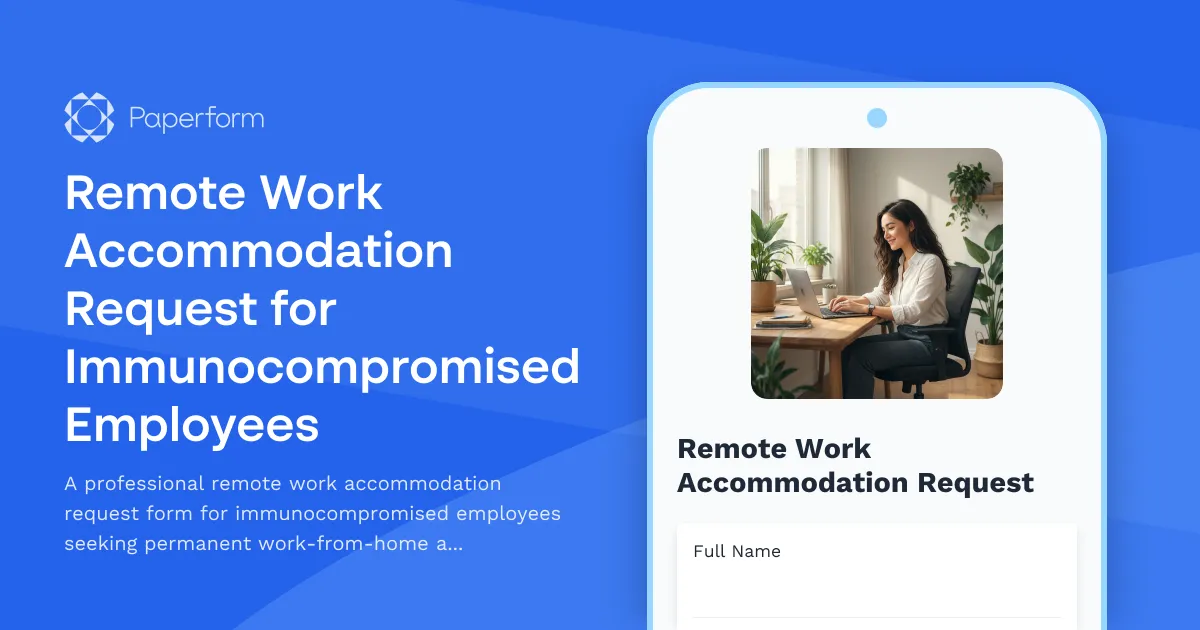
Remote Work Accommodation Request for Immunocompromised Employees
A professional remote work accommodation request form for immunocompromised employees seeking permanent work-from-home arrangements with medical documentation and workplace safety considerations.
Workplace Mental Health & Wellbeing Survey
A comprehensive survey to assess employee mental health, stress levels, wellbeing support needs, and gather feedback on existing counseling services and workplace mental health initiatives.
Workplace Neurodiversity Accommodation and Support Survey
A comprehensive survey to assess neurodivergent employees' accommodation needs, including sensory-friendly workspace preferences, communication flexibility, and inclusive hiring practices feedback.
Caregiver Remote Work Request Form for Elderly Parent Care
A compassionate remote work request form designed for employees seeking flexible arrangements to care for elderly parents, with customizable schedules, emergency provisions, and regular check-ins.