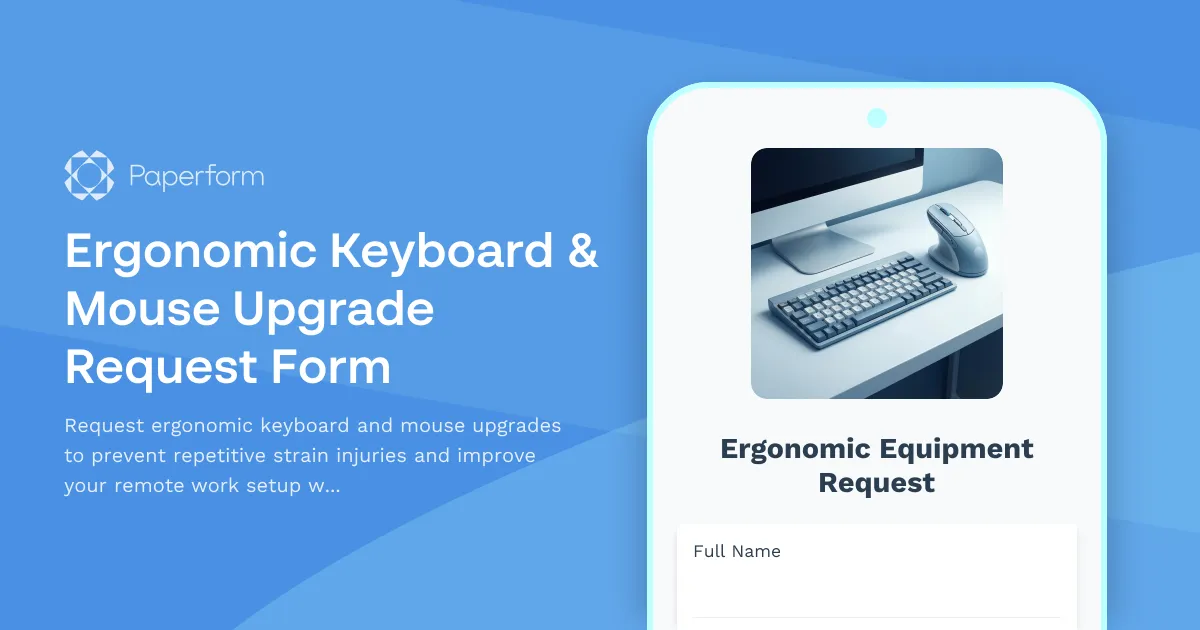
Prevent RSI and Boost Comfort with Ergonomic Keyboard & Mouse Upgrades
Working remotely shouldn't mean compromising on workplace health and safety. Repetitive strain injuries (RSI), carpal tunnel syndrome, and other musculoskeletal issues are serious concerns for remote employees who spend hours each day typing and navigating screens. This Ergonomic Keyboard & Mouse Upgrade Request Form template helps your HR and operations teams streamline equipment requests while demonstrating your commitment to employee wellbeing.
Why ergonomic input devices matter for remote teams
Remote workers often spend 6-8 hours daily using keyboards and mice, often with equipment that wasn't designed for intensive professional use. Standard peripherals can contribute to wrist pain, finger strain, shoulder tension, and long-term repetitive strain injuries. Providing employees with ergonomic alternatives—split keyboards, vertical mice, trackpads, mechanical switches suited to their typing style—can significantly reduce discomfort, prevent injury, and improve productivity.
For organizations managing distributed teams, having a clear process for ergonomic equipment requests ensures consistency, budget control, and demonstrates duty of care. This form captures everything you need to evaluate requests: current symptoms or concerns, device preferences, accessibility needs, and whether wireless connectivity is required for their home office setup.
How Paperform makes equipment requests effortless
Built for HR teams, IT departments, and operations managers at SMBs with remote or hybrid workforces, this template turns a potentially messy email chain into a structured, trackable workflow. Employees can quickly submit their requests with context about their needs, and approvers get all the information in one place to make informed decisions.
Paperform's conditional logic means the form adapts based on responses—if someone indicates they're experiencing pain or discomfort, additional fields appear to gather relevant details. If they select mechanical keyboards, the form shows switch type options. This keeps the experience streamlined while capturing the nuance you need for proper equipment selection.
Customization is straightforward: adjust the equipment options to match your company's preferred vendors or budget tiers, add your branding with logos and colors, and embed the form directly into your intranet, Slack workspace, or employee portal. Since Paperform works like editing a document, your HR team can update options and policies without waiting on IT support.
Automate approvals and fulfillment with Stepper
Once an employee submits their ergonomic equipment request, Stepper (stepper.io) can automate what happens next. Route requests to different approvers based on cost thresholds, notify your procurement team when items are approved, create purchase orders in your accounting system, update inventory trackers, and send confirmation emails to employees with expected delivery timelines.
Stepper's AI-native workflows mean you can describe your approval process in plain language—"If the total cost is under $200, auto-approve and notify procurement; if over $200, route to the department head for approval first"—and Stepper builds the automation for you. Every request stays connected to the original form submission, giving you a complete audit trail for compliance and budgeting.
Built for growing, remote-first organizations
Whether you're a 20-person startup going fully remote or a 500-person company transitioning to hybrid work, ergonomic equipment requests are part of modern workplace operations. This template works for:
- HR and People Operations teams managing employee wellbeing and accommodation requests
- IT and Operations departments coordinating remote office equipment provisioning
- Finance teams tracking home office reimbursements and capital expenditure
- Health & Safety officers demonstrating compliance with workplace safety obligations
Paperform is SOC 2 Type II compliant, meaning sensitive employee health information and accommodation requests are handled securely. Role-based permissions let you control who can view submitted requests, and all data can be exported or synced to your HRIS, project management tools, or procurement systems via native integrations or Stepper workflows.
Get started in minutes
This template is ready to use immediately—just customize the equipment options to match your policies, add any internal approval fields you need, and publish. Employees get a fast, respectful way to request the tools they need to work comfortably, and your team gets structured data that makes purchasing, budgeting, and compliance straightforward.
Trusted by over 500,000 teams worldwide, Paperform combines the simplicity of a form builder with the power of payments, automation, and workflow tools—so you can support your remote workforce without adding complexity to your operations.
Start supporting healthier, happier remote work today with Paperform's Ergonomic Keyboard & Mouse Upgrade Request Form.



More templates like this
Dual Monitor Arm & Mounting System Request Form
Request approval and reimbursement for dual monitor arms and mounting systems for your remote workspace with VESA compatibility, weight capacity, and ergonomic specifications.

Emergency Communication Device Allowance Request
Request reimbursement or allowance for emergency communication equipment including satellite phones, emergency radios, and backup devices for remote work locations.

Home Office Battery Backup & UPS Request Form
Request battery backup and UPS equipment for your home office to ensure business continuity during power outages. Assess your power needs, prioritize critical devices, and plan for uninterrupted remote work.

Home Office Electrical Capacity & Equipment Reimbursement Form
Assess your home office electrical needs, calculate circuit load requirements, and request reimbursement for power strips, outlets, and electrician consultations to ensure safe and compliant remote work setups.
Home Office Noise Cancellation Equipment Request Form
Request noise cancellation equipment for your home office, including headphones, microphones, and video conferencing gear with department approval routing.
Home Office Technology Setup Request Form
A comprehensive IT equipment request form for remote employees to specify hardware preferences, software needs, monitor requirements, and ergonomic accessories for their home office setup.
Hybrid Work Audio Privacy Equipment Request Form
Request white noise generators, sound masking devices, and audio privacy equipment for confidential remote and hybrid work conversations.

Hybrid Work Equipment Check-Out Form
A comprehensive form for hybrid and remote employees to request, check out, and track company equipment including laptops, monitors, peripherals, and accessories with return scheduling and liability acknowledgment.

Hybrid Work Equipment Insurance & Damage Assistance Form
Submit claims for accidental damage, theft, or loss of home office equipment with deductible assistance, repair cost sharing, and replacement support for hybrid workers.
Hybrid Work Equipment Trade-In & Upgrade Program
Streamline your home office equipment upgrades with this comprehensive trade-in form that handles asset inventory, depreciation calculations, refurbishment options, and eco-friendly disposal compliance.
Hybrid Work Technology Insurance & Protection Plan Request
Request insurance and protection coverage for your home office equipment with custom coverage options, deductible preferences, and comprehensive loss and damage protection policies.
Laptop Docking Station Request Form
Request a laptop docking station for your hybrid work setup with specifications for ports, monitors, USB-C compatibility, and power delivery needs.