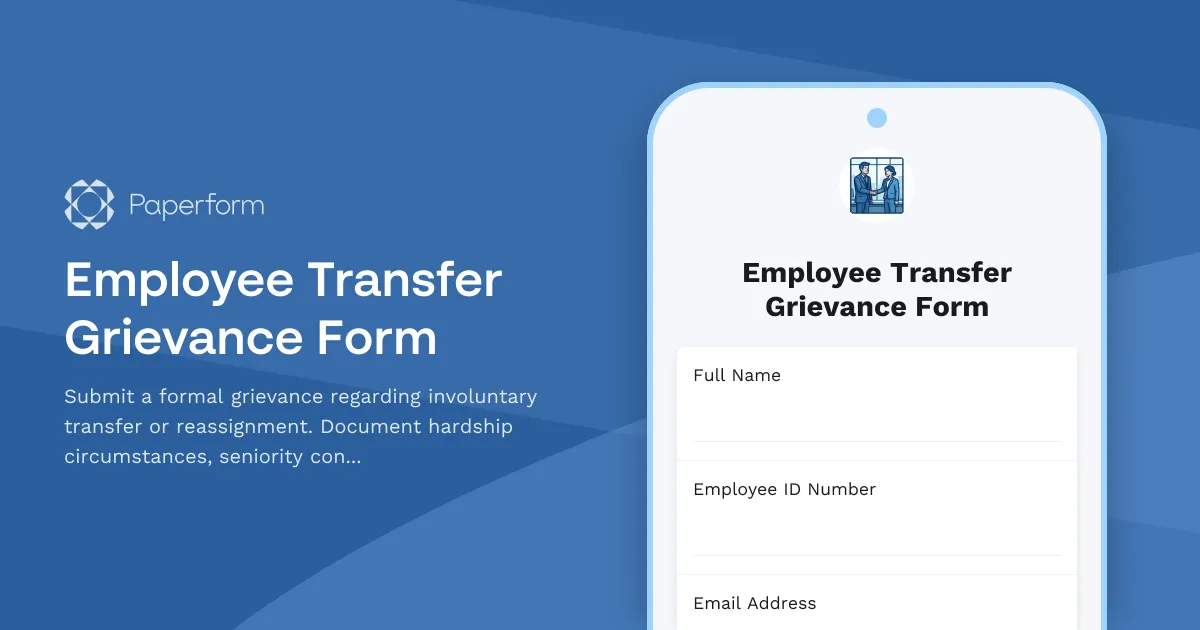
Employee Transfer Grievance Form Template
When a transfer or reassignment feels unjust, having a clear channel to voice your concerns matters. This Employee Transfer Grievance Form gives employees a structured way to formally challenge involuntary transfers, document hardship circumstances, and request review based on seniority rights or contractual obligations.
Why use a digital employee transfer grievance form?
Moving from paper-based grievance processes to a digital form built with Paperform brings clarity, speed and accountability to what can be a stressful situation for employees and HR teams alike.
For employees, a well-designed form ensures every detail is captured—from the specific transfer being contested to the personal or professional hardship it creates. You can upload supporting documents, reference collective bargaining agreements, and clearly articulate your preferred resolution, all in one submission.
For HR managers, union representatives and employee relations teams, digital grievance forms create an auditable trail from the moment a grievance is filed. Conditional logic can route urgent cases to different reviewers, auto-send acknowledgment emails to the employee, and trigger follow-up workflows in tools like BambooHR, Slack or your case management system via Stepper (stepper.io), Paperform's AI-native workflow builder.
What this template includes
This Employee Transfer Grievance Form is designed to capture:
- Employee and position information including department, supervisor, hire date and union membership status
- Transfer details specifying the nature of the reassignment (department, location, shift or role change), effective date, and whether notice requirements were met
- Grievance basis with checkboxes for common grounds such as seniority violation, contractual breach, discrimination, lack of notice, or undue hardship
- Hardship documentation including financial impact, family or caregiver responsibilities, health concerns, commute burden, and other personal circumstances
- Seniority and rights review to reference collective bargaining agreements, past precedents, and any bidding or bumping rights that may apply
- Supporting evidence upload for contracts, medical letters, childcare schedules, or correspondence
- Desired resolution whether that's cancellation of the transfer, alternative placement, compensation, or another outcome
- Witness and representative information if the employee wishes to involve a union rep or coworker in the process
The form uses conditional logic to show relevant follow-up questions based on the type of transfer and grievance selected, keeping the experience clear and focused for the employee while ensuring HR collects all necessary detail.
Who benefits from this template
This form is built for organisations across manufacturing, healthcare, education, logistics, retail, hospitality, public administration and unionised environments where transfers and reassignments are common and governed by policy, seniority rules or collective agreements.
HR managers and employee relations specialists can deploy this template to standardise grievance intake, reduce back-and-forth emails, and ensure compliance with internal timelines and union contract language. Union representatives and labour relations teams gain visibility into transfer disputes early, with all the context needed to represent the employee effectively. Employees get a fair, transparent process that respects their voice and documents their case from day one.
Automate grievance workflows with Stepper
Once a grievance is submitted, the real work begins—acknowledgment, review, investigation, response. Instead of managing this manually across email and spreadsheets, you can use Stepper to automate the entire lifecycle:
- Route grievances to the right HR business partner, department head or union steward based on location, reason or urgency
- Set up escalation timelines to ensure grievances are reviewed within contractual deadlines (e.g. 5 business days for acknowledgment, 15 days for initial response)
- Update case tracking tools like Monday.com, Asana or custom HR databases as the grievance moves through stages
- Notify stakeholders in Slack or Microsoft Teams when new documentation is added or a decision is reached
- Generate response letters or case summaries using AI, pulling data directly from the form submission
This keeps the process transparent, reduces manual admin, and helps HR teams meet their obligations under employment law or collective bargaining agreements.
Compliance, security and trust
Grievances often involve sensitive personal information—health concerns, family circumstances, allegations of discrimination or retaliation. Paperform is SOC 2 Type II compliant and offers data residency controls, role-based permissions and audit logs so you can handle these submissions with the care and confidentiality they deserve. All data is encrypted in transit and at rest, and you control who on your team has access to view, export or delete grievance records.
Customise for your organisation's policies
Every workplace has different transfer rules, seniority systems and grievance procedures. With Paperform's intuitive editor, you can:
- Adjust the grievance grounds to match your collective agreement or employee handbook language
- Add or remove hardship categories based on what's relevant to your industry (e.g. remote work availability, visa sponsorship concerns for international transfers)
- Include specific reference fields for article numbers, grievance step levels, or internal case IDs
- Set up auto-response emails with acknowledgment language that meets your legal or contractual obligations
- Apply your organisation's brand colours, logo and tone of voice for a professional, on-brand experience
Whether you're a HR director at a large manufacturing plant, a labour relations manager in healthcare, a people operations lead at a logistics company, or an employee relations specialist in local government, this template gives you a ready-to-deploy starting point that's both employee-friendly and process-compliant.
Get started in minutes
This template is part of Paperform's library of 30,000+ professional form templates designed for real business workflows. You can launch it as-is or tailor it to your policies in minutes—no coding, no waiting on IT. Once live, you can embed the form in your intranet, share a direct link via email or Slack, or add it to your employee portal.
Trusted by over 500,000 teams worldwide, Paperform helps HR and employee relations teams replace paper trails and email chaos with clear, compliant, automated processes. And with generous submission limits, predictable pricing and enterprise-grade security, it scales with you as your team and workforce grow.
Start streamlining your employee transfer grievance process today with Paperform—giving employees a voice, and giving HR the tools to respond fairly and on time.



More templates like this
Union Grievance Filing Form
File a formal union grievance for workplace contract violations. Document incidents, request remedies, and track the grievance process with steward verification.
Employee Sick Leave Denial Grievance Form
File a formal grievance regarding denied sick leave, FMLA eligibility issues, or policy misapplication. Document your case with medical certification and request review of denied leave requests.
Workplace Drinking Water Quality & Access Complaint Form
Submit formal complaints about workplace drinking water quality, fountain maintenance issues, or inadequate hydration station access to ensure a safe and healthy work environment.

Workplace Storage Space Allocation Grievance Form
A formal complaint form for employees to address issues with workplace storage space allocation, personal item security, workspace functionality, and equitable distribution of storage resources.
Employee Achievement Recognition Disparity Complaint Form
Document concerns about unfair recognition practices, award nomination bias, and visibility inequity in the workplace. Help HR address recognition disparities and improve morale.
Employee Committee Assignment Equity Grievance Form
Submit a formal grievance regarding committee assignment equity, visibility opportunities, leadership development access, and selection transparency in the workplace.
Employee Floating Holiday Denial Grievance Form
A formal grievance form for employees to appeal denied floating holiday requests, with special consideration for cultural, religious, and personal accommodations.
Employee Parking Lot Lighting Safety Grievance Form
A formal grievance form for employees to report inadequate parking lot lighting and related safety concerns, including security risks and potential assault hazards in workplace parking areas.
Employee Recognition Budget Allocation Grievance Form
A formal grievance form for employees to raise concerns about inequitable distribution of recognition budgets, celebration funding, and morale investment across departments.
Employee Training Opportunity Grievance Form
A formal grievance form for employees to report denied training opportunities, career development barriers, and equal access violations that impact professional growth and advancement.
Mandatory Overtime Refusal Retaliation Grievance Form
A confidential form for employees to file formal grievances related to retaliation for refusing mandatory overtime due to family obligations, health limitations, or reasonable work-life boundaries.
Professional Development Reimbursement Dispute Form
A structured form for employees to file disputes regarding professional development reimbursement denials or discrepancies, with policy references, documentation uploads, and HR mediation requests.