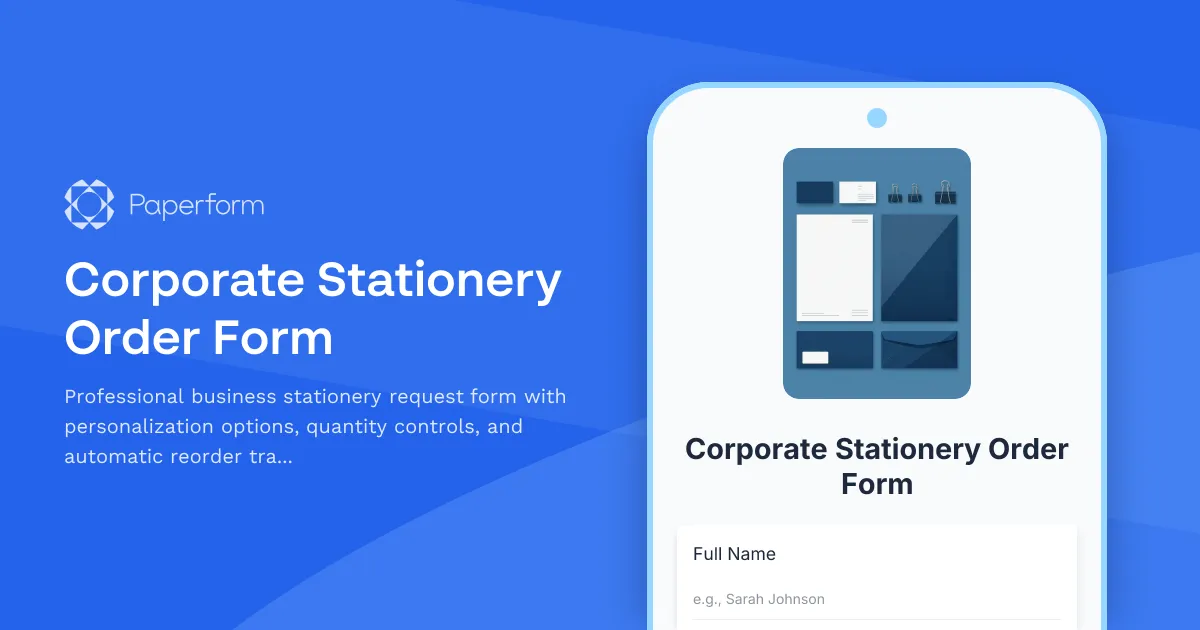
Streamline Your Corporate Stationery Orders with Paperform
Managing corporate stationery orders doesn't have to be a hassle of email chains, forgotten requests, and out-of-stock business cards. This Corporate Stationery Order Form template gives your team a single, professional place to request personalized business cards, letterheads, envelopes, and other branded materials—with built-in quantity controls, approval workflows, and reorder reminders that keep everyone supplied without the administrative overhead.
Why SMBs and growing companies need better stationery ordering
Whether you're managing a 10-person startup or a 500-person enterprise, corporate stationery is one of those "small but essential" touchpoints that reflect your brand every single day. But most companies handle stationery orders through ad-hoc emails, spreadsheets, or by asking someone in operations to "just figure it out." That approach breaks down fast when:
- New hires need business cards on day one, but requests get lost in someone's inbox
- Marketing updates brand guidelines and half the team is still handing out old materials
- Finance needs visibility into stationery spend across departments
- Remote and hybrid teams can't easily request supplies to be shipped to home offices
This template solves those pain points by centralizing stationery requests in a clean, on-brand form that captures exactly what's needed, routes orders to the right approver, and keeps a record of every order for budgeting and reordering.
What's included in this template
The form walks employees through a simple, guided process:
- Employee information capture – Name, department, title, and contact details so every order is properly attributed
- Stationery type selection – Choose from business cards, letterheads, envelopes, notepads, folders, and other common branded materials
- Personalization fields – Conditional fields appear based on what's selected, capturing exactly what should be printed (name, title, contact info, special requests)
- Quantity controls – Set min/max limits per item type to keep costs predictable and prevent over-ordering
- Delivery preferences – Ship to office, home, or another location with address validation
- Cost center or department codes – Optional fields for companies that track spending by team
- Approval workflows – Use conditional logic to route high-quantity or high-cost orders for manager approval
- Reorder reminders – Collect data on current stock levels and set up follow-up emails when it's time to reorder
Every submission is timestamped, recorded, and can trigger the next step in your fulfillment process—whether that's an email to your print vendor, a Slack ping to facilities, or a full workflow in Stepper that updates your inventory tracker and sends the order to your supplier.
Perfect for operations managers, HR teams, and office admins
This template is designed for the people who keep the wheels turning:
- Office managers who need to consolidate stationery requests and manage vendor relationships
- HR and people ops teams who onboard new hires and want to ensure they have branded materials from day one
- Facilities and workplace teams managing office supplies across multiple locations
- Marketing and brand teams who want to enforce brand consistency and track stationery usage
- Finance and procurement teams who need visibility into spending and approval processes
Instead of chasing down incomplete requests or manually updating spreadsheets, you get a single source of truth for every stationery order—with all the context you need to fulfill it quickly and correctly.
How Paperform makes stationery ordering seamless
Unlike basic survey tools or generic request forms, Paperform is built for operational workflows that SMBs run every day. With this template, you get:
- Conditional logic that shows or hides fields based on what's being ordered (e.g., business card personalization only appears when "Business Cards" is selected)
- Quantity limits and validation to prevent accidental bulk orders or stock hoarding
- Automated emails confirming the order, notifying approvers, and reminding employees when it's time to reorder
- Native integrations with Google Sheets, Airtable, Slack, and more to log orders and trigger fulfillment
- Stepper workflows to automate the entire approval-to-fulfillment pipeline: route to manager, wait for approval, notify vendor, update inventory, send tracking info—all without touching code
You can also embed this form in your intranet or employee portal, so it's always available when someone needs it, or send it as a direct link in onboarding emails and internal newsletters.
Add Stepper for end-to-end automation
Once the form is submitted, Stepper (stepper.io) can take over the heavy lifting. Set up workflows that:
- Route orders for approval based on quantity or cost thresholds
- Update your inventory system or procurement tracker when an order is placed
- Send order details to your print vendor via email, API, or integration
- Notify the requester when their order ships, with tracking info included
- Schedule follow-up reminders 90 days later to check if they need a refill
Stepper's AI-native workflow builder lets you describe what should happen ("If quantity is over 250, send to manager for approval, otherwise send straight to vendor") and builds the automation for you—no spreadsheets, no code, no friction.
Professional, on-brand, and easy to customize
Like all Paperform templates, this form works like editing a document. You can adjust every field, add your logo, change fonts and colors to match your brand, and even embed images or videos to clarify what each stationery type looks like. The form can live on your own domain, sit inside your website, or be shared as a standalone link—whatever fits your workflow.
And because Paperform is SOC 2 Type II compliant with robust security and access controls, you can trust it with internal employee data and procurement workflows, even as your company scales.
Get started in minutes
Whether you're a 15-person startup tired of Slack messages asking "Where do I order business cards?" or a 300-person company looking to centralize and automate stationery procurement, this template gives you a professional, scalable solution you can launch today. Customize the fields, connect your tools, and start tracking every stationery order with full visibility and zero chaos.
Paperform is trusted by over 500,000 teams worldwide for forms and workflows that just work. No code. No complexity. Just clean, reliable automation for the everyday tasks that keep your business running.



More templates like this
Remote Employee Office Supply Request Form
A comprehensive office supply request form designed for remote employees, featuring shipping address validation, budget approval workflows, and automatic bulk order discount calculations.
Hybrid Workplace Desk Booking Form
Streamline hybrid work with desk and team pod reservations, flexible booking periods, and integrated parking allocation for modern flexible workspaces.
Cubicle and Workstation Configuration Form
Streamline office setup with a professional workstation configuration form. Collect employee preferences for cubicle partitions, storage units, monitor arms, cable management, and workspace personalization for your new office space.
Employee Commute Impact Survey for Office Relocation
Assess how an office relocation will impact employee commute times, transportation costs, and schedule needs to help plan a smooth transition.
Hybrid Attendance Forecast & Facility Planning Form
Plan office capacity and resources with accurate hybrid work attendance forecasts. Collect employee office presence schedules, conference room requirements, and facility usage predictions.
IT Equipment Request Form
Request IT equipment, hardware, and technical accessories with manager approval and asset tracking for efficient procurement management.
Office Café & Food Service Setup Form
A comprehensive form for planning and launching a new office café or food service program, including vendor selection, equipment requirements, and dietary accommodations.
Office Hoteling Reservation System
Reserve your workspace with our office hoteling system. Select desk type, floor, amenities, and schedule your check-in times for a seamless hybrid work experience.
Office Relocation Communication Preferences Form
Capture employee communication preferences, update frequency, and concerns during office moves to ensure everyone stays informed and supported throughout the relocation process.
Office Relocation Emergency Procedures Update Form
Update emergency procedures, evacuation routes, and safety information for employees following an office move or relocation. Ensure everyone knows new exit routes, muster points, and emergency contacts.
Office Social & Community Space Design Input Form
Gather employee input on new office social and community space design, including kitchen layout, game room equipment, library selections, collaboration areas, and lounge amenities.
Standing Desk & Ergonomic Furniture Request Form
Request ergonomic furniture and standing desks with health assessment, budget justification, workspace measurements, and installation scheduling for workplace comfort and productivity.