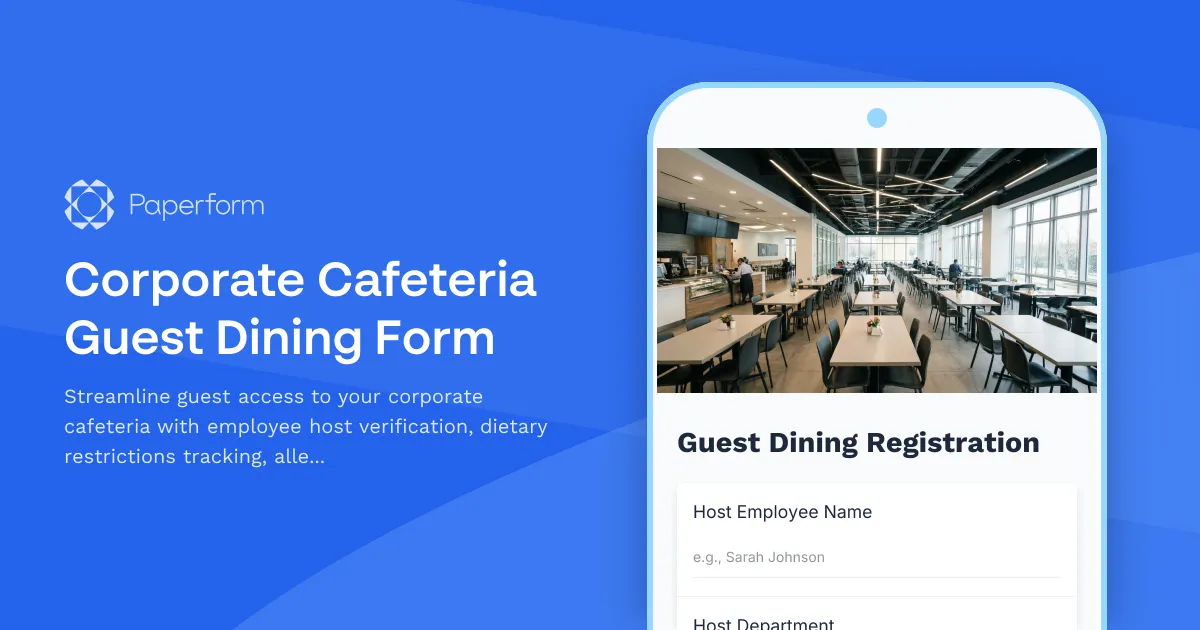
Corporate Cafeteria Guest Dining Form Template
Managing guest access to your corporate dining facilities doesn't have to be complicated. Whether you're hosting clients, contractors, or potential hires, this Corporate Cafeteria Guest Dining Form helps facilities teams, office managers, and hospitality coordinators create a seamless, professional dining experience while maintaining security protocols and dietary safety standards.
Why use Paperform for cafeteria guest management?
Corporate cafeterias are more than just break rooms—they're spaces where business relationships grow, teams collaborate, and company culture comes to life. When guests visit, you need a system that balances hospitality with accountability, tracks dietary needs for safety, and handles payments efficiently without creating friction.
This template is built specifically for facilities managers, office administrators, HR teams, and corporate services professionals who need to:
- Verify employee hosts and maintain visitor accountability with clear sponsor information
- Protect guests with dietary restrictions and allergies through proactive information collection
- Process guest payments seamlessly for non-employees using your dining facilities
- Meet health and safety compliance requirements with proper allergen disclosure
- Create audit trails of who's accessing your facilities and when
What makes this template work for your business?
Unlike generic visitor forms or basic Google Forms, Paperform's corporate cafeteria guest dining template includes everything you need right out of the box:
Employee Host Verification: Capture the hosting employee's name, department, and contact information to maintain accountability and enable quick follow-up if needed. This ensures every guest has a legitimate business purpose and a responsible point of contact.
Comprehensive Guest Information: Collect visitor details including company affiliation, purpose of visit, and expected dining time to help cafeteria staff plan capacity and your security team track building access.
Dietary Restrictions & Allergen Awareness: Proactively gather information about allergies, dietary preferences, and special meal requirements so kitchen staff can provide safe, appropriate options and avoid potentially serious health incidents.
Flexible Payment Processing: Built-in payment fields with Stripe, PayPal, or Square integration let you charge non-employees for meal access while employees can note their badge/account number for standard billing.
Instant Confirmation: Automatically send confirmation emails with dining pass details, cafeteria location, menu highlights, and any special instructions for the visit.
The template works beautifully on mobile devices, so employees can quickly register a guest from their phone while walking them through the lobby—no need to return to their desk or use a clunky kiosk.
Designed for corporate operations and hospitality teams
This form template is ideal for:
- Office managers and facilities coordinators at mid-sized to large corporate offices with on-site dining
- Corporate hospitality teams managing client visits and entertainment
- HR departments hosting candidates for all-day interviews
- Executive assistants coordinating VIP guest experiences
- Security and reception teams tracking visitor access to restricted areas
Whether you're running a full-service corporate cafeteria, a subsidized employee dining hall, or a contractor-managed food service operation, this template adapts to your specific policies and pricing structure.
Automate your cafeteria guest workflow with Stepper
Once someone submits the guest dining form, the real work begins—and that's where Stepper becomes invaluable. Instead of manually emailing confirmations, alerting kitchen staff, updating access systems, and following up after visits, you can automate the entire post-submission workflow.
With Stepper, you can:
- Automatically notify the cafeteria manager when a guest with severe allergies registers, flagging special preparation needs
- Send guest pass information to your building security system or visitor management platform
- Update your internal calendar or reservation system with expected guest count and timing
- Route payment receipts to your accounting software when non-employees pay for meals
- Trigger follow-up surveys to the hosting employee about their guest's dining experience
- Log all guest visits to a central Airtable or Google Sheets dashboard for compliance reporting
This level of automation means your facilities team spends less time on administrative tasks and more time ensuring guests have a great experience that reflects well on your company culture.
Payments, calculations, and compliance built in
Unlike basic form tools, Paperform handles the complexity of corporate guest dining:
Conditional payment logic: Use Paperform's conditional fields to show payment options only for non-employees while allowing employees to simply reference their staff account or badge number.
On-form pricing calculations: Set different rates for breakfast, lunch, or dinner, add premium options for special dietary meals, and calculate totals automatically before the guest submits.
Data security and compliance: With SOC 2 Type II certification, your guest information and payment data are protected to enterprise standards—critical when collecting personal health information like allergies and processing financial transactions.
Custom confirmation experiences: Send different success messages and emails based on whether the guest is a client, contractor, or candidate, personalizing the experience while maintaining professional consistency.
Get started in minutes, customize as you grow
This template comes ready to use immediately with sensible defaults for most corporate cafeteria scenarios. Simply connect your payment processor, adjust meal pricing if needed, and update the confirmation message with your cafeteria's location and hours.
As your needs evolve, you can easily add custom fields for:
- Specific menu selections or pre-ordering
- Conference room or private dining area requests
- Special occasion flags (client meetings, birthday celebrations, etc.)
- Kosher, Halal, or other religious dietary certifications
- Accessibility requirements for dining areas
The form's professional appearance reinforces your company's attention to detail and hospitality standards—creating a positive impression from the moment someone receives the registration link.
Why facilities teams choose Paperform
Over 500,000 teams worldwide trust Paperform to manage their essential workflows because it combines powerful features with genuine ease of use. Facilities managers, office coordinators, and corporate services professionals choose Paperform because:
- No coding required: Marketing, ops, and admin teams can build and modify forms without waiting on IT
- Enterprise-grade security: SOC 2 Type II compliance, SSO, and data residency controls protect sensitive information
- Seamless integrations: Connect to your existing HRIS, building management systems, or workplace platforms via native integrations or Stepper
- Real-time reporting: See guest registration trends, dietary restriction patterns, and payment data in beautiful dashboards
- Predictable pricing: Generous usage limits and transparent tiers mean no surprise bills as your guest volume grows
Whether you're managing daily client lunches at a professional services firm, coordinating candidate interview days, or facilitating contractor access to your facilities, this corporate cafeteria guest dining form template gives you the structure, security, and automation you need—without the complexity you don't.
Get started with Paperform today and create a guest dining experience that's as professional as the rest of your corporate hospitality program.



More templates like this
AED Damage Claim Form
Professional automated external defibrillator (AED) damage claim form with emergency response verification, staff training documentation, regulatory compliance checks, and workplace safety equipment insurance processing.
Catering Company Supplies Request Form
A comprehensive catering supplies request form with event details, headcount calculations, dietary restrictions matrix, and automated per-plate cost breakdown for efficient event planning.
Conference Catering Order Form
Professional catering order form for conferences and corporate events with meal periods, beverage packages, setup preferences, and audiovisual requirements.

Corporate Employee Recognition Event Parking Request Form
Streamline parking arrangements for your employee recognition event with this comprehensive request form. Perfect for coordinating VIP guest parking, award ceremony attendees, and special accommodations near celebration venues.

Corporate Garage Access Card Application
A professional application form for corporate parking garage access cards with security clearance verification and emergency contact information.
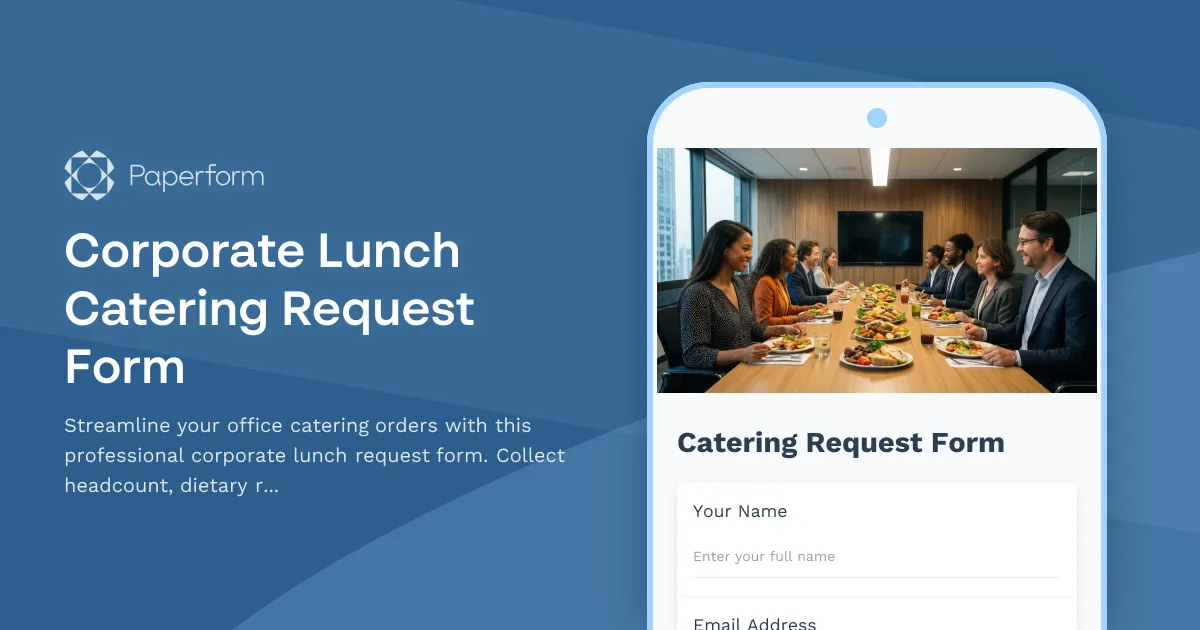
Corporate Lunch Catering Request Form
Streamline your office catering orders with this professional corporate lunch request form. Collect headcount, dietary requirements, budget preferences, and vendor selections all in one place.
Corporate Office Visitor Check-In Form
A professional visitor registration form for corporate offices with photo ID upload, NDA acknowledgment, host notification, and instant digital badge generation capabilities.

Corporate Office Visitor Lost Property Report
A professional form for corporate office visitors to report lost or missing property items, capturing essential details including host information, location specifics, and item descriptions to expedite recovery.
Corporate Stationery Order Form
Professional business stationery request form with personalization options, quantity controls, and automatic reorder tracking for employee business cards, letterheads, and branded materials.

Corporate Visitor ADA-Compliant Parking Request Form
Request accessible parking accommodations for corporate visitors with mobility needs. Assess accessibility requirements, assign proximity spots, and coordinate assistance.
Cubicle and Workstation Configuration Form
Streamline office setup with a professional workstation configuration form. Collect employee preferences for cubicle partitions, storage units, monitor arms, cable management, and workspace personalization for your new office space.
Department Office Move Coordination Form
Streamline your office relocation with this comprehensive department move coordination form. Capture team size, equipment needs, critical timelines, and communication preferences to ensure a smooth transition.