
Installing commercial kitchen equipment requires careful coordination of multiple trades, strict compliance with health and safety standards, and detailed documentation of every connection and test. This Commercial Kitchen Equipment Installation Work Order template gives contractors, project managers, and facilities teams a structured way to plan, track, and verify every aspect of a commercial kitchen installation—from initial site assessment through final NSF compliance sign-off.
Whether you're installing restaurant equipment, outfitting a hotel kitchen, upgrading a hospital cafeteria, or building out a catering facility, this form helps you capture all the critical details in one place: equipment specifications, utility requirements, ventilation coordination, gas line pressure testing, and compliance verification. Instead of juggling clipboards, spreadsheets, and email threads, your team can complete the work order on any device, with all information flowing into your project management system automatically.
Paperform makes it easy to customize this template for your specific installation workflows. Add your company branding, adjust fields to match your equipment types or local code requirements, and use conditional logic to show or hide sections based on the type of installation. Connect submissions to your CRM, project management tool, or accounting system using Stepper (stepper.io) to trigger follow-up tasks, schedule inspections, and keep your entire team in sync—no code required.
For contractors who need client signatures on work orders or compliance documentation, Papersign (papersign.com) lets you turn approved work orders into contracts or sign-off forms that can be signed electronically, keeping a complete audit trail linked to the original installation details. This is especially valuable for warranty documentation, compliance records, and client handover.
With Paperform's calculation fields, you can even build in cost estimates, labor hours, or materials pricing that updates automatically based on the scope of work. And with SOC 2 Type II compliance and role-based permissions, you can confidently share this form across your team, subcontractors, and clients while keeping sensitive information secure.
Whether you're a mechanical contractor, kitchen equipment supplier, general contractor, or facilities manager, this template helps you run cleaner, safer, and more profitable commercial kitchen installations.



More templates like this

Commercial Kitchen Ventilation Hood Installation Work Order
A comprehensive work order form for commercial kitchen ventilation hood installations, covering duct sizing, make-up air coordination, fire suppression integration, and airflow verification requirements.
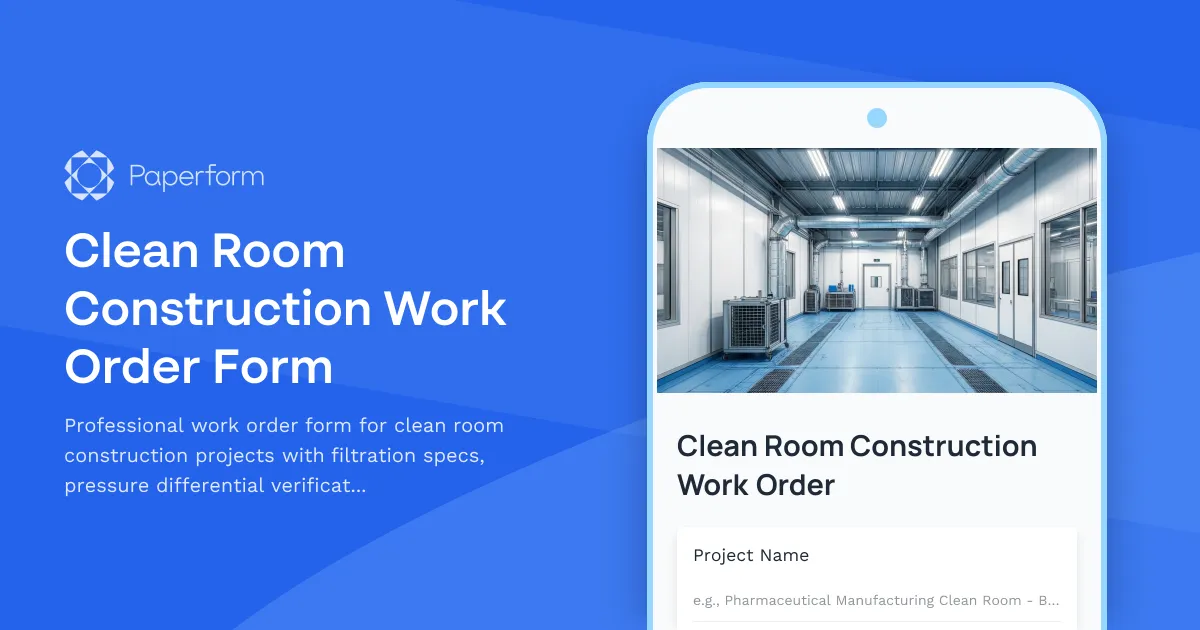
Clean Room Construction Work Order Form
Professional work order form for clean room construction projects with filtration specs, pressure differential verification, particle count testing, and certification requirements.

Commercial Freezer & Cooler Installation Checklist
Professional installation checklist for commercial refrigeration units with insulation checks, door seal testing, startup procedures, and temperature monitoring protocols.

Compressed Gas Manifold Installation Work Order
Professional work order form for compressed gas manifold installation projects including cylinder placement, piping layout, pressure regulation, alarm systems, and comprehensive leak testing protocols.

Industrial Exhaust Fan Installation Checklist
A comprehensive installation checklist for industrial exhaust fans covering structural support, ductwork connections, electrical supply, vibration isolation, and airflow balancing to ensure proper system performance.

Industrial Grinding Booth Installation Request Form
A comprehensive installation form for industrial grinding booths including dust collection systems, explosion-proof fixtures, spark containment measures, and airflow specifications for safe metalworking operations.
Pneumatic Tube System Installation Work Order
Professional work order form for pneumatic tube system installations, covering station locations, tube routing, blower specifications, control programming requirements, and carrier travel testing procedures.

Cathodic Protection System Installation Checklist
A comprehensive checklist for cathodic protection system installation covering anode placement, rectifier sizing, electrical connections, soil resistivity testing, and effectiveness monitoring to ensure proper corrosion protection.
Commercial Dishwasher Installation Form
Professional installation checklist for commercial dishwasher systems including water supply specifications, drain line sizing, chemical dispensers, and sanitizer verification.

Commercial Laundry Equipment Installation Checklist
A comprehensive installation checklist for commercial laundry equipment covering site preparation, utility connections, drainage verification, exhaust requirements, and startup procedures.

Commercial Steam Table Installation Work Order
Professional work order form for commercial steam table installations, covering water supply, gas connections, pan positioning, temperature controls, and energy efficiency verification.

Concrete Pour Planning Form
A comprehensive concrete pour planning form for construction teams to document mix design specifications, reinforcement details, weather conditions, and curing schedules for quality control and project coordination.