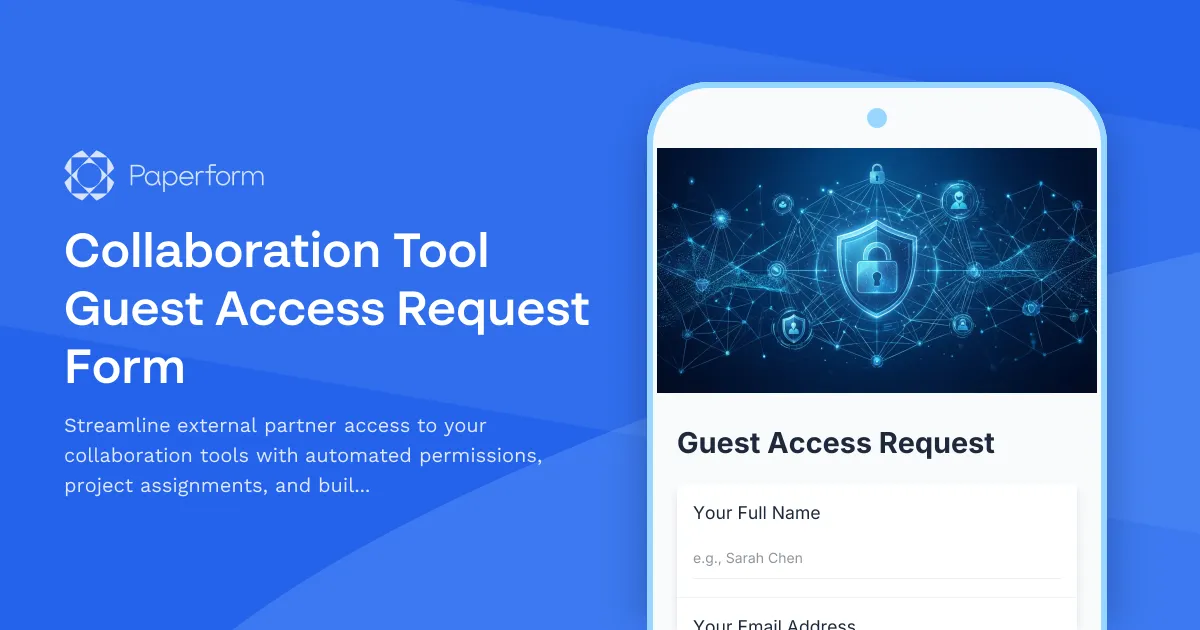
Secure External Collaboration Access Form Template
Managing external partner access to your collaboration tools shouldn't mean endless email chains, manual approval workflows, or security gaps. This Collaboration Tool Guest Access Request Form gives IT teams, project managers, and operations staff a structured, secure way to onboard external partners, contractors, consultants, and vendors to platforms like Slack, Microsoft Teams, Asana, Notion, or internal project management systems.
Why use this guest access form template?
When your team collaborates with external partners, you need to balance access with security. This form template helps you:
- Standardize access requests so every external user goes through the same approval and onboarding process
- Capture project-specific permissions to ensure guests only see what they need to see
- Set automatic expiration dates so access doesn't linger after projects end
- Collect confidentiality agreements directly in the access request, creating a clear audit trail
- Route approvals efficiently using conditional logic and integrations with your existing tools
Whether you're an IT manager fielding requests from multiple departments, a project lead bringing on freelancers, or an operations coordinator managing vendor access, this template turns a complex, security-sensitive process into a simple, repeatable workflow.
What's included in this template
This form captures everything your IT and security teams need to provision guest access safely:
- Requestor and guest information including names, emails, company affiliations, and roles
- Project assignment and access scope so you know exactly which projects, channels, or folders the guest needs
- Permission levels with clear options for view-only, comment, or edit access
- Access duration with automatic expiration dates to prevent orphaned accounts
- Confidentiality agreement built directly into the form, with required acknowledgment
- Business justification to ensure every access request has a clear purpose
- Manager or sponsor approval tracking to maintain accountability
The form is designed to be brand-agnostic and works whether you're managing access to Slack workspaces, Microsoft Teams, Google Workspace, Asana, Monday.com, Notion, Confluence, or any other collaboration platform.
How IT teams and project managers use this form
For IT administrators and access management teams, this form becomes your single intake point for all external access requests. Instead of handling ad-hoc requests via email, Slack messages, or verbal asks in meetings, you get structured data that includes all the context you need to make informed decisions. You can integrate submissions directly into your ticketing system (Jira Service Management, Freshservice, ServiceNow) using Stepper workflows, automatically create calendar reminders for access expiration, and maintain a clear audit log for compliance reviews.
For project managers and team leads, this form eliminates the back-and-forth of getting contractors and partners set up. You fill out one form, provide the necessary justifications, and let your IT or ops team handle provisioning. Because the form includes the confidentiality agreement, you don't need to chase down separate NDAs or signed documents—everything is captured in one submission.
For operations and security teams, this template helps you enforce consistent security policies across the organization. You can use conditional logic to require additional approvals for higher permission levels, restrict access to sensitive projects, or flag requests that don't include proper business justification. The built-in expiration date field ensures access doesn't outlive the project, reducing your attack surface and keeping your systems clean.
Automate the entire access lifecycle with Stepper
While this form handles the intake beautifully, the real magic happens when you connect it to Stepper, Paperform's AI-native workflow builder. With Stepper, you can:
- Route approval requests to the right managers or project sponsors based on which project or department is requesting access
- Automatically provision accounts in your collaboration tools via API when requests are approved
- Send onboarding emails to guests with platform links, login instructions, and guidelines
- Schedule access reviews at the halfway point of the access period
- Trigger automatic deprovisioning when the expiration date arrives, or send reminders to extend if needed
- Log every step in your ITSM tool, CRM, or audit system for compliance tracking
This means your IT team spends less time on manual provisioning and more time on strategic work, while project teams get faster turnaround on access requests.
Who benefits from this template
This form is ideal for:
- IT managers and system administrators managing user access across collaboration platforms
- Project managers bringing external consultants, freelancers, or agency partners onto projects
- Operations coordinators handling vendor and contractor onboarding
- Security teams enforcing access control policies and maintaining compliance
- HR and legal teams ensuring all external users acknowledge confidentiality obligations
- Agency owners managing client access to shared workspaces and project tools
Industries that rely on secure guest access
Any business that works with external partners benefits from structured access management, but this template is especially valuable in:
- Software & SaaS companies collaborating with contractors, agencies, and integration partners
- Marketing and advertising agencies bringing clients into campaign workspaces
- Consulting firms adding client stakeholders to project channels
- Legal and professional services giving clients secure access to case files and documents
- Healthcare and research organizations managing vendor and researcher access (note: this form template is not HIPAA compliant)
- Financial services onboarding external auditors and consultants with strict access controls
- Education institutions providing guest access to external instructors and researchers
Security and compliance features
This template helps you maintain security best practices:
- Time-bound access with mandatory expiration dates prevents indefinite guest accounts
- Built-in confidentiality agreement creates a legally documented acknowledgment before access is granted
- Business justification requirement ensures every access request has legitimate purpose
- Project-specific scoping limits guest visibility to only what they need
- Clear permission levels prevent accidental over-provisioning
When combined with Paperform's SOC 2 Type II compliance, SSO support, and role-based permissions, this form becomes part of a robust access governance framework that satisfies audit requirements and reduces insider risk.
Customize for your tools and policies
While this template works out of the box, you can easily adapt it to match your organization's specific needs:
- Add custom fields for cost center codes, purchase order numbers, or billing information
- Include additional permission tiers or role types specific to your platforms
- Require uploads of signed contracts or background check documentation
- Add conditional approvals based on access duration, permission level, or project sensitivity
- Customize the confidentiality agreement language to match your legal requirements
- Brand the form with your company colors, logo, and tone of voice
Get started with smarter access management
Stop juggling email requests, spreadsheet trackers, and manual provisioning tasks. This Collaboration Tool Guest Access Request Form gives your team a professional, secure, and automated way to manage external partner access from request to expiration.
Start with this template, connect it to your existing tools via Stepper or native integrations, and watch your access management process transform from reactive scramble to proactive governance—no code required.
Trusted by over 500,000 teams worldwide, SOC 2 Type II certified, and built for the way modern IT teams actually work.



More templates like this

Corporate VPN Access Request Form
Streamline remote access requests with this corporate VPN access form. Collect employee details, device information, security clearance levels, and route for manager approval—all in one secure workflow.
South Korea Access Control Request Form
Professional access control request form for South Korean organizations. Manage authorization levels, track approval workflows, and maintain comprehensive audit trails for regulatory compliance.
Customer Data Access Request Form
A GDPR and CCPA compliant form for managing customer data access requests with verification, justification, and consent tracking.
Cybersecurity Awareness Training Quiz
Test employee knowledge on phishing detection, password security, and data protection with this comprehensive cybersecurity awareness quiz designed for workplace training programs.
Privileged Access Request Form
Request temporary or permanent admin rights with business justification and security approval. Streamline privileged access management for IT teams.

Collaboration Workspace Admin Access Request
Request administrative access to collaboration workspaces including member management, content moderation, and archive permissions for project teams.
Compliance Reporting System Access Request
Request access to compliance reporting systems with role-based permissions, audit trail viewing capabilities, and regulatory report generation tools while maintaining strict confidentiality requirements.
IT Security Architecture Roadmap Update Change Request
Submit and track IT security architecture roadmap changes, strategic initiatives, technology adoption plans, and investment requests for approval.
Managed Security Service Provider (MSSP) Onboarding Change Request
Streamline the onboarding of managed security service providers with detailed service scope definitions, monitoring requirements, and escalation procedures for IT security management.
Third-Party Vendor Data Sharing Access Request Form
A comprehensive form for managing third-party vendor data access requests, including data processing agreement requirements, security assessments, and purpose limitation controls for IT and compliance teams.
Third-Party Vendor System Access Request Form
Streamline vendor onboarding with this comprehensive system access request form. Collect compliance documentation, verify insurance, and manage background checks in one secure workflow.
Active Directory Access Modification Request Form
Request changes to Active Directory access, group memberships, and permission levels with built-in approval workflows and audit trail logging.