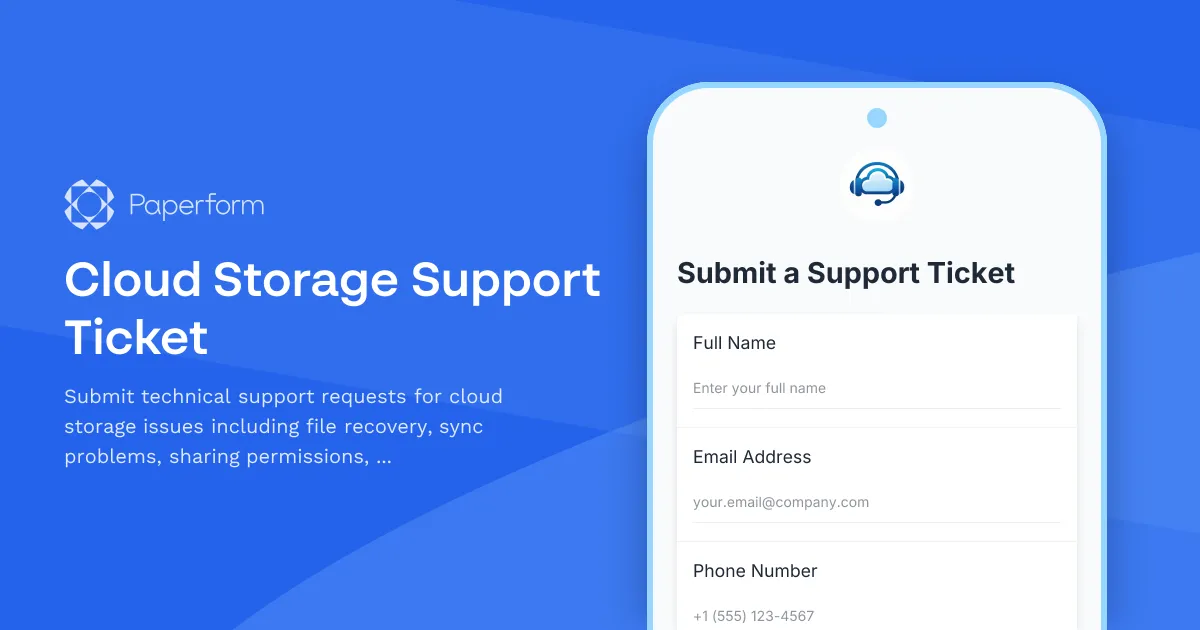
Streamline Your Cloud Storage Support with Paperform
When cloud storage issues strike—whether it's lost files, broken sync, permission errors or storage limits—your team needs fast, clear visibility into the problem. This Cloud Storage Support Ticket template helps SaaS companies, IT support teams and managed service providers capture every critical detail upfront, so support agents can triage, troubleshoot and resolve issues faster.
Built for cloud storage providers and IT support teams
This template is purpose-built for businesses providing or managing cloud storage solutions, including:
- SaaS platforms offering file storage, backup and collaboration features
- IT departments and MSPs supporting enterprise cloud infrastructure
- Customer success teams at Box, Dropbox-style platforms or internal storage tools
- Technical support centres handling file recovery, sync issues and sharing permissions
Instead of back-and-forth emails asking "which files?" or "what error message?", this form collects structured information in one go—account details, issue category, affected data size, error codes and screenshots—making it easier to route tickets to the right specialist and cut resolution time.
What makes this template different
Unlike generic contact forms, this cloud storage support ticket is designed around the most common failure modes teams encounter:
- File recovery requests with fields for file names, last known location and deletion date
- Sharing permission issues capturing who should have access, what's broken and which folders are affected
- Sync problems asking for device type, OS version and whether the issue is one-way or bidirectional
- Storage quota and data size fields to quickly identify capacity vs. corruption issues
- Priority triage so urgent data loss gets flagged immediately
You can customise issue categories, add conditional logic to show relevant fields per problem type, and route high-priority tickets straight into your helpdesk or Slack channel using Paperform's native integrations or Stepper workflows.
Turn support tickets into automated workflows
With Stepper (stepper.io), Paperform's AI-native workflow builder, you can automate what happens after a ticket is submitted:
- Route file recovery requests to senior engineers and sync issues to tier-1 support
- Create tickets in Zendesk, Freshdesk or Linear with all the context already attached
- Send auto-acknowledgement emails with ticket numbers and expected SLA times
- Update internal dashboards or Google Sheets to track response times and issue trends
- Ping on-call engineers via Slack or SMS when critical data loss is reported
This means your support team gets a clean, categorised ticket every time, and customers get faster, more reliable help without repeating themselves.
Designed to match your brand and reduce friction
Because Paperform works like editing a document, you can add your logo, adjust colours, embed explainer videos and write help text in your own voice—all without touching code. Forms can be embedded on your support portal, shared via direct link or even hosted on a custom domain like support.yourcompany.com.
Choose between a classic multi-page layout for desktop users or Paperform's Guided Mode for a conversational, one-question-at-a-time experience on mobile. Either way, you'll capture structured, actionable data that makes support faster and customers happier.
Who this template is for
This cloud storage support ticket template is ideal for:
- SaaS companies offering file storage, backup or collaboration platforms
- IT support teams managing OneDrive, Google Drive, Dropbox or internal storage infrastructure
- Managed service providers supporting clients' cloud file systems
- Customer success and technical support teams needing better intake forms for storage-related issues
Whether you're a startup scaling your support process or an enterprise IT team standardising ticket intake, this template gives you a professional, conversion-optimised form you can deploy in minutes and refine as your support playbook evolves.
Secure, compliant and ready to scale
Paperform is SOC 2 Type II certified and GDPR compliant, with data residency controls, SSO, roles and permissions, so you can trust it with sensitive customer information. All submissions are encrypted, and you can set retention policies or export data anytime you need.
With 3,000+ integrations via Stepper, Zapier and webhooks, plus native connections to tools like Slack, Google Sheets, HubSpot and Airtable, this template fits right into your existing support stack—no developer required.
Get started in minutes. Customise this Cloud Storage Support Ticket template to match your brand, connect it to your helpdesk and start resolving issues faster with Paperform.



More templates like this
SaaS Technical Support Ticket Form
A comprehensive technical support form for SaaS customers to report issues, upload error screenshots, and prioritize requests by severity and business impact.
Software Bug Critical Escalation Form
A professional escalation form for critical software bugs that captures reproduction steps, customer impact, severity levels, and routes issues to development teams with executive notification.
Axe Throwing Venue Support Request Form
Get fast technical support for your axe throwing venue management software, from lane booking issues to tournament brackets and waiver management.
Software Bug Report Form
Professional bug tracking form that captures issue details, severity ratings, reproduction steps, and environment information to streamline your software development workflow.
IT Security Architecture Exception Approval Form
Request and approve security architecture exceptions with technical justifications, alternative approaches, risk assessments, and time-bound permissions for IT change management.

Machine Learning Model Deployment Callback Request
Request a callback to discuss your machine learning model deployment needs, including use case details, training data availability, and accuracy requirements.

Manufacturing ERP Support Ticket
Professional support ticket form for manufacturing ERP systems to report and resolve inventory, production, quality control, and shipping integration issues efficiently.
Web Hosting Technical Support Request
Get urgent technical support for your web hosting issues. Submit server details, downtime information, and cPanel access authorization to receive fast assistance from our technical team.
Accounting Software Technical Support Form
Get expert help with bank reconciliation, payroll processing, tax calculations, and fiscal period issues in your accounting software. Submit a support ticket and our team will assist you promptly.

Art Gallery Inventory Management Software Support Form
Submit technical support requests for your art gallery management software, including inventory cataloging, consignment tracking, exhibition planning, and CRM integration issues.

Blockchain Integration Callback Request Form
Request a technical consultation for blockchain integration. Share your use case, transaction volume, and security requirements to receive expert guidance.
Container Security Consultation Request
Request a callback from our container security experts to discuss registry vulnerabilities, runtime protection, and compliance requirements for your containerized infrastructure.