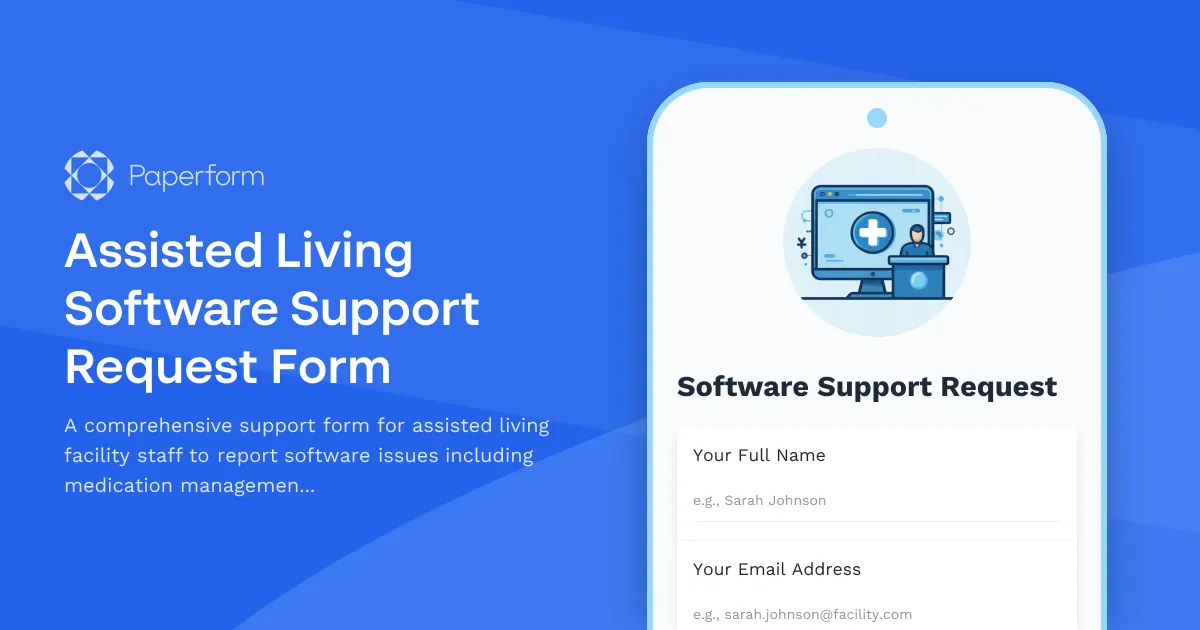
Running an assisted living facility means juggling multiple systems that support resident care, family communication, and daily operations. When your software encounters issues—whether it's medication tracking errors, activities calendar glitches, dining preference problems, or family billing portal access—you need a streamlined way to report and resolve these issues quickly.
This Assisted Living Software Support Request Form provides a centralized way for facility staff to submit detailed technical support requests. The form guides users through reporting specific issues across key operational areas: resident medication management, activities scheduling, dietary tracking, and family portal functionality.
Built for healthcare administrators, care coordinators, dining services staff, and billing personnel, this template ensures that every support ticket includes the critical context your IT team or software vendor needs to resolve issues efficiently. Conditional logic adapts the form based on the type of issue being reported, collecting relevant details like resident information, error messages, urgency levels, and screenshots.
Why Paperform is perfect for assisted living facilities
Healthcare operations require forms that are both professional and easy to use under time pressure. Paperform's intuitive interface lets your staff submit support requests in minutes, while conditional logic ensures they only see questions relevant to their specific issue. File upload fields let staff attach screenshots or error logs, and email notifications ensure the right technical contact receives each ticket immediately.
Once a support request is submitted, you can use Stepper to automate your ticket routing workflow—sending medication-related issues to your clinical systems team, billing problems to your finance department, and general software issues to your IT helpdesk. Stepper can also create tickets in your project management tool, update tracking spreadsheets, and send confirmation emails to the staff member who submitted the request.
Whether you're managing a small residential care home or a large assisted living community, this template helps you maintain the reliable software systems that your residents, families, and staff depend on every day.



More templates like this
Senior Living Community Software Support Request Form
A comprehensive support request form designed for senior living communities to address software issues including resident care plans, medication tracking, family portal access, and billing services.
Hospice Care Management Software Support Request Form
A professional support form for hospice care teams to report software issues including patient assessment problems, medication tracking errors, family portal access, and Medicare billing concerns.
Hyperbaric Oxygen Therapy Clinic Support Request Form
A comprehensive support request form for HBOT clinics to report software issues, chamber scheduling problems, insurance authorization issues, and patient outcome monitoring concerns.
Addiction Treatment Center Software Support Form
A comprehensive support request form for addiction treatment centers to report and resolve software issues related to patient intake, insurance verification, therapy scheduling, and bed management.
Cryotherapy Clinic Software Support Request Form
Submit technical support requests for your cryotherapy clinic management software, including session tracking, membership issues, contraindication screening problems, and equipment maintenance scheduling.
Dental Practice Management Software Support Request Form
A comprehensive support form for dental practice management software users to report technical issues, request assistance with appointment scheduling, patient records, insurance claims, and HIPAA incidents.
Ketamine Therapy Clinic Software Support Request
Comprehensive support request form for ketamine therapy clinics to streamline software assistance, treatment protocol tracking, infusion scheduling, and insurance processing.
Orthodontic Practice Management Software Support Ticket
Submit technical support requests for your orthodontic practice management software, including issues with treatment plans, appliance inventory, payment processing, and photo uploads.
Podiatry Practice Management Software Support Ticket
Submit technical support requests for podiatry practice management software including orthotics ordering, diabetic foot screening, insurance pre-authorization, and surgical scheduling issues.
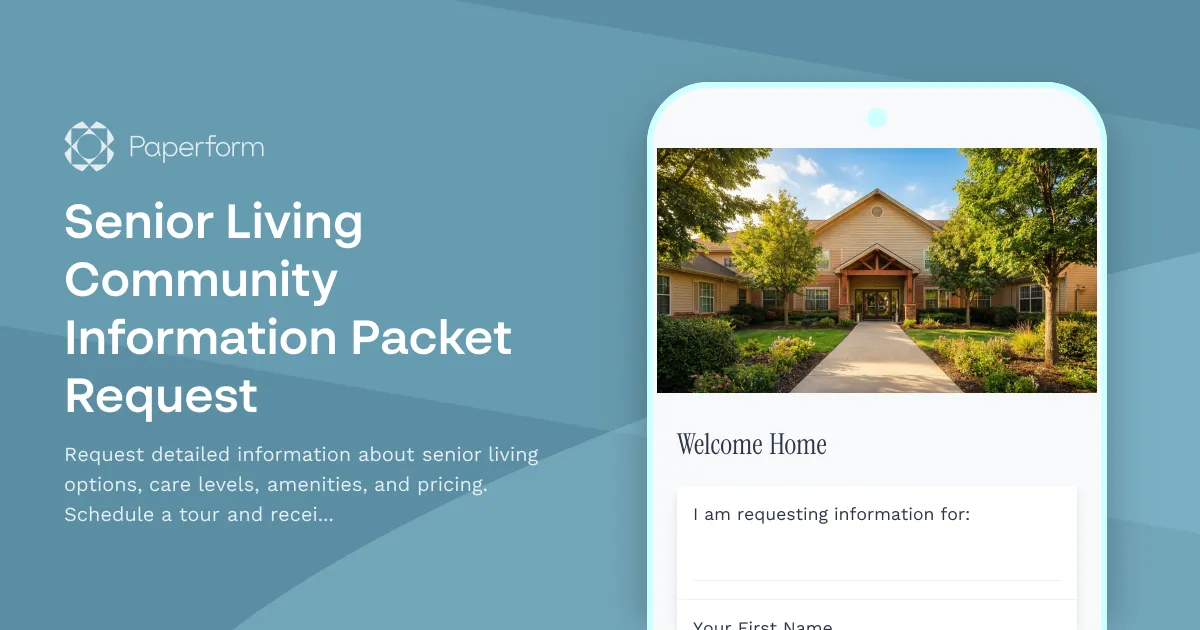
Senior Living Community Information Packet Request
Request detailed information about senior living options, care levels, amenities, and pricing. Schedule a tour and receive a personalized information packet tailored to your needs.
Telehealth Platform Technical Support Form
Report technical issues with your telehealth platform including video consultations, e-prescriptions, insurance verification, and patient portal access problems.
Veterinary Clinic Software Support Ticket
Report technical issues with your veterinary practice management software, from appointment booking problems to prescription management, lab integrations, and animal records access.