You are welcome to request an application to integrate with Stepper two ways:
- From the navigation menu in the Stepper dashboard.
- By searching for an app in the Stepper editor.
Navigation Menu
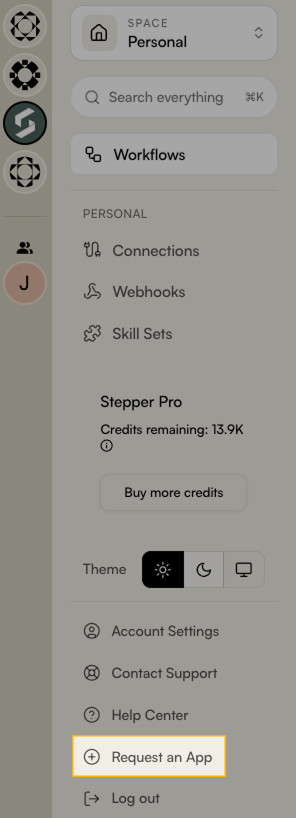
To request an app from the navigation menu, click Request an App on the left-hand side:
App Search
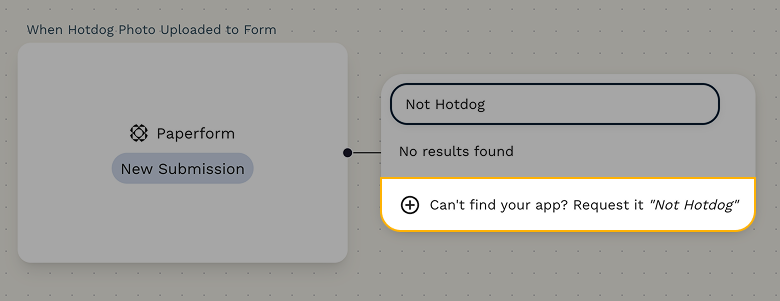
While editing a workflow, you can utilise the search bar to search for the app you’d like to connect. If no results are found, you can click the Can’t find your app? Request it option.
Both options will lead you to the Request an App form. Here, you can provide details about the application you'd like added to Stepper, along with any specific triggers or actions you'd like the integration to support.
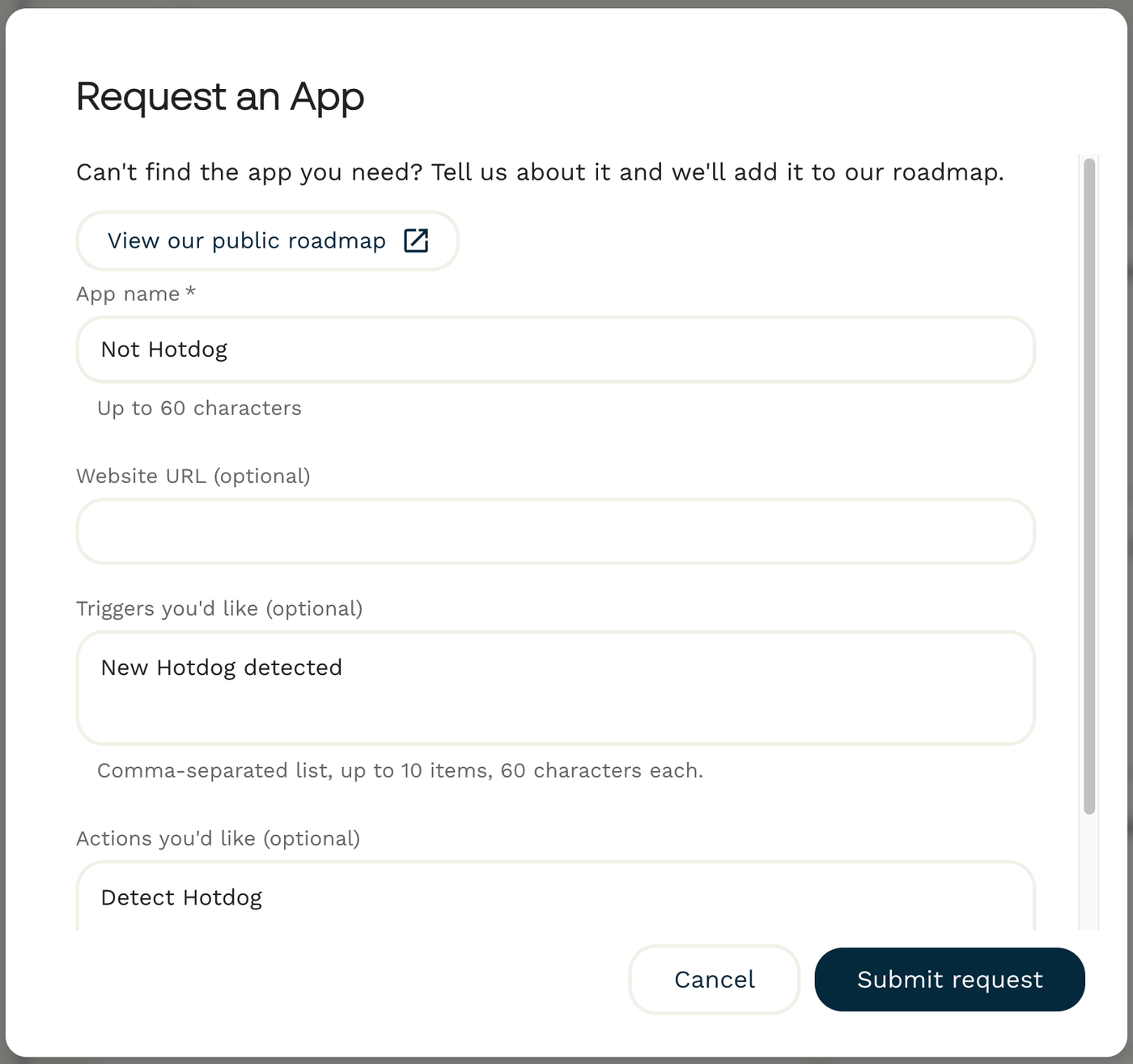
After you submit your request, the app will be added to the Stepper Roadmap, where you can track its progress.