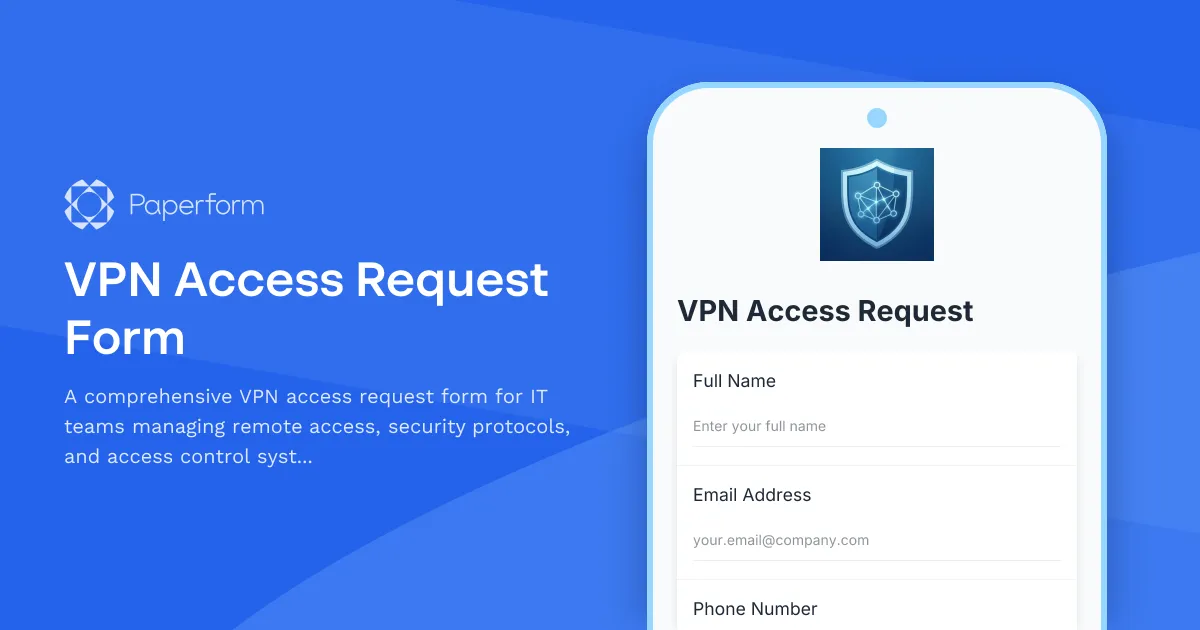
Streamline VPN Access Requests with Paperform
Managing VPN access requests doesn't have to mean chasing down emails, juggling spreadsheets, and manually updating access control systems. This VPN Access Request Form gives IT teams and security professionals a single, secure place to collect, review and process remote access requests—complete with conditional logic that adapts to different user types, security clearance levels and incident reporting needs.
Whether you're supporting a growing remote workforce, managing contractor access, or coordinating with physical security teams, this template handles the complexity while keeping the experience simple for requesters.
Built for IT and security operations
This form is designed for IT administrators, security officers and operations teams who need to manage VPN provisioning alongside broader access control workflows. It captures everything you need in one submission: employee details, business justification, device information, required access duration and security acknowledgments.
Conditional logic means the form only asks relevant follow-up questions—contractors see different fields than full-time employees, temporary access requests trigger expiry date fields, and incident reporting fields appear only when needed. This keeps submissions clean and reduces back-and-forth.
From request to provisioning in one workflow
Once a VPN request is submitted, you can use Stepper to automate what happens next: route requests to the right approver based on access level, create tickets in your IT service management tool, provision accounts in your directory service, send setup instructions to the requestor and log everything in your security audit trail.
For organisations that require signed acceptable use policies or security agreements, Papersign lets you turn each submission into a formal eSignature request, ensuring compliance before access is granted.
Secure, scalable and SOC 2 compliant
Paperform is SOC 2 Type II certified and designed to meet the security standards IT and security teams expect. With SSO, role-based permissions, data residency controls and a full audit trail, you can confidently roll this form out across your organisation and integrate it with the rest of your access management stack via webhooks, native integrations or Stepper workflows.
This template is perfect for IT departments, managed service providers, security operations teams and any organisation managing remote access at scale.



More templates like this

Corporate VPN Access Request Form
Streamline remote access requests with this corporate VPN access form. Collect employee details, device information, security clearance levels, and route for manager approval—all in one secure workflow.
Government Agency VPN Access Request Form
Secure VPN access request form for government personnel requiring remote network access with security clearance verification and classified network authorization levels.
Incident Response Team On-Call Rotation Management Form
Streamline your incident response team's on-call rotations with skill coverage tracking, escalation contact verification, and burnout prevention monitoring to ensure your security operations run smoothly.
Third-Party Vendor Data Sharing Access Request Form
A comprehensive form for managing third-party vendor data access requests, including data processing agreement requirements, security assessments, and purpose limitation controls for IT and compliance teams.
Active Directory Access Modification Request Form
Request changes to Active Directory access, group memberships, and permission levels with built-in approval workflows and audit trail logging.
Card Reader Warranty Registration Form
Register your access control card reader for warranty coverage. Capture device details, credential types, integration specifications, and user training to activate your warranty protection.
Cloud Service Access Request Form
Streamline cloud access provisioning with role-based permissions, data classification levels, and compliance acknowledgments. Perfect for IT teams managing secure cloud resource access.
Cloud Storage File Metadata & Access Request Form
Request file metadata, access logs, sharing permissions, and version history from your cloud storage service. Comprehensive data access request form for IT administrators and users.
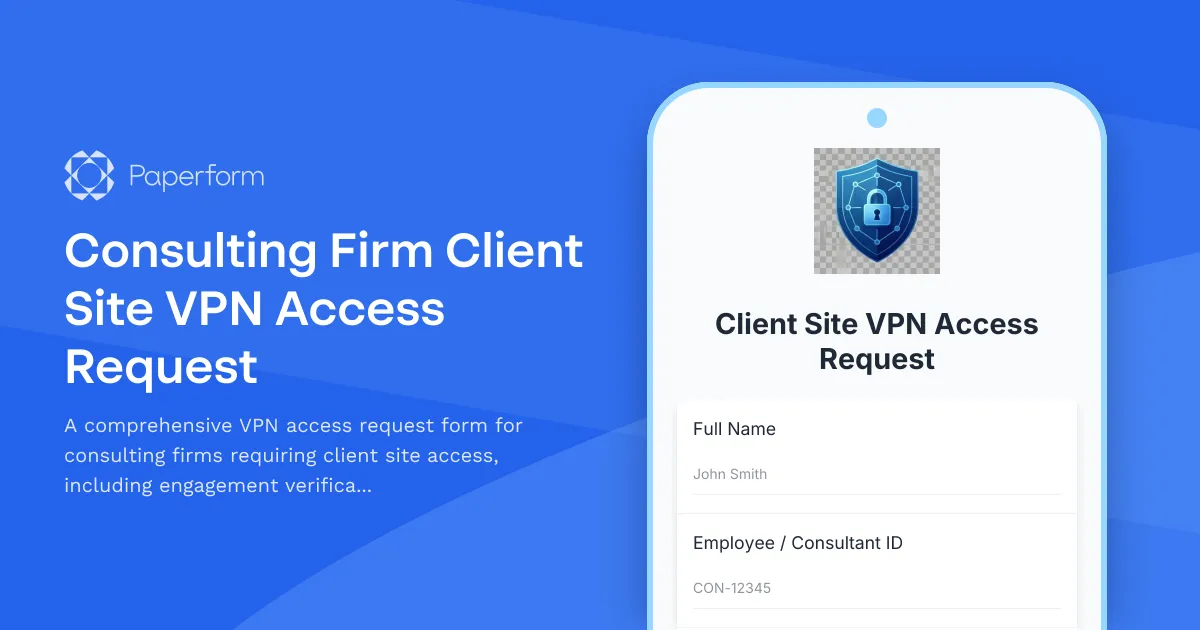
Consulting Firm Client Site VPN Access Request
A comprehensive VPN access request form for consulting firms requiring client site access, including engagement verification, client approval workflow, and conflict of interest disclosure.
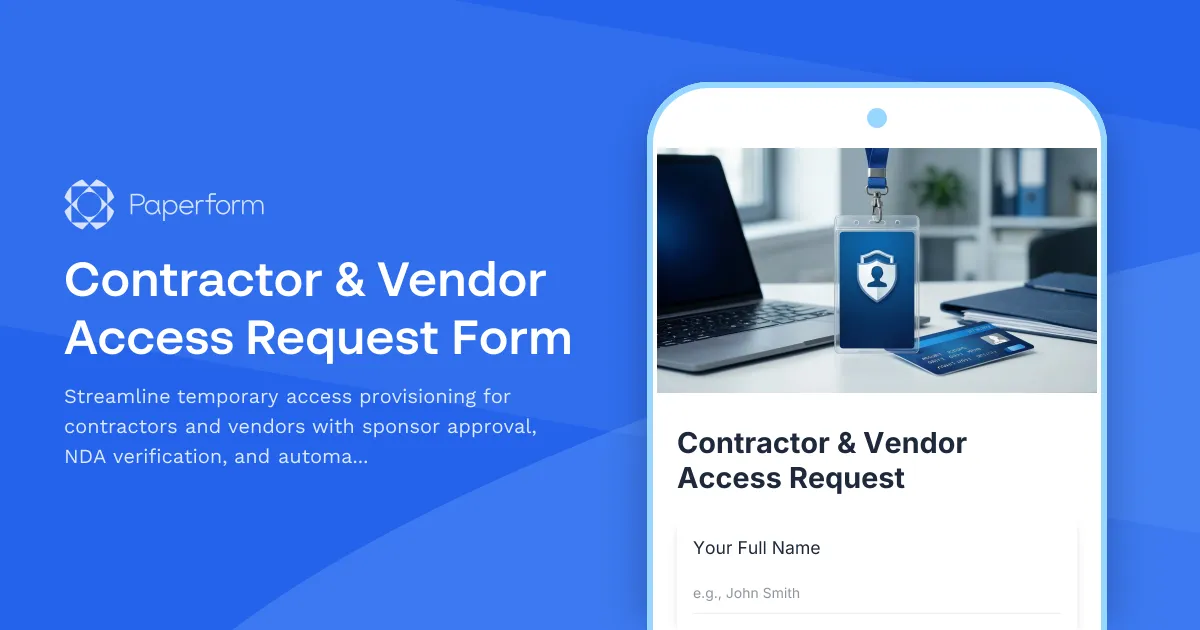
Contractor & Vendor Access Request Form
Streamline temporary access provisioning for contractors and vendors with sponsor approval, NDA verification, and automated badge printing integration.
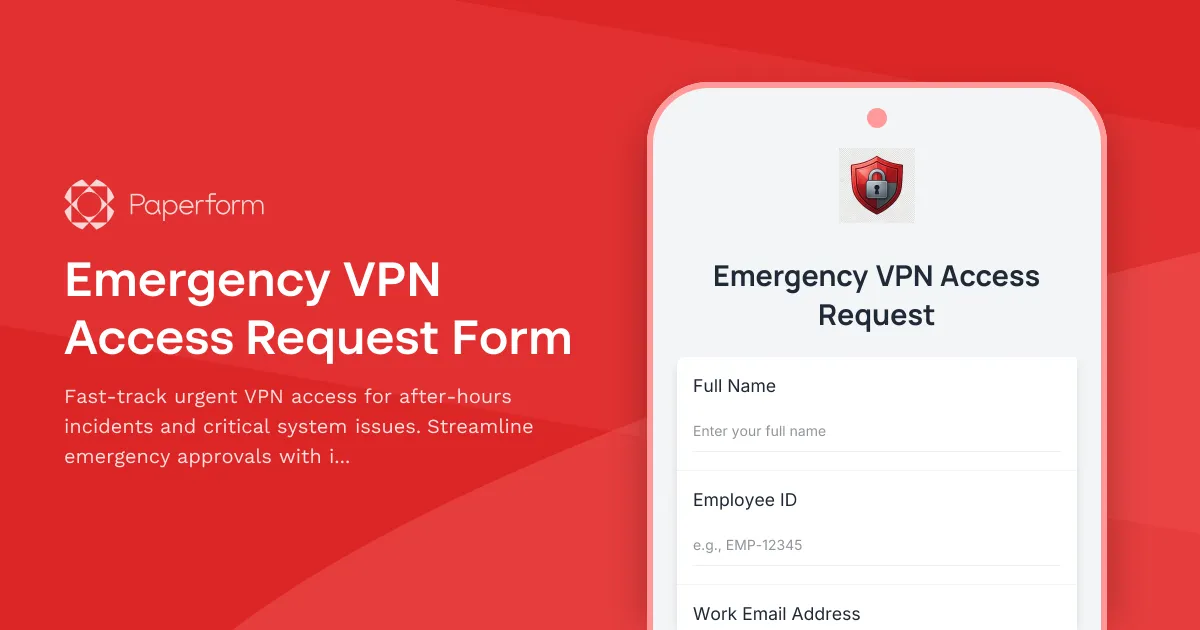
Emergency VPN Access Request Form
Fast-track urgent VPN access for after-hours incidents and critical system issues. Streamline emergency approvals with incident tracking and manager authorization.

Employee Offboarding IT Access Revocation Checklist
Comprehensive IT offboarding checklist to systematically revoke employee system access, track equipment returns, and ensure secure account closure across all platforms.