
All Solutions
Explore all the solutions you can create with Paperform: surveys, quizzes, tests, payment forms, scheduling forms, and a whole lot more.
See all solutions




Connect with over 2,000 popular apps and software to improve productivity and automate workflows
See all integrationsProducts
Solutions
All Solutions
Explore all the solutions you can create with Paperform: surveys, quizzes, tests, payment forms, scheduling forms, and a whole lot more.
See all solutionsIntegrations
Connect with over 2,000 popular apps and software to improve productivity and automate workflows
See all integrationsResources
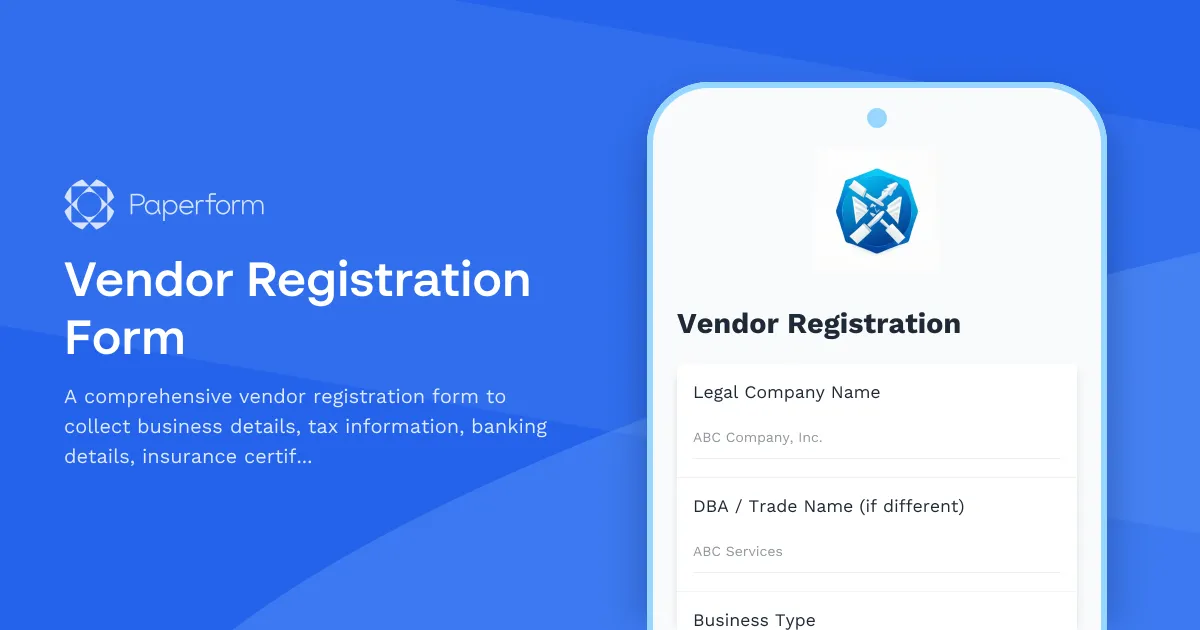
Streamline Your Vendor Onboarding with Paperform
When you're managing procurement and vendor relationships, the registration process sets the tone for everything that follows. A comprehensive vendor registration form ensures you collect all the essential business details, tax information, insurance certificates, and compliance documents upfront—without the back-and-forth of email chains and missing paperwork.
This vendor registration template is built for procurement teams, purchasing managers, supply chain coordinators, and finance departments who need to onboard new suppliers quickly and professionally. Whether you're working in manufacturing, construction, retail, professional services, or any industry that relies on external vendors, this form captures everything you need to evaluate, approve, and pay your suppliers with confidence.
What Makes This Template Work
The form walks vendors through a logical sequence: company information, contact details, tax identification, banking information for payments, insurance coverage, and document uploads (including W-9 forms). Conditional logic ensures vendors only see relevant questions—for example, international suppliers won't be asked for a U.S. tax ID, and those without liability insurance can explain why.
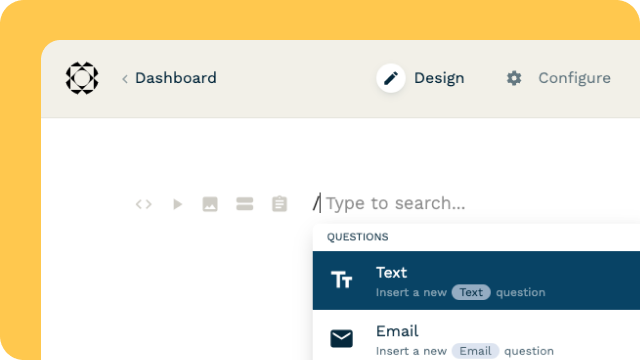
With Paperform's doc-style editor, you can customize the language, add your company logo, adjust required fields, and match your brand. The form works beautifully on any device, so vendors can complete registration from their office or on the go.
Automate What Comes Next with Stepper
Once a vendor submits their registration, the real workflow begins. Connect this form to Stepper to automatically route submissions for internal review, send approval requests to procurement or finance teams, create vendor records in your ERP or accounting system, and trigger welcome emails or next-step instructions.
You can also use Stepper to flag incomplete submissions, send reminders for missing documents, or update vendor status across multiple tools—all without manual copy-pasting or spreadsheet maintenance.
Built for Compliance and Collaboration
If you need vendors to sign agreements, terms and conditions, or confidentiality clauses after registration, connect the form to Papersign to send contracts for eSignature automatically. This keeps your vendor onboarding audit trail clean and ensures nothing falls through the cracks.
Paperform is SOC 2 Type II compliant and trusted by teams who need to handle sensitive vendor data securely. With role-based permissions, you can control who sees banking details, insurance certificates, and tax documents within your organization.
This template is designed to replace clunky PDFs, scattered email threads, and manual data entry—giving procurement and finance teams a single source of truth for every new vendor relationship.