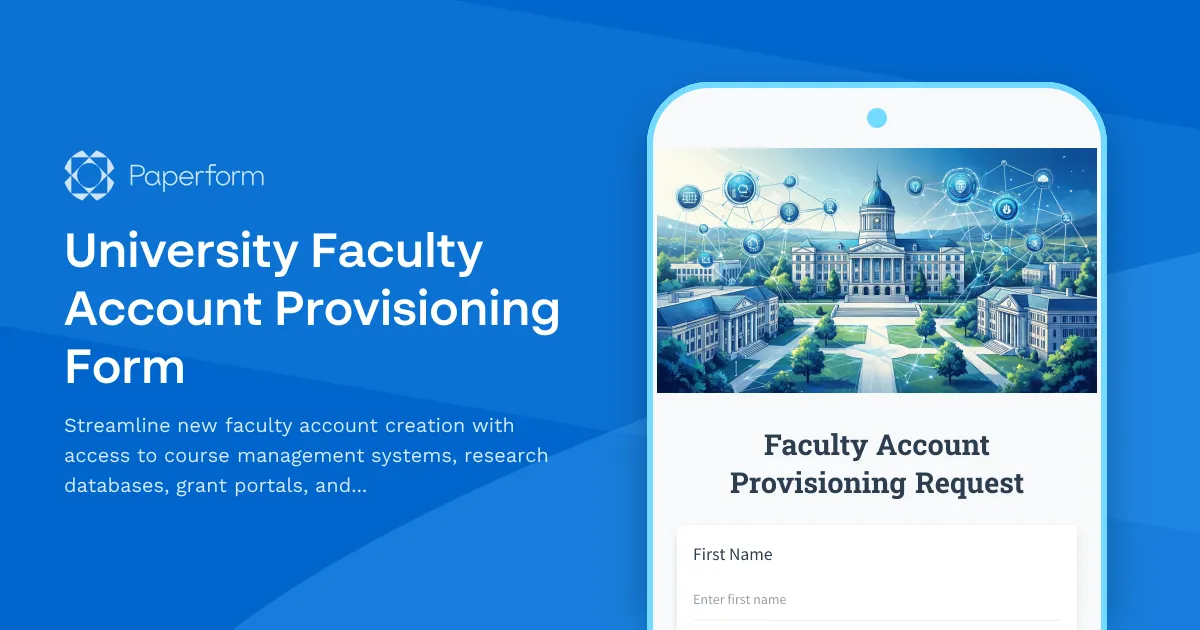
Why Universities Need a Comprehensive Faculty Account Provisioning Form
Onboarding new faculty members involves coordinating access to multiple university systems—from learning management platforms to research databases and grant portals. Without a centralized provisioning process, IT administrators face endless email chains, incomplete access requests, and frustrated faculty members waiting days or weeks to access essential academic tools.
This University Faculty Account Provisioning Form template provides higher education institutions with a single, professional intake form that captures all necessary information for new faculty account setup. Whether you're provisioning accounts for tenure-track professors, adjunct instructors, visiting scholars, or research fellows, this template ensures every new faculty member receives timely, appropriate access to the systems they need to teach, research, and collaborate.
What This Faculty Provisioning Template Includes
This comprehensive template collects:
- Faculty member details including name, employee ID, department, faculty type, and contact information
- Course management system access for teaching responsibilities
- Research database permissions tailored to discipline and research focus
- Grant portal access for principal investigators managing funded projects
- Academic calendar integration for scheduling and event management
- Additional system access requests including library systems, email groups, and collaboration tools
- Equipment and resource needs to coordinate hardware and software provisioning
- Start date information to ensure timely account activation
The form uses conditional logic to show relevant access options based on faculty role and responsibilities, streamlining the experience while ensuring IT receives complete information.
How Paperform Transforms University IT Provisioning
Paperform is designed for organizations that need professional, branded forms that work seamlessly within existing workflows. For university IT departments, this means:
Professional, institution-branded design: Create forms that match your university's visual identity with custom fonts, colors, and logos. Embed the form directly on your faculty onboarding portal or share it via secure link.
Conditional logic for role-based access: Automatically show or hide system access options based on faculty type, department, or teaching responsibilities. Adjunct faculty see different options than research-intensive tenure-track professors, reducing confusion and ensuring appropriate access levels.
Workflow automation with Stepper: Connect your provisioning form to Stepper to automate downstream processes. When a new faculty provisioning request is submitted, Stepper can automatically create tickets in your IT service management system, send notifications to department admins for approval, provision accounts in Active Directory or identity management systems, and track progress through multi-stage onboarding workflows.
Integration with university systems: Connect to your existing tech stack including Active Directory, LDAP, Google Workspace, Microsoft 365, Slate, Banner, PeopleSoft, or other student information and HR systems. Use webhooks, Zapier, Make, or Stepper to sync data automatically without manual data entry.
Approval workflows and compliance: Route provisioning requests through department heads or security officers for approval before accounts are created. Maintain audit trails for compliance with FERPA, research data security requirements, and institutional access control policies.
Self-service portal for faculty: Provide new faculty members with a clear, user-friendly interface to request all necessary access during onboarding. Reduce back-and-forth emails and phone calls to the help desk by collecting complete information upfront.
Who Benefits from This Template
This faculty account provisioning form is ideal for:
University IT departments managing identity and access management for hundreds or thousands of faculty across multiple colleges and departments.
Academic technology teams responsible for provisioning learning management systems, classroom technology, and educational software.
Research computing administrators who manage access to high-performance computing clusters, specialized research databases, and grant management portals.
Faculty affairs and HR teams coordinating onboarding processes and ensuring new hires have everything they need on day one.
Medical schools and research institutions with complex access requirements spanning clinical, research, and teaching systems.
This template works for institutions of all sizes, from community colleges onboarding a handful of adjunct instructors each semester to large research universities managing hundreds of new faculty appointments annually.
Automate Beyond the Form with Stepper
While Paperform collects and organizes provisioning requests beautifully, Stepper takes your workflow to the next level by automating the entire provisioning lifecycle. After a faculty member submits their access request, Stepper can:
- Create user accounts in Active Directory or Azure AD with appropriate group memberships
- Send welcome emails with temporary credentials and account activation instructions
- Assign software licenses for course management systems, Microsoft Office, Adobe Creative Cloud, or specialized research software
- Create calendar entries for orientation sessions and IT training
- Update HR systems and faculty directories automatically
- Send follow-up requests for missing information or documentation
- Track provisioning status and send updates to the faculty member and their department
- Archive all provisioning records for audit and compliance purposes
This level of automation means IT staff spend less time on repetitive data entry and ticket management, and more time on strategic initiatives that improve the faculty experience.
Best Practices for Faculty Account Provisioning
To get the most from this template:
Integrate with HR onboarding: Trigger this form automatically when HR processes a new faculty hire, ensuring IT receives provisioning requests early enough to have accounts ready by the start date.
Standardize access packages by role: Create predefined access bundles for common faculty roles (e.g., "Standard Lecturer," "Research Faculty," "Department Chair") to speed up provisioning and reduce errors.
Require department approval: Use conditional notifications to route provisioning requests through department administrators who can verify teaching assignments and research needs.
Set realistic provisioning timelines: Clearly communicate how long account creation typically takes, and encourage faculty to submit requests at least two weeks before their start date.
Collect emergency contacts and preferences: Use the form to gather information beyond system access—preferred name pronunciation, accessibility needs, and contact preferences that help create a welcoming onboarding experience.
Review and update regularly: Academic systems evolve constantly. Review your provisioning form each semester to add new systems, remove deprecated tools, and refine access options based on feedback from IT staff and faculty.
Why Choose Paperform for Higher Education IT
Paperform is trusted by universities and educational institutions worldwide because it combines the flexibility needed for complex provisioning workflows with the ease of use that makes deployment fast. With SOC 2 Type II compliance, SSO support, and robust data security features, Paperform meets the stringent requirements of higher education IT while remaining accessible to non-technical administrators.
Whether you're provisioning accounts for ten faculty members or ten thousand, this template provides the foundation for a professional, efficient process that gets faculty up and running quickly so they can focus on what matters: teaching, research, and serving the academic community.
Get started with this template today and transform your faculty account provisioning from a manual headache into an automated, streamlined workflow that scales with your institution.



More templates like this
Academic Curriculum Development Phase Completion Form
A comprehensive milestone approval form for curriculum development phases, covering learning outcomes review, accreditation compliance, faculty approval, and dean authorization in higher education institutions.

Academic Excellence Award Nomination Form
A comprehensive nomination form for recognizing outstanding university faculty members based on research contributions, teaching effectiveness, and student impact.
Cybersecurity for Healthcare Specialization Course Registration
Comprehensive registration form for healthcare cybersecurity specialization programs featuring HIPAA compliance training, penetration testing labs, and HCISPP certification preparation.
Digital Forensics Scholarship Application
A comprehensive scholarship application for students pursuing digital forensics careers with computer science backgrounds, cybercrime investigation experience, and interest in law enforcement or corporate security.

Educational Platform Student Interface Research
A comprehensive UX research form for students to provide feedback on educational platform interfaces, including learning style assessment, navigation issues, and accessibility challenges.
IT Certification Boot Camp Instructor Evaluation Form
Comprehensive evaluation form for IT certification boot camp instructors, measuring teaching effectiveness, technical expertise, lab quality, and exam preparation support.
Museum Educator Account Provisioning Form
Streamline museum educator onboarding with this comprehensive account provisioning form. Request access to program scheduling, school group management, collection references, and registration tracking systems.
Personalized Learning Platform Teacher Account Setup Form
Complete teacher onboarding form for personalized learning platforms with student tracking access, adaptive content permissions, and parent communication tools setup.

Quantum Computing Scholarship Nomination Form
A comprehensive nomination form for quantum computing scholarships, designed for academic institutions and research programs to identify promising students in quantum algorithm development and emerging technology research.

Remote Proctoring Platform Exam Administrator Account Setup Form
Streamline exam administrator onboarding with this comprehensive account setup form for remote proctoring platforms, including monitoring access, verification permissions, and integrity reporting tools.
Student Progress Data Access Request Form
Request access to student learning data including course completions, quiz scores, and certificate records from your online learning platform.
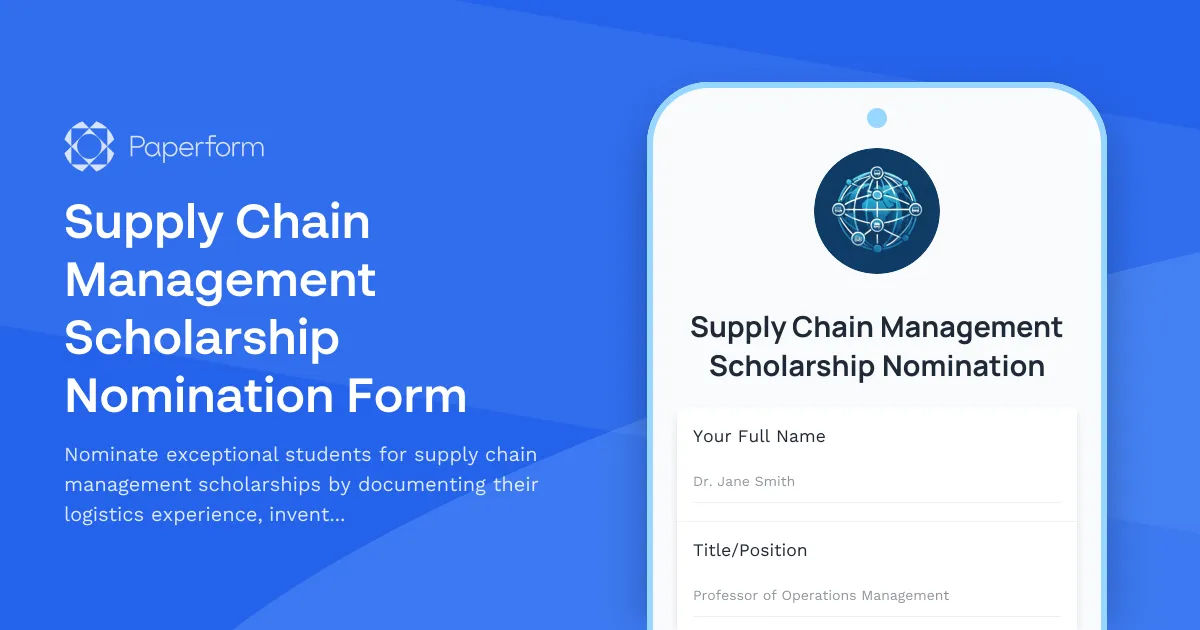
Supply Chain Management Scholarship Nomination Form
Nominate exceptional students for supply chain management scholarships by documenting their logistics experience, inventory optimization projects, global trade interests, and faculty endorsements.