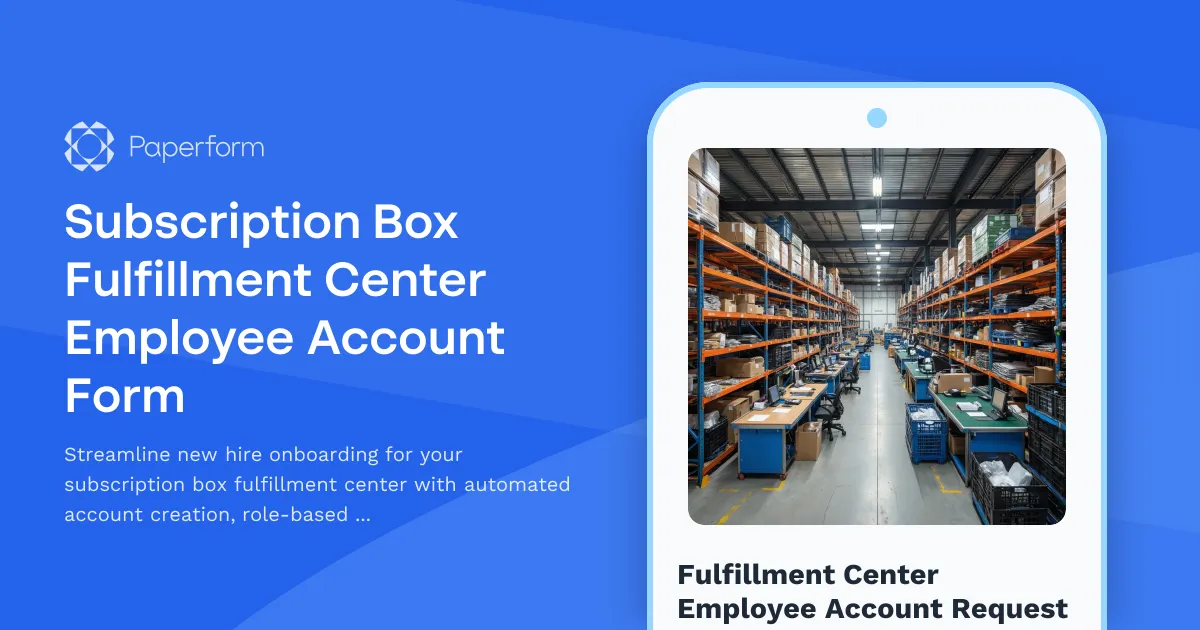
Subscription Box Fulfillment Center Employee Account Form Template
Setting up new employees in a busy subscription box fulfillment center shouldn't slow down your operations. Whether you're scaling up for peak season or bringing on permanent warehouse staff, this Subscription Box Fulfillment Center Employee Account Form gives you a structured, repeatable way to provision accounts, assign permissions, and get team members operational on day one.
Why fulfillment operations need smart account provisioning
Subscription box businesses move fast. Your fulfillment center is the heartbeat of customer satisfaction—pick, pack, ship, repeat. But when new hires can't access the right systems, or have too much access to sensitive areas, you risk delays, errors, and compliance headaches.
This template is built specifically for e-commerce fulfillment operations, third-party logistics providers (3PLs), warehouse managers, and subscription box brands running their own distribution centers. It captures everything IT and operations teams need to create accounts with the right level of access, assign physical workstations, and integrate new employees into your warehouse management system (WMS) or order fulfillment platform.
What this template helps you accomplish
Streamlined account creation: Collect employee details, emergency contacts, role information, and system access requirements in one clean form—no more chasing down managers for missing details or provisioning accounts twice.
Role-based access control: Define permissions based on job function. Order processors need visibility into incoming orders and customer data. Pickers need mobile device access and inventory locations. Packers need packing slip generation and label printing. Shipping coordinators need carrier integrations and batch processing. This form ensures everyone gets exactly what they need—and nothing they don't.
Workstation and zone assignment: Assign employees to specific packing stations, picking zones, or processing desks right from the start. This helps operations managers plan floor layouts, balance workloads, and track productivity by location.
Safety and compliance: Capture certifications (forklift, hazmat handling), safety training completion, and equipment assignments to meet OSHA and industry compliance requirements.
Faster onboarding, fewer tickets: When IT has all the information upfront, new hires walk into a ready workspace with credentials, devices, and access permissions already configured. That means less downtime, fewer helpdesk tickets, and a better first-day experience.
How Paperform makes fulfillment onboarding effortless
This template uses Paperform's conditional logic to show or hide fields based on the employee's role. If someone is hired as a "Picker," they'll see fields for mobile scanner assignment and zone preference. If they're a "Packer," the form surfaces packing station assignment and label printer setup. This keeps the form clean and relevant without overwhelming HR or IT with unnecessary questions.
Paperform's calculation fields can even auto-assign employee IDs, calculate start-date-based access expiration for seasonal workers, or route approvals to different managers depending on the department.
Once submitted, you can use Stepper to automate the entire provisioning workflow: create Active Directory accounts, send welcome emails with credentials, assign software licenses, update your WMS, notify the warehouse floor manager, and generate an onboarding checklist—all triggered by a single form submission. No more manual handoffs or forgotten steps.
For fulfillment centers that also handle onboarding paperwork, you can use Papersign to send employee handbooks, confidentiality agreements, or equipment loan forms for eSignature immediately after account creation, keeping everything centralized and audit-ready.
Who benefits from this template
This form is perfect for:
- E-commerce and subscription box brands managing in-house fulfillment teams
- Third-party logistics providers (3PLs) onboarding client-specific fulfillment staff
- Warehouse and operations managers coordinating new hire setup with IT
- IT administrators provisioning accounts for high-turnover fulfillment environments
- HR teams ensuring compliance and smooth onboarding for warehouse employees
Why Paperform for fulfillment and logistics operations
Fulfillment centers run on speed, accuracy, and coordination. Paperform gives you the tools to digitize and automate operational workflows without needing a developer or expensive WMS add-ons.
With 500,000+ teams worldwide relying on Paperform for mission-critical forms, SOC 2 Type II compliance, and integrations with tools like Slack, Google Workspace, Airtable, and thousands more via Stepper or Zapier, you can trust that your account provisioning process is secure, scalable, and ready to grow with your operation.
Start with this template, customize it to match your warehouse's specific systems and roles, and get new hires from offer letter to first pick in record time.



More templates like this
Warehouse Management System Request Form
Request a warehouse management system tailored to your operational needs. Specify SKU volume, picking methods, scanning requirements, and carrier integrations to receive the right WMS solution.
Cruise Line Crew Member Account Creation Form
Streamline new crew member onboarding with account setup, ship system access, passenger service permissions, safety compliance tracking, and port schedule visibility all in one place.
Distributed Engineering Team Onboarding Form
A comprehensive remote onboarding form for distributed engineering teams covering cloud access, repository permissions, sprint preferences, documentation standards, and on-call rotation availability.
Remote DevOps Engineer Onboarding Form
A comprehensive onboarding form for remote DevOps engineers covering personal details, technical setup, CI/CD pipeline access, infrastructure monitoring tools, incident response procedures, and on-call scheduling.
Remote Penetration Tester Onboarding Form
Comprehensive onboarding form for remote penetration testers including environment access, tool provisioning, certification verification, and rules of engagement acknowledgment.
SaaS New User Onboarding & Provisioning Form
Streamline new hire IT setup with automated account provisioning, role-based access control, license assignment, and manager approval workflows—all in one professional form.
Streaming Platform Content Moderator Account Provisioning Form
Streamline your content moderation team onboarding with this comprehensive account provisioning form. Set up moderator access levels, permissions, and tools for live stream monitoring and user report review.
Applicant Tracking System Request Form
Request an applicant tracking system (ATS) for your team. Specify your hiring volume, candidate management needs, interview scheduling requirements, and onboarding workflow preferences to find the right solution.

Home Office Battery Backup & UPS Request Form
Request battery backup and UPS equipment for your home office to ensure business continuity during power outages. Assess your power needs, prioritize critical devices, and plan for uninterrupted remote work.
Inventory Management System Support Request
A comprehensive technical support form for inventory management system issues including stock sync errors, reorder calculations, barcode scanning, and warehouse integrations.
Remote Inventory Manager Onboarding Form
A comprehensive onboarding form for remote inventory managers covering warehouse system access, stock monitoring tools, supplier protocols, forecasting software, and cycle count procedures.

Remote Work Monitor & Display Upgrade Request
Request approval for new monitors and display equipment for your home office setup. Submit screen specifications, multiple monitor needs, and mounting requirements for budget approval.