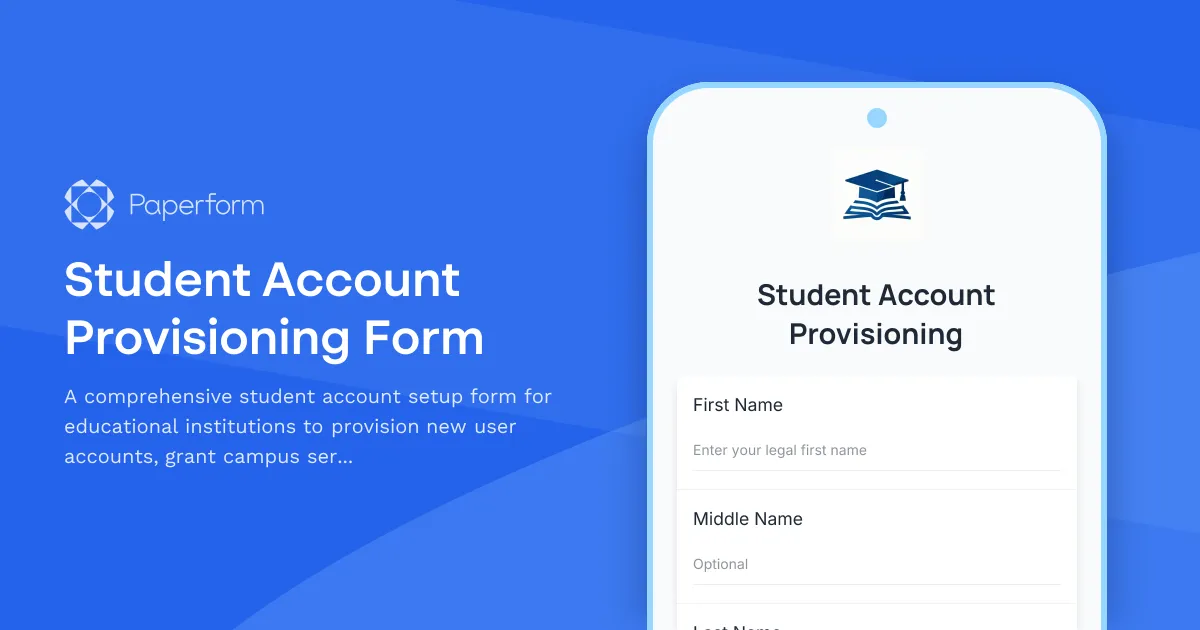
Setting up student accounts shouldn't mean drowning in paperwork and manual data entry. This Student Account Provisioning Form helps educational institutions streamline the entire onboarding process—from initial enrollment to full system access—in one smooth, digital workflow.
Whether you're managing K-12 students, college freshmen, or continuing education learners, this template captures everything your IT and student services teams need: program enrollment details, campus service preferences, learning management system credentials, and signed acceptable use policies.
Why Paperform is perfect for student provisioning:
Educational institutions deal with waves of new students each semester, and manual account creation is time-consuming and error-prone. With Paperform, you can create a branded, easy-to-complete form that students (or parents) fill out once, triggering automated workflows that provision accounts across multiple systems.
Use conditional logic to show different questions based on student type, program selection, or campus location. Collect eSignatures for acceptable use policies directly in the form via Papersign (papersign.com), eliminating the need to chase down signed PDFs. Then connect to Stepper (stepper.io) to automate the downstream work: create accounts in your student information system, provision LMS access, send welcome emails with credentials, notify IT and faculty, and update rosters—all without a single manual handoff.
This template is ideal for registrars, IT administrators, student services coordinators, and enrollment teams at schools, colleges, universities, and training academies. It's fully customizable to match your institution's branding, data collection needs, and compliance requirements, and scales beautifully whether you're onboarding 50 students or 5,000.



More templates like this
Personalized Learning Platform Teacher Account Setup Form
Complete teacher onboarding form for personalized learning platforms with student tracking access, adaptive content permissions, and parent communication tools setup.
Back to School Parent Portal Account Activation Form
A complete parent portal registration form for schools that handles account creation, email verification, student linking, notification preferences, and consent—all in one streamlined experience.
Coding Bootcamp Campus Visitor Registration Form
Welcome visitors to your coding bootcamp campus with a professional check-in form that captures contact details, visit purpose, curriculum interests, and partnership opportunities while protecting student privacy.
College Course Override Request Form
A comprehensive form for students to request course enrollment overrides, including prerequisite waivers, capacity exceptions, and instructor approval for closed or restricted courses.
College Media Center Equipment Checkout Form
A comprehensive equipment checkout form for college media centers to manage camera, audio, and video equipment loans with training verification, insurance acknowledgment, and return inspection.
College Prerequisite Override Request Form
A comprehensive form for college students requesting permission to enroll in a course without meeting standard prerequisites, including instructor approval and preparation evidence.
Community College Continuing Education Enrollment Form
A comprehensive enrollment form for community college continuing education programs with course waitlist management, prerequisite verification, and automatic senior citizen discount application.
Cosmetology School Registration Form
A comprehensive registration form for cosmetology students including program enrollment, professional kit purchase, state board exam scheduling, salon placement preferences, and flexible payment plan options.
Culinary School Enrollment Application
Comprehensive culinary school enrollment form with specialty track selection, knife kit purchase options, externship placement preferences, and certification document upload.
Drama School Management System Support Request
Submit technical support requests for your drama school management system, including issues with audition scheduling, rehearsal space booking, costume inventory, and ticket sales integration.
International Student Enrollment Form
A comprehensive enrollment form for international students covering visa documentation, English proficiency verification, housing preferences, and orientation registration.
International Student Technology Orientation Form
A comprehensive technology orientation form for international students covering device compatibility, WiFi setup, learning management system access, essential app downloads, and cybersecurity training requirements.