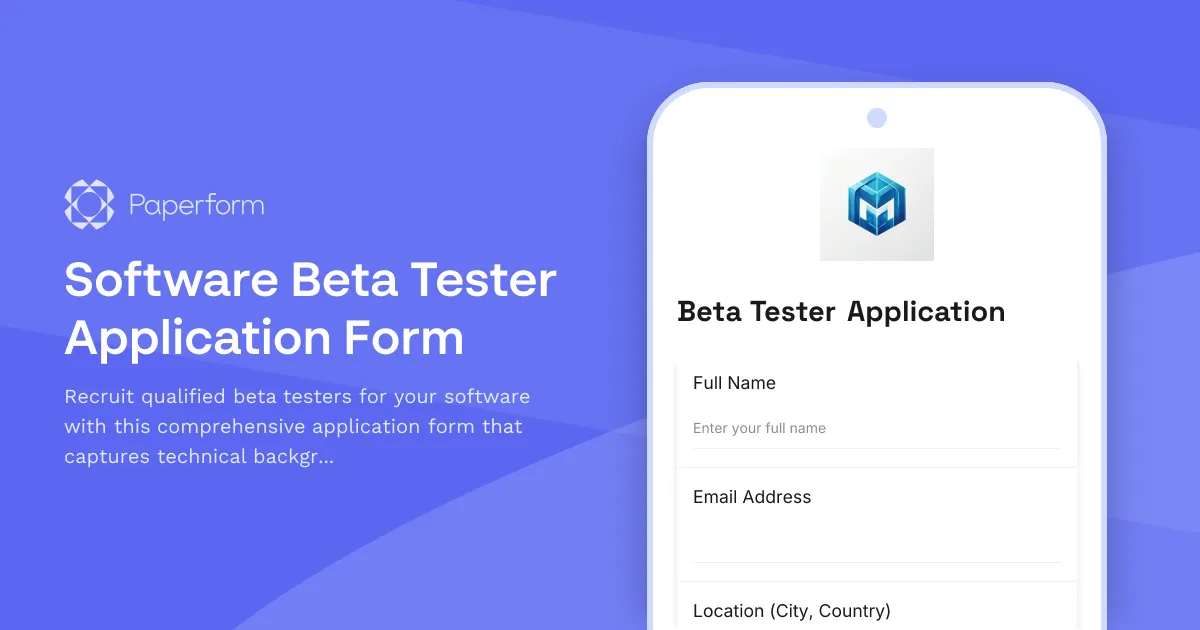
Find the Perfect Beta Testers for Your Software Launch
Launching new software without proper testing is like building a house without a foundation—risky and prone to problems. A software beta tester application form helps you identify qualified testers who have the right technical skills, devices, and commitment to provide valuable feedback before your official release.
Whether you're a SaaS startup preparing for launch, an established software company rolling out new features, or an indie developer looking for real-world testing, this beta tester application template streamlines your recruitment process and ensures you onboard testers who will actually contribute to your product's success.
Why Use a Structured Beta Tester Application?
Not all beta testers are created equal. While enthusiasm is great, you need testers who understand your software category, have access to the right devices, and can provide actionable feedback. This form template helps you:
- Screen for technical competency by capturing experience level, familiarity with similar tools, and technical background
- Verify device compatibility with detailed specifications for operating systems, browsers, screen resolutions, and hardware
- Assess availability and commitment to ensure testers can dedicate adequate time during your testing window
- Secure legal agreements through NDA acceptance and terms of service acknowledgment
- Set clear expectations about feedback frequency, bug reporting, and communication channels
By collecting this information upfront, you'll build a beta testing cohort that delivers meaningful insights rather than just signing up and disappearing.
What Makes This Template Perfect for Software Companies
This beta tester application form is designed specifically for software products—whether web apps, mobile applications, desktop software, or browser extensions. It includes:
Technical Background Assessment: Questions about coding knowledge, software testing experience, QA familiarity, and understanding of bug reporting help you identify testers who can provide detailed, technical feedback versus casual users who offer different but equally valuable perspectives.
Device & Environment Specifications: Capture exact details about operating systems, device models, browser versions, screen sizes, and network conditions. This information is crucial for reproducing bugs and understanding edge cases that only appear in specific configurations.
Testing Availability & Time Commitment: Clear questions about when testers can start, how many hours per week they can dedicate, and their availability for follow-up communication help you plan your testing timeline and set realistic expectations.
NDA & Legal Agreement: Built-in agreement acknowledgment ensures testers understand confidentiality requirements, intellectual property protections, and the terms of their participation before accessing your software.
Motivation & Feedback Commitment: Understanding why someone wants to beta test and what they hope to gain helps you identify genuine enthusiasts who will stick with the program versus curiosity-driven sign-ups who may lose interest quickly.
Automate Your Beta Testing Workflow with Stepper
Once applications start rolling in, you'll want to automate what happens next. Connect this form to Stepper to build a complete beta tester onboarding workflow:
- Auto-score applications based on technical experience, device match, and availability to prioritize your review queue
- Send acceptance or waitlist emails automatically with next steps, beta access links, and onboarding materials
- Create Notion or Airtable databases of accepted testers with all their technical specs for easy reference during testing
- Trigger Slack notifications when high-priority applications come in (like testers with rare device configurations you need)
- Schedule follow-up emails to check in with testers, request feedback reports, and maintain engagement throughout the beta period
This automation means you can focus on analyzing feedback and improving your software rather than manually managing spreadsheets and sending emails.
Who Benefits from This Beta Tester Application Template
This form template is ideal for:
SaaS Founders & Startups: Validate your product-market fit with real users before launch, identify critical bugs early, and build a community of early adopters who become your first advocates.
Product Managers: Recruit diverse testing cohorts for new features, gather usage data across different user segments, and de-risk major releases with structured feedback loops.
Software Development Teams: Build a pipeline of testers with specific technical configurations, supplement your QA team with real-world testing, and uncover edge cases your internal team missed.
Indie Developers & Solo Founders: Access free, high-quality testing without hiring a QA team, leverage your community to find bugs, and create buzz around your upcoming launch.
Marketing Teams: Build anticipation before launch, create a sense of exclusivity around beta access, and turn testers into brand ambassadors who share their experiences.
Customize and Brand Your Beta Application
With Paperform's document-style editor, you can easily customize this template to match your brand and specific testing needs. Add your logo, adjust colors to match your product's design system, include screenshots or demo videos of what testers will be testing, and modify questions based on whether you're testing mobile, web, or desktop software.
The form works beautifully as an embedded element on your website's beta signup page, or host it on its own custom domain as a dedicated landing page that drives conversions. With Paperform's conditional logic, you can show device-specific questions only when relevant (iOS questions only for iPhone testers, for example) and create a smooth, professional application experience.
Secure, Compliant, and Scalable
Paperform is SOC 2 Type II compliant with enterprise-grade security, ensuring your applicant data and proprietary software information stay protected. Role-based permissions let your product, development, and QA teams access submitted applications without compromising security, while data residency controls ensure compliance with regional regulations.
As your testing program grows, Paperform scales with you—whether you're recruiting 50 testers or 5,000. Submissions sync to your CRM or project management tools via native integrations or Stepper workflows, and AI-powered insights help you identify patterns in applicant data without manual analysis.
Start building your perfect beta testing cohort today with this professional, conversion-optimized application form that makes recruitment easy and keeps your software launch on track.



More templates like this
Beta Program Accessibility Testing Recruitment Form
Recruit beta testers with disabilities to evaluate product accessibility, WCAG compliance, and inclusive design. Gather insights on assistive technology compatibility and user experience barriers.
Beta Program Performance Testing Application
A comprehensive form for recruiting beta testers to participate in performance testing, load generation, and scalability feedback for SaaS products and startups.
Mobile App Beta Tester Application
A comprehensive application form for recruiting beta testers for your mobile app, collecting device specifications, OS details, and testing availability to build a qualified testing team.
AI Tool Early Access Application
Apply for early access to our AI platform. Tell us about your use cases, data volume needs, and API requirements to join our beta program.
Buy Nothing Group API Access Application
Apply for API access to the Buy Nothing platform for integrating item posting, pickup coordination, and neighborhood boundary features into your application.
Closed Beta Program Application Form
A professional beta tester application form to recruit qualified participants, segment users into testing cohorts, and gather preferences for A/B experiments and feature testing.
Developer Partner Program Application
A comprehensive application form for developers interested in joining your partner program, including integration details, target market information, and co-marketing opportunities.
Integration Partnership Application
A comprehensive application form for SaaS integration partners interested in joining a limited beta release program, including tech stack assessment and joint development planning.
Machine Learning Model Deployment Callback Request
Request a callback to discuss your machine learning model deployment needs, including use case details, training data availability, and accuracy requirements.
Platform Partnership Application for Developers
A comprehensive application form for third-party developers seeking platform partnership, API access, and app marketplace listing with integrated revenue sharing and certification requirements.
Product Launch Community Moderator Application
A streamlined application form for recruiting community moderators during product launches and beta programs, evaluating platform experience, time availability, and moderation philosophy.

Product Launch Customer Advisory Board Application
A comprehensive nomination form for joining a product launch customer advisory board, including commitment agreements, NDA acceptance, and meeting availability coordination.