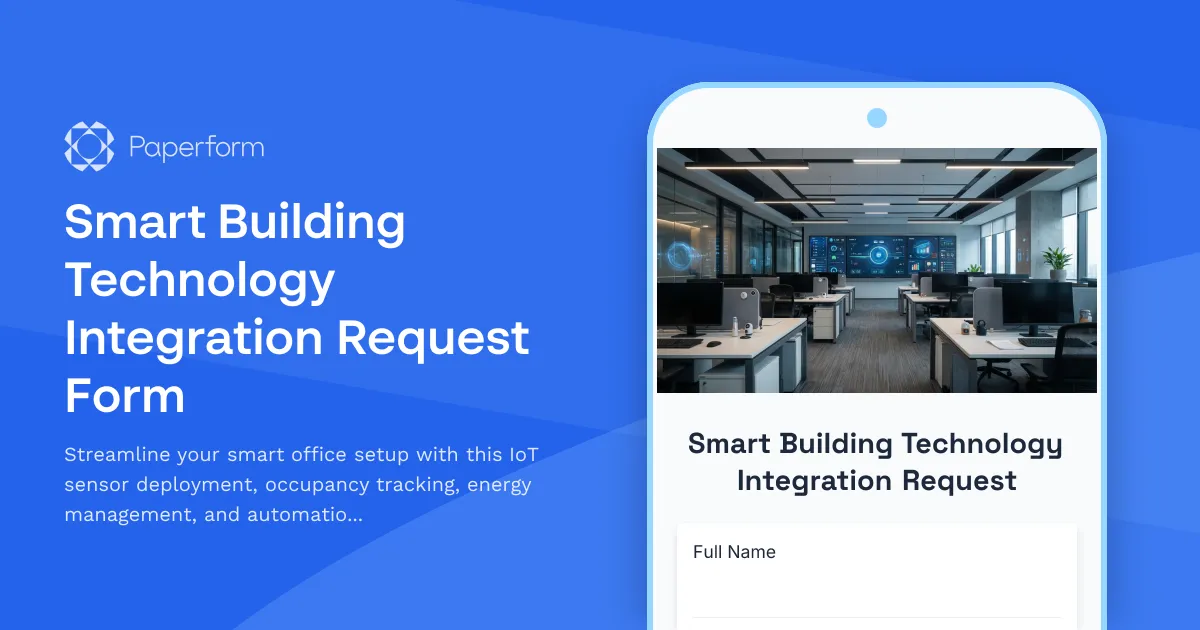
Transform Your Office into a Smart, Data-Driven Workspace
Moving to a new office or upgrading your existing space with smart building technology? This Smart Building Technology Integration Request Form makes it effortless to capture employee preferences, department requirements, and technical specifications for IoT sensors, occupancy tracking systems, energy management, mobile access, and automation settings.
Why Smart Building Technology Matters
Modern workplaces are evolving beyond traditional office setups. Smart building technology offers occupancy insights, energy efficiency, improved employee experience, and data-driven space optimization. Whether you're a facilities manager, operations director, or IT administrator, implementing IoT sensors and automation systems requires careful planning and clear understanding of user needs.
This form template helps you collect all the necessary information in one place—from desk sensor preferences and meeting room automation to mobile app access requirements and energy management goals. Instead of juggling email threads, spreadsheets, and informal conversations, you'll have a structured, professional process that ensures nothing gets overlooked during your smart office rollout.
What Makes Paperform Perfect for Smart Building Integration
Paperform is built for facilities teams and operations managers who need flexible, professional forms that actually work with their existing systems. Unlike rigid survey tools or clunky enterprise software, Paperform's doc-style editor lets you create forms that match your organization's brand and feel intuitive for employees to complete.
The form includes conditional logic to show relevant questions based on department type, workspace preferences, and technology comfort levels. This means employees only see questions that apply to them, making the experience faster and more relevant. You can embed this form on your intranet, send it via email, or share it as a standalone link—whatever works best for your rollout plan.
Automate Your Smart Office Workflow with Stepper
Once employees submit their technology preferences and requirements, the real work begins. With Stepper (stepper.io), Paperform's AI-native workflow builder, you can automatically route submissions to the right teams, create deployment schedules, provision mobile app access, and keep everyone updated on installation progress.
For example, when a department head submits integration requirements for their floor, Stepper can:
- Create a project ticket in your facilities management system
- Notify IT about mobile app access provisioning needs
- Schedule IoT sensor installation with your vendor
- Send confirmation emails with expected deployment timelines
- Update your asset tracking database with new sensor locations
- Generate reports for leadership on adoption rates and energy savings
This automation means your facilities and IT teams spend less time on manual coordination and more time ensuring successful implementation. Everything stays connected, from initial request through to final deployment and ongoing monitoring.
Who This Form Is For
This smart building integration form is designed for:
Facilities Managers overseeing office moves, renovations, or technology upgrades who need to gather requirements from multiple departments and coordinate with IT, vendors, and leadership.
Operations Directors implementing workplace optimization strategies and need employee input on occupancy tracking, hot desking systems, and automation preferences.
IT Administrators deploying building management platforms, mobile access apps, and IoT infrastructure who require detailed technical specifications and user access information.
Workplace Experience Teams creating modern, employee-centric office environments with smart technology that adapts to how people actually work.
Property Management Companies rolling out smart building features across multiple tenants and need a scalable way to collect preferences and manage installations.
Key Features and Customization Options
This template includes sections for employee information, workspace location details, IoT sensor preferences (desk occupancy, temperature, lighting, air quality), meeting room automation settings, energy management goals, mobile app access requirements, and custom automation preferences.
You can easily customize the form to match your specific smart building platform (whether you're using Cisco Spaces, IBM TRIRIGA, Siemens Enlighted, or another system), add your company branding, include floor plans for desk selection, or integrate with your existing facilities management tools.
The conditional logic ensures that employees who work remotely part-time see different questions than full-time office workers. Department-specific requirements can be captured without overwhelming everyone with irrelevant options. And calculation fields can help you estimate energy savings projections or sensor deployment costs based on responses.
Integration with Your Existing Systems
Paperform connects seamlessly with the tools facilities teams already use. Send submission data to:
- Google Sheets or Airtable for centralized tracking and reporting
- Slack or Microsoft Teams for instant notifications when VIP areas are configured
- Project management tools like Asana, Monday.com, or ClickUp to create deployment tasks
- CRMs and databases to maintain employee technology profiles
- Building management systems via webhooks for automated provisioning
With Stepper, you can build more sophisticated workflows that span multiple systems, handle approvals, trigger vendor communications, and maintain an audit trail of your entire smart building rollout.
Security and Compliance You Can Trust
When you're collecting employee workspace data, building access requirements, and technology preferences, security matters. Paperform is SOC 2 Type II compliant with robust data encryption, role-based permissions, and data residency controls. Your facilities and employee data stays protected throughout the entire integration process.
For larger organizations, Paperform's Agency+ and Enterprise tiers offer SSO integration, advanced user permissions, and dedicated support to ensure your smart building rollout meets corporate security standards.
Get Started with Smart Office Technology Today
Whether you're equipping a single floor with occupancy sensors or implementing a comprehensive smart building platform across multiple locations, this form template gives you a professional, efficient starting point. Customize it to match your specific technology stack, deployment timeline, and organizational structure.
With Paperform's intuitive editor, you can launch your smart building integration form in minutes—no coding, no complicated setup, just a clean, professional form that employees actually want to complete. And with Stepper automations, you'll transform every submission into coordinated action across your facilities, IT, and vendor teams.
Ready to build the modern, efficient workplace your organization deserves? Start with this smart building technology integration form and see how Paperform turns facility management into a seamless, data-driven process.



More templates like this

Office Relocation IT Asset Tagging & Tracking Form
Track IT equipment during office moves with asset tagging, serial numbers, condition assessment, backup verification, and deployment planning to ensure a smooth relocation.
Post-Move Office Setup Issue Reporting Form
Report issues with your new workspace after an office move or relocation. Submit problems related to furniture, equipment, IT setup, or facilities with photos and urgency tracking for quick resolution.
Office Move Building Access and Security Coordination Form
Coordinate building access, badge transfers, and security system updates for office moves and relocations. Streamline employee access permissions, visitor management, and security integrations in one form.
Collaborative Workspace & Huddle Room Equipment Relocation Form
A comprehensive form for managing the relocation of collaborative workspaces and huddle rooms, including AV systems, video conferencing equipment, whiteboards, displays, and post-move technology testing.
Conference Room Technology Setup Request Form
Request and configure video conferencing equipment, presentation systems, and audio-visual technology for your new office's conference rooms and meeting spaces.
Executive Office & VIP Workspace Relocation Request Form
A comprehensive relocation request form for executive and VIP workspace moves, including privacy requirements, custom furniture specifications, secure storage, and priority scheduling.
Facilities Management Desk Booking & Workspace Reservation Form
Streamline desk reservations, hot desk bookings, and assigned seating while integrating building systems monitoring, vendor coordination, and emergency response protocols into your workspace management.
Office Kitchen and Breakroom Relocation Inventory Form
A comprehensive form for managing kitchen and breakroom relocations, tracking appliances, utensils, refrigerator contents, and coordinating cleaning and setup in your new space.
Office Move Day Logistics Form
Coordinate office moves, relocations, and space changes with building access, loading dock reservations, elevator holds, and all essential move day logistics in one streamlined form.
Office Move Disaster Recovery & Backup Site Designation Form
Designate alternate workspaces and establish disaster recovery protocols for office moves and relocations. Identify backup sites, define recovery objectives, and plan failover procedures to ensure business continuity.
Office Move Network Infrastructure Planning Form
Plan your office relocation's network infrastructure with detailed specifications for bandwidth, WiFi coverage, VoIP systems, printer placement, and redundancy requirements.
Office Move Timeline & Milestone Tracking Form
Track office relocation progress with phase completion status, vendor coordination, employee notifications, IT cutover windows, and go-live readiness checklist for seamless transitions.