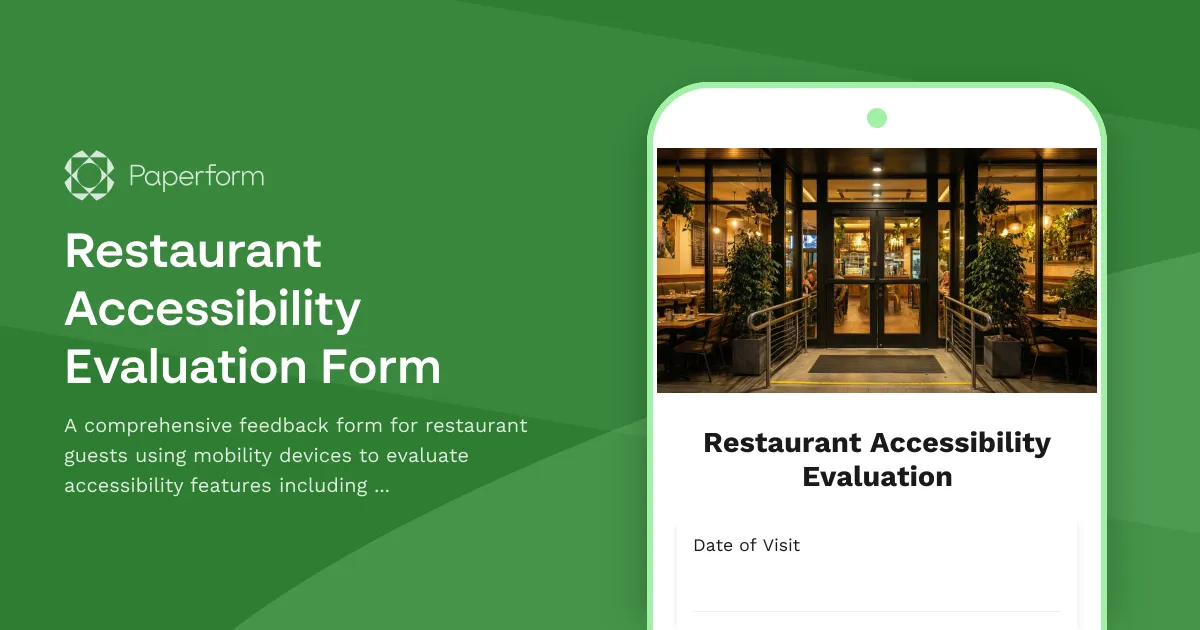
Make Your Restaurant More Accessible with Actionable Guest Feedback
Creating an inclusive dining experience isn't just the right thing to do—it's good business. According to the CDC, 1 in 4 adults in the United States has a disability, and many use mobility devices like wheelchairs, walkers, or canes. When restaurants actively seek feedback on accessibility barriers, they unlock opportunities to serve a wider customer base and create welcoming spaces for everyone.
This Restaurant Accessibility Evaluation Form is designed to help restaurant owners, managers, and hospitality professionals gather detailed, actionable feedback from guests who use mobility devices. Rather than waiting for complaints or relying on external audits alone, this form empowers your guests to share their firsthand experiences across critical accessibility touchpoints.
What This Form Covers
The evaluation walks guests through every stage of their dining experience:
- Entrance accessibility: Is there a ramp or level entrance? Are doors wide enough and easy to open? Is there adequate lighting and clear signage?
- Seating and navigation: Can guests move freely through the dining area? Are tables at accessible heights with enough knee clearance? Is there flexible seating for different mobility needs?
- Restroom accessibility: Are restrooms clearly marked and easy to reach? Do stalls have grab bars, sufficient turning radius, and accessible sinks?
- Menu and service accessibility: Are menus available in large print, braille, or digital formats? Can staff assist guests with mobility needs courteously and efficiently?
By collecting structured feedback in these areas, you'll identify specific barriers that may prevent guests from enjoying your restaurant fully—and learn exactly what's working well.
Why Paperform Is Perfect for Accessibility Feedback
Paperform makes it easy to create accessible, user-friendly forms that guests can complete on any device. The doc-style editor lets you format questions clearly with headings, helpful descriptions, and images, ensuring the form itself is easy to navigate.
With conditional logic, you can ask follow-up questions based on guest responses—for example, if someone indicates the entrance was difficult to access, you can ask for specific details about the barrier they encountered. This keeps the form focused and relevant without overwhelming respondents.
After submission, responses flow directly into your preferred tools. Use Stepper (stepper.io) to automatically route feedback to your facilities team, create action items in your project management system, or send a thank-you email to the guest along with a discount code for their next visit. You can also use Paperform's AI Insights to analyze patterns across multiple submissions, quickly identifying recurring accessibility issues that need attention.
Who Benefits from This Form
This template is ideal for:
- Restaurant owners and managers looking to improve accessibility and comply with ADA or similar regulations
- Hospitality groups managing multiple locations who want consistent feedback across venues
- Event venues and catering services that host guests with diverse mobility needs
- Facilities and operations teams responsible for renovations and accessibility improvements
- Customer experience managers focused on creating inclusive, welcoming environments
Build Trust and Loyalty Through Inclusive Experiences
When you actively seek accessibility feedback, you send a powerful message: every guest matters. Guests who feel seen and valued are more likely to return, leave positive reviews, and recommend your restaurant to others.
Paperform's customizable themes let you match the form to your restaurant's brand, and you can embed it directly on your website or share it via QR codes on tables or receipts. With over 30,000 templates, SOC 2 Type II compliance, and GDPR readiness, Paperform gives hospitality businesses the tools to collect feedback professionally and securely.
Start gathering accessibility feedback today and take meaningful steps toward creating a dining experience that welcomes everyone.



More templates like this
Wine Tasting Room Accommodation Request Form
A comprehensive form for requesting accessibility accommodations at wine tasting venues, including seating, tasting format modifications, and sensory environment adjustments.
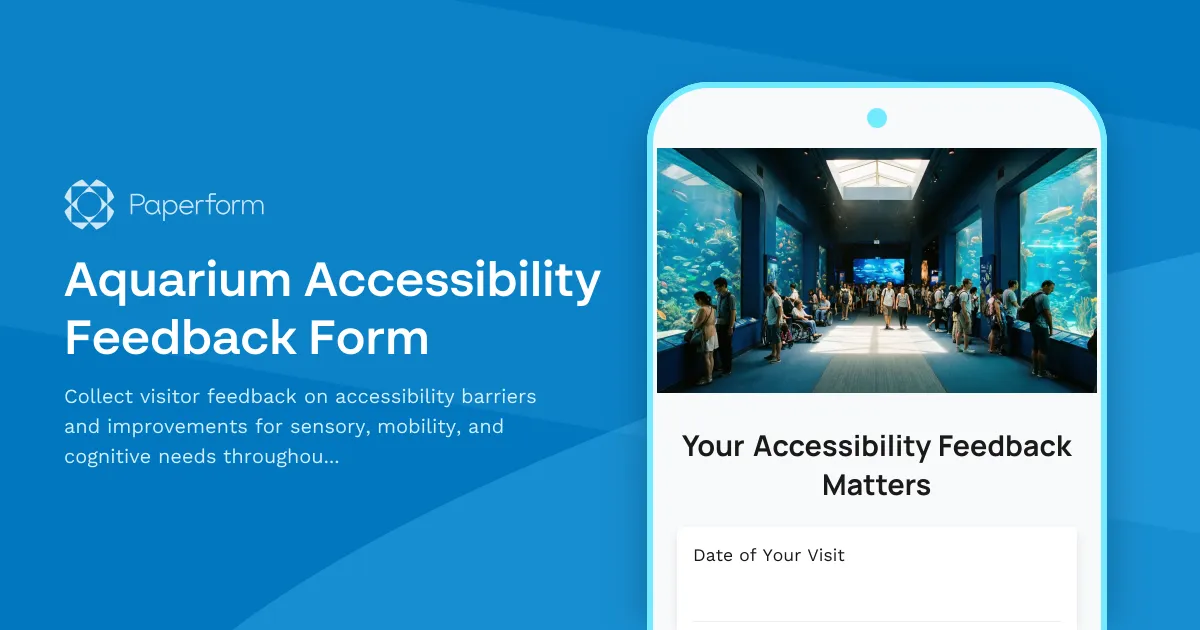
Aquarium Accessibility Feedback Form
Collect visitor feedback on accessibility barriers and improvements for sensory, mobility, and cognitive needs throughout your aquarium's exhibits, pathways, and programs.
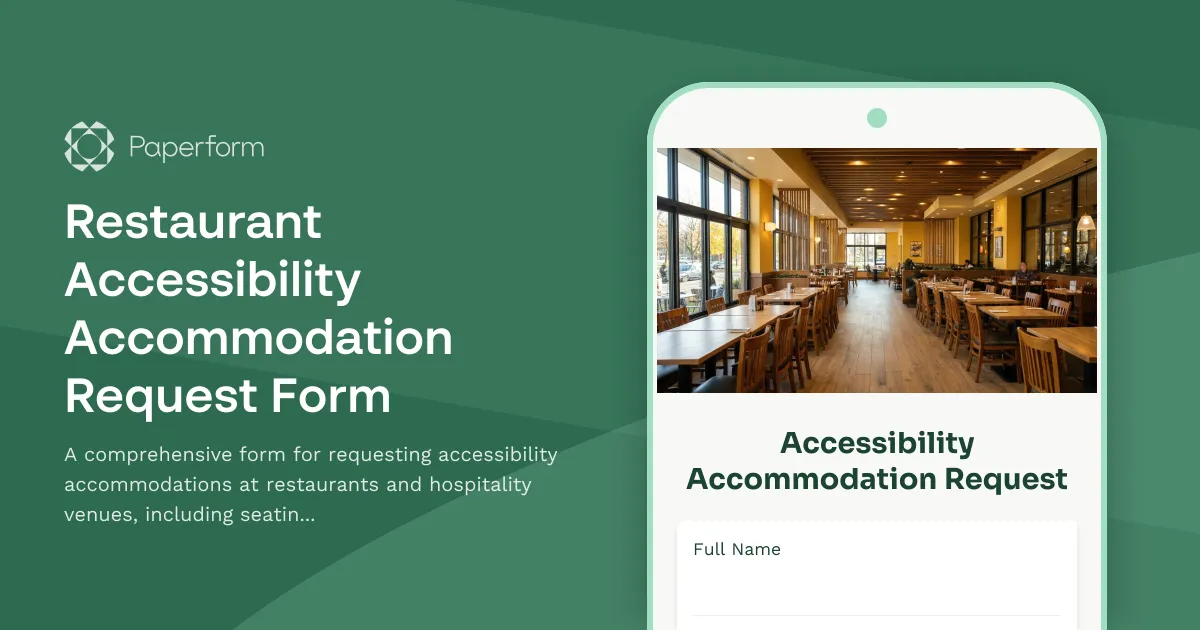
Restaurant Accessibility Accommodation Request Form
A comprehensive form for requesting accessibility accommodations at restaurants and hospitality venues, including seating preferences, menu format options, and service modifications.
Trampoline Park Accommodation Request Form
Request disability accommodations and accessibility adjustments for trampoline park visits, including activity modifications, sensory environment support, and safety equipment adaptations.
Distillery Tour Accommodation Request Form
A professional accommodation request form for distillery tours that ensures all guests can fully experience the tour, tastings, and production areas with appropriate accessibility support and modifications.
Hot Air Balloon Ride Accommodation Request Form
A comprehensive accommodation request form for hot air balloon rides, designed to ensure passengers with disabilities or accessibility needs receive appropriate support, safety equipment modifications, and briefing adaptations.
Hotel Guest Accommodation Request Form
A comprehensive form for hotel guests to request disability and accessibility accommodations, room modifications, communication preferences, and accessible amenities to ensure a comfortable and inclusive stay.
Indoor Skydiving Accommodation Request Form
Request disability accommodations and accessibility modifications for indoor skydiving experiences, including equipment adaptations, instruction alternatives, and customized safety protocols.
Multi-User Restroom Accessibility Feedback Form
Collect comprehensive feedback on multi-user restroom accessibility for individuals with disabilities requiring caregiver assistance. Evaluate stall size, fixture placement, privacy, and identify barriers to improve inclusive facility design.
Outdoor Accessible Restroom Facility Evaluation Form
Evaluate the accessibility of outdoor park restrooms for visitors with disabilities. Assess path access, fixtures, signage, and maintenance conditions to identify barriers and improvement opportunities.
Auto Repair Shop Accessibility Accommodation Request Form
Request disability accommodations and accessibility support at an auto repair facility, including service explanation formats, waiting area modifications, and vehicle adaptation consultations.
Axe Throwing Facility Accommodation Request Form
Request disability and accessibility accommodations for axe throwing activities, including throwing line modifications, equipment adaptations, and alternative safety instruction formats.