
Elevate Your Home Office with the Right Desk Accessories
Working remotely shouldn't mean settling for a cluttered, uncomfortable workspace. Whether you're organizing cables, optimizing your monitor setup, or simply need a better way to manage documents, having the right desk accessories makes all the difference to your productivity and comfort.
Our Remote Work Desk Accessories & Organizers Allowance Form helps HR teams, office managers, and remote employees streamline the process of requesting and approving workspace optimization purchases. Built specifically for distributed teams that want to support their people without drowning in email threads and receipt photos, this form template brings structure, transparency, and speed to your home office equipment program.
Why Paperform for Home Office Equipment Requests?
Managing remote work allowances can quickly become chaotic—especially when you're juggling multiple requests, budget caps, and approval workflows. Paperform turns this into a smooth, automated process that works for everyone.
With this template, employees can browse pre-approved categories, select specific items they need, see budget limits in real time, and submit everything with photos and justification in one clean form. On the back end, HR and finance teams get structured data they can actually work with, automatic notifications when new requests come in, and the ability to track spending against departmental budgets.
Built-in calculations and budget management
One of the standout features of this template is live budget tracking. As employees select accessories and enter quantities, the form automatically calculates totals and compares them against your company's allowance cap. This means no surprise overspending, no back-and-forth emails about budget limits, and no manual spreadsheet math.
Whether you set a quarterly allowance of $150 or an annual cap of $500, the form adapts to your policy and shows employees exactly how much of their budget they're using before they hit submit.
Perfect for modern, distributed teams
This form is designed for HR managers, office managers, IT coordinators, and operations teams at companies with remote or hybrid workforces. If you're in tech, consulting, marketing agencies, financial services, or any industry where people work from home regularly, you know how important it is to keep remote employees equipped and engaged.
The template covers the most common workspace optimization needs:
- Cable management solutions (cable trays, sleeves, clips, and boxes)
- Monitor stands and laptop risers (for better ergonomics and desk space)
- Document holders and organizers (keeping reference materials visible and tidy)
- Desk pads and mats (protecting surfaces and defining workspace)
- Workspace optimization items (drawer organizers, pen holders, desk shelves, and storage solutions)
Each category is clearly defined, making it easy for employees to find what they need and for approvers to understand exactly what's being requested.
Automate approvals and reimbursements with Stepper
Once a request is submitted, you don't want it sitting in someone's inbox for days. That's where Stepper comes in. Connect this form to Stepper to automatically route requests to the right manager, send approval notifications, update your HRIS or expense management system, and trigger reimbursement workflows—all without touching a spreadsheet.
For example, you could set up a workflow that:
- Sends an instant Slack notification to the employee's manager when a request is submitted
- Routes requests over $200 to finance for secondary approval
- Creates a reimbursement task in your project management tool once approved
- Logs the expense in your accounting software
- Sends a confirmation email to the employee with next steps
This level of automation means HR teams can focus on supporting employees, not chasing down approvals.
Custom branding and a professional employee experience
Remote work policies are part of your employee value proposition, and the tools you use to deliver them should reflect that. With Paperform's doc-style editor, you can customize this template to match your company's branding, add your logo, adjust colours and fonts, and even embed helpful photos or videos showing approved products or setup examples.
The form can live on your intranet, be embedded in your employee handbook, or sent as a standalone link. Either way, it delivers a clean, professional experience that makes employees feel supported—not like they're filling out a bureaucratic request form from 2005.
Security, compliance, and peace of mind
When you're handling employee data, purchase requests, and budget information, security matters. Paperform is SOC 2 Type II compliant and GDPR-ready, with built-in data residency controls, encrypted submissions, and role-based access so only the right people see sensitive information.
For larger HR teams managing multiple offices or departments, Agency+ and Enterprise plans offer advanced permissions, SSO, and centralized billing—so you can roll this form out across your entire organization with confidence.
Who this form is for
This template is built for:
- HR managers and people ops teams managing remote work policies and employee benefits
- Office managers and workplace coordinators overseeing distributed workspace programs
- Finance and procurement teams tracking equipment spend and reimbursements
- IT and operations managers ensuring remote employees have optimized, functional workspaces
Whether you're a 20-person startup going fully remote or a 500-person company rolling out a new hybrid work policy, this form scales with your needs.
Get started in minutes
You don't need to be a form expert or a no-code wizard to use this template. Simply customize the budget cap, adjust the accessory categories to match your company's policy, update the branding, and share the link with your team. Submissions flow straight into Paperform, where you can view, export, and integrate them with the rest of your HR tech stack.
And if you want to take it further, connect it to Stepper for workflow automation, use Papersign to collect acknowledgment signatures on your remote work policy, and tap into Paperform's native integrations with Slack, Google Sheets, HubSpot, and dozens of other tools your team already uses.
Supporting remote employees with the right workspace tools isn't just about desks and chairs—it's about showing your team that you're invested in their comfort, productivity, and success. This form template makes that easier than ever.



More templates like this

Home Office Accessibility & Specialized Seating Request Form
Request specialized ergonomic seating, mobility equipment, and accessibility accommodations for your home office workspace with ADA compliance documentation and approval workflow.
Home Office Storage & Filing Equipment Request Form
Request storage and filing equipment for your home office, including filing cabinets, shelving units, and organizational systems with security and fireproofing options.

Hybrid Work Equipment Insurance & Damage Assistance Form
Submit claims for accidental damage, theft, or loss of home office equipment with deductible assistance, repair cost sharing, and replacement support for hybrid workers.
Remote Work Carbon Footprint Reduction Equipment Incentive Application
Apply for incentives to upgrade your home office with energy-efficient equipment, green technology, and sustainability monitoring tools that reduce your carbon footprint.

Remote Work Monitor & Display Upgrade Request
Request approval for new monitors and display equipment for your home office setup. Submit screen specifications, multiple monitor needs, and mounting requirements for budget approval.
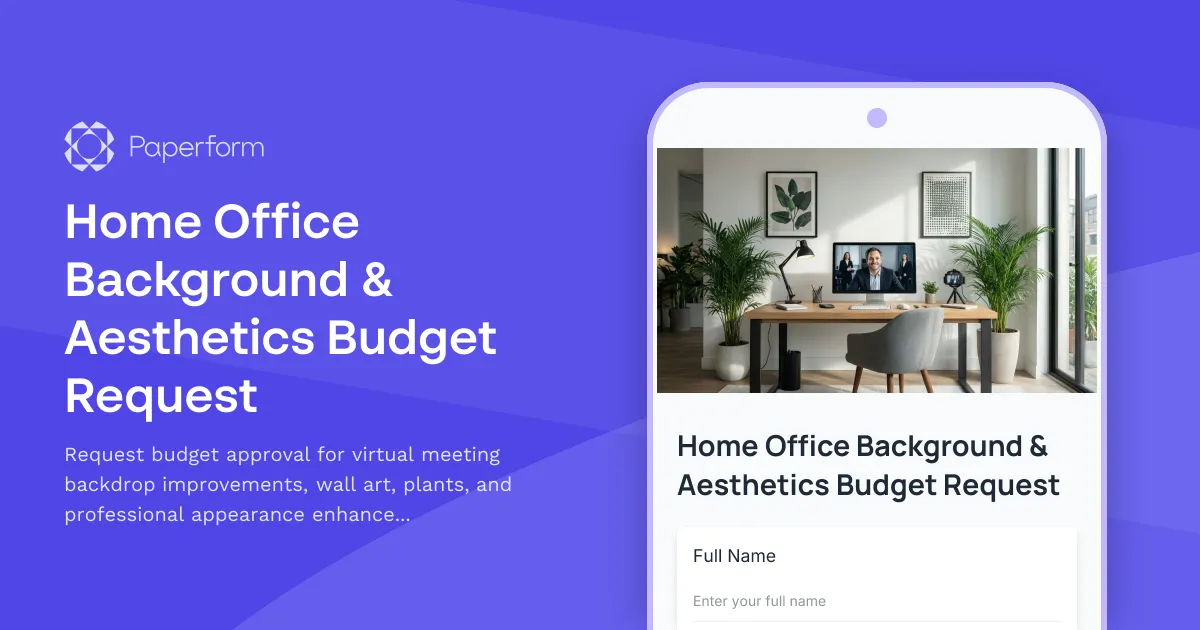
Home Office Background & Aesthetics Budget Request
Request budget approval for virtual meeting backdrop improvements, wall art, plants, and professional appearance enhancements for your home office setup.
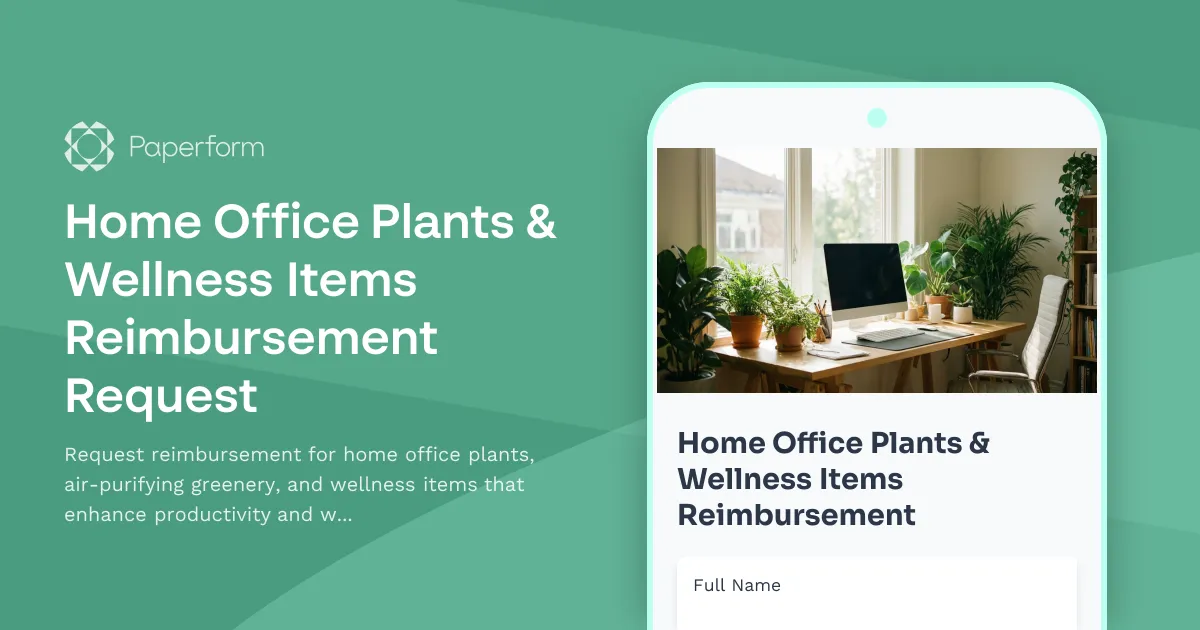
Home Office Plants & Wellness Items Reimbursement Request
Request reimbursement for home office plants, air-purifying greenery, and wellness items that enhance productivity and workspace quality.
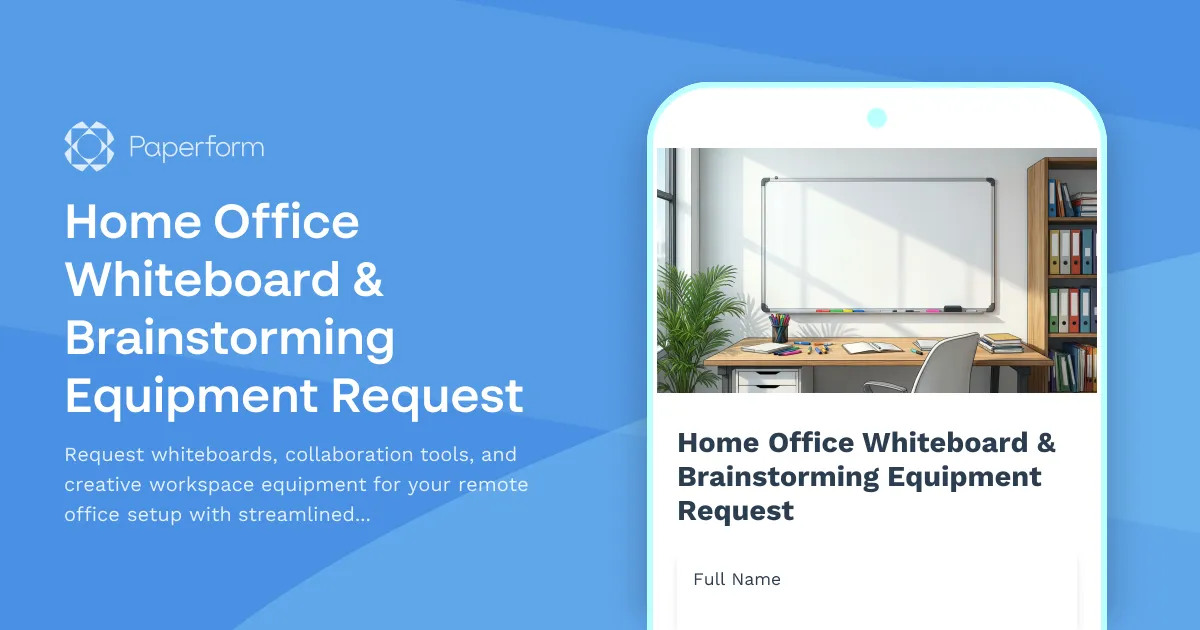
Home Office Whiteboard & Brainstorming Equipment Request
Request whiteboards, collaboration tools, and creative workspace equipment for your remote office setup with streamlined approval and reimbursement tracking.
Professional Development Stipend Request Form
A comprehensive form for employees to request professional development funding for conferences, courses, and training programs with budget tracking and knowledge sharing commitments.
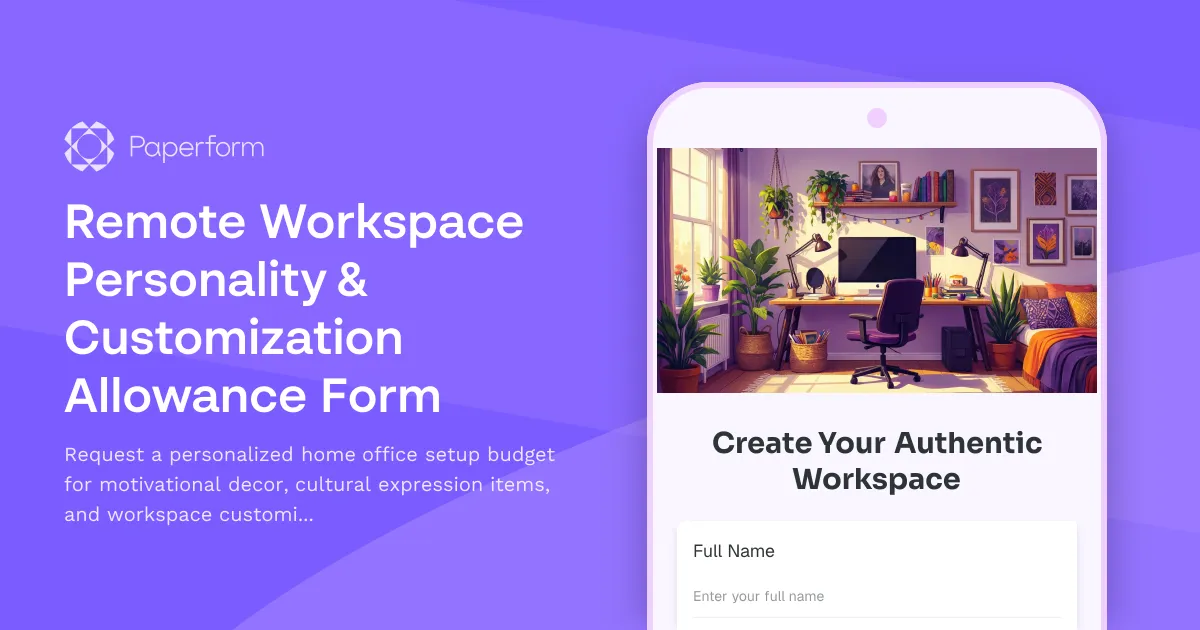
Remote Workspace Personality & Customization Allowance Form
Request a personalized home office setup budget for motivational decor, cultural expression items, and workspace customization that reflects your authentic style while maintaining professional standards.
Work from Home Office Subscription Box Reimbursement
Request reimbursement for your home office subscription box delivery with curated productivity tools, monthly supplies, and try-before-you-buy remote work equipment.

Work From Home Technology Upgrade Program Application
Apply for technology upgrades and equipment refreshes for your home office setup. Request emerging tech, scalability improvements, and innovation budget for long-term remote work success.