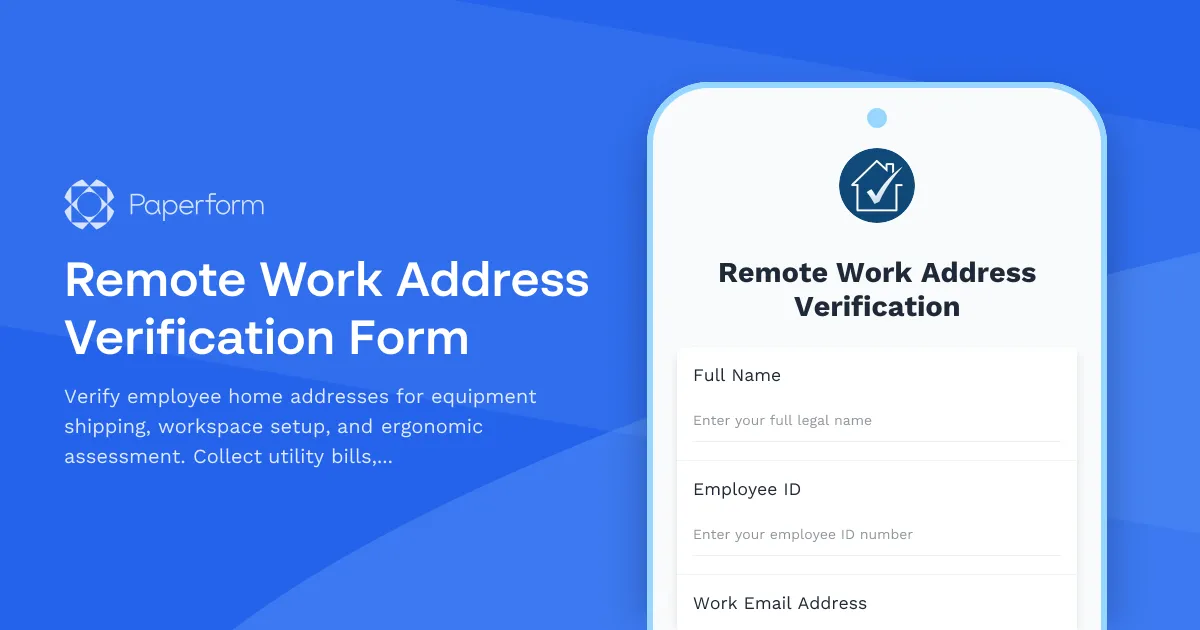
Streamline Remote Work Setup with Address Verification
As remote and hybrid work becomes the norm, verifying employee home addresses is essential for equipment shipping, compliance, and ensuring a safe, productive workspace. This Remote Work Address Verification Form helps HR teams, operations managers, and IT departments confirm residential details, assess home office setups, and coordinate equipment delivery—all in one streamlined workflow.
Why address verification matters for remote teams
Whether you're shipping laptops, monitors, ergonomic chairs, or setting up home office stipends, you need accurate, up-to-date address information. This form collects verified residential addresses, supporting documentation like utility bills or lease agreements, and workspace photos to ensure employees have suitable environments for remote work. It's particularly valuable for organizations managing distributed teams, coordinating IT asset delivery, or maintaining workplace safety standards even when employees work from home.
Built for HR, IT, and operations teams
This template is designed for human resources managers, IT coordinators, and operations teams who need to verify employee addresses before shipping equipment or approving remote work arrangements. The form captures essential details including full residential address with autocomplete, proof of residence documentation, workspace photographs, and basic ergonomic assessments. Conditional logic guides employees through relevant sections based on their specific situations, making the process efficient and professional.
How Paperform makes verification seamless
With Paperform's document-style editor, you can customize this verification form to match your company's brand and specific remote work policies. The form supports file uploads for utility bills, lease agreements, and workspace photos, while the address field with autocomplete ensures accuracy. You can embed this form in your HR portal, share it via email during onboarding, or include it in your remote work approval workflow.
Automate what comes next with Stepper
Once an employee submits their verification, Stepper can automate the entire follow-up process. Route approvals to facilities managers, trigger equipment shipment requests to IT, update employee records in your HRIS, and send workspace setup guides automatically. You can create multi-step workflows that notify different teams based on verification status, flag ergonomic concerns for follow-up, and keep everything synchronized across your HR and operations tools—no manual handoffs required.
Built for growing, distributed teams
Whether you're a startup scaling remotely, an agency managing freelancers across regions, or an enterprise coordinating hybrid work policies, this template gives you the professional infrastructure to verify addresses, assess workspaces, and ship equipment with confidence. Combined with Paperform's security features and integration ecosystem, you get an enterprise-grade solution that's simple enough for any team to own.



More templates like this

Home Office Battery Backup & UPS Request Form
Request battery backup and UPS equipment for your home office to ensure business continuity during power outages. Assess your power needs, prioritize critical devices, and plan for uninterrupted remote work.

Hybrid Work Equipment Check-Out Form
A comprehensive form for hybrid and remote employees to request, check out, and track company equipment including laptops, monitors, peripherals, and accessories with return scheduling and liability acknowledgment.
Hybrid Work Equipment Trade-In & Upgrade Program
Streamline your home office equipment upgrades with this comprehensive trade-in form that handles asset inventory, depreciation calculations, refurbishment options, and eco-friendly disposal compliance.

Remote Work Monitor & Display Upgrade Request
Request approval for new monitors and display equipment for your home office setup. Submit screen specifications, multiple monitor needs, and mounting requirements for budget approval.

Emergency Communication Device Allowance Request
Request reimbursement or allowance for emergency communication equipment including satellite phones, emergency radios, and backup devices for remote work locations.

Home Office Electrical Capacity & Equipment Reimbursement Form
Assess your home office electrical needs, calculate circuit load requirements, and request reimbursement for power strips, outlets, and electrician consultations to ensure safe and compliant remote work setups.

Hybrid Work Equipment Insurance & Damage Assistance Form
Submit claims for accidental damage, theft, or loss of home office equipment with deductible assistance, repair cost sharing, and replacement support for hybrid workers.
Hybrid Work Equipment Sanitization & Cleaning Supplies Request
Request reimbursement for home office sanitization equipment, cleaning supplies, air purifiers, and UV sanitizers to maintain health and safety standards in hybrid work environments.
Hybrid Work Technology Insurance & Protection Plan Request
Request insurance and protection coverage for your home office equipment with custom coverage options, deductible preferences, and comprehensive loss and damage protection policies.
IT Equipment & Home Office Setup Request Form
A comprehensive request form for hybrid workers to specify their IT equipment needs, home office setup requirements, monitor preferences, keyboard specifications, and VPN access.
Remote Work Backup Power Supply Request Form
Request backup power equipment for your remote workspace. Submit UPS specifications, runtime requirements, and equipment protection needs for home office power continuity.
Remote Work Productivity Tracking Consent Form
A professional consent form for remote employees to acknowledge and accept productivity monitoring tools, review privacy policies, and agree to performance tracking metrics.