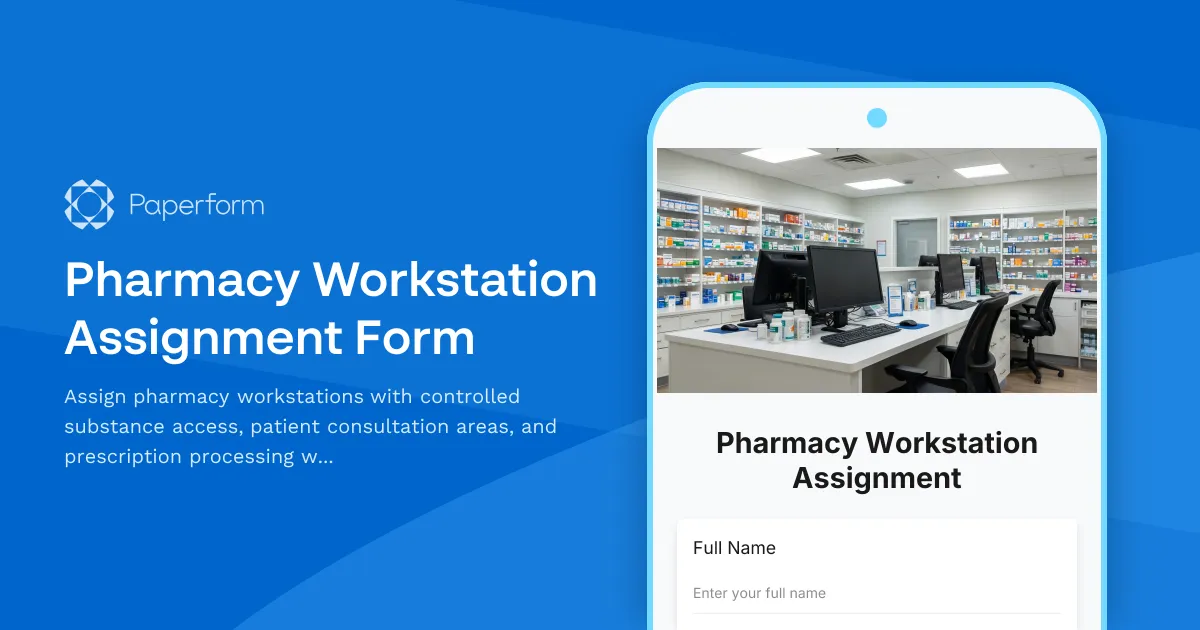
Streamline Pharmacy Workstation Assignments with Paperform
Managing pharmacy workstation assignments shouldn't be complicated—but when you're juggling controlled substance access, patient privacy requirements, and prescription processing workflows, a simple sign-up sheet won't cut it. This Pharmacy Workstation Assignment Form template gives pharmacy managers a professional, HIPAA-aware solution for coordinating workspace allocation across shifts while maintaining security and compliance.
Why pharmacy workstation management matters
In busy retail, hospital, and specialty pharmacies, workstation allocation directly impacts patient safety, regulatory compliance, and operational efficiency. Pharmacists and pharmacy technicians need access to specific stations equipped for:
- Controlled substance dispensing with locked cabinets and dual-verification protocols
- Patient consultation areas that meet privacy requirements under HIPAA
- Prescription processing workflows including data entry, verification, compounding, and final check stations
- Specialty equipment such as compounding hoods, automated dispensing systems, and refrigerated storage
Without a clear assignment system, you risk bottlenecks at critical stations, compliance gaps in controlled substance access logs, and privacy violations when patient consultations occur in open areas.
Built for pharmacy operations teams
This template is designed specifically for:
- Pharmacy managers and directors coordinating daily staff assignments
- Chief pharmacists overseeing multi-location or hospital pharmacy operations
- Pharmacy supervisors managing shift-based workstation rotation
- Operations coordinators tracking equipment access and workspace utilization
Whether you're running a community pharmacy, hospital inpatient pharmacy, compounding specialty pharmacy, or mail-order prescription facility, this form adapts to your unique station types and access requirements.
What's included in this template
The Pharmacy Workstation Assignment Form captures everything you need to assign workstations safely and efficiently:
Staff identification and credentials: Collect pharmacist or technician names, license numbers, and certification levels to ensure only qualified personnel access controlled areas.
Shift and date selection: Specify the date, shift time, and duration so assignments are clear and trackable across rotating schedules.
Workstation type and location: Choose from prescription intake, data entry, verification, dispensing (including controlled substances), compounding, patient consultation rooms, and specialty stations.
Controlled substance access requirements: Indicate whether the assignment requires access to Schedule II–V medications and log authorization accordingly.
Privacy and consultation needs: Flag assignments that require private patient consultation areas to maintain HIPAA compliance.
Equipment and system access: Note any specialized equipment needs such as laminar flow hoods, automated dispensing cabinets, or telepharmacy systems.
Workflow coordination: Align workstation assignments with prescription processing stages—from intake and insurance verification to final pharmacist check and patient counseling.
This structured approach ensures every staff member has the right access at the right time, while maintaining an auditable record for compliance and quality assurance purposes.
Why Paperform is the right tool for pharmacy workspace management
Paperform's flexible, no-code platform makes it easy to design a workstation assignment form that matches your pharmacy's specific layout and workflow—without waiting on IT or juggling spreadsheets.
Conditional logic lets you show or hide fields based on answers. For example, if a staff member selects a controlled substance dispensing station, the form can automatically require license verification and manager approval. If they choose a compounding station, you can prompt for cleanroom certification and gowning protocol acknowledgment.
Calculations and field logic help you track station capacity in real time, prevent double-booking, and flag when high-demand stations (like consultation rooms or compounding hoods) are approaching utilization limits.
Custom branding and design means your form can match your pharmacy's professional standards, whether it's embedded in your internal portal or accessed via a custom domain for multi-site operations.
Automate approvals and coordination with Stepper
Once a workstation assignment request is submitted, you can use Stepper, Paperform's AI-native workflow builder, to automate what happens next:
- Route assignments to pharmacy managers for approval based on controlled substance access or specialty equipment requirements
- Send automatic confirmations to staff with workstation details, access codes, and shift reminders
- Update shared calendars or workforce management systems with assigned stations and times
- Trigger alerts when high-priority stations (like telepharmacy or compounding) are under- or over-allocated
- Log all assignments in compliance tracking systems for audit trails and regulatory reporting
Stepper keeps your pharmacy operations running smoothly, with no manual email follow-ups or missed assignments—especially critical during high-volume periods like flu season or new prescription launches.
Designed for compliance-conscious pharmacy teams
While Paperform is not HIPAA compliant, this template is designed to minimize the collection of protected health information (PHI). The form focuses on workstation logistics and staff credentials, not patient-level data, so it can be used as part of your broader compliance framework alongside your HIPAA-compliant prescription and patient management systems.
For added security, Paperform offers SOC 2 Type II compliance, SSO, role-based permissions, and data residency controls, giving pharmacy operations teams confidence that their workforce coordination data is handled securely.
Get started in minutes
This template is ready to use out of the box, but you can easily customize it to match your pharmacy's unique station types, shift structures, and access policies. Add your branding, adjust the workstation options, set up conditional approval flows, and start coordinating assignments more efficiently—today.
Trusted by healthcare operations teams worldwide, Paperform makes it easy to manage pharmacy workstations, track compliance, and keep your team aligned on who works where, when.



More templates like this
Pharmaceutical Office Relocation Regulatory Compliance Form
Comprehensive regulatory compliance form for pharmaceutical office relocations, covering controlled substance inventory, DEA license transfers, temperature-controlled storage requirements, security protocols, and inspection scheduling.
Pharmacy Maintenance Request Form
A comprehensive maintenance request form for pharmacies that prioritizes refrigeration equipment, coordinates security system work, ensures prescription access, and maintains state board compliance throughout repairs.
Pharmacy Supplies Request Form
A comprehensive pharmacy supplies request form with formulary compliance tracking, insurance reimbursement optimization, DEA logging for controlled substances, and compounding equipment specifications.
Acupuncture Clinic Desk & Treatment Room Booking Form
A specialized workspace booking form for acupuncture clinics managing practitioner desk assignments, treatment room rotations, and consultation spaces with consideration for herbal dispensary access and patient privacy.
Assisted Living Facility Desk Assignment Form
A comprehensive desk assignment form for assisted living facilities to coordinate resident care stations, activity planning workspaces, and family communication areas with staff scheduling and resource management.
Dental Practice Staff Desk Assignment Form
Streamline workspace allocation in your dental practice with optimized desk assignments based on role, sterilization room proximity, patient flow needs, and insurance verification requirements.
Home Health Agency Desk Assignment & Field Nurse Scheduling Form
Streamline workspace bookings, field nurse scheduling, and patient intake coordination for home health agencies with this comprehensive desk assignment form.
Medical Billing Office Hot Desking Request Form
A workspace reservation form designed for medical billing offices to book hot desks, claims processing stations, denial management workspaces, and provider communication access areas.
Medical Office Supplies Request Form
Streamline medical supply ordering with NDC tracking, expiration monitoring, HIPAA compliance verification, and insurance billing integration for healthcare facilities.
Naturopathic Clinic Desk Assignment Form
A comprehensive workspace booking form for naturopathic clinics to manage hot desking, treatment planning areas, compounding pharmacy coordination spaces, and patient education zones.
Pharmaceutical Representative Parking & Access Request
Medical clinic parking permit and sample storage access form for pharmaceutical representatives visiting healthcare facilities.
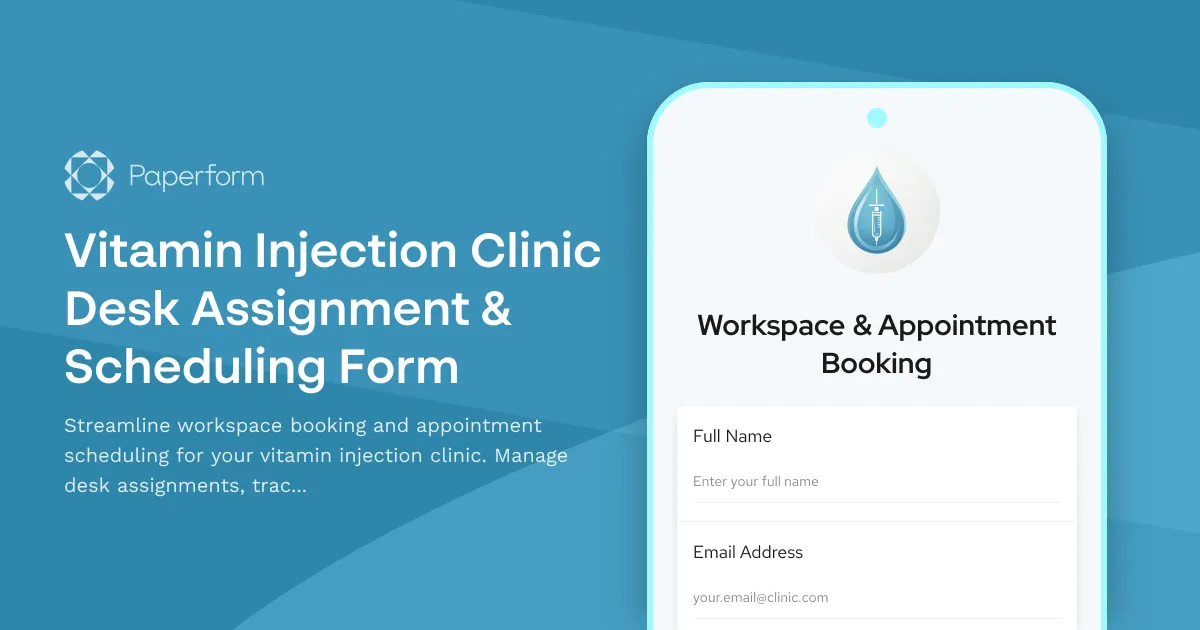
Vitamin Injection Clinic Desk Assignment & Scheduling Form
Streamline workspace booking and appointment scheduling for your vitamin injection clinic. Manage desk assignments, track vitamin inventory, and coordinate medical director consultations—all in one efficient form.