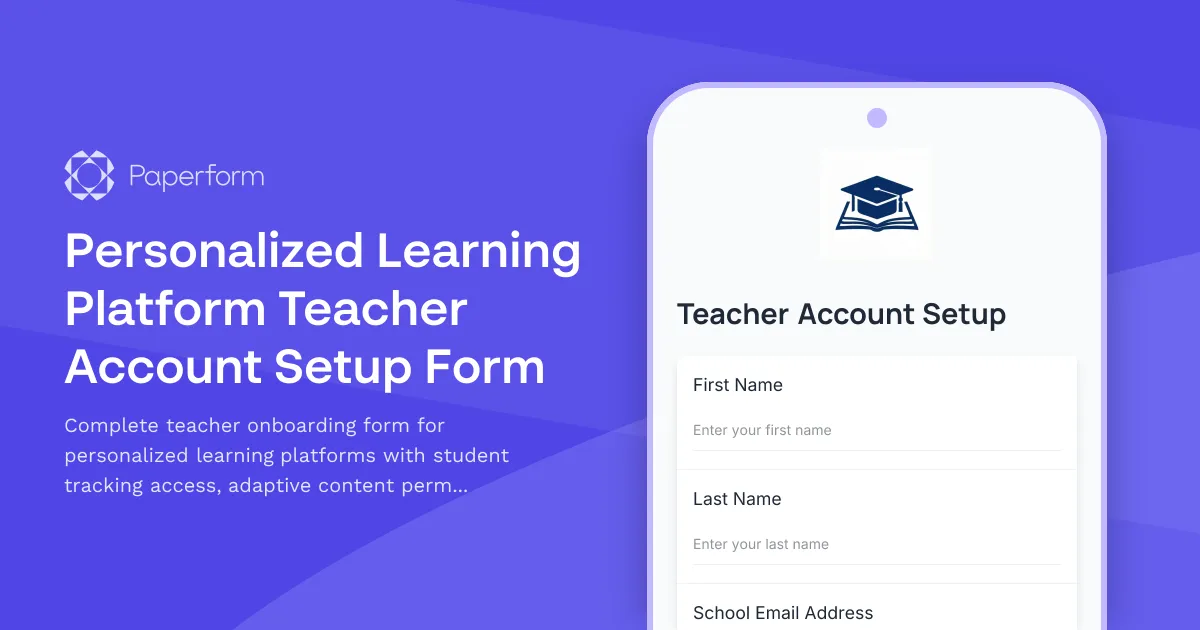
Streamline Teacher Onboarding with a Personalized Learning Platform Setup Form
Setting up new teacher accounts on a personalized learning platform shouldn't be a multi-day process involving scattered emails and IT tickets. This teacher account setup form gives your EdTech platform a single, professional intake process that captures all the essential information—from basic credentials to permission levels, classroom assignments, and communication preferences—in one seamless flow.
Built for educational technology providers, K-12 schools, districts, and online learning platforms, this template helps you onboard teachers quickly while ensuring they get the right access to student progress tracking, adaptive content libraries, parent communication tools, and standards alignment dashboards from day one.
Who this form is for
This form template is ideal for:
- EdTech platforms offering personalized or adaptive learning solutions
- School IT administrators managing teacher access across multiple systems
- District technology coordinators rolling out new learning platforms
- Online education providers onboarding remote or hybrid teachers
- Curriculum platforms with role-based access to student data and content
What makes this form work
Unlike generic account request forms, this template is purpose-built for the education technology context. It collects role-specific information like grade levels taught, subject areas, class rosters, preferred communication channels with parents, and which standards frameworks (Common Core, state standards, etc.) the teacher needs aligned to their dashboard.
Conditional logic ensures teachers only see permission options relevant to their role—lead teachers might get access to departmental analytics, while new teachers see streamlined setup focused on their specific classes. The form can route approvals to IT administrators, sync with your identity management system via Stepper workflows, and trigger automated welcome emails with login credentials and training resources.
Automation that keeps onboarding on track
Once a teacher submits this form, Stepper can take over the repetitive parts: provisioning the account in your LMS, assigning the right permission groups, adding students to their roster, sending calendar invites for onboarding training, and notifying the instructional tech coach. This means your IT team spends less time on manual account setup and more time supporting teachers as they start using the platform.
You can also integrate with tools like Google Workspace, Microsoft 365, Airtable, or your student information system to keep teacher records synchronized and reduce duplicate data entry.
Secure, scalable, and ready for your district
Paperform is SOC 2 Type II compliant and trusted by educational organizations worldwide. With role-based permissions, SSO support, and data residency controls, you can confidently roll this form out across your district or platform knowing teacher and student data stays secure and compliant with FERPA and other regulations.
Whether you're onboarding five teachers or five hundred, this template adapts to your scale—and because it's built in Paperform's intuitive doc-style editor, your team can tweak questions, branding, and logic without waiting on developers.



More templates like this
International Student Technology Orientation Form
A comprehensive technology orientation form for international students covering device compatibility, WiFi setup, learning management system access, essential app downloads, and cybersecurity training requirements.
Museum Educator Account Provisioning Form
Streamline museum educator onboarding with this comprehensive account provisioning form. Request access to program scheduling, school group management, collection references, and registration tracking systems.
Online Course Platform Support Request
Submit technical support tickets for course platform issues including video streaming, quiz errors, certificate generation, and administrative escalations.

Remote Proctoring Platform Exam Administrator Account Setup Form
Streamline exam administrator onboarding with this comprehensive account setup form for remote proctoring platforms, including monitoring access, verification permissions, and integrity reporting tools.
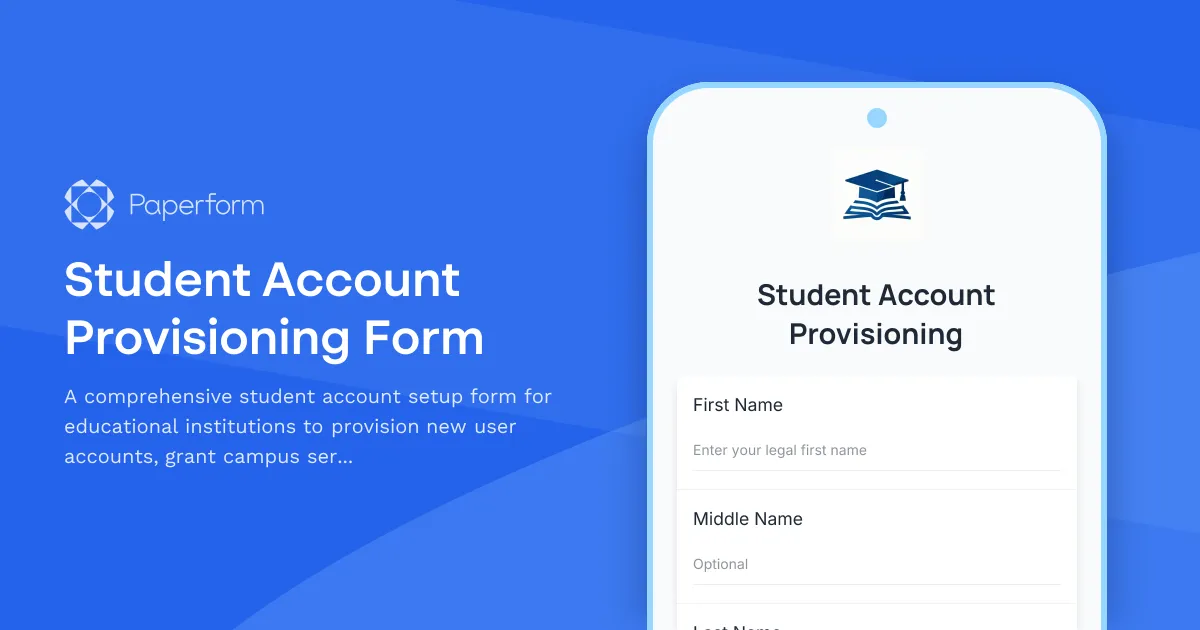
Student Account Provisioning Form
A comprehensive student account setup form for educational institutions to provision new user accounts, grant campus services access, configure learning management systems, and collect acceptable use policy agreements.
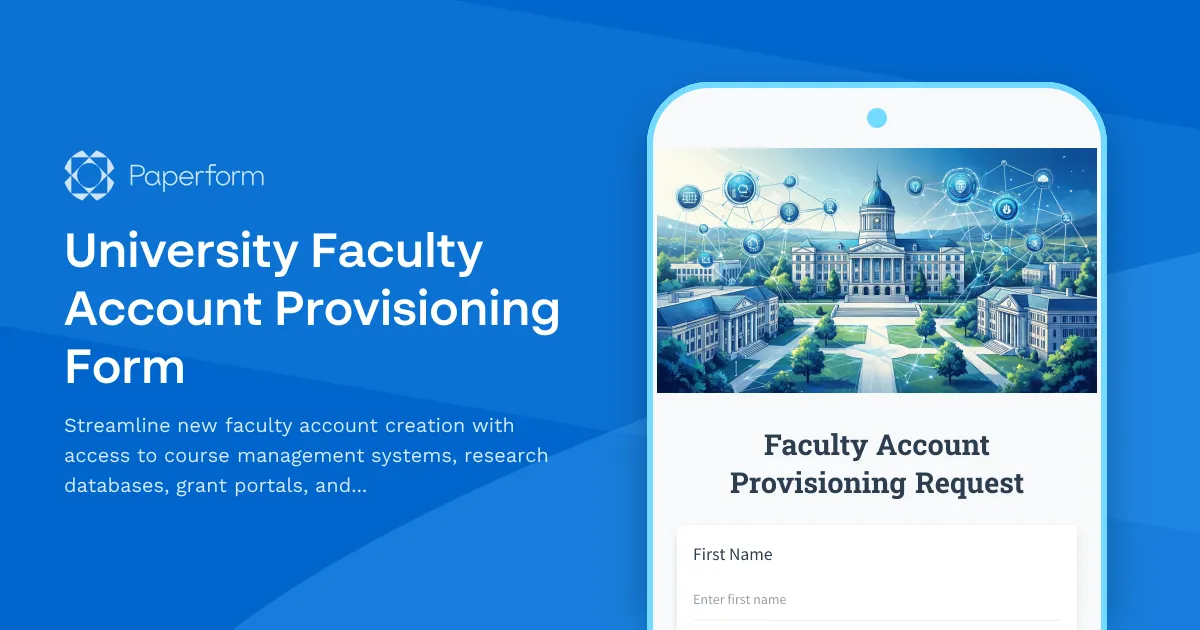
University Faculty Account Provisioning Form
Streamline new faculty account creation with access to course management systems, research databases, grant portals, and academic calendars.
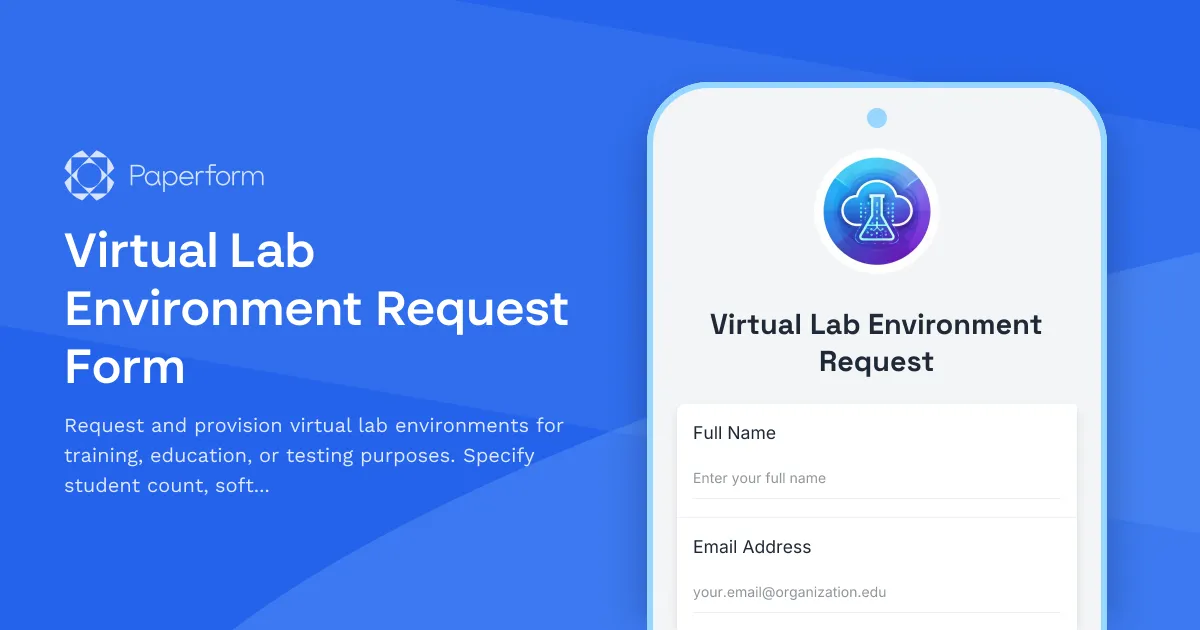
Virtual Lab Environment Request Form
Request and provision virtual lab environments for training, education, or testing purposes. Specify student count, software images, resource allocation, and scheduling requirements.

Blockchain Developer Fundamentals Quiz
Test your blockchain development knowledge with this comprehensive quiz covering smart contracts, cryptography, consensus mechanisms, and DeFi protocols.
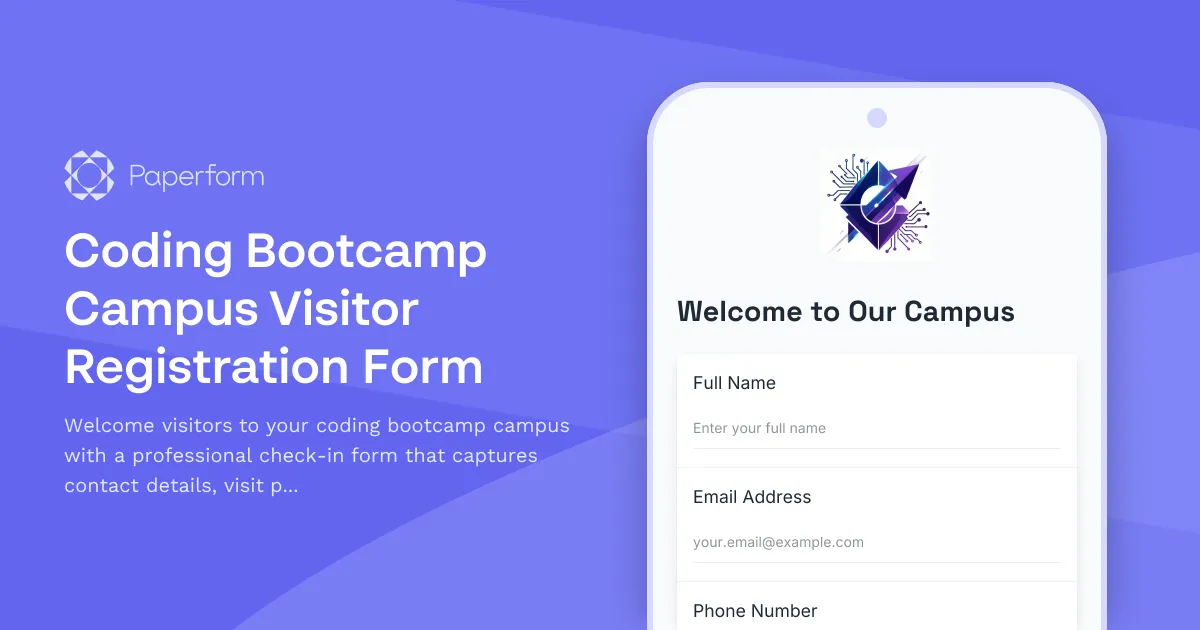
Coding Bootcamp Campus Visitor Registration Form
Welcome visitors to your coding bootcamp campus with a professional check-in form that captures contact details, visit purpose, curriculum interests, and partnership opportunities while protecting student privacy.
Drama School Management System Support Request
Submit technical support requests for your drama school management system, including issues with audition scheduling, rehearsal space booking, costume inventory, and ticket sales integration.
Educational Software Support Request Form
A support request form designed for teachers to report technical issues with educational software, including student impact assessment and resolution preferences.
Online Proctoring Service Student Terms & Consent Form
A comprehensive terms of service and consent form for online proctoring services, covering remote monitoring, identity verification, and technical requirements for secure exam delivery.