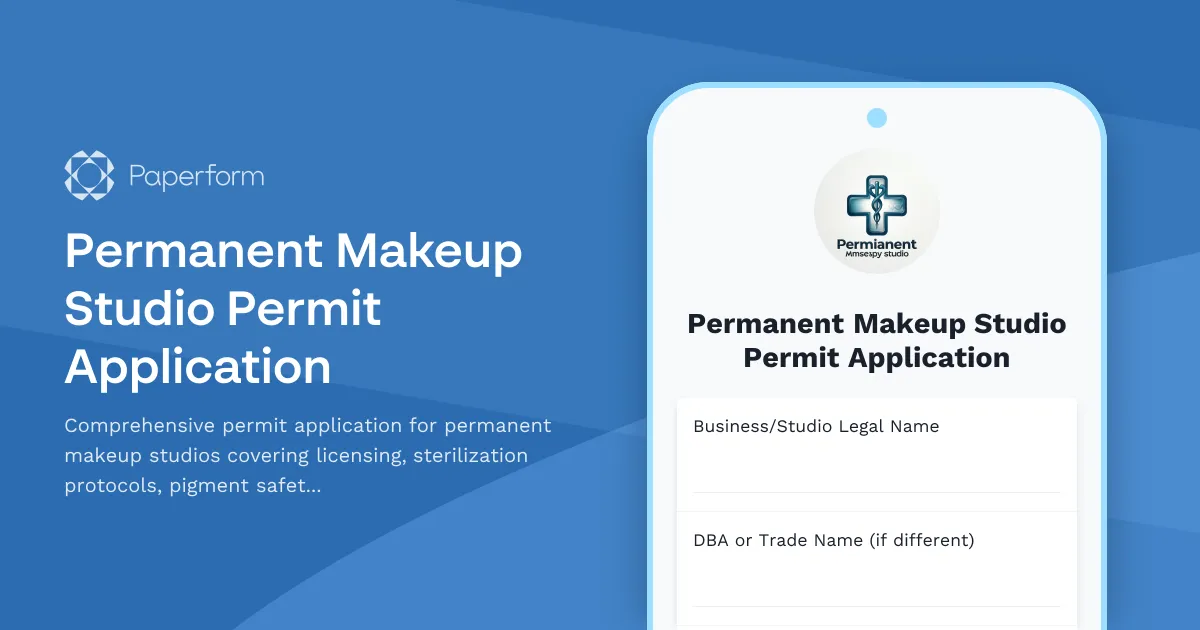
Operating a permanent makeup studio requires strict adherence to health and safety standards, proper licensing, and regulatory compliance. Whether you're opening a new microblading studio, PMU clinic, or adding permanent cosmetics services to your existing beauty business, this Permanent Makeup Studio Permit Application streamlines the entire application process while ensuring you meet all health department requirements.
Why This Template Is Essential for Your Permanent Makeup Business
Permanent makeup procedures—including microblading, lip blushing, eyeliner tattooing, and scalp micropigmentation—fall under strict health and safety regulations. Local health departments require detailed documentation of your sterilization procedures, pigment safety protocols, practitioner licensing, and facility compliance before issuing permits.
This template replaces cumbersome paper applications and email chains with a single, professional digital form that collects everything health inspectors need to review. From equipment sterilization logs to pigment ingredient lists, practitioner certifications to client consent procedures, you can demonstrate full compliance in one organized submission.
Perfect for Permanent Makeup Studios, Microblading Clinics, and Beauty Professionals
This permit application is designed for:
- Permanent makeup studios seeking initial permits or annual renewals
- Microblading and PMU practitioners opening independent studios
- Beauty salons and spas adding permanent cosmetic services
- Cosmetic tattoo artists transitioning to licensed studio operations
- Health departments streamlining permit application intake
Whether you're a solo practitioner setting up your first studio or an established beauty business expanding services, this template ensures you submit complete, compliant applications that speed up approval times.
What Makes This Permanent Makeup Permit Application Complete
The form captures all essential information health departments require:
Studio and Practitioner Information: Basic business details, studio location, ownership structure, and contact information for primary responsibility holders.
Licensing and Certification Verification: Upload permanent makeup licenses, cosmetology licenses, bloodborne pathogen training certificates, CPR certifications, and any required state or local credentials. The form creates a complete credential file for easy review.
Sterilization and Infection Control Protocols: Detailed documentation of your autoclave procedures, single-use needle policies, surface disinfection protocols, hand hygiene practices, and waste disposal methods. This section demonstrates your commitment to client safety and infection prevention.
Pigment and Product Safety: Information about pigment brands, ingredient safety data sheets (SDS), FDA registration status, storage procedures, and expiration tracking. This transparency shows you only use safe, compliant pigments.
Client Consent and Documentation: Description of your informed consent process, medical history screening, patch testing protocols, photography policies, and record retention practices.
Facility Compliance: Details about your studio layout, ventilation systems, lighting, water access, restroom facilities, and general sanitation practices that meet health code requirements.
Aftercare Protocols: Your standardized aftercare instructions, follow-up procedures, and how you handle potential complications or adverse reactions.
Emergency Procedures: Your protocols for handling allergic reactions, excessive bleeding, fainting, or other medical emergencies during procedures.
The conditional logic ensures practitioners only see questions relevant to their specific services and local requirements, while file upload fields make submitting certificates and documentation simple.
How Paperform Transforms Your Permit Application Process
Unlike generic form builders or downloadable PDFs, Paperform gives you a professional, on-brand application that works seamlessly for both applicants and reviewing officials.
The doc-style editor lets you add your health department logo, include specific local ordinances, embed instructional videos about completing sections, and format the application to match official documents—all without coding. You can customize questions based on your jurisdiction's specific requirements while keeping the core compliance sections intact.
File upload fields accept licenses, certificates, floor plans, and sterilization logs in any format. Applicants can photograph their autoclave certification stickers, scan their permanent makeup licenses, or upload digital certificates—making the process mobile-friendly and accessible.
Conditional logic shows relevant sections based on services offered. If an applicant offers microblading, they see microblading-specific questions about blade disposal. If they offer lip blushing, they see pigment safety questions specific to lip procedures. This keeps applications focused and prevents overwhelming applicants with irrelevant questions.
Calculations can automatically assess application fees based on number of practitioners, studio square footage, or services offered, with totals updating in real-time as applicants complete the form.
Streamline Compliance with Integrated Payments and Workflows
For health departments collecting permit fees, connect Stripe, PayPal, or Square directly to the form. Applicants can pay permit fees, inspection fees, or renewal charges as part of submission—no separate invoice or payment portal needed. Set up automatic receipts and track paid versus unpaid applications effortlessly.
Use Stepper (stepper.io) to automate everything that happens after an application is submitted:
- Route applications to the appropriate inspector based on location or service type
- Send automatic acknowledgment emails with application numbers and expected review timelines
- Create inspection scheduling workflows that book facility visits
- Trigger reminder emails for missing documentation or expired certificates
- Update internal tracking spreadsheets or databases automatically
- Send approval notifications with digital permit copies
- Schedule annual renewal reminders before permits expire
For studios managing multiple locations or practitioners, Stepper can route each application to the right regional health department, compile documentation for corporate records, and maintain compliance calendars across all facilities.
Built for Health Departments and Studio Owners Alike
This template serves both sides of the permit process. Health departments can customize it to match local ordinances, embed it on official websites, and receive consistently formatted applications that speed up review. Built-in data validation ensures required fields are complete, licenses are uploaded, and contact information is formatted correctly before submission.
Studio owners get a clear, professional application experience that demonstrates your professionalism from first contact. Instead of hunting for forms, deciphering unclear requirements, or mailing incomplete applications, you submit everything digitally with confidence.
The form works perfectly on mobile devices, so practitioners can complete applications from their studio, photograph required documentation with their phone, and submit during breaks between clients.
Security and Compliance Built In
Permanent makeup permit applications contain sensitive information—personal licenses, business addresses, proprietary sterilization protocols, and sometimes financial data. Paperform is SOC 2 Type II certified with enterprise-grade encryption, ensuring all submissions are secure.
Set up email notifications so health inspectors receive applications instantly, or use integrations to send data directly into permit tracking systems, Google Sheets, Airtable, or other databases. Everything stays organized and accessible for the required retention period.
For multi-location studios or franchise operations, role-based permissions let corporate compliance teams access all applications while individual studio managers only see their own submissions.
Designed for Professional Beauty and Healthcare Compliance
This template reflects the unique intersection of beauty services and healthcare regulation that defines permanent makeup. The language is professional yet approachable, the questions are specific enough to demonstrate expertise, and the structure follows best practices from health departments nationwide.
Permanent makeup is a growing industry with increasing professionalization and regulation. This permit application positions your studio as a compliant, safety-focused operation that takes client health seriously—exactly what health departments want to see and what clients expect from permanent cosmetics providers.
Whether you're navigating your first permit application or streamlining annual renewals across multiple locations, this template ensures you submit complete, compliant applications that get approved faster. No more missing documentation, unclear requirements, or lengthy back-and-forth with inspectors.
Start accepting permanent makeup studio permit applications today with Paperform's professional, compliant template that makes regulatory approval straightforward for both applicants and reviewing officials.



More templates like this
Body Contouring Clinic Permit Application
Apply for a permit to operate a body contouring clinic offering non-invasive aesthetic procedures with equipment certification and medical oversight documentation.
Cryotherapy Facility Operating Permit Application
A comprehensive permit application for cryotherapy facilities including chamber certification, safety protocols, temperature monitoring systems, and liability documentation.
Massage Therapy Establishment Permit Application
Apply for a massage therapy establishment permit with therapist credentials, facility details, sanitation protocols, and compliance information.
Certified Professional Electrologist Application
Apply for CPE certification by documenting your electrolysis training hours, client treatment experience, and registering for the professional certification exam.
Ear Piercing Studio Permit Application
Comprehensive permit application for ear piercing studios covering sterilization equipment, jewelry quality standards, age verification, parental consent, and health department compliance requirements.
Eyelash Extension Salon Permit Application
Complete permit application for eyelash extension salons covering facility requirements, safety protocols, technician qualifications, and client care standards.
Microblading Studio Permit Application
Complete permit application for microblading studios covering practitioner certification, sanitation protocols, infection control, blade disposal procedures, and client consent requirements.
Physical Therapy Clinic License Application
A comprehensive license application form for physical therapy clinics, collecting facility details, equipment inventory, treatment space dimensions, privacy compliance documentation, therapist credentials, and billing procedures.
Tattoo Parlor License Application
Comprehensive tattoo parlor license application covering health compliance, sterilization protocols, artist certifications, and safety procedures required for regulatory approval.
Teeth Whitening Studio Permit Application
A comprehensive permit application for teeth whitening studios covering business details, technician qualifications, product safety protocols, consent procedures, and compliance requirements.
Acupuncture Clinic Permit Application
Professional permit application for acupuncture clinics covering practitioner credentials, safety protocols, sterilization procedures, and patient consent requirements.
Adult Daycare Permit Application
Apply for an adult daycare permit for seniors with comprehensive details on facility capacity, programming, medication management, meal services, transportation, and staff qualifications.