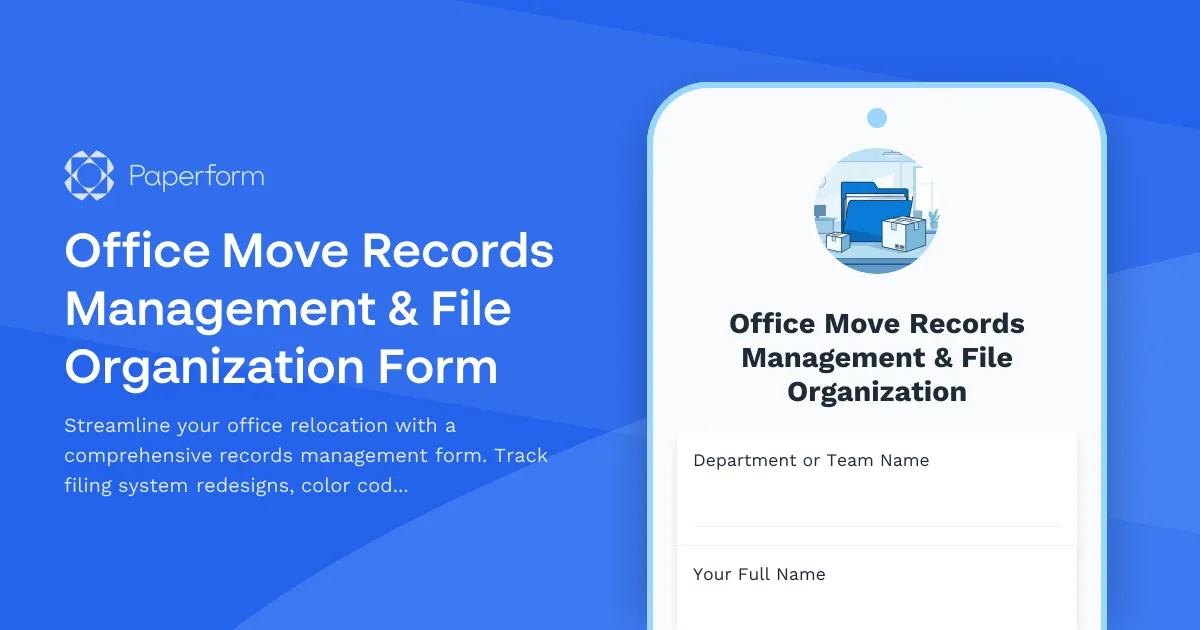
Moving offices is challenging enough without worrying about losing track of important documents and records. This Office Move Records Management & File Organization Form helps businesses plan and execute a seamless relocation while modernizing their filing systems and ensuring nothing gets lost in the transition.
Whether you're downsizing to a smaller space, expanding to a new headquarters, or simply reorganizing your workspace, this template guides you through the entire records management process. It covers everything from filing system redesign and color-coding schemes to archive box labeling standards and document scanning prioritization.
Built for facilities managers, office managers, and operations teams
This form is designed for the professionals who keep offices running smoothly—facilities managers coordinating complex moves, office managers juggling multiple departments' needs, and operations teams ensuring business continuity during transitions. It provides a structured approach to what can otherwise become a chaotic process.
Key features for a successful office move
Filing system redesign: Document your new organizational structure, categorization methods, and department-specific filing needs before the move begins.
Color-coding implementation: Establish clear color-coding standards by department, document type, or priority level to make post-move retrieval effortless.
Archive box labeling: Create consistent labeling conventions including box numbers, contents descriptions, department ownership, and destination locations.
Document scanning prioritization: Identify which documents should be digitized before, during, or after the move, helping you transition to a more paperless operation.
Retrieval procedure documentation: Set up clear processes for locating documents during and after the move, minimizing downtime and frustration.
Automate your relocation workflow with Stepper
Once your records management plan is submitted, use Stepper to automate the coordination process. Automatically notify department heads of their assigned box numbers, create tasks for scanning teams based on priority levels, send location updates to staff, and trigger approval workflows for archive disposal decisions. This keeps everyone aligned throughout the move without endless email chains.
Streamline communication and approvals with Papersign
For moves requiring stakeholder approval on records retention policies or archive disposal decisions, integrate Papersign to collect eSignatures on your file organization plan. This creates an audit trail and ensures all parties have signed off on the new system before implementation begins.
Paperform makes office relocations less stressful by bringing structure to records management. Get your filing systems, archive processes, and retrieval procedures documented and ready before moving day arrives.



More templates like this
Office Relocation Emergency Procedures Update Form
Update emergency procedures, evacuation routes, and safety information for employees following an office move or relocation. Ensure everyone knows new exit routes, muster points, and emergency contacts.
Office Move Timeline & Milestone Tracking Form
Track office relocation progress with phase completion status, vendor coordination, employee notifications, IT cutover windows, and go-live readiness checklist for seamless transitions.
Office Relocation Communication Preferences Form
Capture employee communication preferences, update frequency, and concerns during office moves to ensure everyone stays informed and supported throughout the relocation process.
Print Shop Internal Order Form
A comprehensive internal print shop order form with quantity calculations, paper stock options, finishing selections, rush order fees, and budget tracking for seamless departmental printing requests.
Confidential Document & Secure Materials Relocation Form
Securely relocate confidential documents and materials with chain of custody tracking, security clearance verification, and transportation method selection for office moves and space changes.
Cubicle and Workstation Configuration Form
Streamline office setup with a professional workstation configuration form. Collect employee preferences for cubicle partitions, storage units, monitor arms, cable management, and workspace personalization for your new office space.
Department Office Move Coordination Form
Streamline your office relocation with this comprehensive department move coordination form. Capture team size, equipment needs, critical timelines, and communication preferences to ensure a smooth transition.
Office Library and Resource Center Setup Form
A comprehensive form for setting up a new office library and resource center, including book collection organization, digital resources, study room bookings, and staffing requirements.
Office Move Critical Path Analysis & Dependency Tracking Form
A comprehensive form for planning office moves with task sequencing, milestone dependencies, resource allocation, and schedule optimization to identify bottlenecks and ensure smooth relocations.
Office Move Disaster Recovery & Backup Site Designation Form
Designate alternate workspaces and establish disaster recovery protocols for office moves and relocations. Identify backup sites, define recovery objectives, and plan failover procedures to ensure business continuity.

Office Relocation Brand Identity & Customer Experience Form
Ensure brand consistency and optimal customer experience during office relocations with detailed planning for reception areas, client-facing spaces, brand elements, and first impressions.
Office Relocation Business Continuity Plan Testing Form
A comprehensive form for testing business continuity plans during office relocations, verifying failover procedures, backup systems, alternative workspaces, and ensuring critical functions remain operational throughout the move.