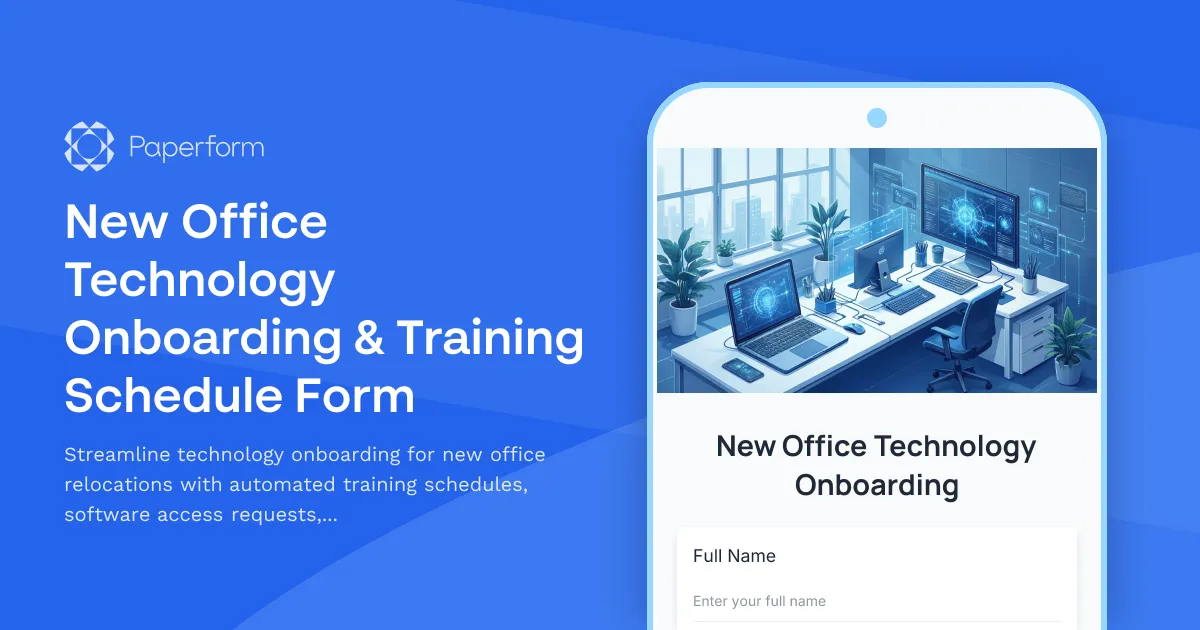
Moving to a new office space involves more than just packing boxes—it requires comprehensive technology onboarding to ensure every team member can hit the ground running. This New Office Technology Onboarding & Training Schedule Form simplifies the complex process of coordinating software access, equipment training, building systems orientation, and help desk familiarization for office relocations and space changes.
Built for facilities managers, IT teams, office managers, and HR professionals, this template captures everything from employee details and current technology proficiency to specific training needs across multiple systems. Conditional logic routes users to relevant training modules based on their role and experience level, while built-in scheduling fields coordinate orientation sessions without calendar conflicts.
Whether you're relocating a small team or orchestrating a company-wide office move, this form ensures no one is left behind when it comes to technology adoption. Track certification completion, manage software access requests, and create a clear onboarding timeline that keeps your relocation project on schedule.
Paperform makes office technology onboarding effortless with customizable conditional logic that adapts the form to each employee's needs, scheduling fields that sync with your calendar, and powerful integrations that connect directly to your project management tools, HRIS systems, and IT ticketing platforms.
Take it further with Stepper, Paperform's AI-native workflow builder, to automatically route software access requests to the right IT teams, trigger training invitations based on submitted availability, update employee records in your HRIS, and send completion reminders to managers—all without manual intervention.
With Paperform's doc-style editor, you can customize this template to match your organization's branding, add specific training modules for your tech stack, and create a professional onboarding experience that makes office transitions smooth and stress-free for everyone involved.



More templates like this
Office Move Network Infrastructure Planning Form
Plan your office relocation's network infrastructure with detailed specifications for bandwidth, WiFi coverage, VoIP systems, printer placement, and redundancy requirements.

Hybrid Work Equipment Check-Out Form
A comprehensive form for hybrid and remote employees to request, check out, and track company equipment including laptops, monitors, peripherals, and accessories with return scheduling and liability acknowledgment.
Office Move Data Privacy & GDPR Compliance Form
Ensure GDPR compliance during office relocations with comprehensive data privacy protocols, personal information inventory, processor agreements, and breach notification procedures for secure workspace transitions.
Office Relocation Telecommunications Cutover Plan Form
Plan and coordinate telecommunications infrastructure during office relocations, including phone number porting, voicemail migration, call forwarding, and system testing schedules.
Collaborative Workspace & Huddle Room Equipment Relocation Form
A comprehensive form for managing the relocation of collaborative workspaces and huddle rooms, including AV systems, video conferencing equipment, whiteboards, displays, and post-move technology testing.
Conference Room Technology Setup Request Form
Request and configure video conferencing equipment, presentation systems, and audio-visual technology for your new office's conference rooms and meeting spaces.
Corporate E-Waste Collection Service Request Form
Request professional e-waste collection services for your organization with secure data destruction, equipment recycling, and compliance certification.

Corporate VPN Access Request Form
Streamline remote access requests with this corporate VPN access form. Collect employee details, device information, security clearance levels, and route for manager approval—all in one secure workflow.
Digital Signage Technical Support Request
A technical support form designed for reporting and troubleshooting digital signage issues including display problems, content playback errors, scheduling conflicts, and network connectivity issues.

Employee Offboarding IT Access Revocation Checklist
Comprehensive IT offboarding checklist to systematically revoke employee system access, track equipment returns, and ensure secure account closure across all platforms.

Home Office Battery Backup & UPS Request Form
Request battery backup and UPS equipment for your home office to ensure business continuity during power outages. Assess your power needs, prioritize critical devices, and plan for uninterrupted remote work.
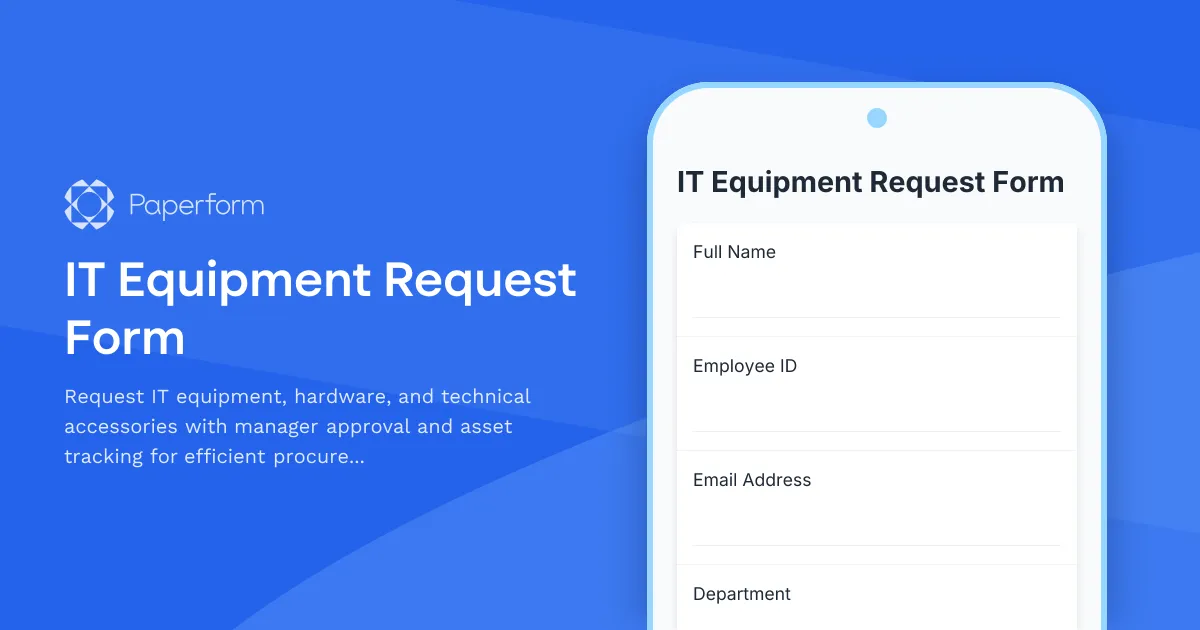
IT Equipment Request Form
Request IT equipment, hardware, and technical accessories with manager approval and asset tracking for efficient procurement management.