Multi-User Restroom Accessibility Feedback Form
Creating truly accessible restrooms for individuals with disabilities who require caregiver assistance involves much more than installing a single accessible stall. It requires thoughtful consideration of space, privacy, dignity, and the practical needs of both users and their caregivers. This Multi-User Restroom Accessibility Feedback Form helps facilities, property managers, healthcare providers, educational institutions, and public spaces gather essential insights to identify barriers and implement meaningful improvements.
Why accessibility feedback matters for multi-user restrooms
For many individuals with disabilities, using public restrooms isn't just about meeting ADA minimum standards—it's about maintaining dignity, privacy, and independence with the support of caregivers or personal care attendants. Traditional accessible stalls often fall short when space is needed for two people to maneuver comfortably, when fixtures are poorly placed, or when privacy concerns arise with opposite-gender caregivers.
This form addresses these real-world challenges by collecting detailed feedback on:
- Stall size and maneuvering space for wheelchairs and caregivers
- Fixture placement and reach including toilets, grab bars, sinks, and dispensers
- Privacy and dignity features such as companion care designation and changing tables
- General accessibility barriers from entry to exit
- Specific improvement suggestions from those with lived experience
By gathering this feedback systematically, organizations can prioritize renovations, advocate for budget allocation, and ensure that accessibility improvements address actual user needs rather than simply checking compliance boxes.
Who benefits from this form template
Facilities managers and property administrators across commercial buildings, shopping centers, airports, stadiums, and public venues can use this form to conduct regular accessibility audits and gather user feedback to guide facility improvements.
Healthcare providers including hospitals, clinics, therapy centers, and medical offices can ensure their restrooms serve patients with diverse accessibility needs and accommodate caregivers during appointments and procedures.
Educational institutions from K-12 schools to universities can collect feedback from students with disabilities, parents, and support staff to create more inclusive campus environments that support learning and participation.
Parks and recreation departments, community centers, libraries, and other public facilities can use feedback to prioritize improvements and allocate accessibility budgets where they'll have the greatest impact.
Accessibility consultants and advocates can deploy this form as part of comprehensive facility audits, providing structured data to support recommendations and compliance reviews.
Corporate DEI teams can implement this form as part of broader workplace inclusion initiatives, ensuring that office facilities accommodate employees with disabilities and their support needs.
How Paperform makes accessibility feedback collection simple and effective
Unlike rigid survey tools or inaccessible PDF forms, Paperform gives you a flexible, doc-style editor to create on-brand accessibility forms that are themselves accessible and easy to complete. You can embed this form on your facility's website, share it via QR codes posted in restrooms, or send it directly to community members who use your facilities.
Key features for accessibility feedback:
- Conditional logic shows relevant follow-up questions based on responses (for example, only asking about grab bar placement if grab bars are present), keeping the form streamlined and focused
- Multi-page layouts break the form into logical sections (stall size, fixtures, privacy, general access) so respondents aren't overwhelmed
- Optional contact information allows for anonymous feedback while giving users the option to be contacted for follow-up
- Mobile-friendly design ensures the form works seamlessly on any device, making it easy for caregivers to complete on-the-go
- Custom success messages can thank respondents and explain next steps in your accessibility improvement process
Streamline feedback with automated workflows
Once feedback is collected, Stepper (stepper.io)—your AI-native workflow builder—can automate what happens next. Route urgent accessibility concerns to facility managers immediately, compile monthly accessibility reports, update tracking systems, assign follow-up tasks to maintenance teams, and notify DEI committees of patterns in feedback. All of this happens automatically after each submission, ensuring feedback leads to action rather than sitting in an inbox.
You can also integrate with tools like Google Sheets for real-time dashboards, Slack for team notifications, Airtable for project management, or your existing facility management systems via webhooks or native integrations.
Building genuinely inclusive facilities
This form template is designed with input and consideration for the real experiences of people with disabilities and their caregivers. It addresses often-overlooked aspects like:
- Space for both user and caregiver to move comfortably
- Adult-sized changing tables for dignity and safety
- Gender-neutral options for opposite-gender caregivers
- Privacy features that respect dignity while accommodating assistance needs
- Practical fixture placement that considers actual reach and transfer requirements
By collecting structured feedback using Paperform, organizations demonstrate a genuine commitment to accessibility that goes beyond compliance—creating facilities that truly serve all members of their community with dignity and respect.
Whether you're managing a single building or a portfolio of properties, conducting accessibility audits for clients, or leading DEI initiatives in your organization, this template provides the foundation for meaningful, actionable accessibility improvement. Customize it to your specific context, share it widely, and use the insights to create spaces where everyone can participate fully and independently—with the support they need, when they need it.
Start gathering accessibility feedback today and take concrete steps toward more inclusive, dignified facilities for all.



More templates like this
Hybrid Schedule Accessibility Accommodation Request Form
A comprehensive form for employees to request accessibility accommodations, ergonomic support, and workplace modifications for hybrid work arrangements, ensuring inclusive and comfortable work environments.
Plastic-Free Workplace Initiative Enrollment Form
Enroll your team in a plastic-free workplace initiative with a single-use plastic audit, alternative product preferences, and team challenge participation tracking.
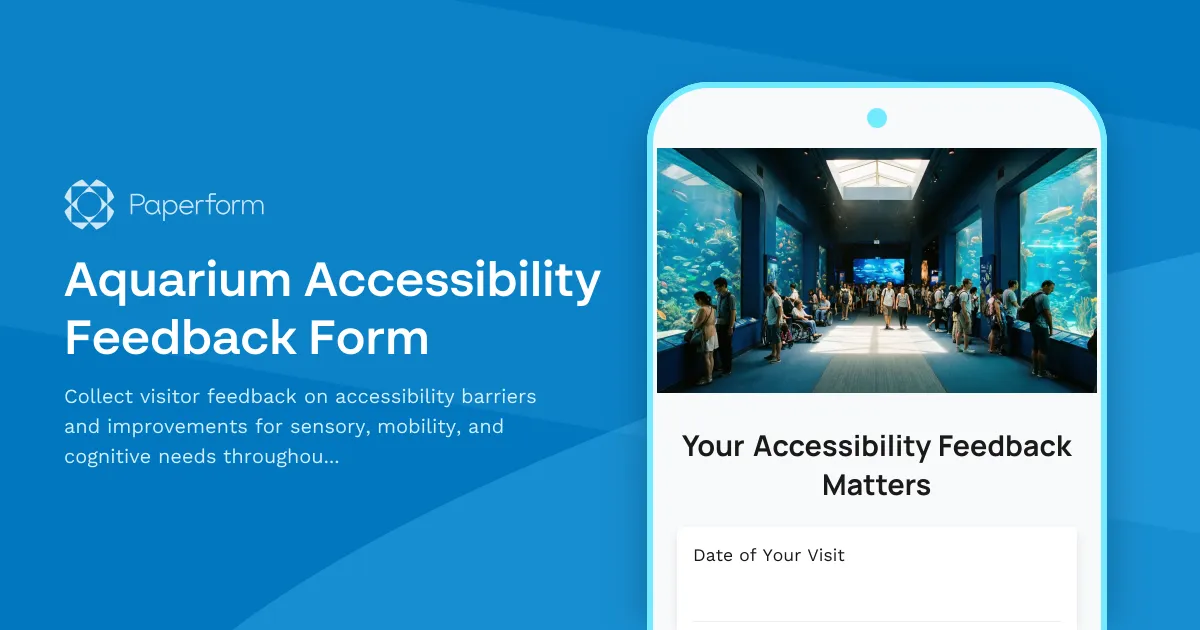
Aquarium Accessibility Feedback Form
Collect visitor feedback on accessibility barriers and improvements for sensory, mobility, and cognitive needs throughout your aquarium's exhibits, pathways, and programs.
Carpool Parking Priority Grievance Form
Submit formal concerns about carpool parking allocation, sustainability incentive fairness, and commute accommodation equity within workplace environmental programs.
Outdoor Accessible Restroom Facility Evaluation Form
Evaluate the accessibility of outdoor park restrooms for visitors with disabilities. Assess path access, fixtures, signage, and maintenance conditions to identify barriers and improvement opportunities.
Home Office Accessibility & Equipment Request Form
Request home office equipment and accessibility accommodations with disability assessment, assistive technology needs, and ADA compliance verification for inclusive remote work.
Ink Making Workshop Accommodation Request Form
Request accessibility accommodations for ink making workshops including workspace modifications, material handling assistance, and alternative instruction methods to ensure an inclusive creative experience.
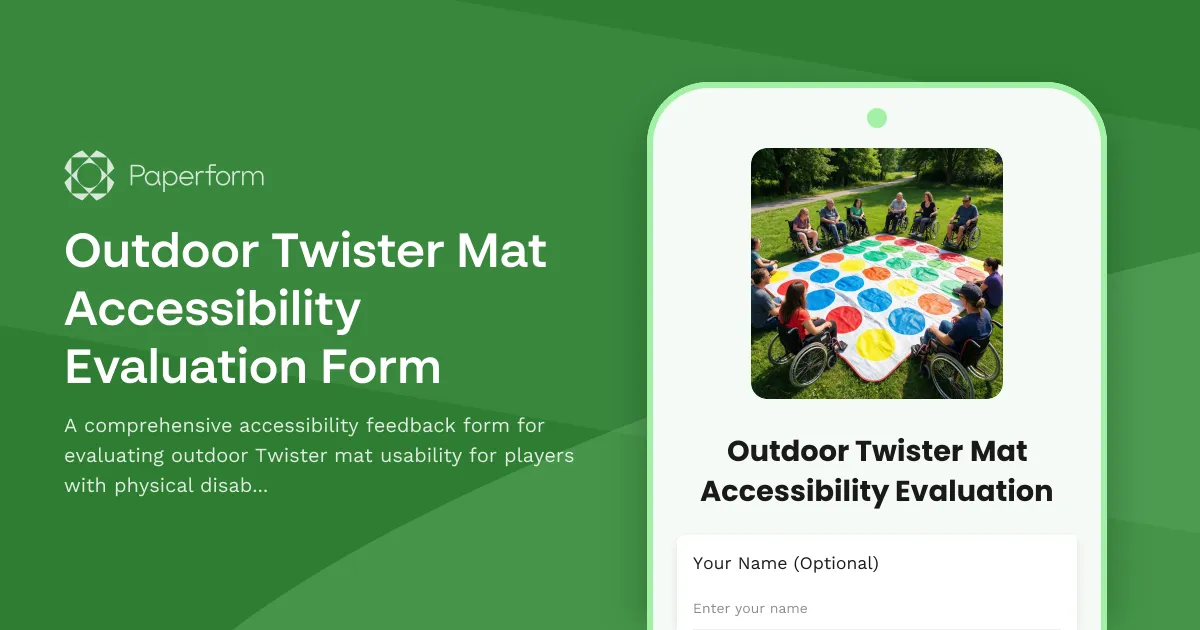
Outdoor Twister Mat Accessibility Evaluation Form
A comprehensive accessibility feedback form for evaluating outdoor Twister mat usability for players with physical disabilities, covering mat surface quality, position modifications, and spinner accessibility.
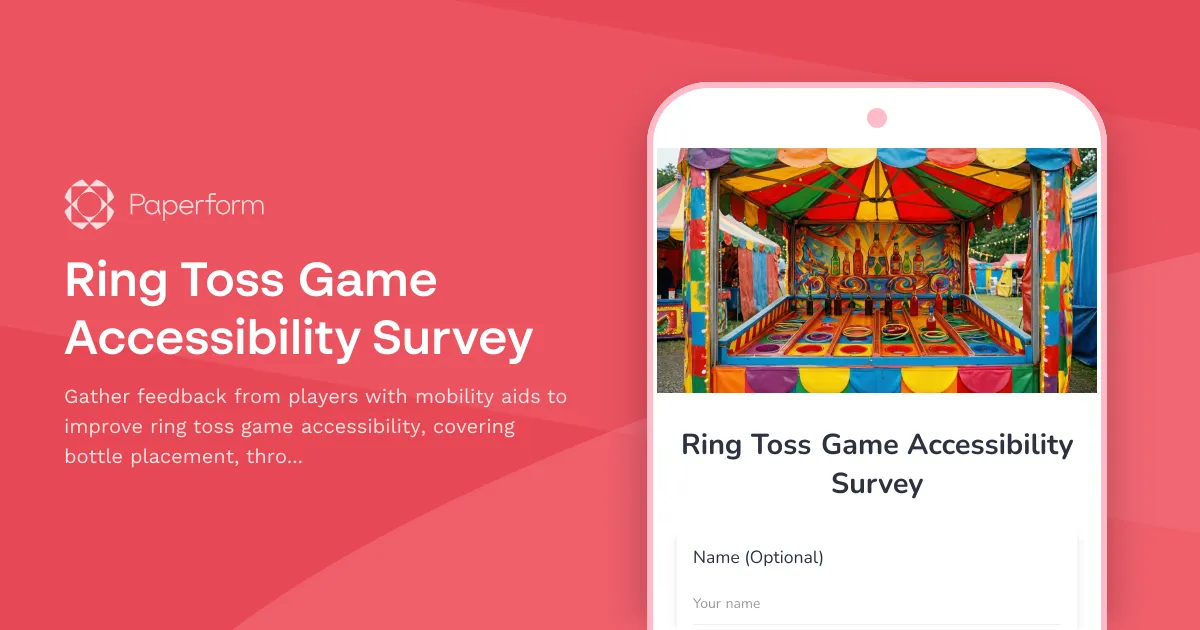
Ring Toss Game Accessibility Survey
Gather feedback from players with mobility aids to improve ring toss game accessibility, covering bottle placement, throwing accommodations, and prize retrieval.
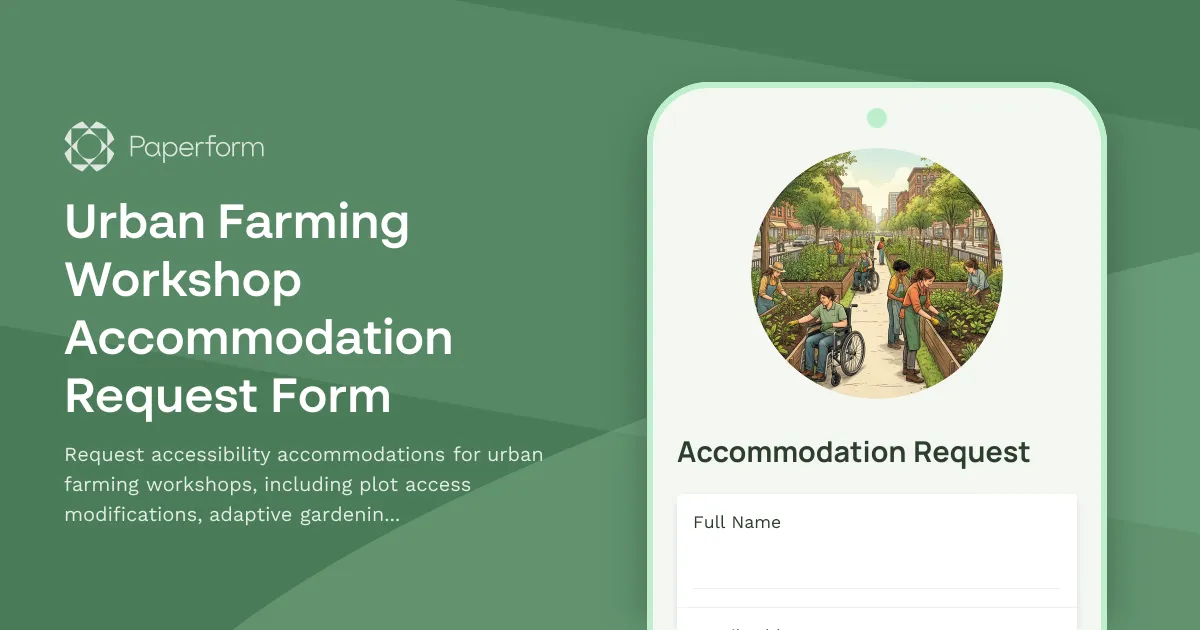
Urban Farming Workshop Accommodation Request Form
Request accessibility accommodations for urban farming workshops, including plot access modifications, adaptive gardening tools, and participation format adjustments to ensure an inclusive learning experience.
Voting & Polling Location Accommodation Request
Request accessibility accommodations for voting, including ballot format options, physical access needs, and voting assistance authorization to ensure equitable access to the electoral process.
Athletic Training Facility Accommodation Request Form
Request disability and accessibility accommodations for athletic training, including equipment adaptations, schedule modifications, and specialized coaching support.