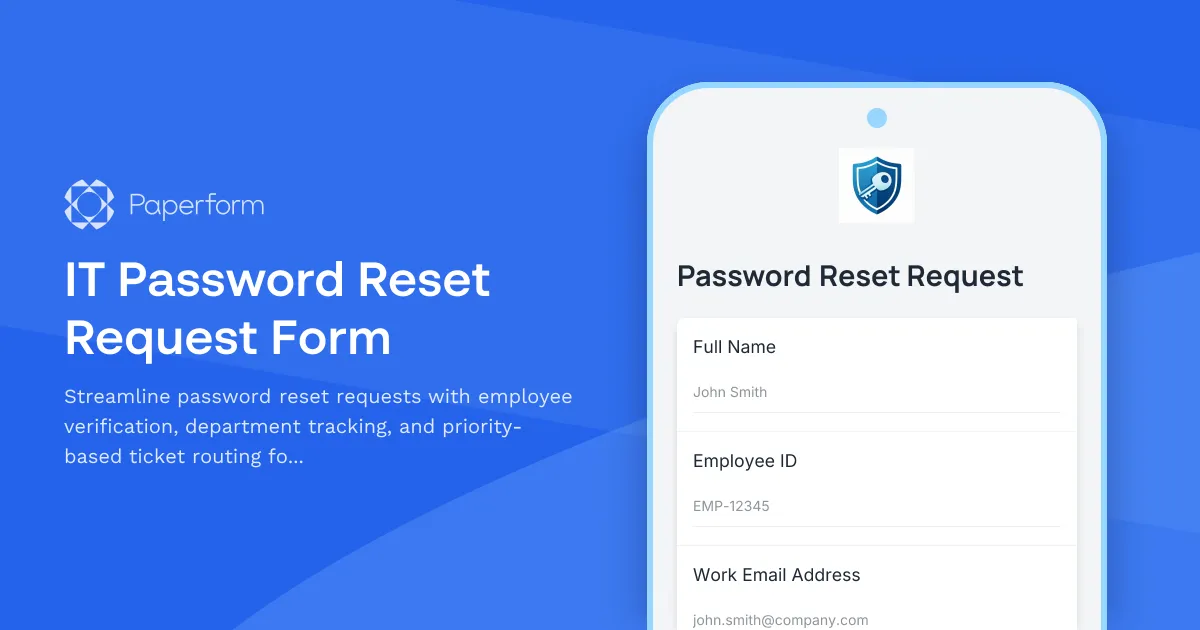
Managing password reset requests efficiently is critical for maintaining productivity and security in any organization. This IT Password Reset Request Form provides a structured, secure way for employees to request password resets while giving IT teams the context they need to verify identity and prioritize requests.
Built for IT helpdesks and internal support teams, this template captures essential verification details including employee ID, department, and contact information—helping your team confirm identity before granting access. The urgency level field ensures high-priority requests (like locked-out executives or time-sensitive project access) get fast-tracked, while routine resets follow standard SLA timelines.
With Paperform's conditional logic, you can customize follow-up questions based on urgency or account type, and use custom confirmation messages to set clear expectations around response times. Integrate directly with helpdesk tools like Jira Service Management, Zendesk, or ServiceNow via native connections or Stepper workflows (stepper.io) to automatically create tickets, assign them to the right team members, and notify employees when their password has been reset.
This template works seamlessly for organizations of any size—from small businesses managing a handful of support requests to larger IT departments handling hundreds of password resets weekly. The clean, professional design ensures employees can submit requests quickly, while your IT team gets the structured data they need to maintain security protocols and audit trails.
Get started in minutes: Customize the department list to match your org chart, add your IT team's logo, and connect your helpdesk or notification tools. Whether you're handling on-site employees, remote workers, or hybrid teams, this password reset form keeps your support workflow organized, secure, and efficient.



More templates like this
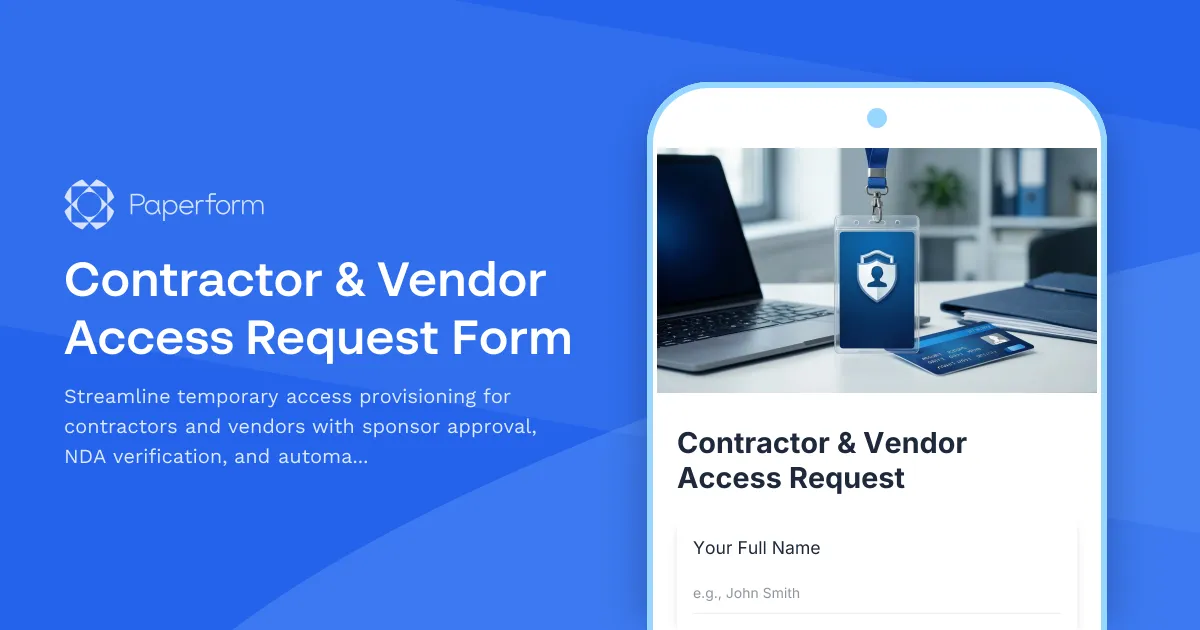
Contractor & Vendor Access Request Form
Streamline temporary access provisioning for contractors and vendors with sponsor approval, NDA verification, and automated badge printing integration.

Corporate VPN Access Request Form
Streamline remote access requests with this corporate VPN access form. Collect employee details, device information, security clearance levels, and route for manager approval—all in one secure workflow.
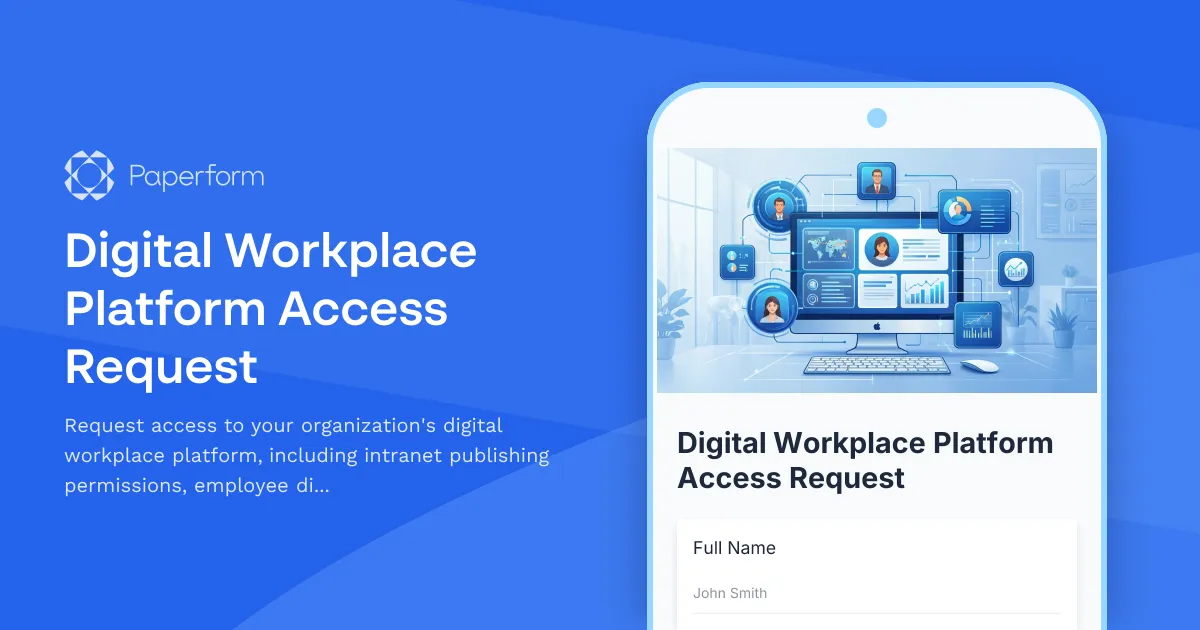
Digital Workplace Platform Access Request
Request access to your organization's digital workplace platform, including intranet publishing permissions, employee directory management, and engagement analytics viewing capabilities.

Employee Offboarding IT Access Revocation Checklist
Comprehensive IT offboarding checklist to systematically revoke employee system access, track equipment returns, and ensure secure account closure across all platforms.

Home Office Battery Backup & UPS Request Form
Request battery backup and UPS equipment for your home office to ensure business continuity during power outages. Assess your power needs, prioritize critical devices, and plan for uninterrupted remote work.
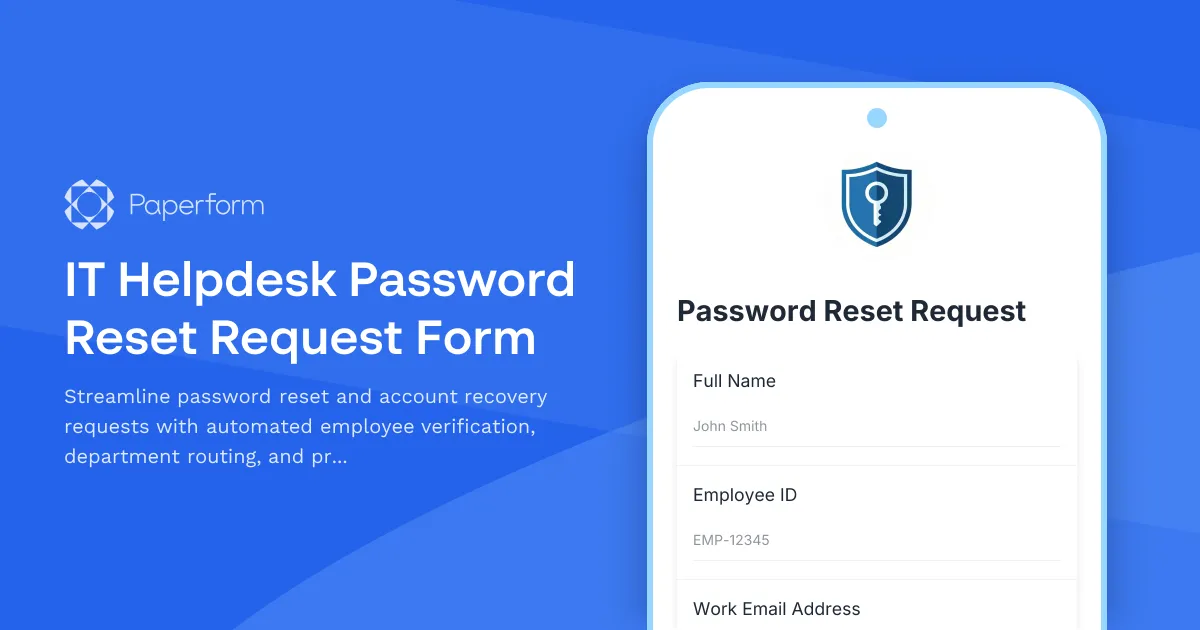
IT Helpdesk Password Reset Request Form
Streamline password reset and account recovery requests with automated employee verification, department routing, and priority-based ticket management for IT support teams.

Remote Work Monitor & Display Upgrade Request
Request approval for new monitors and display equipment for your home office setup. Submit screen specifications, multiple monitor needs, and mounting requirements for budget approval.
Video Conferencing Admin Access Request
Request administrative access to video conferencing platforms with customized meeting management, recording permissions, and participant privacy controls for IT and organizational management.

Work From Home Technology Upgrade Program Application
Apply for technology upgrades and equipment refreshes for your home office setup. Request emerging tech, scalability improvements, and innovation budget for long-term remote work success.
Accessibility Software & Hardware Request Form
Request assistive technology, accessibility software, and adaptive hardware to support workplace accommodations and ensure ADA compliance.
Active Directory Access Modification Request Form
Request changes to Active Directory access, group memberships, and permission levels with built-in approval workflows and audit trail logging.
Backup and Recovery Request Form
Submit backup and data recovery requests with detailed specifications including data location, retention requirements, recovery objectives, and priority levels for IT support teams.