Streamline Your IT Support with a Professional Helpdesk Ticket Form
When technical issues arise, getting help quickly depends on clear communication and proper routing. An IT helpdesk ticket form ensures your support team receives all the essential information up front—asset details, problem categories, urgency levels and consent for remote access—so they can prioritize and resolve issues faster.
Whether you're managing IT support for a growing company, school district, healthcare facility or professional services firm, Paperform's IT helpdesk form template gives you a structured, brandable solution that works the moment someone hits submit.
Built for IT teams who need context, not chaos
This template captures everything your technicians need: employee information, department, asset tag numbers, problem categories organized in a clear hierarchy, screenshots or attachments, and checkboxes for remote access consent and SLA acknowledgment. Conditional logic shows only relevant follow-up questions based on the type of issue selected, keeping the form clean and the submission focused.
Each ticket becomes a structured record you can route, track and reference—no more digging through email threads or deciphering vague "my computer is broken" messages.
Automate routing and keep your tools in sync
Use Stepper to turn every submission into a complete support workflow. Route hardware issues to your field techs, software problems to your developers, and access requests to your security team. Update your ticketing system, ping Slack or Microsoft Teams, create tasks in Jira or Asana, and send confirmation emails with ticket numbers and estimated response times—all triggered automatically based on priority level or problem category.
Paperform integrates natively with tools like Google Sheets, Airtable, HubSpot and Notion, and works seamlessly with Zapier, Make and webhooks, so your helpdesk form becomes the front door to your entire IT operations stack.
Professional, accessible and ready to deploy
With Paperform's doc-style editor, you can customize the form to match your internal branding, add your IT department's contact details, embed instructional videos or screenshots, and adjust the tone to suit your team culture. Deploy it on your intranet, embed it in your employee portal, or share a direct link via email and chat.
Trusted by IT teams worldwide and SOC 2 Type II compliant, this template is ready to help you deliver faster, more organized support from day one.



More templates like this

Collaboration Workspace Admin Access Request
Request administrative access to collaboration workspaces including member management, content moderation, and archive permissions for project teams.
Document Management System Request Form
Request a document management system with specifications for scanning volume, OCR requirements, retention schedules, and records compliance needs.

Home Office Battery Backup & UPS Request Form
Request battery backup and UPS equipment for your home office to ensure business continuity during power outages. Assess your power needs, prioritize critical devices, and plan for uninterrupted remote work.
IT Hardware and Software Request Form
Request IT hardware, software, and equipment with technical specifications, compatibility requirements, security clearance, and asset tracking.
IT Helpdesk Problem Report Form
A comprehensive IT problem reporting form with asset tracking, priority assessment, and automatic SLA routing to streamline technical support workflows.
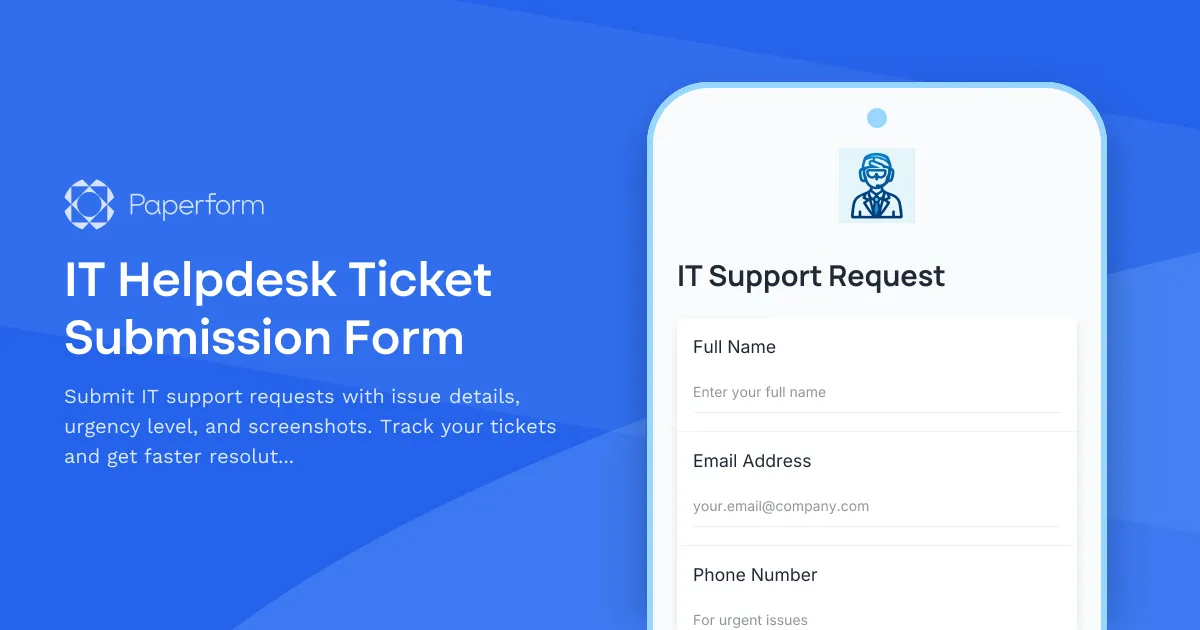
IT Helpdesk Ticket Submission Form
Submit IT support requests with issue details, urgency level, and screenshots. Track your tickets and get faster resolutions with our streamlined helpdesk form.
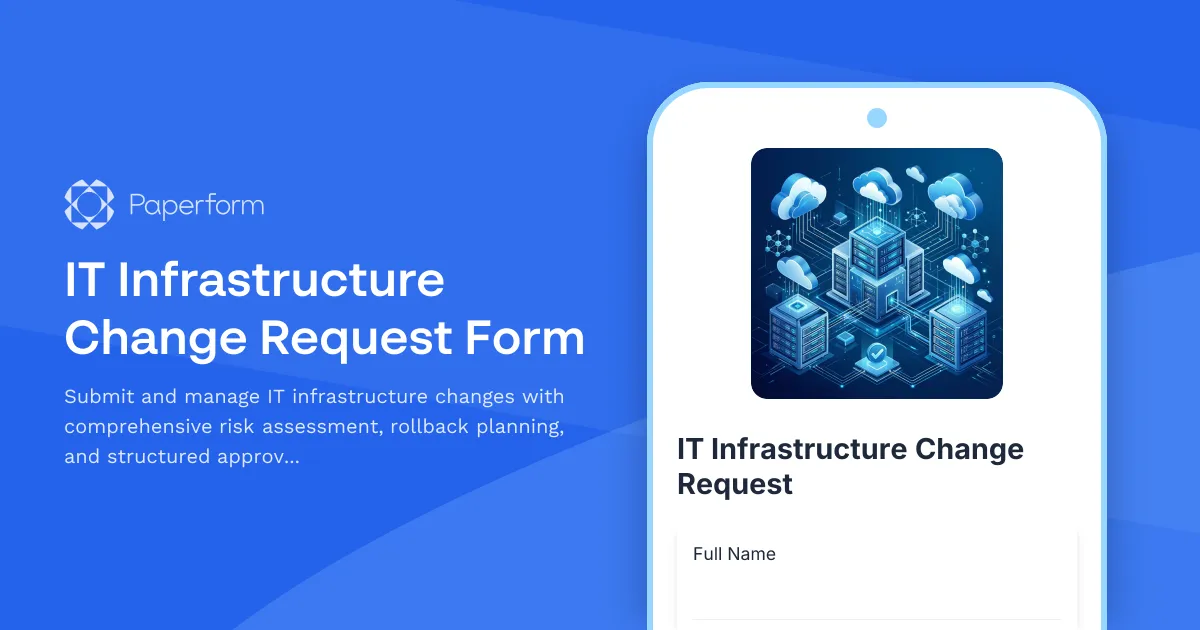
IT Infrastructure Change Request Form
Submit and manage IT infrastructure changes with comprehensive risk assessment, rollback planning, and structured approval workflow for enterprise environments.

Remote Work Monitor & Display Upgrade Request
Request approval for new monitors and display equipment for your home office setup. Submit screen specifications, multiple monitor needs, and mounting requirements for budget approval.
Software License Allocation Change Request Form
Request changes to software license allocations with automated compliance tracking, user access modifications, vendor notifications, and seamless IT asset management updates.

Work From Home Technology Upgrade Program Application
Apply for technology upgrades and equipment refreshes for your home office setup. Request emerging tech, scalability improvements, and innovation budget for long-term remote work success.
Addiction Treatment Center Software Support Form
A comprehensive support request form for addiction treatment centers to report and resolve software issues related to patient intake, insurance verification, therapy scheduling, and bed management.
Cloud Migration Consultation Callback Request
Request a callback from cloud migration experts to discuss your infrastructure, budget, timeline, and compliance needs for a smooth transition to the cloud.