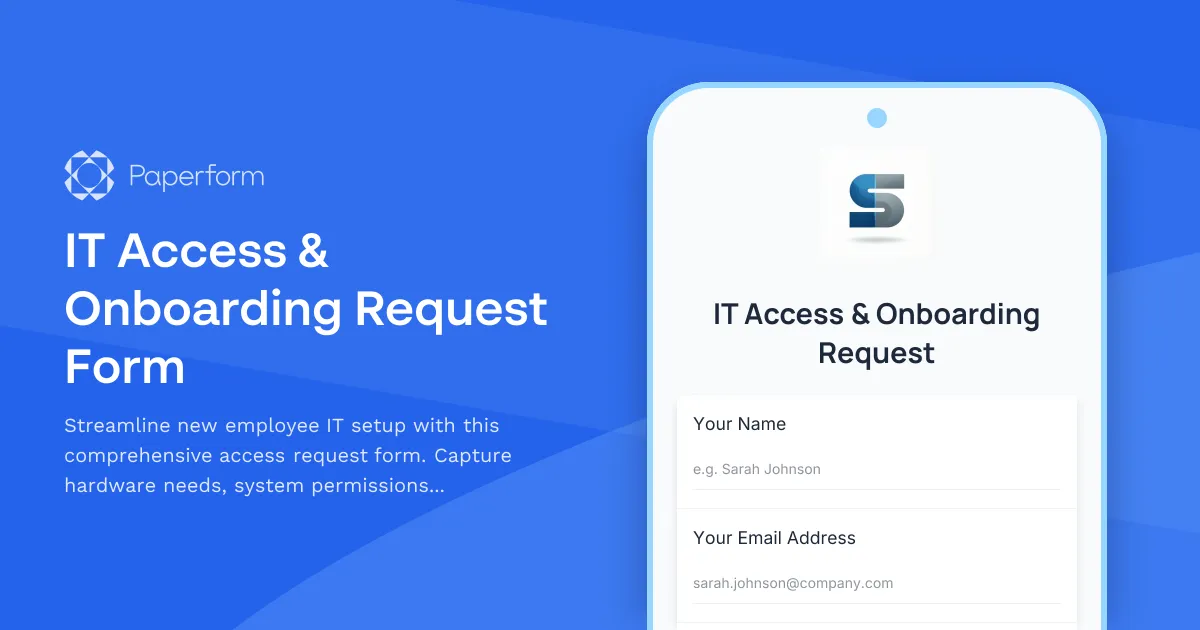
Simplify IT Onboarding with an All-in-One Access Request Form
Bringing new employees onboard shouldn't mean drowning in spreadsheets, emails, and manual ticket tracking. This IT Access & Onboarding Request Form is designed for IT managers, HR teams, and operations professionals who need a single, streamlined solution to provision access, assign hardware, and ensure security compliance from day one.
Built for Modern IT Teams
Whether you're managing a growing startup or a distributed team across multiple locations, this template handles the complexity of employee onboarding without the administrative overhead. The form intelligently adapts based on department and role, showing only relevant system access options while capturing everything IT needs to provision accounts, ship hardware, and schedule training—all before the employee's first day.
Why This Template Works
Traditional onboarding often relies on back-and-forth emails between HR, IT, and department heads. This form eliminates that friction by collecting all critical information upfront: employee details, manager approval, department-specific system access, hardware requirements, and security policy acknowledgment. Conditional logic ensures hiring managers only see permissions relevant to their team, reducing errors and speeding up approvals.
For IT administrators and system administrators, this means fewer incomplete requests and a clear audit trail for compliance. For HR coordinators and office managers, it means new hires show up to working equipment and proper access on their first day.
Automate Your IT Workflow
Pair this form with Stepper to turn each submission into an automated workflow: route hardware requests to procurement, trigger account provisioning in Active Directory or your identity provider, assign security training modules, and send setup instructions to the new hire—all without manual handoffs. Connect to Slack for instant notifications, sync to Airtable or Google Sheets for tracking, or push data directly into your ITSM platform.
Who This Template Is For
This template is ideal for IT managers, system administrators, HR teams, operations managers, and anyone responsible for employee onboarding in technology-forward companies. It's especially valuable for SMBs in software, SaaS, consulting, finance, and professional services where speed, security, and compliance matter.
With Paperform's SOC 2 Type II compliance and role-based permissions, you can trust this form to handle sensitive employee data while maintaining complete visibility across your IT and HR teams. Start onboarding faster, reduce manual work, and ensure every new hire has the access they need from day one.



More templates like this

Hybrid Work Equipment Check-Out Form
A comprehensive form for hybrid and remote employees to request, check out, and track company equipment including laptops, monitors, peripherals, and accessories with return scheduling and liability acknowledgment.
Knowledge Management System Effectiveness Survey
Evaluate your company's knowledge management system with this comprehensive survey covering documentation findability, content freshness, contribution ease, and search functionality.
Mobile Device Security Compliance Form
A comprehensive mobile device security compliance form for BYOD programs, featuring policy acknowledgment, encryption verification, and remote wipe authorization to protect company data.
Remote Penetration Tester Onboarding Form
Comprehensive onboarding form for remote penetration testers including environment access, tool provisioning, certification verification, and rules of engagement acknowledgment.
Remote Work Arrangement Request Form
A professional remote work request form for employees seeking flexible work arrangements, covering role details, location preferences, equipment needs, and connectivity requirements.
Remote Work Device Insurance & Protection Plan Enrollment
A comprehensive enrollment form for remote workers to select device insurance coverage, choose deductibles, and acknowledge claim procedures for company-issued equipment.
Remote Work Focus & Concentration Equipment Request
Request specialized equipment to enhance focus and minimize distractions in your home office environment.

Remote Work Monitor & Display Upgrade Request
Request approval for new monitors and display equipment for your home office setup. Submit screen specifications, multiple monitor needs, and mounting requirements for budget approval.
Remote Work Software & Subscription Reimbursement Form
Streamline remote work software subscriptions and tool reimbursement requests for distributed teams with automated approval workflows and consolidated expense tracking.
Remote Worker Offboarding Checklist
A comprehensive offboarding form for remote employees covering digital asset inventory, software license deactivation, equipment returns, and exit procedures.

Work From Home Technology Upgrade Program Application
Apply for technology upgrades and equipment refreshes for your home office setup. Request emerging tech, scalability improvements, and innovation budget for long-term remote work success.
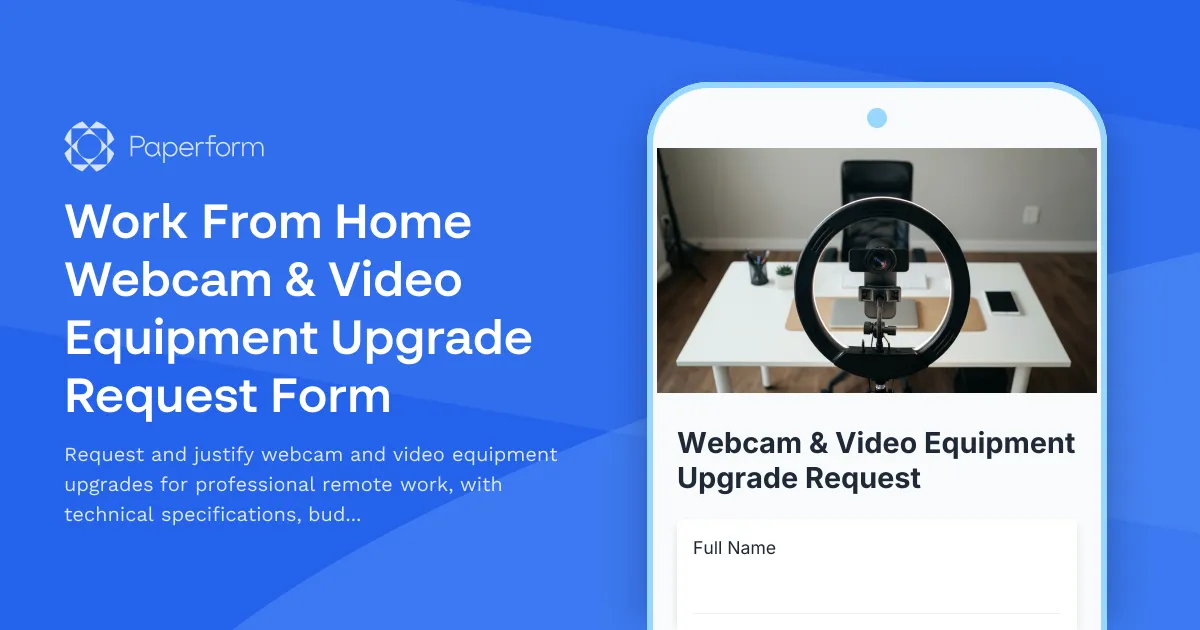
Work From Home Webcam & Video Equipment Upgrade Request Form
Request and justify webcam and video equipment upgrades for professional remote work, with technical specifications, budget assessment, and home office needs evaluation.