Professional Audio Privacy Solutions for Remote and Hybrid Teams
When your team handles sensitive client calls, confidential HR conversations, or proprietary business discussions from home offices, audio privacy becomes a critical workplace concern. Neighbour noise, household interruptions, and sound leakage can compromise confidentiality and professionalism—making it harder for distributed teams to maintain the same privacy standards they'd have in a traditional office.
This Hybrid Work Audio Privacy Equipment Request Form template helps HR teams, IT departments, and operations managers streamline requests for white noise machines, sound masking devices, acoustic panels, and other audio privacy equipment. Instead of managing requests through scattered emails and manual approval chains, you can collect all the details you need—employee information, equipment preferences, justification, and budget estimates—in one structured, professional submission.
Why Audio Privacy Equipment Matters for Hybrid Teams
Remote and hybrid work environments rarely come with the built-in acoustic privacy of a corporate office. Employees may be working from shared spaces, thin-walled apartments, or busy households where confidential conversations can easily be overheard. For roles in HR, legal, healthcare, consulting, finance, and customer service, maintaining audio privacy isn't just a nice-to-have—it's a compliance and trust issue.
Providing white noise generators, sound masking systems, and acoustic treatment helps your team:
- Protect confidential information during client calls, performance reviews, and sensitive discussions
- Reduce distractions from household noise, improving focus and productivity
- Create professional audio environments for video calls and virtual meetings
- Support employee wellbeing by giving them control over their acoustic environment
- Meet compliance requirements for industries that handle protected information remotely
By making it easy for employees to request the right equipment, you're investing in both security and performance across your distributed workforce.
What This Template Helps You Manage
This form template is designed to capture everything your approvals team needs to evaluate and fulfill audio privacy equipment requests:
- Employee and department details to route requests to the right budget holder
- Current work arrangement (fully remote, hybrid schedule, office-based) to assess need
- Specific equipment requests from white noise machines to acoustic panels, with quantity and preferred models
- Justification and use case so approvers understand the business need (confidential calls, focus work, noise reduction)
- Budget and cost estimates to streamline procurement and reimbursement
- Approval workflows that can be routed based on cost, department, or equipment type
- Alternative solutions like headphones, software tools, or scheduling adjustments if hardware isn't the best fit
You can use Paperform's conditional logic to show or hide fields based on the type of equipment requested, the employee's role, or the estimated cost—ensuring the form adapts to different scenarios without overwhelming requesters with irrelevant questions.
Built for HR, IT, and Operations Teams
Whether you're managing a fully distributed team, a hybrid workforce, or supporting employees who occasionally work from home, this template gives you a repeatable, scalable process for handling equipment requests. HR teams can ensure employees have what they need to work confidentially and comfortably. IT and procurement teams get the details they need to source, approve, and deploy equipment efficiently. Finance teams have a clear audit trail of requests, approvals, and spending.
Because the form is built in Paperform, you can:
- Embed it in your intranet or employee portal for easy access
- Trigger approval workflows using Stepper to route requests to managers, IT, or finance based on cost thresholds or equipment type
- Sync submissions to your HRIS, procurement tools, or Google Sheets for tracking and reporting
- Send tailored confirmation emails with next steps, approval timelines, or alternative recommendations
- Apply your company branding so the form feels like part of your internal toolkit
Supporting Compliance and Employee Wellbeing
For industries with strict confidentiality requirements—like healthcare (non-HIPAA environments), legal services, financial advising, and human resources—this form helps you document that you're taking reasonable steps to protect sensitive information in remote work settings. Employees can explain their specific privacy needs, and your team can respond with appropriate solutions.
Beyond compliance, providing audio privacy equipment is a tangible way to support employee wellbeing and productivity. When team members feel confident that their workspace supports focused, confidential work, they're more likely to stay engaged and perform at their best—whether they're working from home, a coworking space, or a hybrid office schedule.
Automate Approvals and Procurement with Stepper
Once a request is submitted, you can use Stepper—Paperform's AI-native workflow automation tool—to handle the entire approval and fulfillment process:
- Route requests to the employee's manager or department head for initial approval
- Trigger cost-based workflows (e.g., requests under $200 auto-approve, higher amounts go to finance)
- Create procurement tickets in your project management or purchasing system
- Send tracking updates to employees as their request moves through the pipeline
- Log approved equipment in your asset management or inventory system
- Schedule follow-ups to confirm the equipment arrived and meets the employee's needs
This turns what used to be a slow, manual process into a smooth, automated workflow that respects both employee needs and organizational budgets.
Who This Template Is For
This form template is ideal for:
- HR and People Operations teams managing remote work policies and equipment programs
- IT and Workplace Services teams responsible for home office setup and technology provisioning
- Operations and Finance teams tracking equipment spend and reimbursement requests
- Managers and team leads supporting employees who need better audio privacy for their role
- Employees in consulting, legal, finance, healthcare, HR, and customer service who handle confidential information remotely
If your organization supports remote or hybrid work and wants a professional, scalable way to handle audio privacy equipment requests, this template gives you a ready-made starting point that you can customize to match your policies, budget thresholds, and approval workflows.
Get started today: Customize this template in Paperform, connect it to your existing tools via Stepper or native integrations, and give your team a simple, professional way to request the audio privacy equipment they need to do their best work from anywhere.



More templates like this

Hybrid Work Equipment Insurance & Damage Assistance Form
Submit claims for accidental damage, theft, or loss of home office equipment with deductible assistance, repair cost sharing, and replacement support for hybrid workers.
Home Office Storage & Filing Equipment Request Form
Request storage and filing equipment for your home office, including filing cabinets, shelving units, and organizational systems with security and fireproofing options.

Emergency Communication Device Allowance Request
Request reimbursement or allowance for emergency communication equipment including satellite phones, emergency radios, and backup devices for remote work locations.

Home Office Accessibility & Specialized Seating Request Form
Request specialized ergonomic seating, mobility equipment, and accessibility accommodations for your home office workspace with ADA compliance documentation and approval workflow.

Home Office Battery Backup & UPS Request Form
Request battery backup and UPS equipment for your home office to ensure business continuity during power outages. Assess your power needs, prioritize critical devices, and plan for uninterrupted remote work.
Home Office Privacy & Security Equipment Request Form
Request locks, soundproofing, and privacy equipment for your home office. Ensure confidential work requirements are met with proper security hardware and visual privacy solutions.
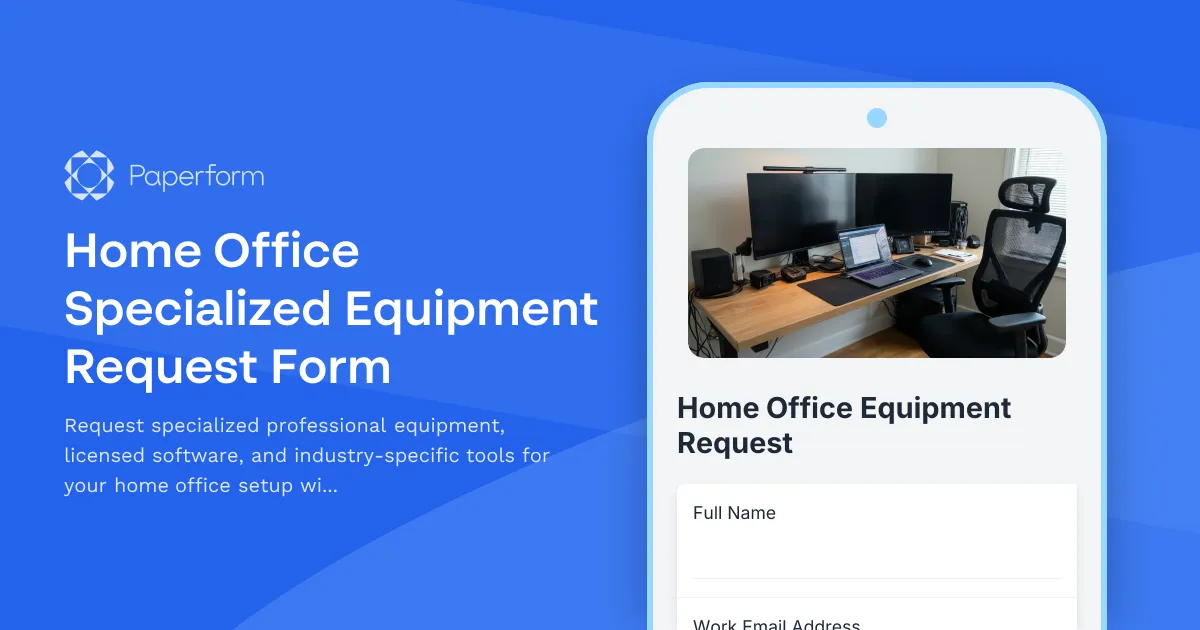
Home Office Specialized Equipment Request Form
Request specialized professional equipment, licensed software, and industry-specific tools for your home office setup with detailed justification and compliance tracking.
Remote Employee Backup Internet Connection Reimbursement Form
Request reimbursement for backup internet services, secondary ISP costs, mobile hotspots, and failover connectivity to ensure business continuity for remote work.
Remote Work Backup Power Supply Request Form
Request backup power equipment for your remote workspace. Submit UPS specifications, runtime requirements, and equipment protection needs for home office power continuity.

Remote Work Monitor & Display Upgrade Request
Request approval for new monitors and display equipment for your home office setup. Submit screen specifications, multiple monitor needs, and mounting requirements for budget approval.
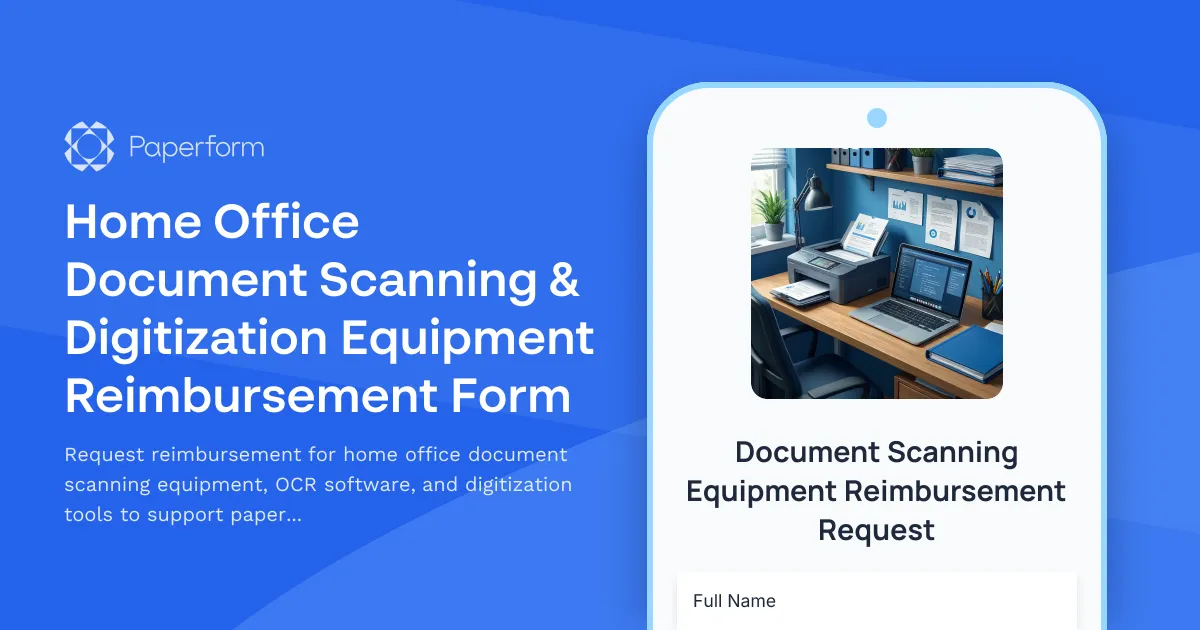
Home Office Document Scanning & Digitization Equipment Reimbursement Form
Request reimbursement for home office document scanning equipment, OCR software, and digitization tools to support paperless workflow transition.

Home Office Electrical Capacity & Equipment Reimbursement Form
Assess your home office electrical needs, calculate circuit load requirements, and request reimbursement for power strips, outlets, and electrician consultations to ensure safe and compliant remote work setups.