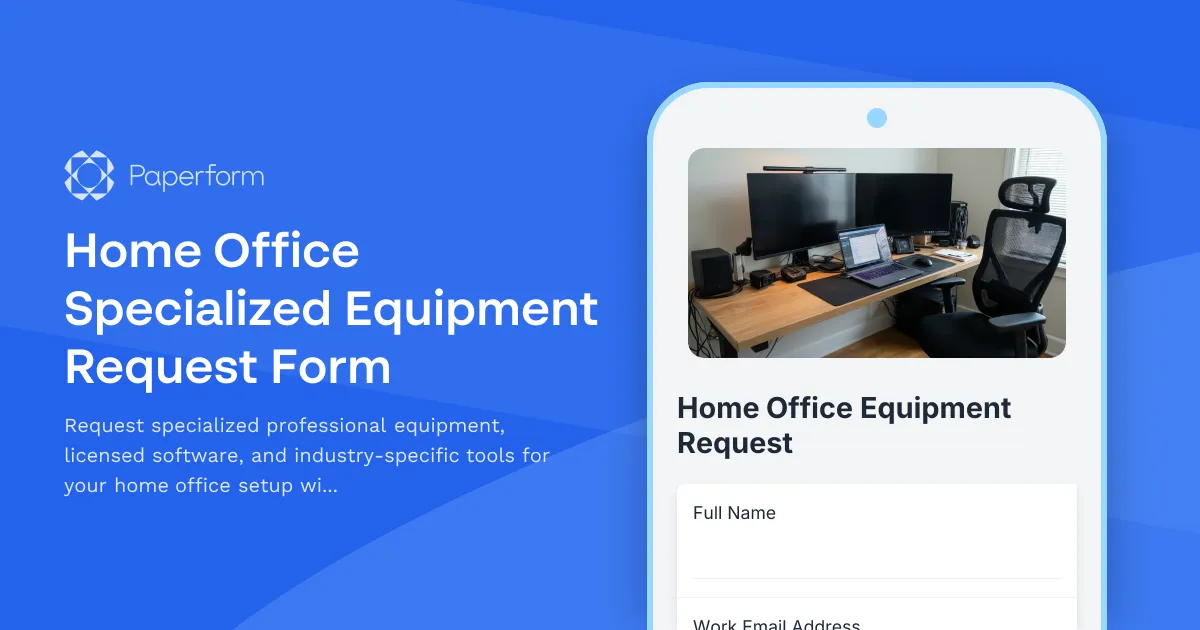
Streamline Your Home Office Equipment Requests with Paperform
Working remotely doesn't mean compromising on the professional-grade tools you need to excel. Whether you're a creative professional requiring high-performance hardware, a healthcare worker needing HIPAA-compliant technology, or an engineer with specialized software requirements, requesting the right equipment should be straightforward and transparent.
This Home Office Specialized Equipment Request Form template helps organizations manage professional equipment procurement while ensuring employees have access to the industry-specific tools, licensed software, and compliance-certified technology they need to work effectively from home.
Why Professional Equipment Requests Need a Structured Process
Unlike standard office supplies, specialized professional equipment often involves significant investment, licensing considerations, regulatory compliance, and ongoing support requirements. Organizations need visibility into what's being requested, why it's needed, and how it aligns with both role requirements and budget constraints.
Traditional email-based equipment requests create bottlenecks, lack proper documentation, and make it difficult to track spending patterns or ensure compliance with industry regulations. This template transforms the request process into a structured, transparent workflow that benefits both employees and approval teams.
Who This Template Is For
This form is designed for organizations with remote or hybrid workforces across specialized industries:
- Creative agencies and marketing teams requesting design software licenses, color-calibrated monitors, graphics tablets, and high-performance workstations
- Healthcare and telehealth providers needing HIPAA-compliant hardware, encrypted communication devices, and medical peripherals
- Engineering and architecture firms requiring CAD software licenses, rendering workstations, and specialized input devices
- Financial services professionals needing multi-monitor setups, encrypted drives, and compliance-certified equipment
- Software development teams requesting development licenses, testing devices, and high-spec hardware
- Legal professionals needing document management systems, secure scanning equipment, and practice management software
- Research and data science teams requiring computational hardware, specialized analysis software, and large-capacity storage solutions
Key Features of This Template
Profession-Specific Equipment Categories: The form intelligently adapts based on the requester's role and industry, surfacing relevant equipment categories from creative tools to medical devices to development hardware.
Licensed Software Tracking: Capture software license types, subscription requirements, and renewal schedules to help IT teams manage software asset management and prevent redundant purchases.
Compliance and Certification Documentation: For regulated industries, the form collects necessary compliance requirements (HIPAA, SOC 2, industry certifications) ensuring equipment meets security and regulatory standards.
Detailed Justification and ROI: Requesters explain how the equipment enhances productivity, meets client requirements, or fulfills compliance obligations, helping approvers make informed decisions.
Budget and Cost Management: Transparent cost estimation fields with options for one-time purchases versus subscriptions help finance teams forecast and manage equipment budgets.
Alternative Solutions: The form encourages employees to list alternatives they've considered, demonstrating due diligence and potentially identifying cost-effective options.
How Paperform Enhances Equipment Request Management
With Paperform's smart conditional logic, this template shows or hides entire sections based on equipment type—someone requesting design software won't see questions about medical compliance, while a healthcare professional automatically gets prompted for HIPAA considerations.
The calculation engine can automatically tally estimated costs including hardware, software licenses, and peripherals, giving both requesters and approvers immediate budget visibility. Set spending thresholds that trigger different approval workflows using conditional logic.
Papersign integration means approved requests can automatically generate equipment loan agreements or acceptable use policies that require electronic signature before equipment is shipped, creating a complete audit trail from request through acknowledgment.
Automate Post-Submission Workflows with Stepper
Once an equipment request is submitted, Stepper (stepper.io) can orchestrate the entire approval and fulfillment process:
- Route requests to the appropriate approvers based on cost thresholds, equipment type, or department
- Send approval requests to managers, IT directors, and finance teams in sequence
- Create procurement tickets in your asset management system automatically
- Update inventory databases when equipment is shipped
- Schedule follow-up check-ins to ensure equipment is working properly
- Trigger onboarding emails with setup guides and support resources specific to the approved equipment
This automation transforms what used to be a days-long email chain into a smooth, trackable process that keeps everyone informed.
Industry-Specific Adaptations
The beauty of Paperform's flexibility is how easily this template adapts to your specific industry requirements:
For Healthcare Organizations: Add fields for medical device classifications, patient data handling requirements, and biomedical engineering approval steps.
For Financial Services: Include sections for information security reviews, data encryption specifications, and regulatory compliance documentation.
For Creative Agencies: Emphasize creative software ecosystems, color accuracy specifications, and client compatibility requirements.
For Engineering Firms: Focus on computational requirements, simulation software needs, and technical specification matching.
Why Growing Teams Choose Paperform for Equipment Requests
Remote work has made equipment procurement more complex, but also more critical. Teams need a solution that's professional enough for audit trails and compliance, yet simple enough that employees actually want to use it.
Paperform delivers that balance with SOC 2 Type II compliance, role-based permissions for sensitive procurement information, and integration capabilities with the procurement, finance, and IT systems your team already uses—from Google Sheets for simple tracking to enterprise asset management platforms via Stepper, webhooks, or native integrations.
The doc-style editor means your IT or operations team can update equipment categories, add new compliance requirements, or adjust approval workflows without developer help. As your equipment needs evolve, your form evolves with them.
Get Started in Minutes
This template gives you a production-ready equipment request form that you can customize to match your industry, branding, and specific equipment categories. Whether you're supporting a small remote team or managing equipment requests across a distributed organization, Paperform provides the flexibility and professional foundation you need.
Start capturing structured equipment requests, reduce procurement delays, ensure compliance, and give your remote team the specialized tools they need to do their best work—all while maintaining the visibility and control your organization requires.



More templates like this
Home Office Privacy & Security Equipment Request Form
Request locks, soundproofing, and privacy equipment for your home office. Ensure confidential work requirements are met with proper security hardware and visual privacy solutions.
Department Head Hybrid Schedule Policy Customization Form
A comprehensive form for department heads to customize hybrid work policies for their teams, including schedule preferences, team requirements, compliance verification, and industry-specific considerations.

Home Office Accessibility & Specialized Seating Request Form
Request specialized ergonomic seating, mobility equipment, and accessibility accommodations for your home office workspace with ADA compliance documentation and approval workflow.
Home Office Storage & Filing Equipment Request Form
Request storage and filing equipment for your home office, including filing cabinets, shelving units, and organizational systems with security and fireproofing options.
Hybrid Work Audio Privacy Equipment Request Form
Request white noise generators, sound masking devices, and audio privacy equipment for confidential remote and hybrid work conversations.

Hybrid Work Equipment Insurance & Damage Assistance Form
Submit claims for accidental damage, theft, or loss of home office equipment with deductible assistance, repair cost sharing, and replacement support for hybrid workers.

Remote Work Monitor & Display Upgrade Request
Request approval for new monitors and display equipment for your home office setup. Submit screen specifications, multiple monitor needs, and mounting requirements for budget approval.
Home Office Biometric Security & Access Control Equipment Request
Request biometric security equipment, hardware encryption devices, secure storage, and physical security upgrades for your remote home office setup to protect confidential company data.

Corporate VPN Access Request Form
Streamline remote access requests with this corporate VPN access form. Collect employee details, device information, security clearance levels, and route for manager approval—all in one secure workflow.

Emergency Communication Device Allowance Request
Request reimbursement or allowance for emergency communication equipment including satellite phones, emergency radios, and backup devices for remote work locations.

Home Office Battery Backup & UPS Request Form
Request battery backup and UPS equipment for your home office to ensure business continuity during power outages. Assess your power needs, prioritize critical devices, and plan for uninterrupted remote work.
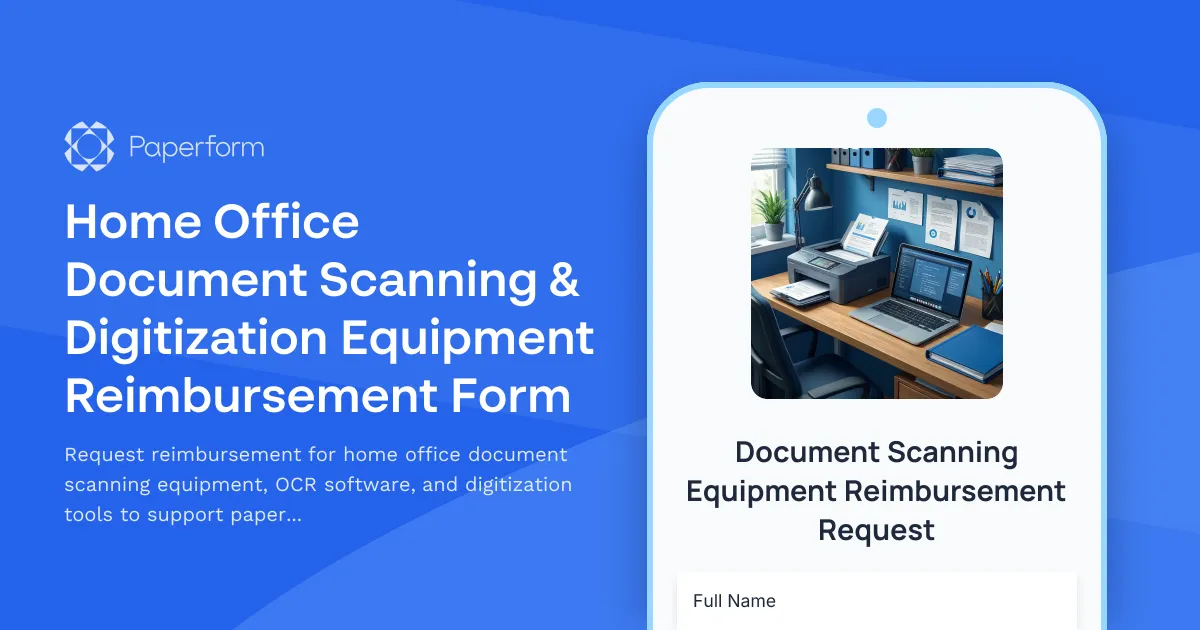
Home Office Document Scanning & Digitization Equipment Reimbursement Form
Request reimbursement for home office document scanning equipment, OCR software, and digitization tools to support paperless workflow transition.