Transform Your Home Office Into a Professional Learning Hub
Working from home doesn't mean compromising on professional development or access to industry knowledge. This Home Office Reference Library & Professional Development Allowance Request form makes it simple for remote and hybrid teams to request reimbursement for books, subscriptions, certification materials, and physical resources like bookshelves that support continuous learning.
Why invest in home office learning resources?
Remote work thrives when employees have the right tools—not just tech, but the knowledge resources that keep skills sharp and creativity flowing. Whether it's a bookshelf to organize reference materials, subscriptions to industry publications, or study guides for upcoming certifications, these investments show your team that growth matters, even from home.
With Paperform, submitting and tracking these requests is straightforward. Employees can detail exactly what they need, why it supports their role, and upload supporting documentation—all in one beautifully branded form that matches your company culture.
Built for modern, people-first remote work policies
This template is designed for HR teams, operations managers, and finance departments supporting distributed workforces. It handles:
- Physical learning infrastructure: Bookshelves, filing systems, and organizational furniture for reference materials
- Books and publications: Industry books, technical manuals, business reads, and professional reference guides
- Subscriptions and memberships: Trade journals, online learning platforms, research databases, and professional associations
- Certification and course materials: Study guides, exam prep, training materials, and educational resources
- Budget tracking and approvals: Clear expense categorization, automatic calculations, and manager review workflows
The form uses conditional logic to show relevant fields based on request type, ensuring employees only see what applies to their specific need. This keeps the experience clean and focused, whether someone is requesting a single book or a complete home library setup.
Automate approvals and reimbursements with Stepper
Once submitted, you don't want requests sitting in an inbox. Connect this form to Stepper to automatically route requests based on amount thresholds, send approval notifications to managers, update expense tracking spreadsheets, and trigger reimbursement workflows in your payroll or accounting system.
For example, requests under $100 might auto-approve and go straight to finance, while larger investments route through department heads first. Stepper keeps everything moving without manual handoffs, and every step is tracked back to the original submission.
Perfect for companies that value continuous learning
This form works especially well for:
- Remote-first tech companies offering professional development stipends and learning budgets
- Consulting firms where industry knowledge and certifications drive client value
- Marketing and creative agencies that need teams to stay current on trends, tools, and best practices
- Professional services (legal, accounting, finance) where ongoing education is often required
- Growing startups building people-first benefits that attract and retain top remote talent
Whether you call it a learning stipend, professional development allowance, or home office knowledge budget, this template handles the request and approval process end to end.
Features that make expense requests painless
Unlike generic expense forms or clunky PDF workflows, this Paperform template includes:
- Smart categorization that adapts fields based on request type (books vs. subscriptions vs. furniture)
- File upload for receipts, course syllabi, or product links
- Cost breakdown with automatic total calculations
- Manager approval routing via email or integrated workflows
- Custom success messages confirming next steps and expected reimbursement timelines
- Branded experience that feels like part of your employee portal, not a generic survey
Everything lives in one place, with full submission tracking, exportable data, and integration options to your HRIS, expense platforms, or finance tools.
Security and compliance for HR and finance teams
Paperform is SOC 2 Type II compliant, with role-based permissions, encrypted data storage, and audit trails—critical when handling employee financial requests and personal information. You can also set up approval workflows that ensure proper sign-off before any reimbursement is issued, keeping your finance team in control and your books accurate.
For larger organizations, Agency+ and Enterprise plans support SSO, advanced permissions, and data residency controls, so you can roll this form out across departments or regions without compromising on governance.
Why Paperform for remote work HR forms?
Paperform is built for teams that want professional, on-brand employee experiences without relying on developers or IT. HR and People Ops teams use Paperform for onboarding, time-off requests, performance reviews, and benefits enrollment—and this professional development request form fits naturally into that ecosystem.
With Paperform's doc-style editor, you can tweak questions, add your company's tone of voice, include internal links to your learning policy, and update fields as your benefits evolve—all without starting from scratch. Plus, with AI Insights, you can analyze what types of resources employees request most, helping you refine your professional development budget and identify learning trends across teams.
Get started in minutes
This template is ready to use out of the box. Customize the allowance amounts, adjust categories to match your company's learning policy, add your branding, and publish. You can embed it in your intranet, send it via Slack, or add it to your employee handbook as a direct link.
Empower your remote team to keep learning, growing, and building the home office library they need to do their best work—while keeping the approval and reimbursement process simple, transparent, and trackable for everyone involved.



More templates like this
Remote Workspace Personality & Customization Allowance Form
Request a personalized home office setup budget for motivational decor, cultural expression items, and workspace customization that reflects your authentic style while maintaining professional standards.
Work from Home Office Subscription Box Reimbursement
Request reimbursement for your home office subscription box delivery with curated productivity tools, monthly supplies, and try-before-you-buy remote work equipment.
Dependent Care Workspace Setup Request Form
Request specialized home office equipment and workspace separation tools for remote employees balancing childcare or dependent care responsibilities while working from home.

Home Office Accessibility & Specialized Seating Request Form
Request specialized ergonomic seating, mobility equipment, and accessibility accommodations for your home office workspace with ADA compliance documentation and approval workflow.
Home Office Wellness & First Aid Allowance Request
Request reimbursement for home office wellness supplies, ergonomic support items, first aid essentials, and preventive health products to create a healthier remote work environment.

Remote Work Desk Accessories & Organizers Allowance Form
Submit requests for remote work desk accessories, organizers, and workspace optimization items with budget tracking and approval workflow.

Remote Work Monitor & Display Upgrade Request
Request approval for new monitors and display equipment for your home office setup. Submit screen specifications, multiple monitor needs, and mounting requirements for budget approval.
Digital Nomad Coworking & Community Integration Expense Claim Form
Submit expense claims for coworking spaces, expatriate community integration fees, professional networking, and global citizen support programs as a digital nomad or remote worker.
Employee Hybrid Work Preference Survey
A comprehensive survey to understand employee preferences for hybrid work schedules, including focus time needs, social interaction requirements, and work style assessment to optimize flexible work arrangements.
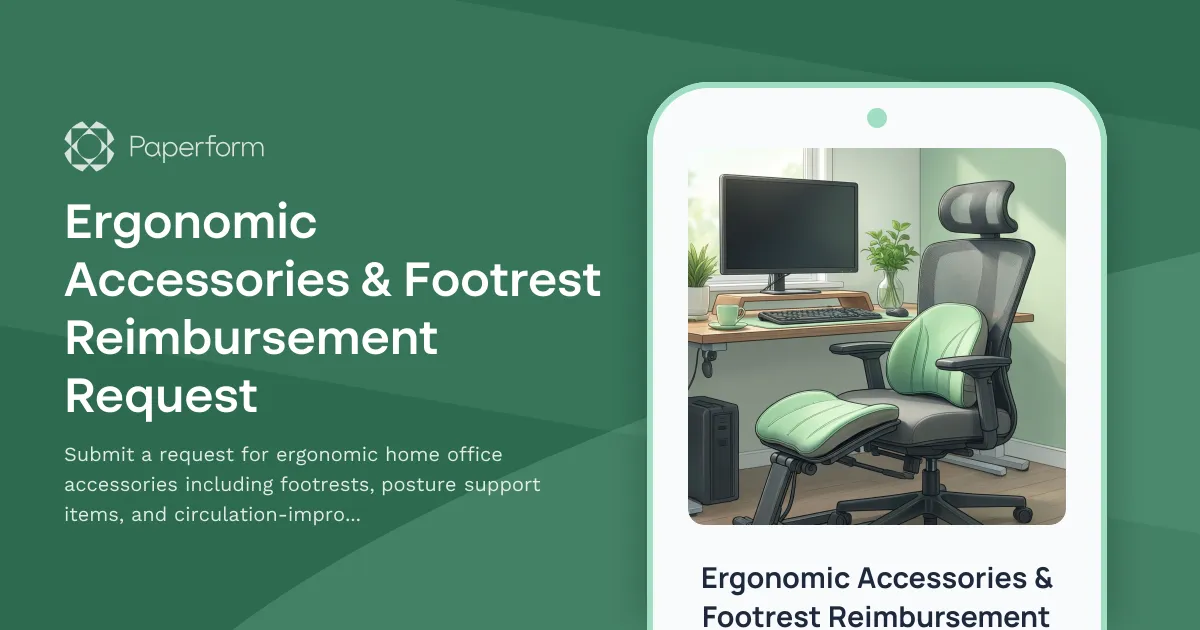
Ergonomic Accessories & Footrest Reimbursement Request
Submit a request for ergonomic home office accessories including footrests, posture support items, and circulation-improvement equipment to create a healthier remote workspace.
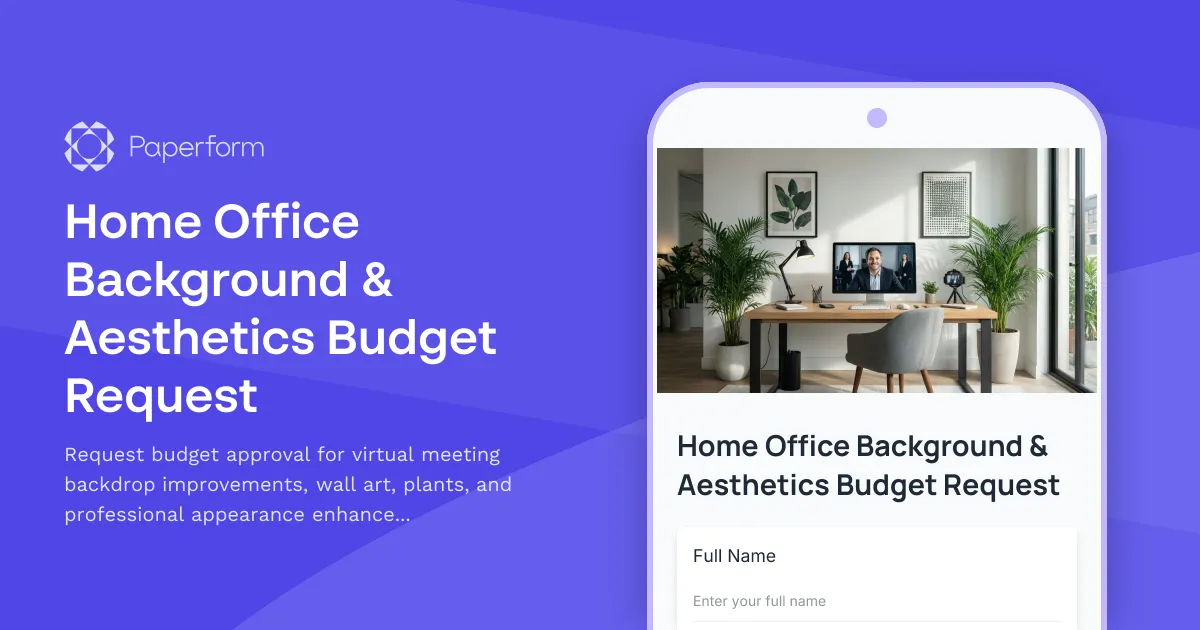
Home Office Background & Aesthetics Budget Request
Request budget approval for virtual meeting backdrop improvements, wall art, plants, and professional appearance enhancements for your home office setup.
Home Office Humidity Control Equipment Reimbursement Form
Request reimbursement for dehumidifiers, humidifiers, and humidity control equipment to optimize your home office environment and protect work equipment.