Working from home comes with unique challenges—and background noise is one of the biggest productivity killers. Whether it's construction outside, kids playing in the next room, or roommates on their own calls, having the right noise cancellation equipment can transform your work-from-home experience from frustrating to focused.
This Home Office Noise Cancellation Equipment Request Form gives remote and hybrid employees a simple, professional way to request headphones, microphones, and video conferencing equipment that helps them do their best work—no matter what's happening around them.
Why noise cancellation equipment matters for remote teams
Crystal-clear audio isn't just a nice-to-have for remote workers—it's essential. Poor audio quality can derail client calls, slow down internal collaboration, and leave employees feeling unprofessional. Investing in quality noise cancellation equipment shows your team you're committed to setting them up for success, wherever they work.
This form makes it easy to capture exactly what each employee needs, from active noise cancelling headphones for deep focus to high-quality microphones for polished video calls. It routes requests through the right approval channels and keeps a clear record of equipment allocated to each team member.
What this form includes
This Paperform template walks employees through a structured request process that covers:
- Employee information: Name, department, manager, and work location details
- Equipment type selection: Choose from headphones, microphones, webcams, or full conferencing kits
- Headphone specifications: Preferred style (over-ear, in-ear, on-ear), active noise cancellation requirements, and wireless vs. wired preferences
- Microphone quality needs: USB vs. XLR, directional vs. omnidirectional, pop filter requirements, and intended use cases
- Video conferencing requirements: Camera quality, lighting needs, and full conferencing setup options
- Budget range: Pre-defined ranges to help guide purchasing decisions and manage expectations
- Justification and use case: Space for employees to explain how the equipment will improve their productivity and work quality
- Department approval routing: Conditional fields that collect manager approval information based on budget thresholds
- Delivery and setup preferences: Home address, setup assistance needs, and IT support requests
The form uses conditional logic to show relevant questions based on equipment type, so employees only see fields that apply to their request. This keeps the experience clean and focused, while still capturing all the detail you need to make informed purchasing decisions.
Perfect for HR, IT, and remote-first teams
This template is ideal for:
- Human Resources teams managing employee equipment programs and remote work policies
- IT departments tracking hardware inventory and ensuring compatibility with company systems
- Operations managers approving budget requests and maintaining spending controls
- Finance teams processing reimbursements and tracking equipment expenses
- Remote-first companies building comprehensive home office setup programs
Whether you're a fast-growing startup equipping a newly remote team, an established business expanding your hybrid work policy, or an agency managing equipment for distributed clients, this form gives you a professional foundation to build on.
Streamline approvals with Stepper workflows
Once an employee submits their equipment request, the real work begins—routing to managers, getting budget approval, creating purchase orders, and keeping everyone in the loop. That's where Stepper comes in.
With Stepper's AI-native workflow automation, you can turn each form submission into a multi-step approval process without writing code. Route requests to the right manager based on department, ping finance when the budget exceeds a threshold, create tickets in your IT system, update inventory spreadsheets, and send confirmation emails—all automatically.
Stepper keeps your equipment request process moving smoothly, so employees get what they need faster and admins spend less time chasing approvals.
Customise to match your equipment policy
This template is designed to be flexible. You can easily add fields for specific equipment brands your company prefers, include compliance checkboxes for IT security policies, adjust budget ranges to match your reimbursement limits, or add questions about existing equipment that can be returned.
Paperform's document-style editor makes it simple to adjust the form's tone, branding, and structure to match your company culture—whether you're a formal enterprise or a relaxed creative agency.
Trusted by remote teams worldwide
Paperform is used by over 500,000 teams globally to manage remote work requests, employee onboarding, and operations workflows. SOC 2 Type II certified and GDPR compliant, Paperform gives you the security and reliability you need to handle employee information and company purchases with confidence.
Start managing home office equipment requests more efficiently today. This template helps you support your remote team, control spending, and maintain clear records—all in one professional, easy-to-use form.



More templates like this
Hybrid Work Technology Insurance & Protection Plan Request
Request insurance and protection coverage for your home office equipment with custom coverage options, deductible preferences, and comprehensive loss and damage protection policies.
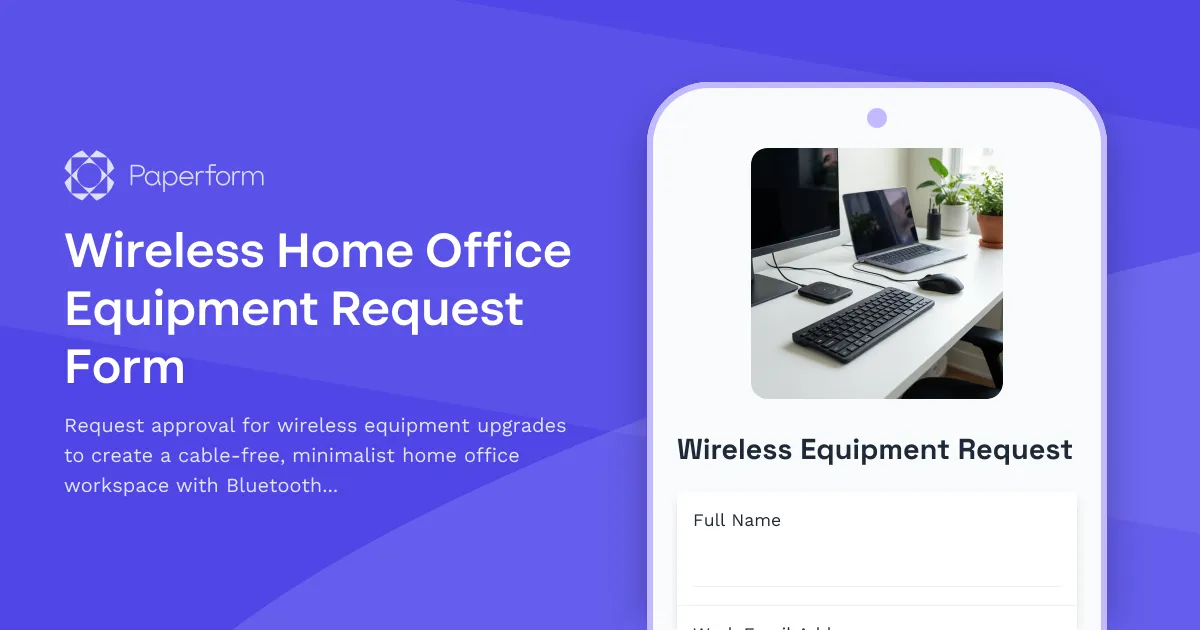
Wireless Home Office Equipment Request Form
Request approval for wireless equipment upgrades to create a cable-free, minimalist home office workspace with Bluetooth peripherals and wireless charging solutions.

Home Office Battery Backup & UPS Request Form
Request battery backup and UPS equipment for your home office to ensure business continuity during power outages. Assess your power needs, prioritize critical devices, and plan for uninterrupted remote work.
Home Office Soundproofing & Acoustic Treatment Request
Request acoustic improvements and soundproofing solutions for your home office to enhance audio quality and reduce noise distractions during remote work.
Home Office Wellness & First Aid Allowance Request
Request reimbursement for home office wellness supplies, ergonomic support items, first aid essentials, and preventive health products to create a healthier remote work environment.
Remote Work Focus & Concentration Equipment Request
Request specialized equipment to enhance focus and minimize distractions in your home office environment.

Remote Work Monitor & Display Upgrade Request
Request approval for new monitors and display equipment for your home office setup. Submit screen specifications, multiple monitor needs, and mounting requirements for budget approval.
Remote Work Software & Subscription Reimbursement Form
Streamline remote work software subscriptions and tool reimbursement requests for distributed teams with automated approval workflows and consolidated expense tracking.

Work From Home Technology Upgrade Program Application
Apply for technology upgrades and equipment refreshes for your home office setup. Request emerging tech, scalability improvements, and innovation budget for long-term remote work success.
Work From Home Webcam & Video Equipment Upgrade Request Form
Request and justify webcam and video equipment upgrades for professional remote work, with technical specifications, budget assessment, and home office needs evaluation.
Dependent Care Workspace Setup Request Form
Request specialized home office equipment and workspace separation tools for remote employees balancing childcare or dependent care responsibilities while working from home.
Dual Monitor Arm & Mounting System Request Form
Request approval and reimbursement for dual monitor arms and mounting systems for your remote workspace with VESA compatibility, weight capacity, and ergonomic specifications.