Finding the right flooring contractor can make or break your project. Whether you're managing a commercial build-out, residential renovation, or property upgrade, you need installers who have the right certifications, equipment, and expertise for your specific flooring material.
This Flooring Contractor Qualification Form helps property managers, general contractors, facility managers, and construction firms systematically vet and pre-qualify flooring specialists before awarding contracts. Instead of relying on phone calls and scattered emails, you can collect detailed information about installation certifications by material type, moisture testing capabilities, subfloor preparation expertise, and project portfolio—all in one structured submission.
Built with Paperform, this template gives you complete flexibility to match your brand and workflow. Customize the questions, add conditional logic to show material-specific certification fields only when relevant, and embed the form directly on your vendor portal or contractor recruitment pages. Submissions flow straight into your preferred tools—whether that's a spreadsheet, project management platform, or CRM—so you can review, compare, and shortlist qualified contractors efficiently.
Once you've collected contractor applications, take your procurement process further with Stepper, Paperform's AI-native workflow automation tool. Automatically route high-scoring applicants to your review team, trigger background checks, send follow-up requests for insurance certificates, and update your vendor database—all without manual data entry. You can even set up approval workflows that notify stakeholders when a new contractor meets your qualification criteria.
For projects requiring signed agreements, use Papersign to convert approved contractor submissions into service agreements, NDAs, or scope-of-work documents ready for eSignature. This keeps your entire contractor qualification and onboarding process connected, compliant, and audit-ready.
Whether you're building a vetted contractor network for ongoing projects or qualifying specialists for a one-off installation, this template helps you make confident hiring decisions based on verified capabilities, not just promises.



More templates like this
HVAC Contractor Application Form
A comprehensive application form for HVAC contractors to register their services, verify licensing credentials, showcase capabilities, and demonstrate insurance coverage and emergency availability.
Plumbing Contractor Pre-Qualification Form
A comprehensive form for pre-qualifying plumbing contractors, verifying licenses, insurance, certifications, and references before project engagement.
Security Systems Contractor Pre-Qualification Form
Pre-qualify security contractors with licensing, certifications, and technical capabilities for alarm installation, camera integration, and access control projects.
Door Hardware Contractor Vetting Form
Pre-qualify door hardware contractors and locksmiths by verifying licenses, certifications, compliance knowledge, and experience with access control systems, fire doors, and ADA-compliant installations.
Electrical Contractor Qualification Form
A comprehensive pre-qualification form for electrical contractors that collects licensing information, bonding capacity, safety certifications, insurance details, and specialized equipment inventory to assess contractor readiness and compliance.
General Contractor Pre-Qualification Form
Streamline your contractor vetting process with this comprehensive pre-qualification form covering licenses, insurance, safety records, and project portfolios.
Asbestos Abatement RFP Response Form
A comprehensive asbestos abatement proposal form for contractors to submit detailed RFP responses including testing, containment, removal methodology, disposal certification, and pricing.
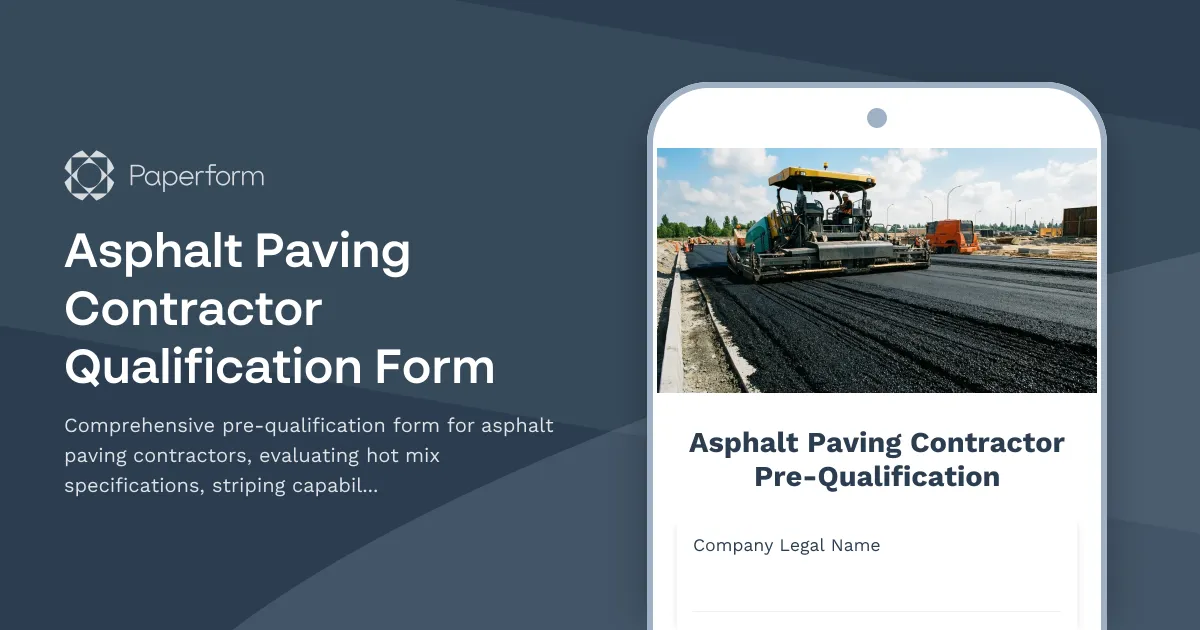
Asphalt Paving Contractor Qualification Form
Comprehensive pre-qualification form for asphalt paving contractors, evaluating hot mix specifications, striping capabilities, crack sealing methods, and surface preparation standards.
Commercial Insulation Contractor Application Form
A comprehensive application form for commercial insulation contractors to showcase their expertise, certifications, specializations, and service capabilities including spray foam, fireproofing, and energy audits.
Demolition Contractor Pre-Qualification Form
A comprehensive pre-qualification form for demolition contractors covering safety credentials, hazmat handling, equipment inventory, and waste disposal compliance.

Electrical Contractor Application Form
A professional application form for electrical contractors to apply for projects. Captures licensing, experience, insurance, safety records, and service capabilities.
Irrigation Contractor Qualification Form
Pre-qualify irrigation contractors with verification of backflow prevention certifications, water auditing capabilities, smart controller programming expertise, and landscape drainage qualifications.