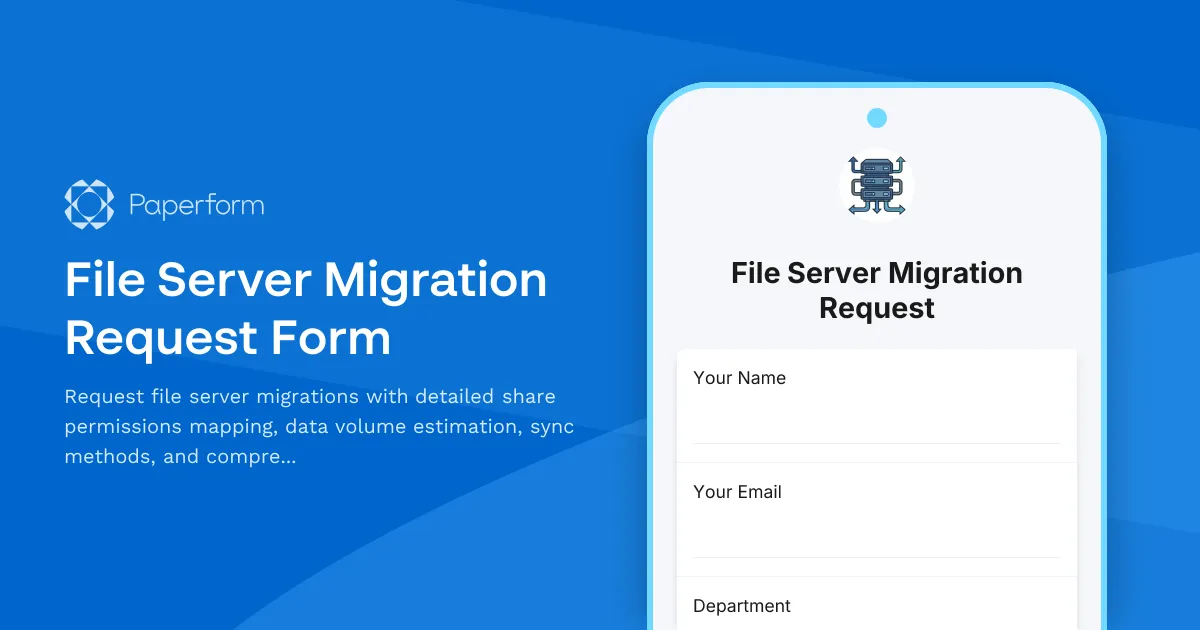
Streamline File Server Migrations with Paperform
Moving file servers is one of the most critical infrastructure tasks IT teams face. Whether you're migrating to new hardware, consolidating servers, or moving to cloud storage, the process involves careful planning around permissions, data volumes, sync strategies, and user communication. A well-structured file server migration request form ensures nothing falls through the cracks.
Why IT Teams Need a Dedicated Migration Request Form
File server migrations aren't just about moving files—they're about maintaining business continuity, preserving complex permission structures, and keeping stakeholders informed throughout the process. Without a standardized intake process, IT teams often face:
- Incomplete information that delays project kickoff
- Permission mapping errors that create security risks
- Underestimated data volumes that blow past migration windows
- Poor user communication that generates support tickets and confusion
This file server migration request form template captures everything your infrastructure team needs to plan, execute, and communicate migrations effectively. From initial scoping through post-migration validation, you'll have a clear record of requirements, decisions, and stakeholder sign-offs.
What Makes This Template Essential for IT Operations
This template is purpose-built for IT professionals, system administrators, infrastructure managers, and IT directors who need to standardize how migration requests enter their workflow. It addresses the full lifecycle of a file server migration project:
Detailed Share Permissions Mapping: Capture existing share paths, permission structures (NTFS vs share-level), group memberships, and special access requirements. Document who has access today so you can replicate it accurately in the new environment.
Accurate Data Volume Estimation: Collect current storage usage, projected growth, file type breakdowns, and archive candidates. This information drives your sync method selection, timeline estimation, and infrastructure sizing.
Sync Method Selection: Choose between full cutover, phased migration, sync-and-switch, or hybrid approaches based on your downtime tolerance, data volume, and business requirements.
Comprehensive User Communication Planning: Plan announcement timing, training sessions, documentation needs, and support escalation paths. Keep end users informed and minimize disruption to productivity.
How Paperform Elevates Your IT Request Management
While you could manage migration requests through email chains or ticketing systems, Paperform gives your IT operations team a purpose-built solution that feels less like a government form and more like a modern business tool.
The doc-style editor lets you structure the form exactly how your team thinks about migrations—logical sections for technical details, permissions, timelines, and communications. Add conditional logic to show different fields based on migration complexity, destination type (on-prem vs cloud), or urgency level.
Automated workflows via Stepper (stepper.io) turn submitted requests into managed projects instantly. Route high-priority migrations to senior engineers, create project channels in Slack or Teams, generate change management tickets, and update your CMDB—all without manual handoffs. Set up approval workflows for migrations that touch sensitive data or require change advisory board review.
Native integrations connect your migration requests to the tools your infrastructure team already uses. Push requests into ServiceNow, Jira, or Azure DevOps as work items. Log details in SharePoint or Confluence for documentation. Send notifications through Slack, Microsoft Teams, or email to keep stakeholders in the loop throughout the migration lifecycle.
Perfect for IT Teams Across Industries
This form template serves IT departments in organizations of all sizes, particularly those in:
- Enterprise IT organizations managing hundreds of file shares across multiple locations
- Healthcare providers migrating clinical data repositories with strict compliance requirements
- Financial services firms moving sensitive document repositories with audit trail needs
- Professional services consolidating file servers after mergers and acquisitions
- Manufacturing companies migrating engineering drawings and production documentation
- Educational institutions moving departmental shares to modern storage platforms
Whether you're a solo IT manager at a growing company or part of a large infrastructure team, this standardized intake process reduces the back-and-forth that typically delays migration projects.
Extend Capabilities with Stepper Automation
Connect this form to Stepper (stepper.io) to transform one-time requests into repeatable, auditable processes. Build workflows that automatically:
- Create migration project folders with standardized documentation templates
- Schedule kickoff meetings with requesters and infrastructure teams
- Generate permission mapping reports from Active Directory queries
- Calculate storage requirements and flag capacity concerns
- Send pre-migration, during-migration, and post-migration communications to affected users
- Update asset management databases with new server details
- Create validation checklists for post-migration testing
Stepper's AI-native workflow builder means you don't need to be a developer to build sophisticated automation that keeps your infrastructure changes on track and compliant.
Security and Compliance for Sensitive Infrastructure Changes
File server migrations often involve sensitive corporate data, regulatory compliance requirements, and security controls. Paperform provides SOC 2 Type II compliance, SSO integration, role-based access controls, and data residency options to ensure your migration request process meets enterprise security standards.
Audit every submission, track who approved what changes, and maintain a complete record of migration decisions for compliance reporting. Set permissions so only authorized personnel can submit or review migration requests.
Get Started with Professional File Server Migration Management
Stop managing critical infrastructure changes through scattered emails and undocumented decisions. This file server migration request form brings structure, accountability, and automation to one of IT's most complex operational processes.
Whether you're planning a single server consolidation or a multi-phase data center migration, Paperform gives you the foundation to capture requirements accurately, communicate effectively, and execute migrations that preserve permissions, minimize downtime, and keep users productive.
Start with this template, customize it for your environment's specific requirements, and use Paperform's automation capabilities to turn every migration request into a managed, repeatable process that your IT team can execute with confidence.



More templates like this
IT Asset Disposal Request Form
Streamline the secure disposal of IT equipment with automated tracking, data sanitization compliance, environmental standards verification, and certificate of destruction generation.
IT Helpdesk Problem Report Form
A comprehensive IT problem reporting form with asset tracking, priority assessment, and automatic SLA routing to streamline technical support workflows.
Backup Server Configuration Request Form
Request backup server configuration with custom retention policies, backup windows, backup types, and restoration testing plans for your infrastructure.
Business Continuity Planning Software Request Form
Streamline business continuity software requests with impact analysis, recovery procedures, emergency contacts, and testing schedules to ensure organizational resilience.

Corporate VPN Access Request Form
Streamline remote access requests with this corporate VPN access form. Collect employee details, device information, security clearance levels, and route for manager approval—all in one secure workflow.
Cybersecurity Awareness Training Quiz
Test employee knowledge on phishing detection, password security, and data protection with this comprehensive cybersecurity awareness quiz designed for workplace training programs.
Cybersecurity Exception Approval Request Form
A comprehensive form for requesting cybersecurity policy exceptions with risk assessment, compensating controls, business justification, and remediation plans requiring CISO authorization.

Data Governance Framework Stakeholder Interview
Gather strategic input from data owners, analysts, compliance officers, and IT teams to establish comprehensive data governance standards, access controls, and stewardship responsibilities.
Disaster Recovery Test Request Form
Request and plan disaster recovery tests with recovery scenarios, RTO/RPO validation, participant coordination, and comprehensive post-test documentation requirements.
Document Management System Request Form
Request a document management system with specifications for scanning volume, OCR requirements, retention schedules, and records compliance needs.
Hardware Upgrade Request Form
Request hardware upgrades for aging workstations with performance issue tracking and automated budget impact calculations.
IT Hardware & Software Procurement Request Form
Submit IT procurement requests with technical specifications, vendor quotes, and budget justification for hardware and software purchases.