
Get Help with Your Employee Self-Service Portal
Every HR and IT team knows the challenge: employees need quick access to update their personal information, manage payroll settings, and select benefits—but when the self-service portal throws an error, it creates frustration and urgent support tickets.
This Employee Self-Service Portal Support Request Form is designed specifically for IT support teams managing technical issues within employee self-service systems. Whether it's a failed W-4 update, a direct deposit error, or a benefits enrollment glitch, this template helps your team capture the right details up front so you can resolve issues faster and keep employees productive.
Why Paperform for IT support workflows?
Paperform gives IT and shared services teams a no-code way to create branded, easy-to-use support forms that integrate directly into your existing ticketing systems. With conditional logic built in, you can route urgent escalations differently, collect screenshots or error messages inline, and trigger follow-up workflows automatically using Stepper (stepper.io)—your AI-native workflow builder that connects support forms to Slack notifications, ticket creation, CRM updates, and more.
This template is perfect for:
- IT support teams managing employee portal issues and service desk requests
- HR shared services centers handling payroll, benefits, and personal data updates
- Internal operations teams looking to reduce email back-and-forth and improve response times
- Managed service providers supporting client HR systems and employee portals
Instead of chasing down details over email or dealing with vague "it's broken" reports, you'll have a structured intake process that categorizes issues, captures context, and helps your team prioritize and resolve requests efficiently. And because Paperform is SOC 2 Type II compliant with role-based permissions and SSO, it's built to handle the security and access controls that IT and HR teams require.



More templates like this

Work From Home Technology Upgrade Program Application
Apply for technology upgrades and equipment refreshes for your home office setup. Request emerging tech, scalability improvements, and innovation budget for long-term remote work success.
Accessibility Software & Hardware Request Form
Request assistive technology, accessibility software, and adaptive hardware to support workplace accommodations and ensure ADA compliance.
ATS Integration Support Request Form
Submit technical support requests for applicant tracking system integrations, including job board posting errors, candidate import issues, API problems, and notification failures.
Company Intranet Usability Survey
Collect employee feedback on intranet navigation, content quality, search functionality, mobile experience, and overall usability to improve your internal portal.
Contractor & Vendor Access Request Form
Streamline temporary access provisioning for contractors and vendors with sponsor approval, NDA verification, and automated badge printing integration.

Home Office Battery Backup & UPS Request Form
Request battery backup and UPS equipment for your home office to ensure business continuity during power outages. Assess your power needs, prioritize critical devices, and plan for uninterrupted remote work.
Home Office Storage & Filing Equipment Request Form
Request storage and filing equipment for your home office, including filing cabinets, shelving units, and organizational systems with security and fireproofing options.

Hybrid Work Equipment Check-Out Form
A comprehensive form for hybrid and remote employees to request, check out, and track company equipment including laptops, monitors, peripherals, and accessories with return scheduling and liability acknowledgment.
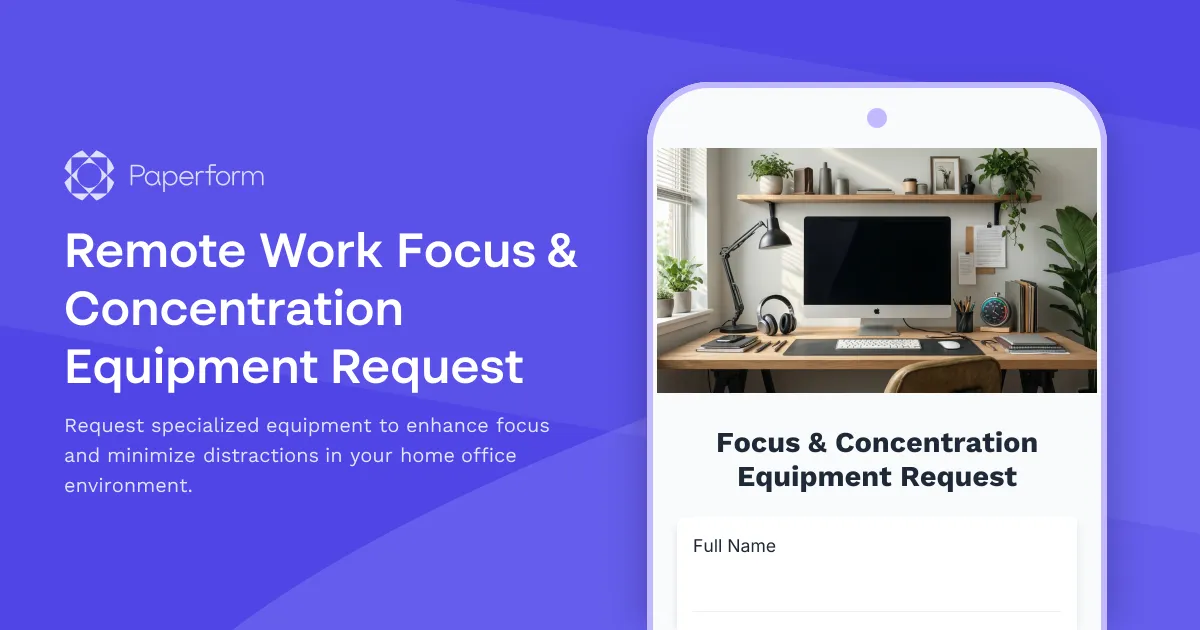
Remote Work Focus & Concentration Equipment Request
Request specialized equipment to enhance focus and minimize distractions in your home office environment.

Remote Work Monitor & Display Upgrade Request
Request approval for new monitors and display equipment for your home office setup. Submit screen specifications, multiple monitor needs, and mounting requirements for budget approval.
Video Conferencing Admin Access Request
Request administrative access to video conferencing platforms with customized meeting management, recording permissions, and participant privacy controls for IT and organizational management.

Accessibility Specialist Performance Review
Evaluate accessibility specialist performance with WCAG compliance tracking, user testing insights, developer collaboration metrics, and training effectiveness assessment.