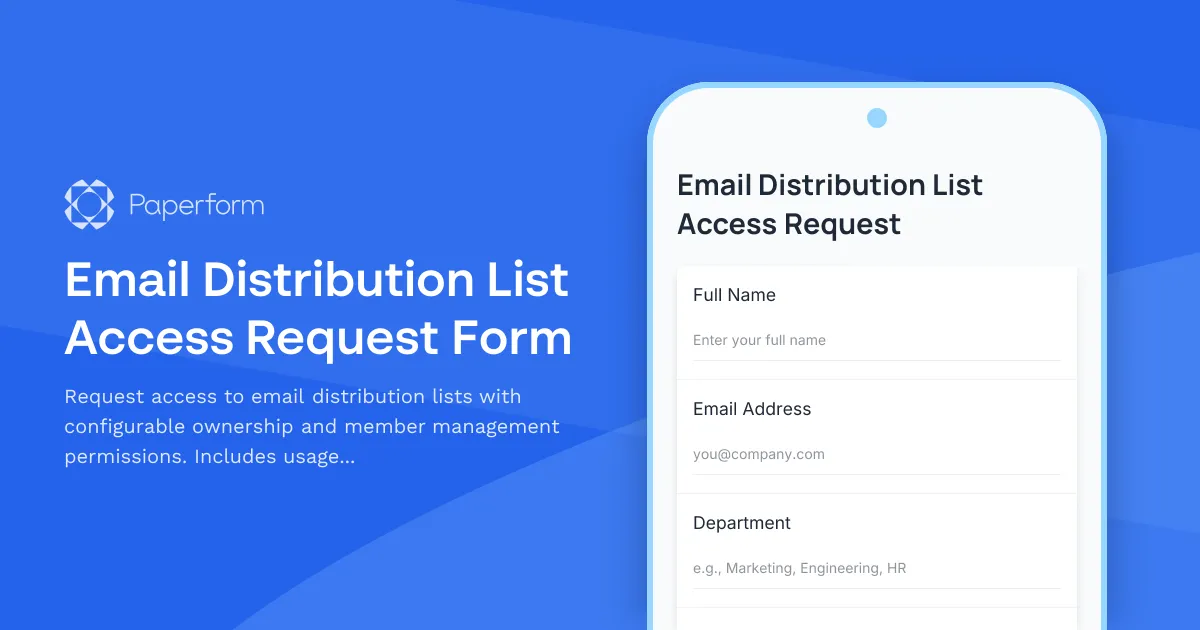
Streamline Email Distribution List Access with Paperform
Managing email distribution lists doesn't have to mean endless back-and-forth emails or manual spreadsheet tracking. This Email Distribution List Access Request Form helps IT teams, managers, and system administrators handle distribution list access requests in a structured, compliant way.
Whether you're granting someone access to a company-wide announcement list, department-specific communications, or project team distribution groups, this template captures all the essential information: which list they need, what level of permissions they require, and business justification for the request.
Perfect for IT departments and admins
IT professionals can use this form to standardize how employees request distribution list access across Microsoft 365, Google Workspace, or on-premises email systems. Instead of processing ad-hoc Slack messages or email requests, you get consistent, documented requests that include proper approvals and policy acceptance.
The form includes conditional fields that adjust based on permission levels—so when someone requests owner or moderator rights (not just membership), they're prompted to explain why they need elevated permissions. Usage policy acceptance is built right in, ensuring every new member understands distribution list etiquette before being added.
Automate approvals with Stepper
Connect this form to Stepper to automatically route requests to the appropriate list owner or manager for approval. You can set up workflows that send approval requests via email or Slack, update your tracking systems when access is granted, and even trigger automated provisioning in your directory services. Stepper keeps the entire access request lifecycle documented and trackable—no more lost requests or forgotten follow-ups.
For organizations managing dozens or hundreds of distribution lists, this template brings consistency and accountability to what's often a messy, informal process. Everything stays professional, compliant, and auditable.
Built with Paperform—the flexible form builder trusted by IT teams worldwide. SOC 2 Type II compliant, secure, and designed to integrate with your existing tools.



More templates like this
Phone System and Conference Room Access Request Form
Request phone system access, extension assignment, voicemail setup, and conference room calling privileges. Perfect for IT teams managing internal communication systems and user permissions.
Video Conferencing Admin Access Request
Request administrative access to video conferencing platforms with customized meeting management, recording permissions, and participant privacy controls for IT and organizational management.
Cloud Platform Access Request Form
Request access to AWS, Azure, or GCP with role-based permissions, cost center allocation, and security group assignment for your cloud infrastructure needs.

Collaboration Workspace Admin Access Request
Request administrative access to collaboration workspaces including member management, content moderation, and archive permissions for project teams.
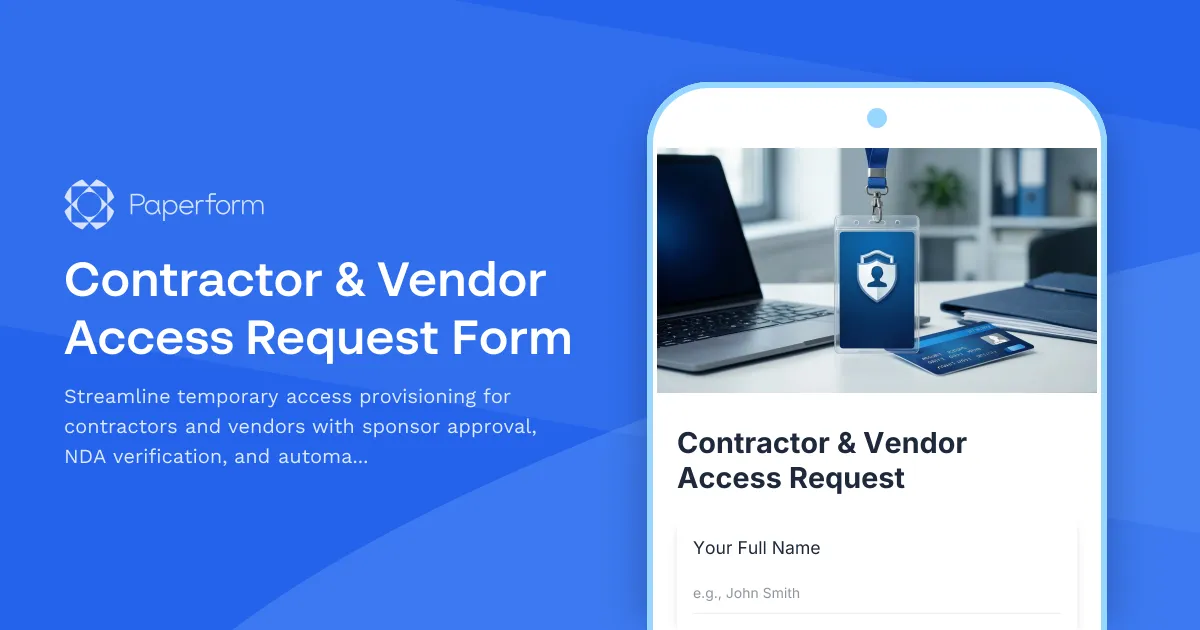
Contractor & Vendor Access Request Form
Streamline temporary access provisioning for contractors and vendors with sponsor approval, NDA verification, and automated badge printing integration.

Corporate VPN Access Request Form
Streamline remote access requests with this corporate VPN access form. Collect employee details, device information, security clearance levels, and route for manager approval—all in one secure workflow.
Digital Rights Management System Access Request
Request access to DRM systems with customizable content protection permissions, usage policies, and granular access control for digital asset management.
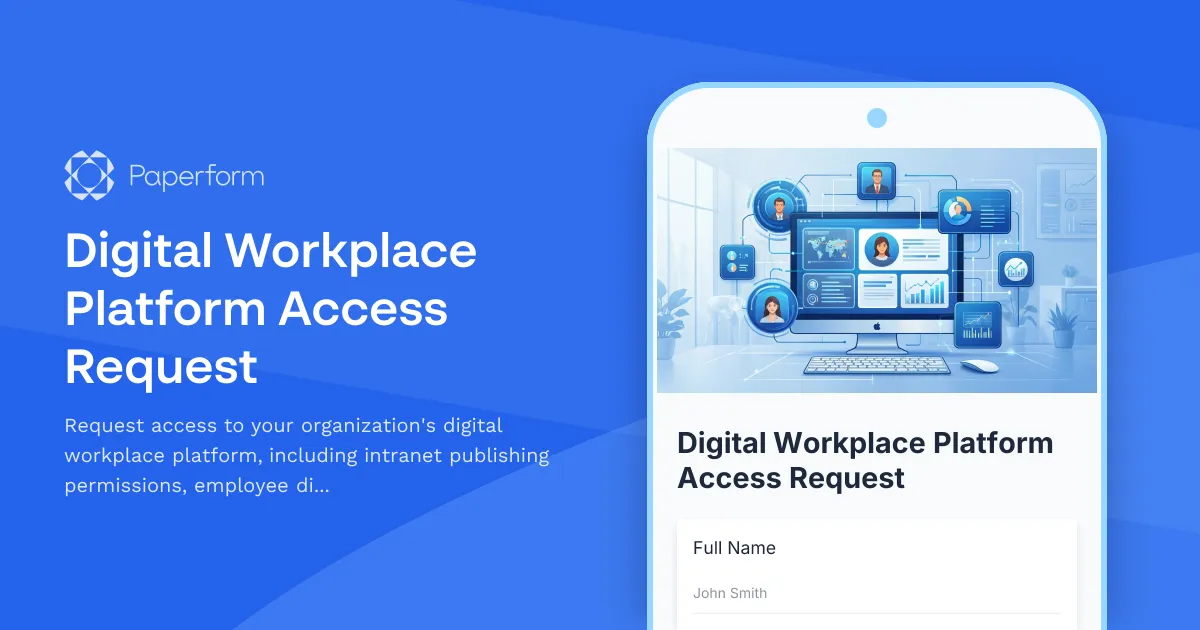
Digital Workplace Platform Access Request
Request access to your organization's digital workplace platform, including intranet publishing permissions, employee directory management, and engagement analytics viewing capabilities.

Employee Offboarding IT Access Revocation Checklist
Comprehensive IT offboarding checklist to systematically revoke employee system access, track equipment returns, and ensure secure account closure across all platforms.
IT Demand Management Portal Access Request
Request access to the IT Demand Management Portal with customizable intake form permissions, project review capabilities, and prioritization scoring tools for IT teams.
IT Hardware and Software Request Form
Request IT hardware, software, and equipment with technical specifications, compatibility requirements, security clearance, and asset tracking.
IT Helpdesk Password Reset Request Form
Streamline password reset and account recovery requests with automated employee verification, department routing, and priority-based ticket management for IT support teams.