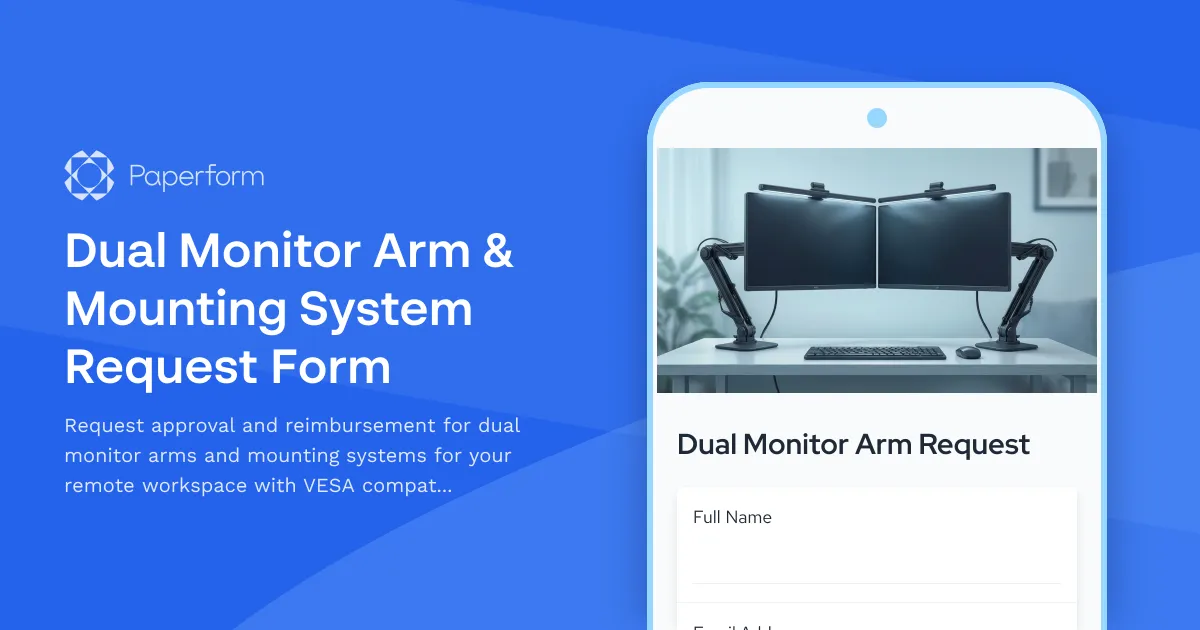
Professional Dual Monitor Arm Request Form for Remote Teams
Setting up an ergonomic home office is essential for remote workers who spend hours at their desks every day. A quality dual monitor arm can transform your workspace, reducing neck strain, freeing up desk space, and creating a more productive environment. This Dual Monitor Arm & Mounting System Request Form helps remote employees request the right equipment while giving employers the technical details they need to approve and reimburse home office purchases.
Why Dual Monitor Arms Matter for Remote Workers
For remote teams working across design, development, data analysis, customer support, and project management, dual monitors are often essential. But standard monitor stands take up valuable desk space and lock you into fixed viewing angles that can cause neck pain and eye strain over time.
A proper monitor arm system lets you:
- Adjust height and depth to match your seated eye level
- Rotate and tilt screens for optimal viewing angles throughout the day
- Free up desk space for keyboards, notebooks, and other essentials
- Reduce cable clutter with integrated cable management
- Switch between sitting and standing positions if you use a height-adjustable desk
This form captures all the technical specifications employers need to evaluate requests—VESA mount compatibility, weight capacity, range of motion, and ergonomic features—while helping employees document their needs clearly and professionally.
Built for Remote Work Equipment Programs
Whether your company offers a one-time home office stipend, quarterly equipment budgets, or case-by-case approval for ergonomic requests, this form creates a consistent process for:
- Submitting equipment requests with clear business justification
- Documenting technical requirements to ensure compatibility with existing monitors
- Capturing cost information for budget approval and reimbursement
- Tracking ergonomic needs to support employee health and productivity
- Managing approvals through HR, IT, or management workflows
The form collects details about current monitor setup, desired features, budget range, and any existing ergonomic concerns, giving decision-makers everything they need to respond quickly.
Technical Specifications That Matter
Not all monitor arms are created equal. This form guides employees through the key technical considerations:
- VESA compatibility (75x75mm, 100x100mm, or other patterns) to match their monitor mounting holes
- Weight capacity per arm to ensure the system can safely support their monitors
- Desk mounting options (clamp, grommet, or both) based on desk thickness and design
- Range of motion requirements (tilt, swivel, height adjustment, extension) for their workflow
- Cable management features to keep power and display cables organized
- Dual monitor configuration (side-by-side, stacked, or mixed orientation)
By collecting this information upfront, you avoid the frustration of ordering equipment that doesn't fit, can't support the monitor weight, or won't mount to the employee's desk.
How Paperform Makes Equipment Requests Seamless
Built with Paperform's document-style editor, this template feels more like a helpful conversation than a bureaucratic form. Employees can quickly describe their workspace needs, upload photos of their current setup if helpful, and explain how a dual monitor arm will improve their daily work.
Conditional logic shows or hides questions based on answers—for example, if someone already knows their monitor's VESA pattern and weight, they can provide exact specs; if not, they can describe the monitor model and let IT look up the details. Questions about standing desk compatibility only appear if relevant, keeping the form focused and efficient.
For companies managing equipment budgets, you can set budget thresholds that route requests to different approvers, use calculations to track cumulative spending per employee, or integrate with Stepper to automatically notify managers, create purchase orders, and update internal tracking spreadsheets once a request is approved.
Workflow Automation with Stepper
Once a dual monitor arm request is submitted, Stepper (stepper.io) can handle the entire approval and fulfillment process:
- Route requests to the right manager or budget owner based on department and cost
- Send notifications to IT or facilities teams for technical review
- Create tasks in project management tools like Asana, Monday, or ClickUp
- Update equipment tracking spreadsheets in Google Sheets or Airtable
- Trigger reimbursement workflows once proof of purchase is uploaded
- Log approved requests in HR systems for compliance and reporting
This keeps the entire equipment request cycle transparent, organized, and fast—no more lost emails or requests sitting in someone's inbox for weeks.
Perfect for HR, IT, and Operations Teams
This form template is designed for:
- Human Resources teams managing remote work policies and home office stipends
- IT departments evaluating technical compatibility and supporting remote setups
- Operations and facilities managers tracking equipment spend and approvals
- Finance teams processing reimbursements and budget tracking
- Remote-first companies that prioritize employee ergonomics and productivity
Whether you're a startup offering a one-time $500 home office budget or an enterprise with structured ergonomic assessment programs, this template adapts to your approval workflows and policies.
SOC 2 Compliance and Data Security
Employee equipment requests often include personal information, home addresses for shipping, and budget details. Paperform is SOC 2 Type II compliant, meaning your data is encrypted, access-controlled, and managed to enterprise standards—even though the platform is designed for ease of use by non-technical teams.
You can also set up role-based permissions so that HR sees budget information, IT sees technical specs, and managers see only their team's requests. Submissions can be stored securely, exported to your systems of record, or archived according to your data retention policies.
Trusted by Remote Teams Worldwide
Over 500,000 teams worldwide use Paperform to streamline operations, and remote work equipment requests are one of the most common use cases. This template brings together technical rigor, employee-friendly design, and workflow automation so that getting the right equipment is fast, fair, and well-documented.
From VESA mounts to cable management, from budget approvals to Stepper automations, this form gives remote teams the structure they need to invest in ergonomic, productive home office setups—without the hassle.
Ready to improve your remote work equipment process? Use this template to create a professional, efficient dual monitor arm request form that employees will actually enjoy filling out and managers can approve with confidence.



More templates like this

Home Office Battery Backup & UPS Request Form
Request battery backup and UPS equipment for your home office to ensure business continuity during power outages. Assess your power needs, prioritize critical devices, and plan for uninterrupted remote work.
Home Office Noise Cancellation Equipment Request Form
Request noise cancellation equipment for your home office, including headphones, microphones, and video conferencing gear with department approval routing.

Hybrid Work Equipment Insurance & Damage Assistance Form
Submit claims for accidental damage, theft, or loss of home office equipment with deductible assistance, repair cost sharing, and replacement support for hybrid workers.
Hybrid Work Technology Insurance & Protection Plan Request
Request insurance and protection coverage for your home office equipment with custom coverage options, deductible preferences, and comprehensive loss and damage protection policies.
Remote Employee Backup Internet Connection Reimbursement Form
Request reimbursement for backup internet services, secondary ISP costs, mobile hotspots, and failover connectivity to ensure business continuity for remote work.
Remote Technology Emergency Replacement Request
Streamline emergency tech replacement for remote employees with expedited shipping, loaner equipment, and same-day IT support to ensure business continuity.
Remote Work Backup Power Supply Request Form
Request backup power equipment for your remote workspace. Submit UPS specifications, runtime requirements, and equipment protection needs for home office power continuity.
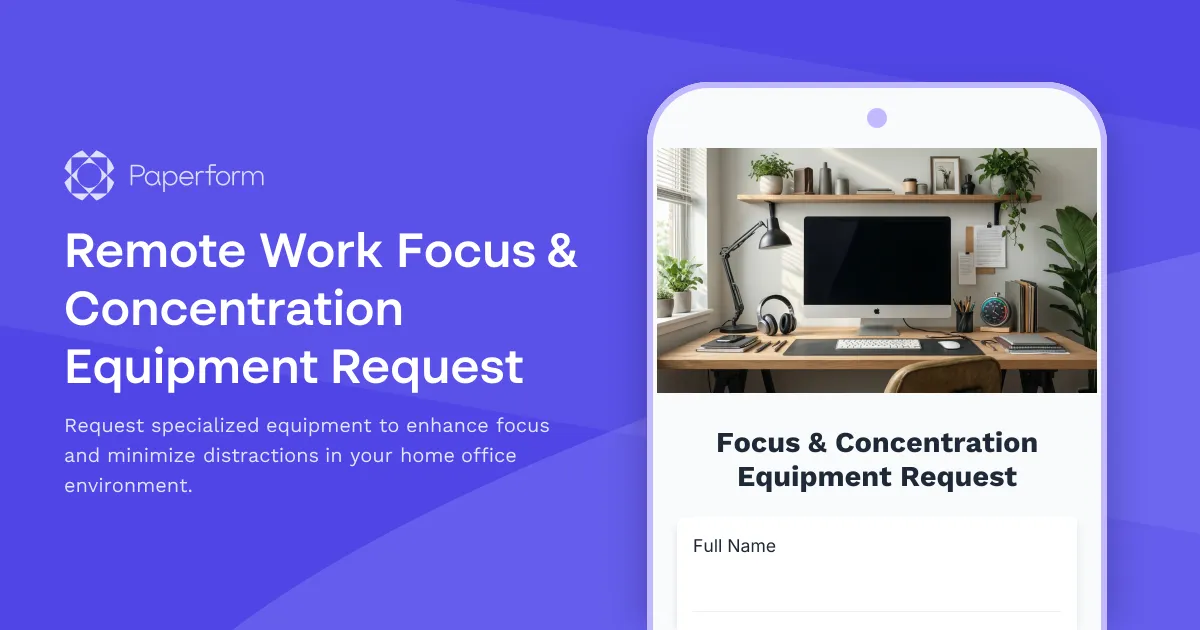
Remote Work Focus & Concentration Equipment Request
Request specialized equipment to enhance focus and minimize distractions in your home office environment.

Remote Work Monitor & Display Upgrade Request
Request approval for new monitors and display equipment for your home office setup. Submit screen specifications, multiple monitor needs, and mounting requirements for budget approval.
Remote Work Software & Subscription Reimbursement Form
Streamline remote work software subscriptions and tool reimbursement requests for distributed teams with automated approval workflows and consolidated expense tracking.
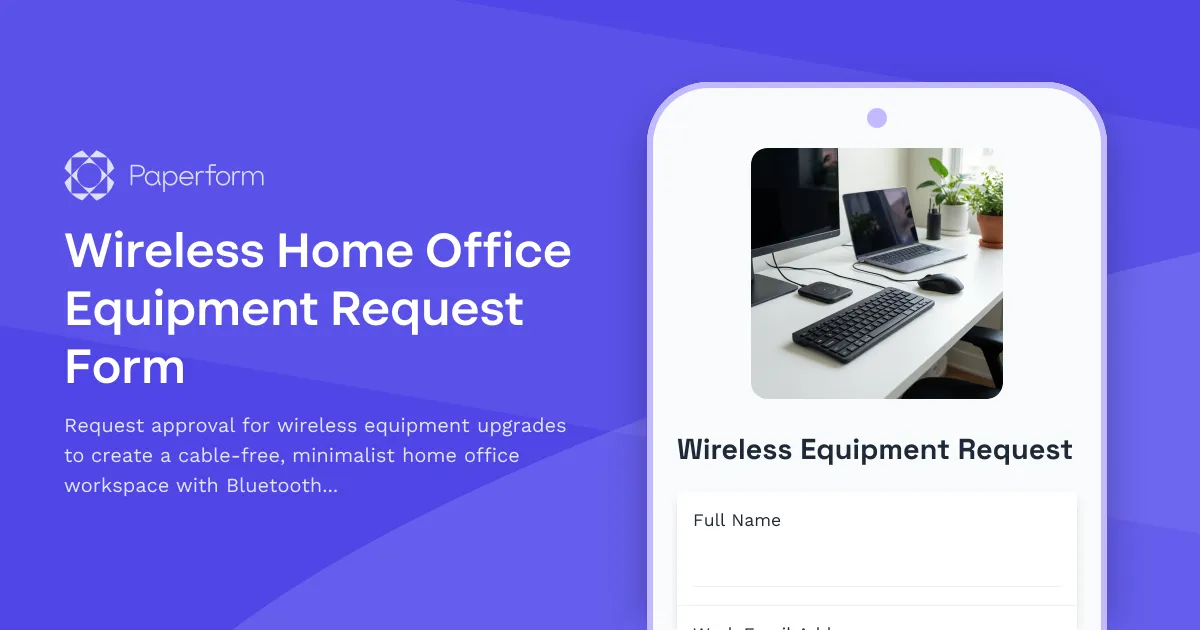
Wireless Home Office Equipment Request Form
Request approval for wireless equipment upgrades to create a cable-free, minimalist home office workspace with Bluetooth peripherals and wireless charging solutions.

Work From Home Technology Upgrade Program Application
Apply for technology upgrades and equipment refreshes for your home office setup. Request emerging tech, scalability improvements, and innovation budget for long-term remote work success.