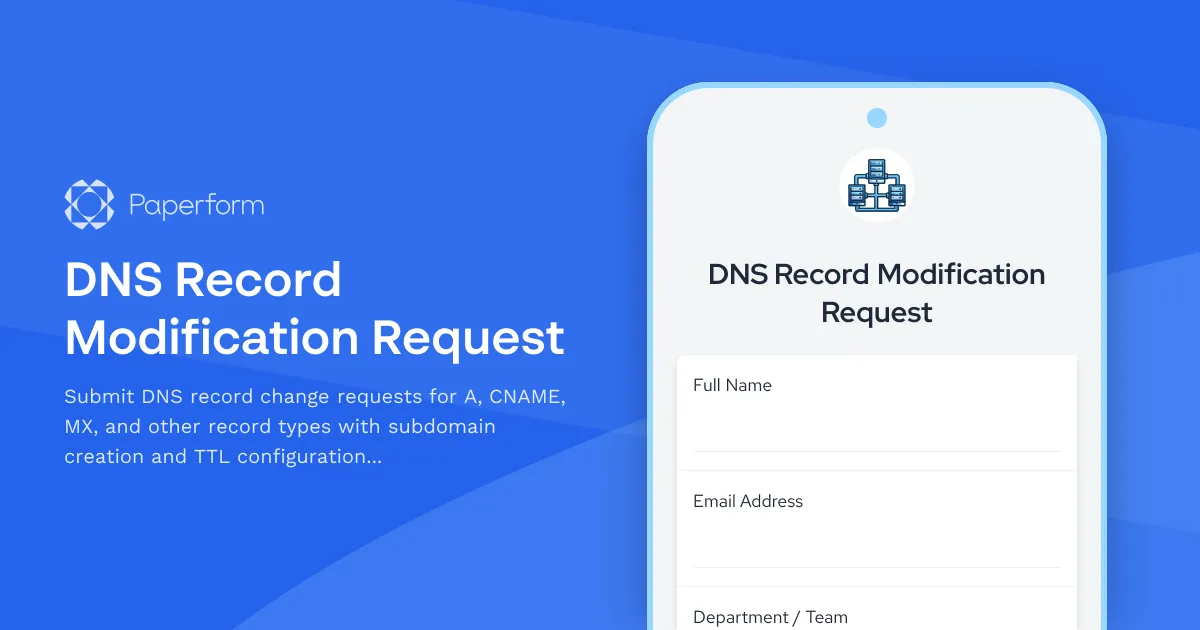
Streamline DNS Management with Professional Request Forms
Managing DNS records is a critical part of maintaining network infrastructure, but without a structured process, DNS change requests can create confusion, errors, and even service disruptions. Whether you're an IT manager overseeing multiple domains or a system administrator handling daily infrastructure tasks, a DNS record modification request form helps you maintain control, documentation, and accountability across your entire DNS infrastructure.
This DNS Record Modification Request template from Paperform gives IT teams a professional, structured way to collect, validate, and process DNS changes—from simple A record updates to complex MX record configurations. Instead of managing change requests through scattered emails or chat messages, you can centralize all DNS modifications in one auditable system that captures every detail needed for safe, accurate implementation.
Why IT teams need structured DNS request forms
DNS changes carry real risk. A single typo in an A record can take down a website. An incorrect MX record can block email delivery. Missing TTL configuration can cause caching issues that persist for hours or days. When DNS requests come in via informal channels, critical details get missed, change history disappears, and troubleshooting becomes a nightmare.
A dedicated DNS modification request form solves these problems by:
- Capturing all technical requirements upfront including record type, hostname, target values, TTL settings, and priority configurations
- Creating an audit trail for every DNS change with requester information, timestamps, and business justification
- Reducing errors by using dropdown menus, conditional fields, and validation to ensure requests are complete and accurate
- Enabling proper change management with approval workflows and documentation requirements
- Improving response times by routing requests to the right team members automatically
For IT departments, infrastructure teams, and managed service providers, structured DNS request forms transform an error-prone manual process into a reliable, repeatable workflow.
Built for the full spectrum of DNS record types
This template covers all the common DNS record types your infrastructure team handles daily:
- A Records for mapping hostnames to IPv4 addresses
- AAAA Records for IPv6 address mapping
- CNAME Records for canonical name aliases and subdomain routing
- MX Records for email server configuration with priority settings
- TXT Records for domain verification, SPF, DKIM, and other text-based configurations
- NS Records for nameserver delegation
- SRV Records for service-specific routing
The form uses conditional logic to show only the relevant fields for each record type. When someone selects "MX Record," they'll see priority and mail server fields. Choose "A Record," and the form reveals IPv4 address inputs with validation. This intelligent field mapping keeps the form clean and guides requesters through the exact information needed for their specific DNS change.
Subdomain creation and TTL management built in
Beyond basic record updates, the template includes dedicated sections for subdomain creation requests and TTL (Time To Live) configuration. Subdomain creation captures the subdomain prefix, intended purpose, and any specific DNS requirements, while TTL settings let requesters specify cache duration or defer to recommended defaults based on record type.
TTL configuration is particularly important for planned changes versus emergency fixes. For routine updates, longer TTL values improve performance. For testing or migrations, shorter TTLs provide flexibility. The form guides requesters through these considerations with helpful descriptions and recommended ranges.
Change validation and approval workflow
Every DNS modification request should include validation steps before implementation. This template collects:
- Business justification explaining why the change is needed
- Impact assessment noting affected systems, services, or users
- Rollback plan describing how to reverse the change if issues occur
- Testing requirements specifying verification steps post-implementation
- Urgency level to help prioritize emergency versus routine changes
These fields don't just create documentation—they force requesters to think through the implications of their DNS change before submitting. That simple requirement prevents rushed, poorly planned modifications that cause incidents.
For organizations with formal change management processes, you can connect this form to approval workflows using Stepper (stepper.io), Paperform's AI-native workflow builder. Route high-risk DNS changes to senior engineers for review, notify stakeholders when changes are approved, update CMDB records automatically, and keep your ticketing system in sync—all without writing code.
Perfect for IT departments and managed service providers
This DNS modification request form works for:
- In-house IT teams managing DNS for corporate domains, applications, and services
- System administrators handling infrastructure requests from development, marketing, and other departments
- Network engineers maintaining complex DNS architectures across multiple zones
- Managed service providers collecting DNS change requests from multiple clients
- DevOps teams automating DNS updates as part of deployment pipelines
- Security teams reviewing DNS changes for compliance and risk management
Whether you're supporting a single organization or managing DNS for dozens of clients through an Agency+ account, Paperform scales with your needs while maintaining the structure and security that infrastructure work demands.
Integrate with your existing IT stack
DNS request forms rarely stand alone. You'll want to connect submissions to your existing IT management tools:
- Send requests to ticketing systems like Jira, ServiceNow, or Freshservice to track implementation progress
- Log changes in documentation tools such as Notion, Confluence, or IT Glue
- Update CMDB records to maintain accurate infrastructure inventories
- Notify teams via Slack or Microsoft Teams when urgent DNS changes are submitted
- Push data to Google Sheets or Airtable for reporting and analytics
- Trigger automated workflows with Stepper to handle approvals, notifications, and downstream updates
Paperform's native integrations, webhooks, and workflow automation ensure your DNS request form fits seamlessly into your existing change management process rather than creating another disconnected tool.
SOC 2 compliant and enterprise-ready
IT infrastructure requires trust. Paperform is SOC 2 Type II compliant with security controls designed for organizations that handle sensitive operational data. Features like SSO, role-based permissions, data residency controls, and detailed audit logs give IT leaders confidence that DNS request workflows meet security and compliance standards.
For larger teams, Paperform Enterprise includes dedicated support, custom SLAs, advanced security features, and white-glove onboarding to ensure your DNS management workflows launch smoothly and scale reliably.
Get started with professional DNS request management
Stop managing DNS changes through email chains and chat messages. This DNS Record Modification Request template gives your IT team a structured, auditable, error-resistant process for handling one of the most critical—and risky—aspects of network infrastructure management.
With Paperform's doc-style editor, you can customize this template in minutes: add your logo, adjust field labels for your naming conventions, connect to your IT service management tools, and deploy across your organization. Whether you're a solo sysadmin or part of a large infrastructure team, this template helps you manage DNS with confidence and control.
Trusted by IT teams worldwide and built with the flexibility to adapt to your specific infrastructure workflows, Paperform turns DNS change management from a liability into a competitive advantage.



More templates like this
Data Center Server Room Access Request Form
Request secure access to data center server rooms with two-factor authentication setup, equipment authorization, and compliance acknowledgment for IT professionals and technicians.
DNS Management Access Request Form
Request DNS management access with zone editing permissions, record type restrictions, and approval workflow for IT infrastructure teams.
Network Subnet Expansion Request Form
Request network subnet expansion with automated IP address space calculations, routing updates, DHCP scope modifications, and documentation requirements for IT infrastructure changes.

Cloud Computing Proficiency Self-Assessment
Evaluate your cloud computing skills across AWS, Azure, migration planning, and security implementation. Perfect for IT professionals looking to identify strengths and development areas.
IT Network Segmentation Change Request Form
Submit network segmentation change requests including VLAN configuration, security zones, and access control list modifications with technical details and approval workflow.
IT Security Architecture Review Board Submission Form
Submit security architecture proposals to the review board for evaluation, approval, and decision documentation with comprehensive risk assessments and compliance considerations.
Network DDoS Mitigation Request Form
Submit a request to activate DDoS protection services, configure traffic scrubbing parameters, set detection thresholds, and whitelist legitimate traffic sources for your network infrastructure.
Network Packet Capture Request Form
Request network packet captures for troubleshooting and analysis. Specify interface, filters, duration, and storage preferences for comprehensive network diagnostics.
Remote Desktop Service Configuration Change Request Form
A professional IT change request form for managing remote desktop service configurations, including access policies, performance settings, and security controls with approval workflow.
Server Confidential Computing Enablement Request Form
Request and configure confidential computing environments with trusted execution environment (TEE) setup, enclave configuration, remote attestation, and secure key management for sensitive workloads.
Server Provisioning Request Form
Streamline server provisioning with this comprehensive request form for IT infrastructure teams. Capture OS requirements, hardware specs, storage needs, backup policies, and application installations in one organized workflow.
Server Room Environmental Monitoring Request Form
Request environmental monitoring setup for server rooms including temperature sensors, humidity tracking, water leak detection, and custom alert thresholds to protect critical IT infrastructure.