Custom Temporary Tattoo Design Intake Form Template
Planning an event with custom temporary tattoos? Whether you're organizing a corporate activation, festival, wedding, birthday party, or promotional campaign, getting the design details right is crucial for creating memorable, skin-safe temporary tattoos that your guests will love.
This Custom Temporary Tattoo Design Intake Form helps temporary tattoo designers, event planners, and creative professionals collect all the essential information needed to bring your temporary tattoo vision to life. From design concepts and sizing to skin-safe material preferences and application instructions, this template ensures nothing gets missed in the creative brief.
Why Custom Temporary Tattoos for Events?
Temporary tattoos have evolved from children's party favors to sophisticated branding and event marketing tools. They're perfect for:
- Corporate events and brand activations – Turn your logo or campaign message into wearable art
- Weddings and celebrations – Create custom designs featuring names, dates, or meaningful symbols
- Festivals and concerts – Offer attendees unique, shareable branded experiences
- Product launches – Generate social media buzz with Instagram-worthy temporary tattoos
- Kids' parties and family events – Delight young guests with personalized designs
- Fundraisers and awareness campaigns – Spread your message in a fun, engaging way
What This Intake Form Captures
This comprehensive intake template is designed specifically for the temporary tattoo design industry and includes:
Event & Project Details Collect essential context about the event type, date, guest count, and the overall vibe you're going for. Understanding the event atmosphere helps designers create tattoos that perfectly match the occasion.
Design Concept & Vision Capture the creative direction with detailed questions about design style (minimalist, bold, illustrative, geometric), color preferences, themes, and any specific imagery or text that needs to be incorporated. Whether clients want a replica of their company logo or a completely original illustrated design, you'll gather all the visual information needed.
Size & Placement Specifications Define the dimensions and intended body placement for the temporary tattoos. From small wrist designs to larger shoulder or arm pieces, proper sizing ensures the tattoos look great and work for the intended placement area.
Quantity & Variations Understand how many individual tattoos are needed and whether clients want multiple design variations or a single design repeated across all pieces.
Skin-Safe Material Preferences Collect information about material requirements, including preferences for FDA-compliant, vegan, or hypoallergenic options. This section helps ensure the temporary tattoos are safe for all skin types and meet any specific requirements.
Application & Duration Needs Determine how long the tattoos need to last (a few hours for a single event or several days for a festival), preferred application method (water-activated, press-on, airbrush), and whether you'll provide application instructions or on-site assistance.
Timeline & Budget Capture deadline requirements, rush order needs, and budget parameters to ensure project feasibility and proper planning.
Brand Guidelines & Reference Materials Allow clients to upload logos, brand guidelines, inspiration images, or reference materials that will inform the design process.
How Paperform Makes Temporary Tattoo Intake Seamless
With Paperform's document-style editor, you can customize this template to match your creative business's unique brand and process. Add your portfolio images, adjust questions to reflect your specific design specialties, and create a form that feels as professional and creative as your work.
The form includes conditional logic that shows or hides questions based on previous answers – so if someone selects "logo replication," they'll see file upload fields, while those choosing "original design" get more detailed creative direction questions.
File upload fields make it easy for clients to share inspiration images, existing brand assets, or reference materials directly in their submission. Everything stays organized in one place, eliminating the back-and-forth of email attachments.
Streamline Your Creative Workflow with Automation
Once you've captured all the design details, Stepper (stepper.io) can help automate what happens next:
- Automatically create project folders in Google Drive or Dropbox with the client's name and event details
- Send the intake information to your design team via Slack or project management tools like Asana or Monday.com
- Generate a design brief PDF from the form responses and store it in your project management system
- Trigger a calendar invite for a design consultation call based on the timeline provided
- Update your CRM with the new client information and project status
This means less administrative work and more time focusing on the creative design process.
Get Paid for Rush Orders and Design Services
Need to collect deposits or charge for rush services? Paperform's built-in payment processing (Stripe, PayPal, Square) makes it simple to accept payments right in the intake form. Set up conditional pricing for rush orders, charge consultation fees, or collect deposits to secure the project booking – all before you start designing.
Professional Service for Event Planners and Brands
Whether you're a tattoo artist expanding into temporary designs, an event production company offering custom activation experiences, or a creative agency providing branded promotional items, this intake form helps you deliver professional service from the first client touchpoint.
The form works beautifully as a standalone page on your website or embedded directly into your booking system. With Paperform's design flexibility, you can make it match your brand perfectly – from custom fonts and colors to background images that showcase your previous work.
Perfect for Creative Service Providers
This template is ideal for:
- Temporary tattoo designers and artists
- Event planners and experiential marketers
- Brand activation agencies
- Party and wedding planners
- Festival and concert organizers
- Corporate event coordinators
- Creative agencies offering promotional products
Start collecting better design briefs and delivering temporary tattoos that exceed client expectations. With all the details captured upfront, you'll reduce revision rounds, deliver faster, and create temporary tattoos that people actually want to wear and share.
Trusted by over 500K teams worldwide and SOC 2 Type II compliant, Paperform gives creative professionals the tools to streamline client intake, accept payments, and automate follow-up workflows – all from one beautiful, on-brand form.



More templates like this
Commercial Mural Design Intake Form
Capture all essential details for commercial mural projects including wall dimensions, design themes, surface requirements, and stakeholder approvals to kickstart your creative process.
Custom Conference Badge Design Intake Form
Streamline your conference badge design process with this comprehensive intake form. Capture all essential details including attendee information, sponsor logos, printing specifications, and badge holder requirements in one organized submission.
Custom Foil Stamp Design Brief
A professional intake form for custom foil stamping projects, capturing design requirements, metallic finish preferences, paper substrate specifications, and quantity needs.
Trade Show Booth Design Client Intake Form
A comprehensive intake form for gathering essential information about trade show booth design projects, including event details, booth specifications, branding requirements, and design preferences.
Trade Show Booth Design Intake Form
A comprehensive intake form for trade show booth design projects, capturing booth specifications, branding requirements, traffic flow needs, and interactive elements to create engaging exhibition spaces.
Virtual Event Graphics Package Intake Form
Collect client requirements for virtual event graphics including branded backgrounds, lower thirds, platform specs, and transition animations for webinars and online events.
Album Cover Design Brief
A comprehensive intake form for musicians to brief designers on album artwork, including genre, mood, platform specifications, and merchandising requirements.
Band Merchandise Design Brief
A comprehensive design brief form for bands and musicians to brief merchandise designers on custom apparel, accessories, and product design projects.
Beauty Salon Branding Package Intake Form
A comprehensive intake form for beauty salons seeking branding services, covering service offerings, target demographics, competitive landscape, and multi-location considerations.
Brand Identity Package Intake Form
A comprehensive intake form for brand identity projects that captures mission statements, target market insights, visual inspiration, and deliverable requirements to kickstart creative projects.
Custom Calendar Design Brief
A comprehensive intake form for custom calendar design projects, capturing monthly themes, layout preferences, printing specifications, and binding requirements.
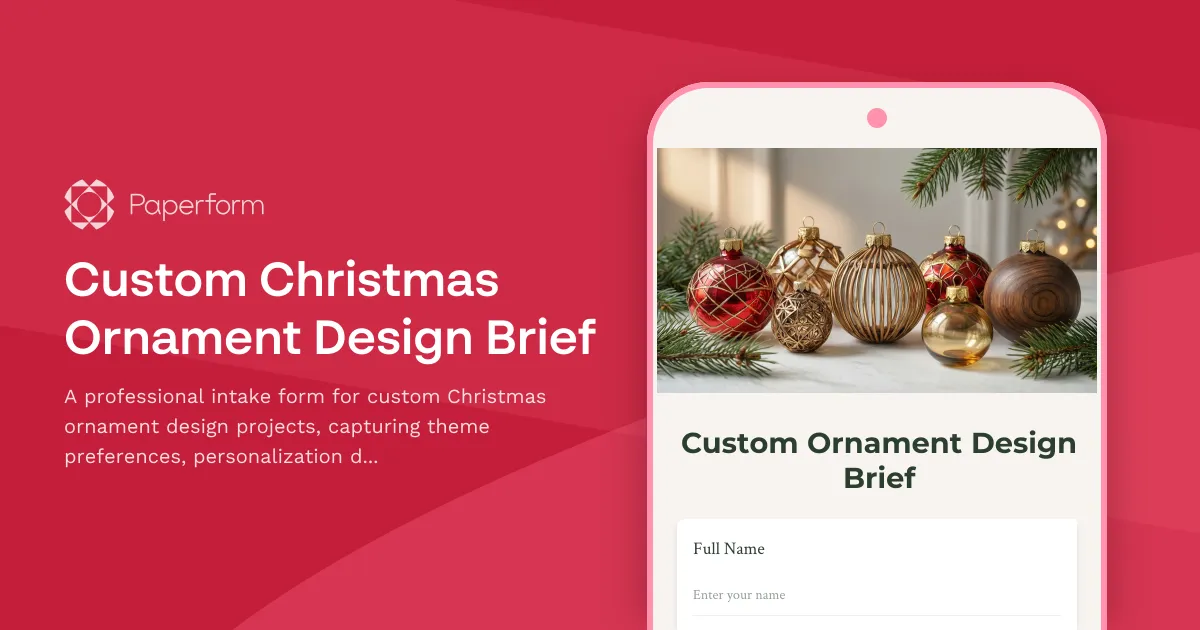
Custom Christmas Ornament Design Brief
A professional intake form for custom Christmas ornament design projects, capturing theme preferences, personalization details, material specifications, and packaging requirements.